Check the acquisition promise
Read the store headline, screenshots and description. What problem is the app promising to solve?
Study the storefront ↗
Hussain Mustafa · iOS
Explore the ad evidence, study the storefront, and build your next acquisition hypothesis.
01 / Creative research
Read the store headline, screenshots and description. What problem is the app promising to solve?
Study the storefront ↗Explore apps with direct store-link matches. Compare their hooks and formats without assuming the same approach works here.
Browse observed advertisers ↗Store rankings and revenue estimates describe market context. They do not establish ad spend, conversions or ROAS.
Review the market context ↗02 / Storefront & product
Study the product story and store experience behind the acquisition funnel.





03 / Market context
Keep revenue, downloads and store rankings separate from advertising performance.
The interface is simple, the invoice templates are fairly nice and one or two are even reasonably compact. I spent an hour or two inputting a pile of products and color options in for my 3D printing business. I even then went back and input some of my invoices from a few customers and a few open invoices so I could see the whole process work. I wasn’t thrilled with the fact that the reports only show total dollars and not breakdowns by customer or item, and the fact that all of my items had to have decimal quantities was annoying, but tolerable. (Sure would be nice if I could default to whole numbers for that in the settings somewhere!) The deal-breaker, though, was finding that none of my paid invoices were showing up in either the “Paid” or “All” tabs. I couldn’t go back and count how many of an item a customer had ordered or see anything else that wasn’t unpaid. I liked everything else enough to use the app as a key part of my accounts receivable, but it seems crazy to not be able to view paid invoices!
1. Option to upload my own signature picture for neatness 2. More Invoice templates 3. Some currencies are not like dollar and if you add big amount like 150,000 it looks like a mess with current templates 4. Option to upload picture of own business stamp and "electronically generated invoice doesn't require sign stamp". 5. My Business physical address is long and looks like a long mess on the invoice
Before downloading the app I was creating invoices manually for my small pottery business using word. It was extremely time consuming and difficult to manage and track payments. Now I can generate invoices much faster and they look more professional, not to mention that I can also track the status of all my invoices and estimates and run my business more smoothly. Highly recommend.
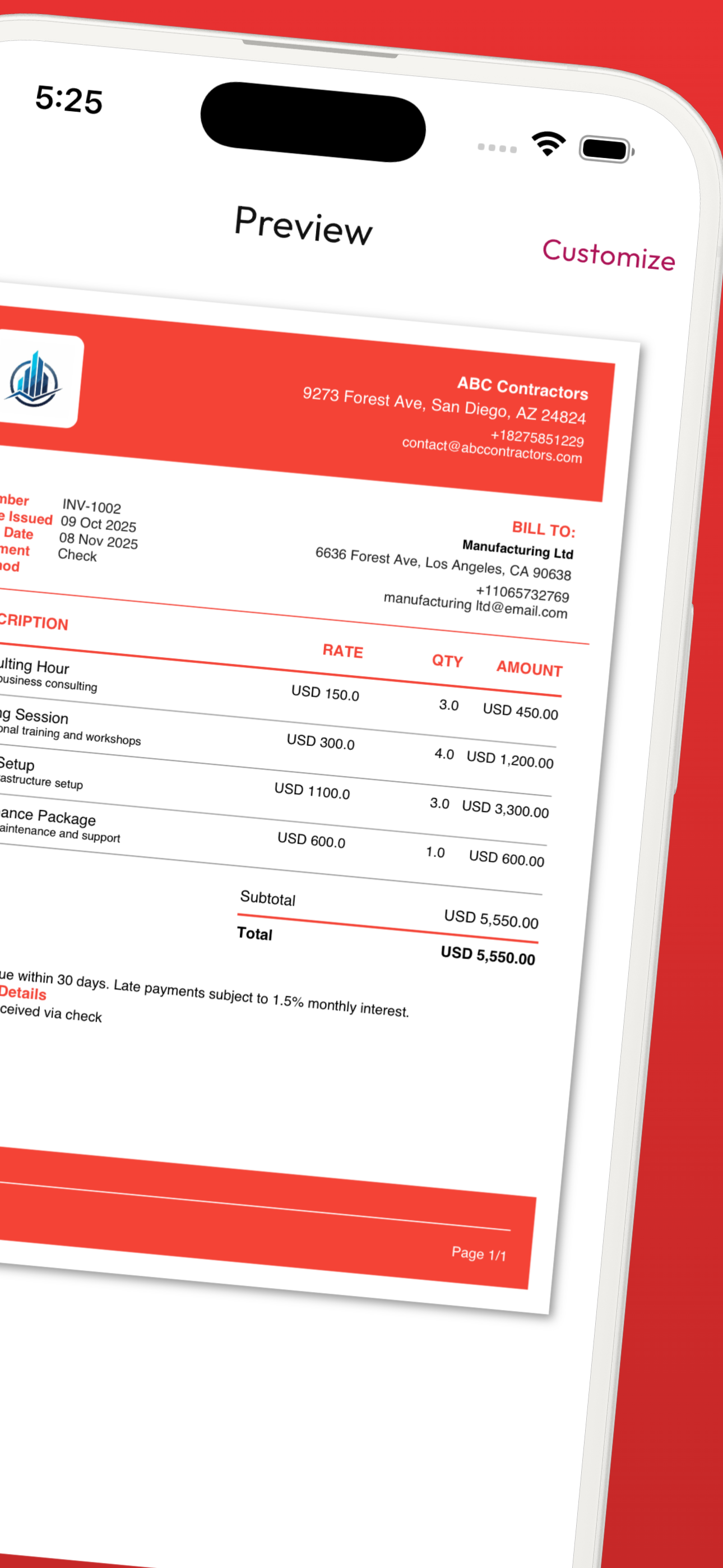
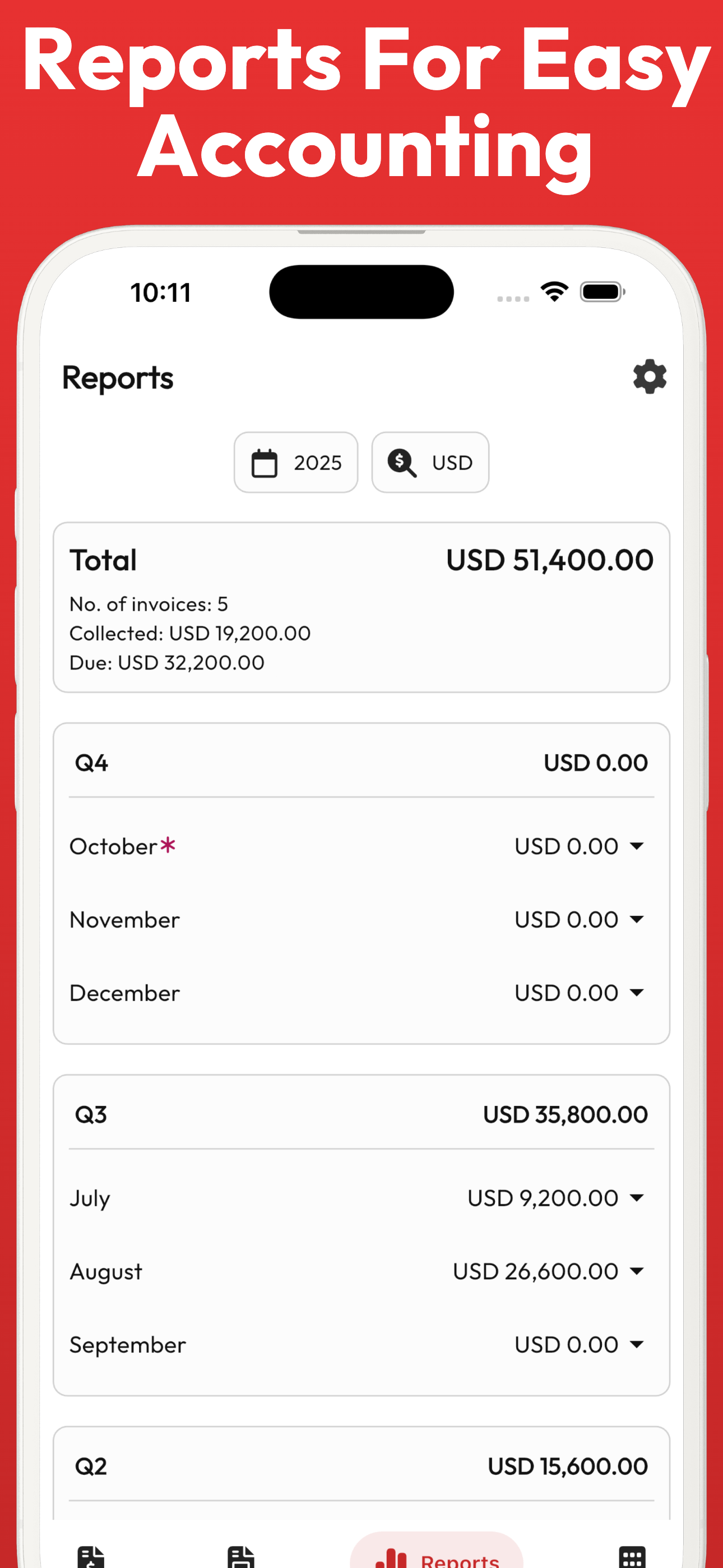
Invoice & Estimate Creator is a powerful, easy-to-use app designed to help you create professional invoices and estimates in just a few taps. Tailored...
| Name | Price | Type |
|---|---|---|
| Premium Weekly | $2.99 | Weekly |
| Premium Monthly | $7.99 | Monthly |
| Premium Yearly | $14.99 | Yearly |
| Premium Yearly | $29.99 | Yearly |
| Premium Lifetime | $59.99 | One-time |