Check the acquisition promise
Read the store headline, screenshots and description. What problem is the app promising to solve?
Study the storefront ↗
42Gears · iOS
Explore the ad evidence, study the storefront, and build your next acquisition hypothesis.
01 / Creative research
Read the store headline, screenshots and description. What problem is the app promising to solve?
Study the storefront ↗Explore apps with direct store-link matches. Compare their hooks and formats without assuming the same approach works here.
Browse observed advertisers ↗Store rankings and revenue estimates describe market context. They do not establish ad spend, conversions or ROAS.
Review the market context ↗02 / Storefront & product
Study the product story and store experience behind the acquisition funnel.




03 / Market context
Keep revenue, downloads and store rankings separate from advertising performance.
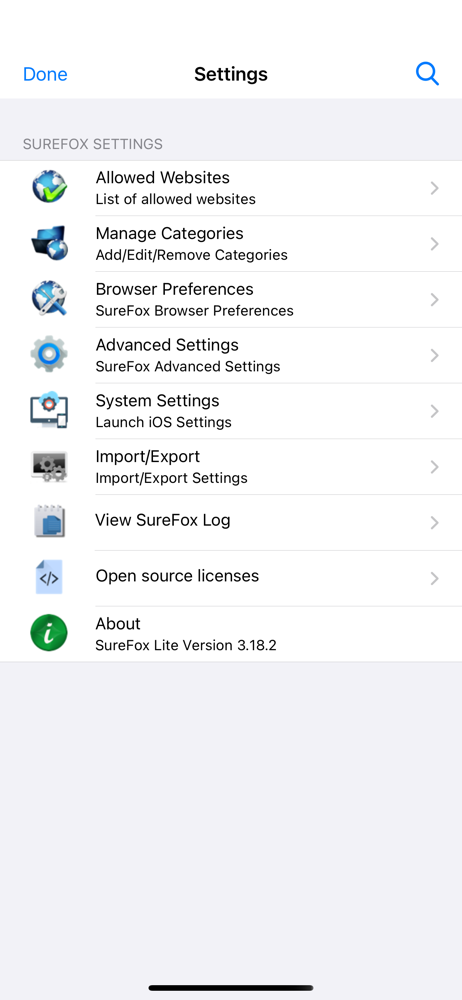
The crucial feature that drew me to this browser is that you can disable zooming in on text boxes. However, what I really need is a stable keyboard input that doesn't pan, capitalize, or (ideally) even lose focus when typing into the same text box repeatedly—in other words, the default behaviors of a desktop browser. I had to reinstall a few times when getting set up because selecting HTTP instead of HTTPS creates a broken URL, and setting a broken URL as your homepage hardlocks the app. Also, after adjusting the brightness, there's no way to remove the override and return to the native device setting.
The SureFox and SureLock apps are well designed, very stable and the best products for locking down browsers and Kiosk devices. Their support team is quick to respond and very helpful! Highly recommended!
Convert your iPad to a kiosk display with web content!! With SureFox you can present your web content in full screen without giving access to browser...