
Check the acquisition promise
Read the store headline, screenshots and description. What problem is the app promising to solve?
Study the storefront ↗
Two Factor Authentication Service Inc. · iOS
Explore the ad evidence, study the storefront, and build your next acquisition hypothesis.
01 / Creative research
Read the store headline, screenshots and description. What problem is the app promising to solve?
Study the storefront ↗Explore apps with direct store-link matches. Compare their hooks and formats without assuming the same approach works here.
Browse observed advertisers ↗Store rankings and revenue estimates describe market context. They do not establish ad spend, conversions or ROAS.
Review the market context ↗02 / Storefront & product
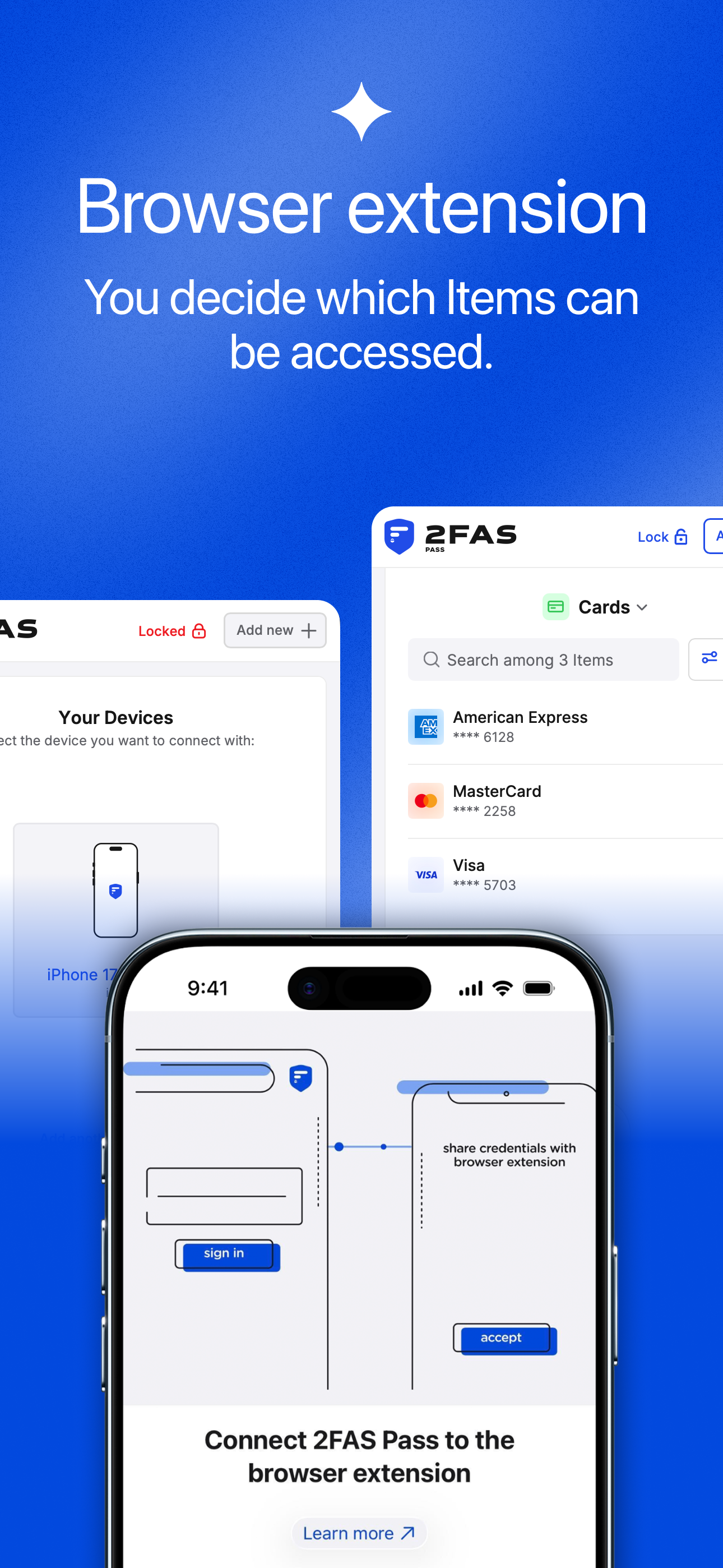
Study the product story and store experience behind the acquisition funnel.




03 / Market context
Keep revenue, downloads and store rankings separate from advertising performance.
I am a paying customer and feel that the subscription fee is worth every penny. I use this app to manage my passwords and 2FAS Auth for TOTP codes. I wish it allowed the storing of Identity entries the way Bitwarden does. Right now there are Passwords, Secure Notes, WiFi, and Credit Cards as entry options. But no way to store your name and address for easy autofill. This app allows backup file exporting for disaster recovery. It also has seamless exporting to Apple Passwords.
I’ve been using their 2FAS Authentication app for years and love it. I recently found out they created a password manager and had to try it. First off, I really appreciate the focus of my data being local. I trust a password manager that stores my data locally more than on some server somewhere. Secondly, the app is easy to use and straightforward. I didn’t have any major hurdles to get used to their layout. Setup was also a breeze and didn’t require to create an account. It only needs a master password. Overall, great start and looking forward to seeing what the future brings for this password manager.
Having several hundred items stored in other top pass managers which support unlimited logins for free, unfortunately I am not able to use 2FAS Pass in the same manner without a subscription. I think opening up to allowing unlimited items for all users would greatly help 2FAS take a larger chunk of market share from other top competing password managers. To be more appealing, unlimited items for all would be preferable as an individual user, with IAP for advanced options. I understand that 2FAS requires consistent revenue to support development, but when other top choices (Bitwarden, Proton) offer much more at no cost, it makes 2FAS Pass a tougher sell. For me currently, the subscription feels more a requirement than a means of support. Nonetheless, I am a subscriber and look forward to seeing 2FAS Pass become the best local-first password manager!
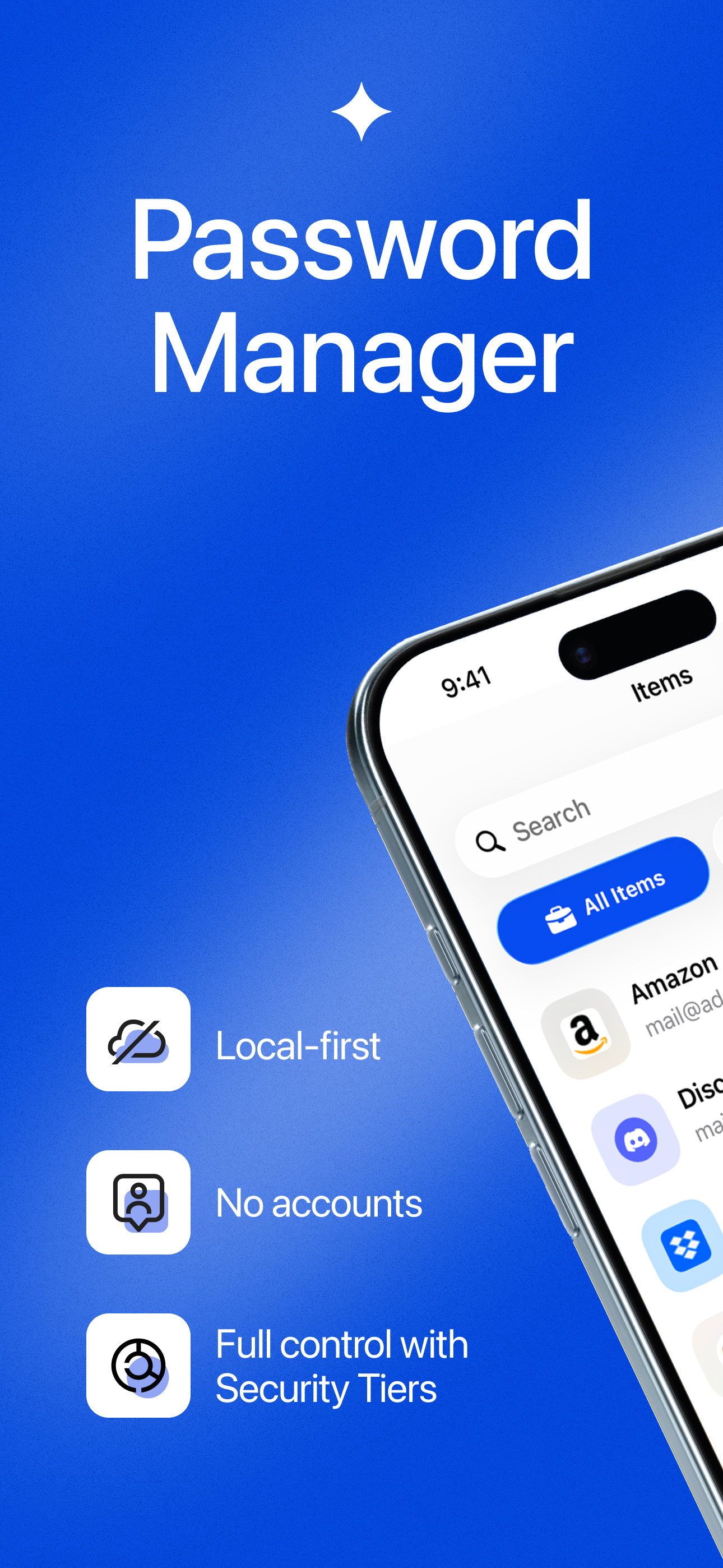
2FAS Pass is a Local-first Password Manager built for people who want full control over their data. No accounts. Your passwords stay with you. Store...
| Name | Price | Type |
|---|---|---|
| 2FAS Pass Unlimited (Annual) | $9.99 | Yearly |


