Check the acquisition promise
Read the store headline, screenshots and description. What problem is the app promising to solve?
Study the storefront ↗
Andrew Lee · iOS
Explore the ad evidence, study the storefront, and build your next acquisition hypothesis.
01 / Creative research
Read the store headline, screenshots and description. What problem is the app promising to solve?
Study the storefront ↗Explore apps with direct store-link matches. Compare their hooks and formats without assuming the same approach works here.
Browse observed advertisers ↗Store rankings and revenue estimates describe market context. They do not establish ad spend, conversions or ROAS.
Review the market context ↗02 / Storefront & product
Study the product story and store experience behind the acquisition funnel.
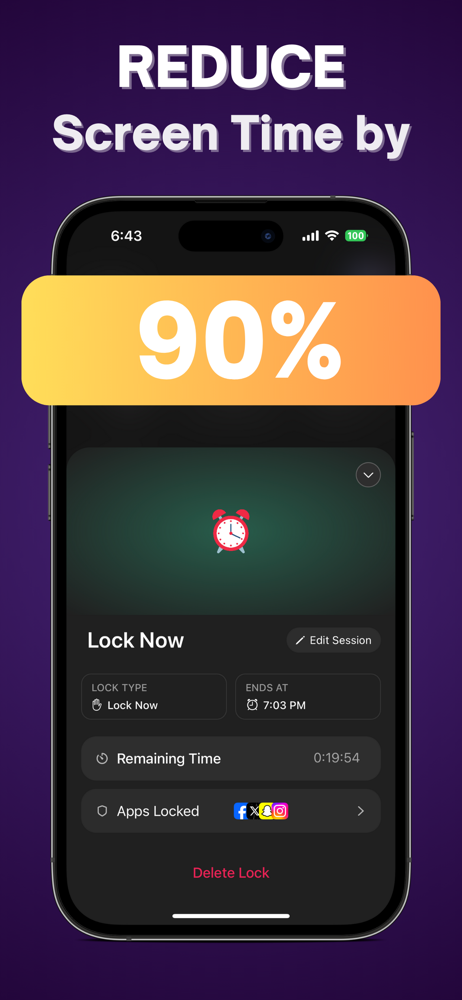


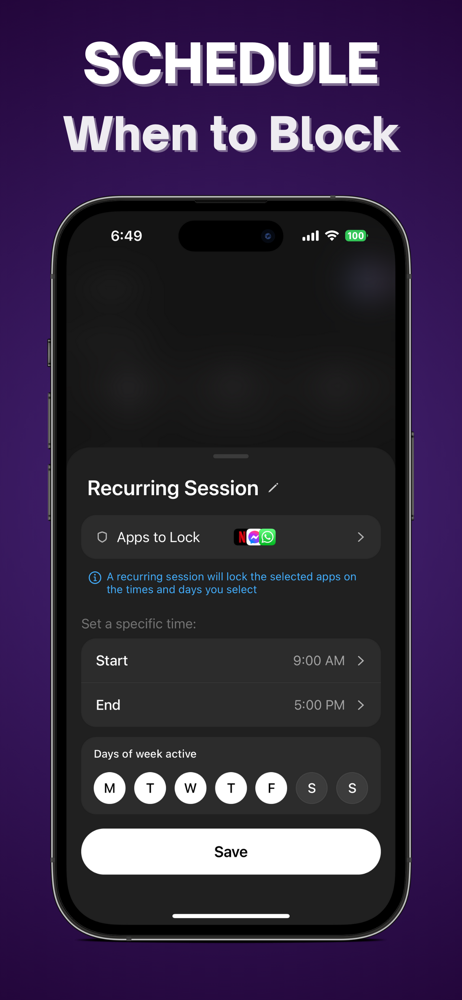

03 / Market context
Keep revenue, downloads and store rankings separate from advertising performance.
I tried it too see if it works, and the apps seems to be doing what it advertises. If you want to stop using the screen past a certain amount of time, get this app.
Really good app. I downloaded this so that I could focus on my schoolwork during the day and not get distracted by social media. It’s going good so far. This will also help whenever I do fasts from social media so I don’t have to hide the apps from my Home Screen.
The fact that this app is free is the reason why I am using it and telling so many other friends to use it. Its help me manage my screen time in life in general, so that I am able to stay proactive and on task. super easy format to understand. the only hiccup is I wish you could have multiple different locks on the same app. Other than that let’s keep these apps free so I’m all for it.
Introducing LockMyApps, the revolutionary AI-powered productivity app that helps you reduce your screen time so that you can focus on what matters in...
| Name | Price | Type |
|---|---|---|
| LockMyApps Premium: Lifetime | $0.00 | One-time |
| LockMyApps Premium: 1 Week | $8.99 | Weekly |
| LockMyApps Premium: Discount (Annual) | $19.99 | Yearly |
| LockMyApps: Premium (Annual) | $34.99 | Yearly |
| LockMyApps: Premium (Annual) | $34.99 | Yearly |
| LockMyApps: Premium (Annual) | $39.99 | Yearly |
| LockMyApps: Premium (Annual) | $44.99 | Yearly |
| LockMyApps: Premium (Annual) | $59.99 | Yearly |
| LockMyApps: Premium (Annual) | $59.99 | Yearly |
| LockMyApps Premium: 1 Year | $69.99 | Yearly |