
Check the acquisition promise
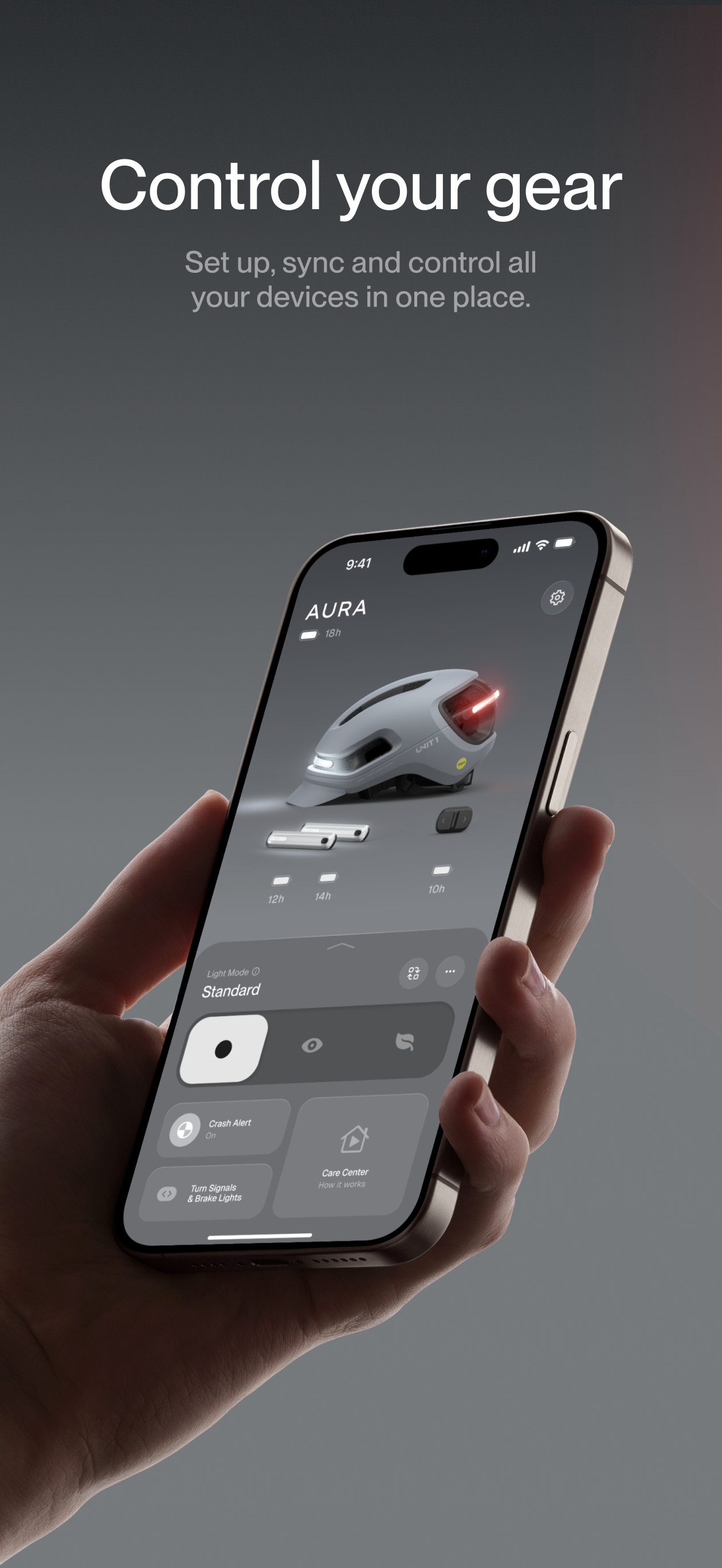
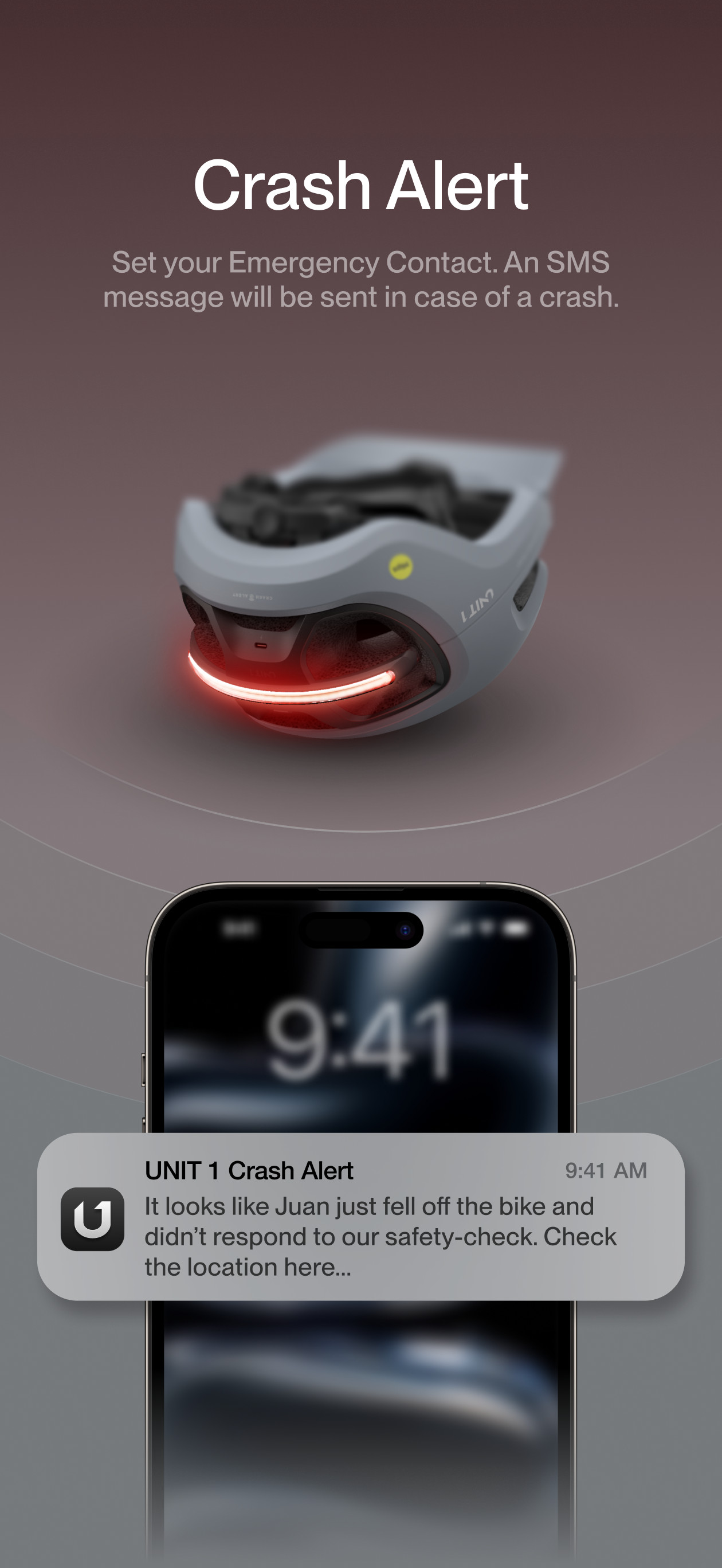
Read the store headline, screenshots and description. What problem is the app promising to solve?
Study the storefront ↗
Unit1 · iOS
Explore the ad evidence, study the storefront, and build your next acquisition hypothesis.
01 / Creative research
Read the store headline, screenshots and description. What problem is the app promising to solve?
Study the storefront ↗Explore apps with direct store-link matches. Compare their hooks and formats without assuming the same approach works here.
Browse observed advertisers ↗Store rankings and revenue estimates describe market context. They do not establish ad spend, conversions or ROAS.
Review the market context ↗02 / Storefront & product
Study the product story and store experience behind the acquisition funnel.


03 / Market context
Keep revenue, downloads and store rankings separate from advertising performance.
You can tell the developers wanted this to look good, but in their efforts to make an app that’s visually appealing they severely sacrificed the user interface (UI) and ease of navigation in the app. For example, after pairing my helmet, remote and smart lights and setting their custom patterns, it was next to impossible to get back to changing them or even selecting the device I wanted to edit. You’d think with the pictures on the main page showing your paired devices that you could tap on one and it would bring up your set preferences with a button or option to change. But no, there’s no easily found button or option to change any options on any of your devices after being set. I’ve owned two smart helmets, this and the Lumos brand helmet and the Lumos app UI is extremely easy to navigate in comparison to this. Instead of making such a visually appealing app, make it easier to navigate and set/ change the preferences of your devices.
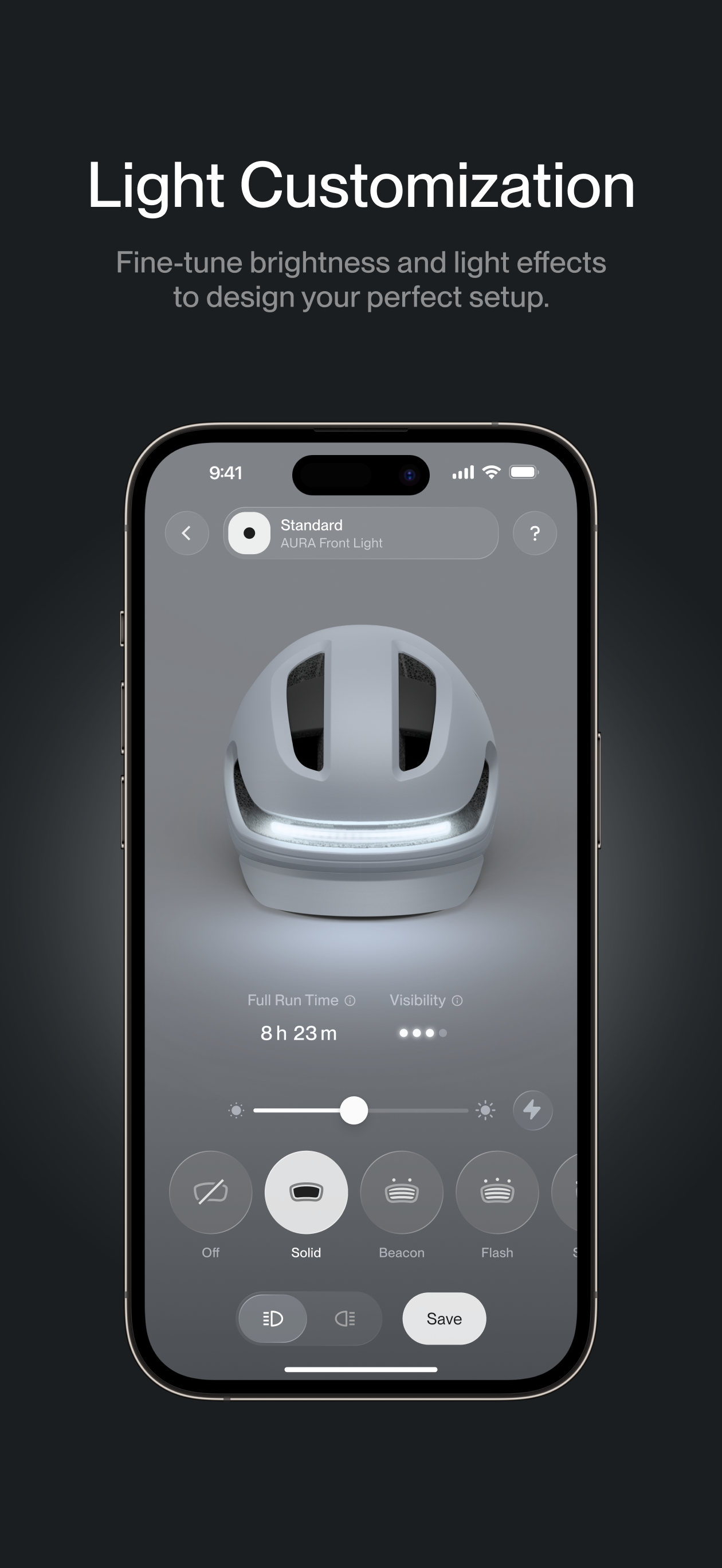
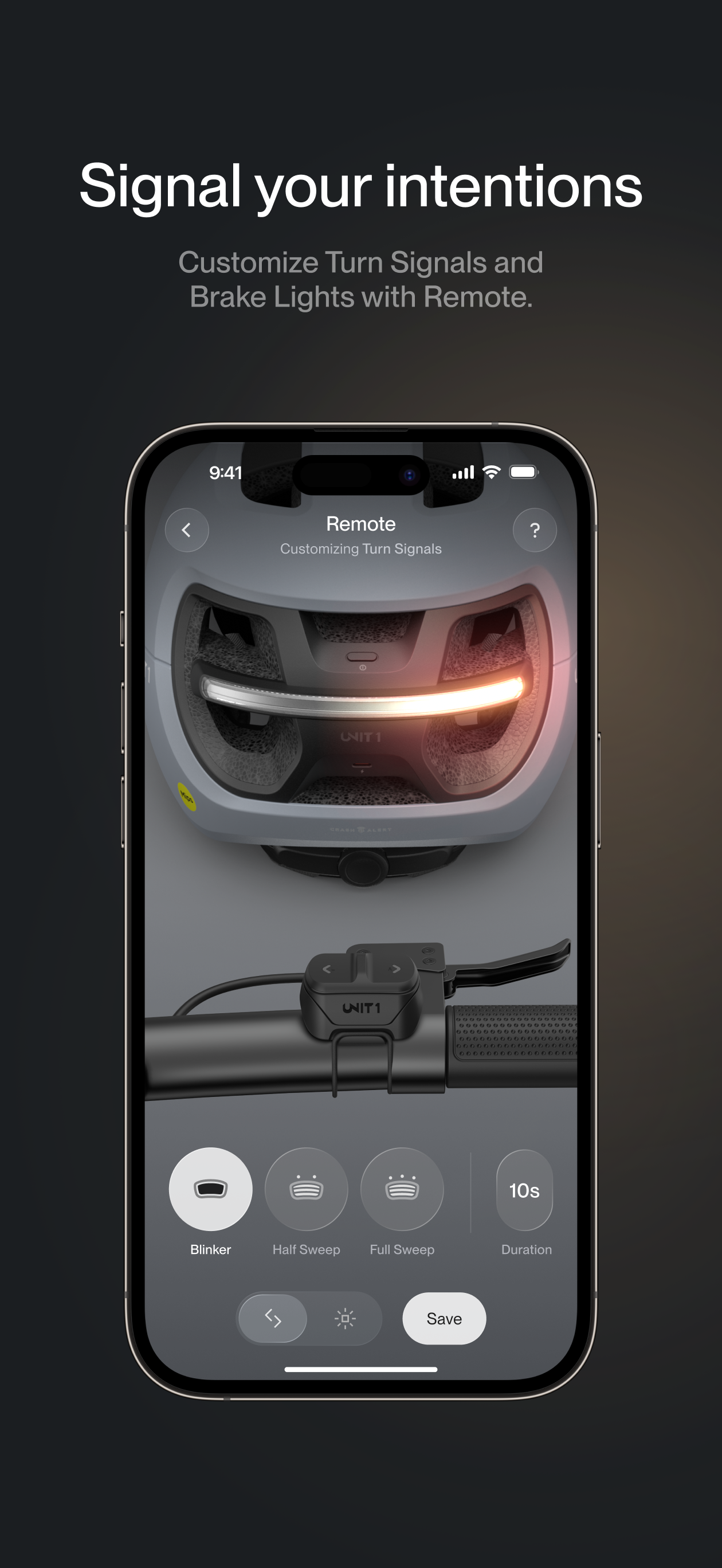
I purchased 2 smart lights and a Unit 1 turn signal controller for my ebike. In the beginning I was hesitant about the app due to the reviews. But it appears a lot of the negative reviews may be lack of knowledge on the app. I talked to Manuel with the Unit 1 team and had him walk me through the customization of the app. How to customize each light and preset. Once you understand how to control the app you really do unlock the full potential of these awesome lights. My advice is to create your own preset for the headlight and taillight so that each time you turn them on, they’re already on your custom mode and ready to go. No complaints here. Shout out to Manuel from the Unit 1 team, it is clear they are passionate about the product and their customers.
The app seems pretty good although I continually get disconnect/connected alerts while I’m riding when everything is on. Also, the fact there isn’t a way to force the lights to know which spot they’re going to (front vs rear) is annoying as at times I have to turn on and off the lights until they are separate lights as the flipping to change placement works ~10% of the time. Love the products though, and when the app is more polished I feel like it’ll be amazing.
Welcome to the digital home for your UNIT 1 devices. Supercharge your U1 gear with digital power-ups: customize lighting, monitor battery levels, cont...


