
Check the acquisition promise
Read the store headline, screenshots and description. What problem is the app promising to solve?
Study the storefront ↗
California Department of Motor Vehicles · iOS
Explore the ad evidence, study the storefront, and build your next acquisition hypothesis.
01 / Creative research
Read the store headline, screenshots and description. What problem is the app promising to solve?
Study the storefront ↗Explore apps with direct store-link matches. Compare their hooks and formats without assuming the same approach works here.
Browse observed advertisers ↗Store rankings and revenue estimates describe market context. They do not establish ad spend, conversions or ROAS.
Review the market context ↗02 / Storefront & product
Study the product story and store experience behind the acquisition funnel.




03 / Market context
Keep revenue, downloads and store rankings separate from advertising performance.
The app doesn’t support Apple Wallet, which means I have to fumble thorough it instead of smoothly pulling up my ID in Apple Wallet. I was able to use it fine (for the level of “fine” that a one star app has) on my iPhone 8+, but on my new iPhone 15 pro max it just hangs on the startup screen after using Face ID. So it seems to move to a new phone one has to delete and reinstall the app. Once that is done, log in again. Then re-enroll since ENROLLMENT IS NOT TIED TO YOUR LOGIN! It looks like logging out means you unenroll yourself. Just move to Apple Wallet driver’s licenses and we can all just get on with our lives. The “create DMV account” button in the app is unaware that I have a DMV login. It should only be shown to users that don’t have one. Latest version still doesn’t have Apple Wallet support. Enrollments also expire! And guess what, hitting the enrollment refresh button just gives an unspecified error message. The sin of requiring an enrollment refresh every 30 days is compounded by the fact it just doesn’t work. This app is a waste of time and money that could have gone to supporting the major phone wallet apps instead.
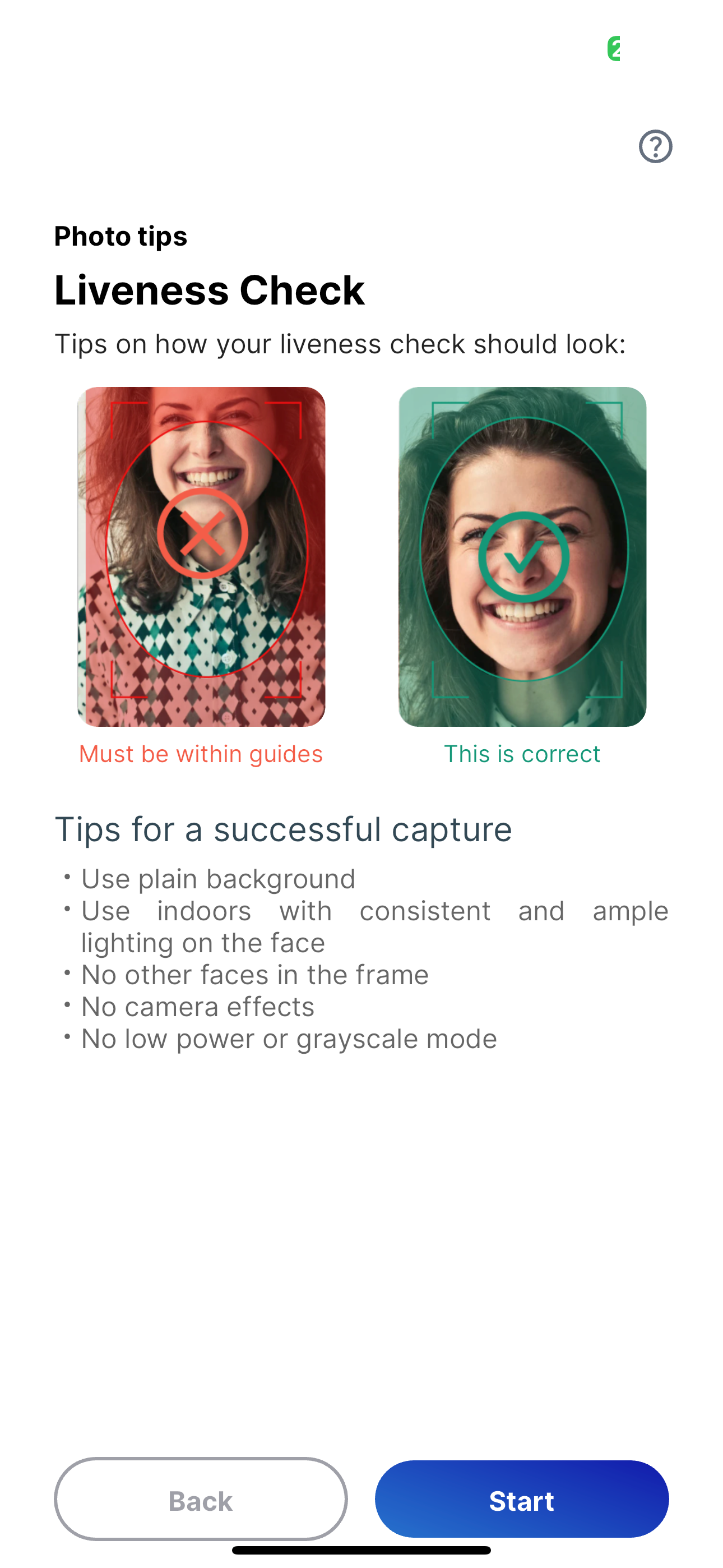
Notes for users: 1.) Make sure to sign up for a DMV account. This will be one of the first steps and is needed 2.) Have the license Front side up before the camera opens and flip the license over to the backside without the camera pointed at it. The camera is fast and probably just looking for Identifiers on the ID without noticing you’re still touching it. 3.) thats really all I noticed. The app itself is well made and slick. Pretty easy to use and took ~5/10 minutes from start to finish. Ideas for devs (not that this is warranted, just my ideas) : 1.) Make a landing page that notifies that the user will need a CA DMV account when they start the mobile drivers license process. Maybe something like “Do you have an online DMV account? You will need one to process your CA DMV application” and then have two buttons “No I do not” which links to the sign up page for the CA DMV online account outside of the app, and “Yes I do” that takes you to the sign in page you already have. Maybe even have a feature that sends them an email when they click “ 2.) Add a few seconds delay for taking picture of back of drivers license or have the tech notice there’s an object in front of the license. The picture will snap before you can move your hand away.
The directions works fine. A couple of points to add for the new user as I learned this quickly; First, you will need to have an online DMV account so if you do not have it, create on and you will be fine. Second, When you take out your drivers license, put it on a dark background. When it goes to take the front side of your license on the dark non-reflective background, you see a check mark after it takes the first photo, immediately turn the license over as that part of the process is not paused and it will continue the process as you will notice. A second check mark will then appear and you will then be prompted after that to continue. This is a moving target which means improvements are on the way. This app does not save to your Apple wallet just yet (it does in the app for sure) but in time I am sure California will be added at one point down the road to the Apple wallet as long as privacy is protected as expected.
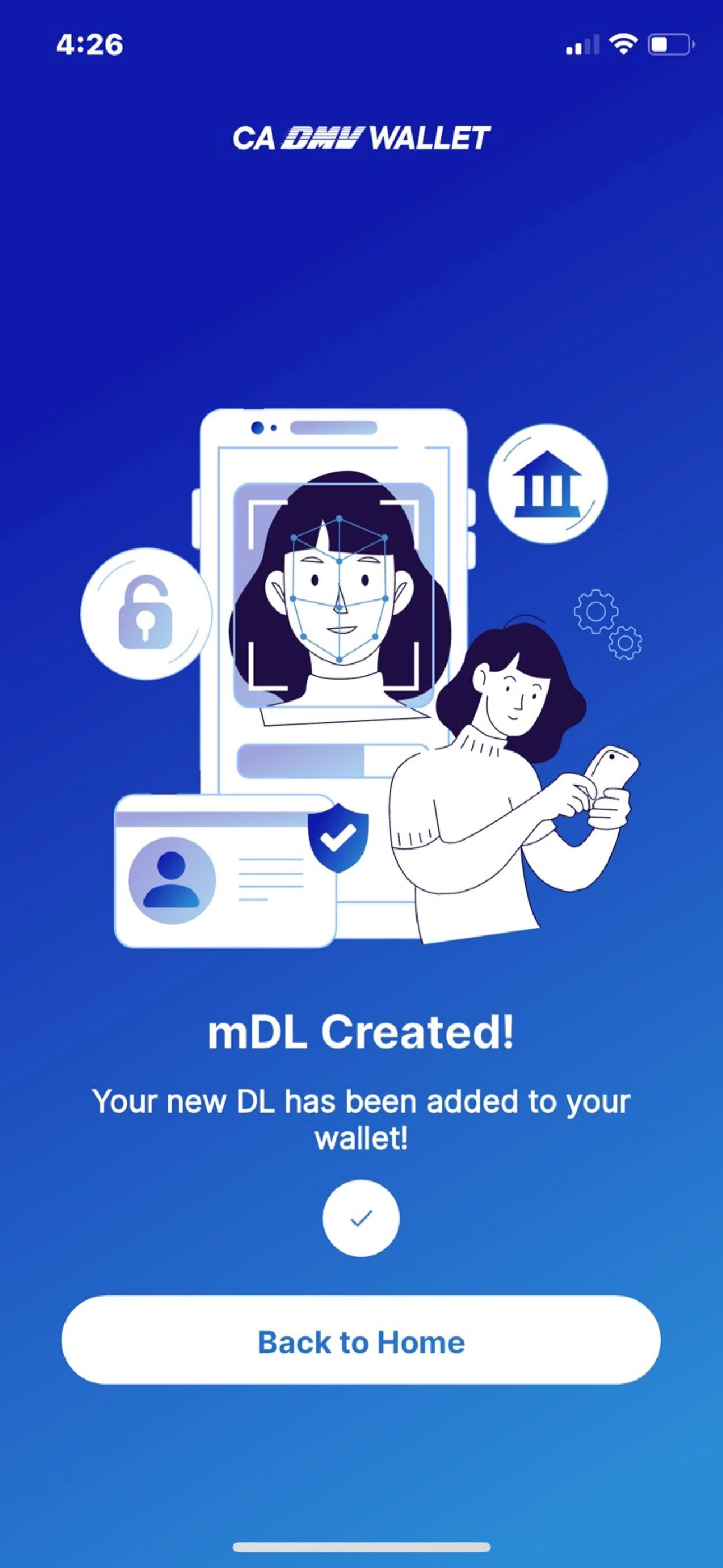
Now live in Pilot Phase – California DMV Mobile Wallet Californians now have a secure way to present their driver’s license or identification card usi...


