Check the acquisition promise
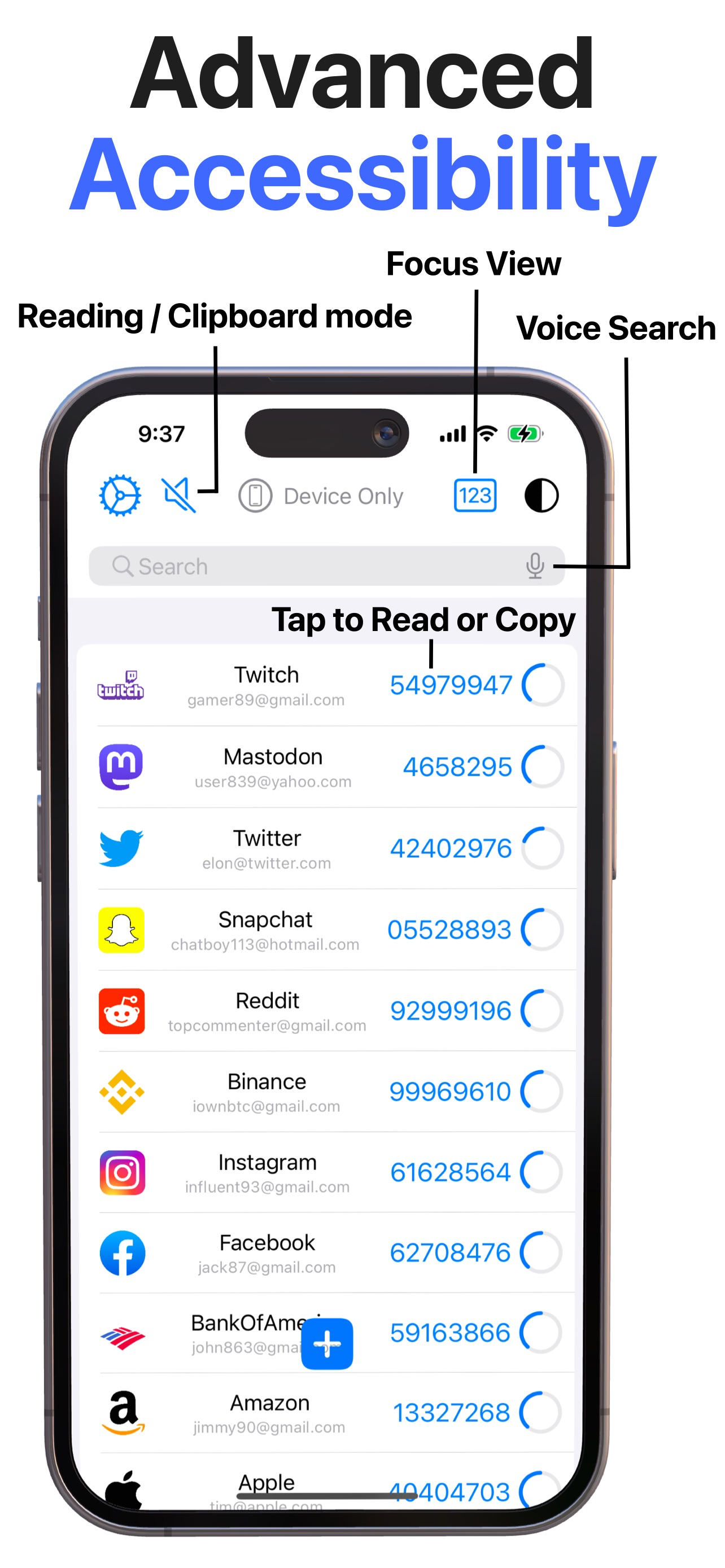
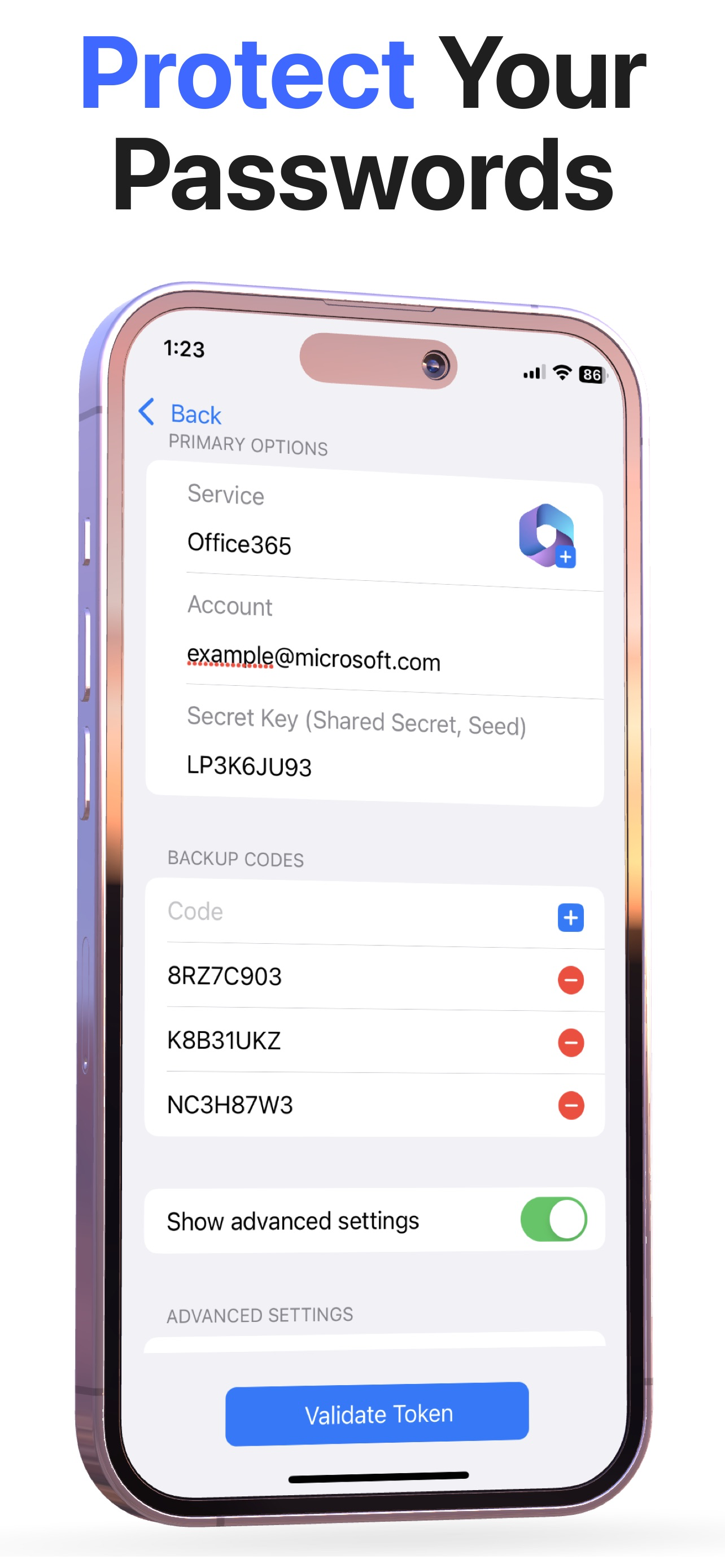
Read the store headline, screenshots and description. What problem is the app promising to solve?
Study the storefront ↗
Bence Kaposzta · iOS
Explore the ad evidence, study the storefront, and build your next acquisition hypothesis.
01 / Creative research
Read the store headline, screenshots and description. What problem is the app promising to solve?
Study the storefront ↗Explore apps with direct store-link matches. Compare their hooks and formats without assuming the same approach works here.
Browse observed advertisers ↗Store rankings and revenue estimates describe market context. They do not establish ad spend, conversions or ROAS.
Review the market context ↗02 / Storefront & product
Study the product story and store experience behind the acquisition funnel.


03 / Market context
Keep revenue, downloads and store rankings separate from advertising performance.
This is a nicely designed app, but it has a fatal flaw that means I have to look elsewhere. There is no synchronization with a Mac (or any other) desktop or laptop. I just can’t be keeping two separate sets of passwords, unfortunately. Update: I understand that it syncs with iCloud, but I have to assume that the only option on the Mac side is Apple Keychain. I’ve never found Apple Keychain to be reliable or stable. After using it for a year or so it always starts popping up sync errors and you end up having to erase everyone start over. I’ve tried relying on Keychain several times over the years since it first came out and this has never gotten better. It’s an embarrassment and I don’t know why Apple can’t get it right. So I’m using BitWarden because it has apps on both MacOS and iOS. It’s not beautiful at all, and I wish there was a better alternative, but it is very stable. If indeed there is a non-Apple Keychain solution that works with Authenticator on the Mac side that also works with multiple browsers, I would be very interested in hearing about it.
Easy set up - with one small glitch. The master password requires the usual mix of characters, back up master password will not accept two dashes (eg --) in a row. Otherwise if your looking for a easy password manager to work across all your devices that also includes biometric security, this may be the one for you.
After writing a review of the Authenticator app implying that the developer appeared to have devised a dubious strategy to force purchasers to submit five star recommendations in order to proceed beyond the registration page, I received an email directly from the developer explaining the source of the misunderstanding. He couldn’t have been more considerate in spite of my substantial technological shortcomings. It turns out that I was in error—no such diabolical scheme exists. That doesn’t mean, however, that there is no ploy to garner five star reviews; Indeed, Mr. Kaposzta cunningly elicits positive evaluations by providing extraordinary customer service. I was extremely impressed.
Cutting-edge security meets convenience: Authenticator° is the ultimate iOS app designed to make your digital life safer and hassle-free. Now supporti...
| Name | Price | Type |
|---|---|---|
| Free Lifetime subscription | $0.00 | One-time |
| Monthly | $9.99 | Monthly |
| Monthly | $9.99 | Monthly |
| Monthly | $9.99 | Monthly |
| 1 Year, 50% off | $19.99 | Yearly |
| 1 Year with initial offer | $34.99 | Yearly |
| 1 Year | $39.99 | Yearly |
| Annual subscription | $39.99 | Yearly |
| 1 Year | $39.99 | Yearly |
| Lifetime | $59.99 | One-time |