
Check the acquisition promise
Read the store headline, screenshots and description. What problem is the app promising to solve?
Study the storefront ↗
Wealth at Work Limited · iOS
Explore the ad evidence, study the storefront, and build your next acquisition hypothesis.
01 / Creative research
Read the store headline, screenshots and description. What problem is the app promising to solve?
Study the storefront ↗Explore apps with direct store-link matches. Compare their hooks and formats without assuming the same approach works here.
Browse observed advertisers ↗Store rankings and revenue estimates describe market context. They do not establish ad spend, conversions or ROAS.
Review the market context ↗02 / Storefront & product
Study the product story and store experience behind the acquisition funnel.

03 / Market context
Keep revenue, downloads and store rankings separate from advertising performance.
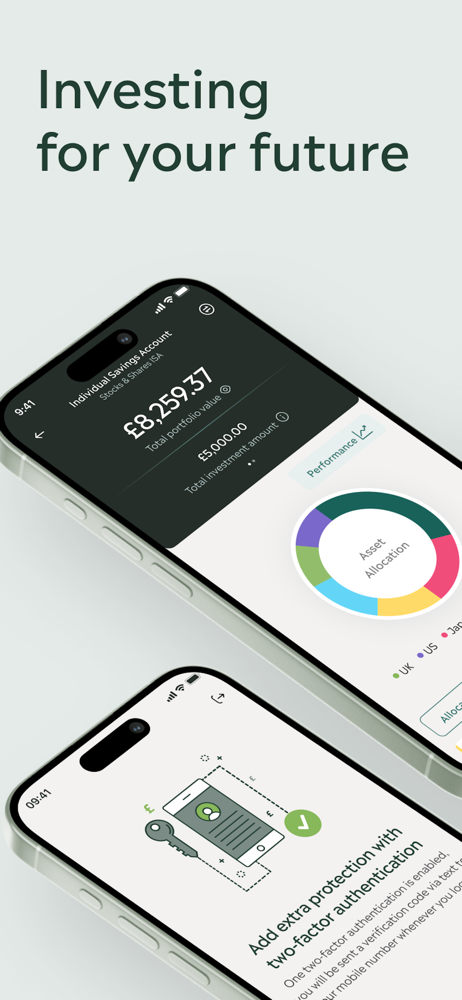
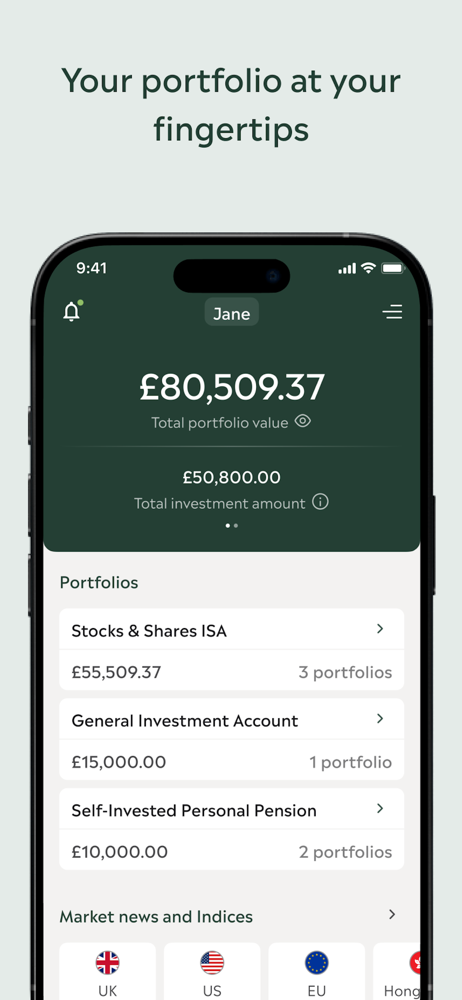
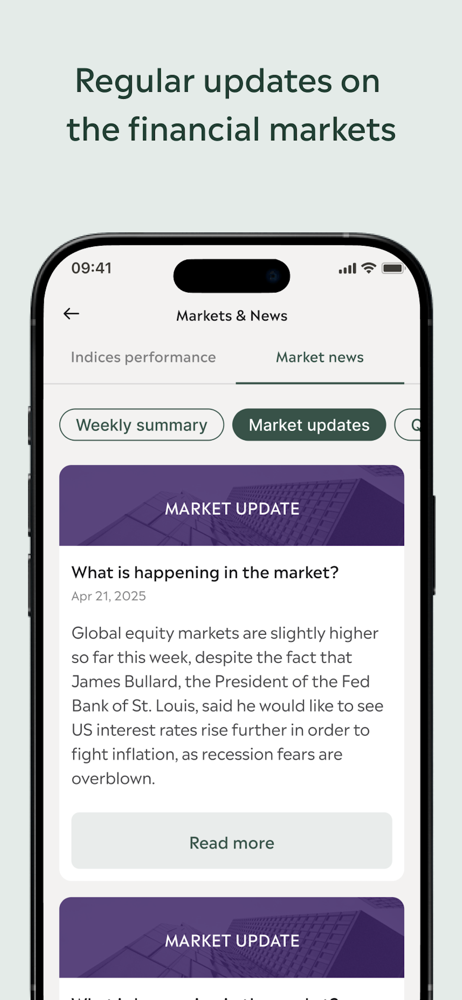
Really good app- easy to use, shows my portfolio clearly, informative and keeps me up to date with market news.
I wasn’t really sure what to expect on my first time investing. Whilst it shows how my money is being used and allocated, I’m unsure how quickly it updates as it only appears to do so a couple of times a day and not consistent with some of the sites. I would like to see how each share is doing in graphical format also. As a newbie, I may be expecting too much ?
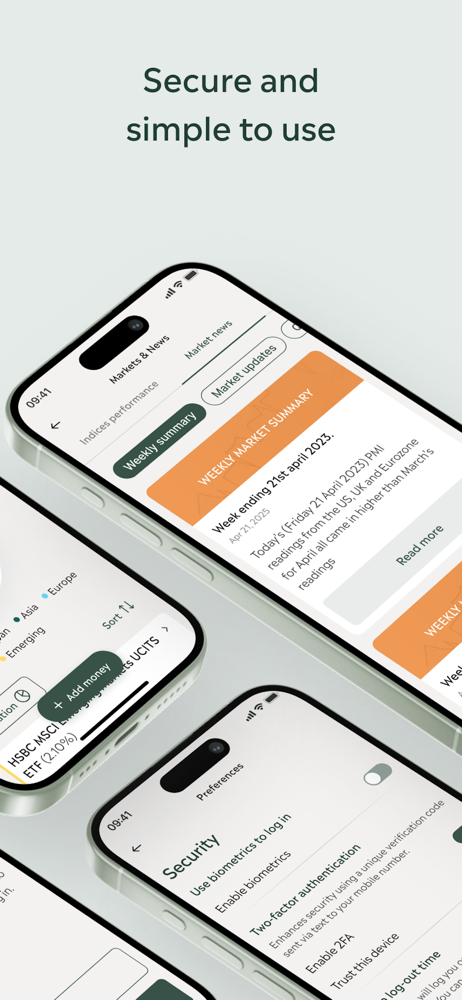
Having had an investment with Wealth At Work for sometime now it’s good they now have an app to monitor your investment quicker and easier. Tried to set up the option of using the biometrics as I have this for all my apps but it doesn’t seem to be able to set this option even though I’ve toggled this on. ( tried rebooting etc) Also would like the option of when closing the app to automatically log you out
Download the ‘my wealth invest’ app to view your investments. The ‘my wealth invest’ app lets you access your account 24/7 for an instant view of you...


