Check the acquisition promise
Read the store headline, screenshots and description. What problem is the app promising to solve?
Study the storefront ↗
Adam Cziko · iOS
Explore the ad evidence, study the storefront, and build your next acquisition hypothesis.
01 / Creative research
Read the store headline, screenshots and description. What problem is the app promising to solve?
Study the storefront ↗Explore apps with direct store-link matches. Compare their hooks and formats without assuming the same approach works here.
Browse observed advertisers ↗Store rankings and revenue estimates describe market context. They do not establish ad spend, conversions or ROAS.
Review the market context ↗02 / Storefront & product
Study the product story and store experience behind the acquisition funnel.






03 / Market context
Keep revenue, downloads and store rankings separate from advertising performance.
I love this app because it’s so easy to use. I have another app installed and I couldn’t stand the million questions it would ask me about me migraines. When I’m having a migraine the last thing I want is to stare at my phone answering the same questions. My migraines are always the same so it gets repetitive. I found this app and decided to try it and I love it so much more. It’s simple, only asks you the important stuff, and is quick. I’m in and out within a minute depending how much I write in the notes section. So if there’s anything different I’ll make note there. I also make note of my mood so it has a double use. I would definitely recommend it!
I have used at least three different ways to track my migraines and I want to use an app since it is easier to track and more portable. This app makes it easy to log for the current day or previous day if you forgot and had a colored scale for pain. Once you set up your treatments and adjust your symptoms, the app makes it a quick and simple task to track your migraines. Need to add notes there is a box at the bottom. I think one of my favorite things is the view of all the migraine days or even non-migraine days that you log. Super easy to see and has all that you logged along with treatments and notes directly on the home screen. The only thing that I would want is a couple extra spaces for the treatment spots for the free version.
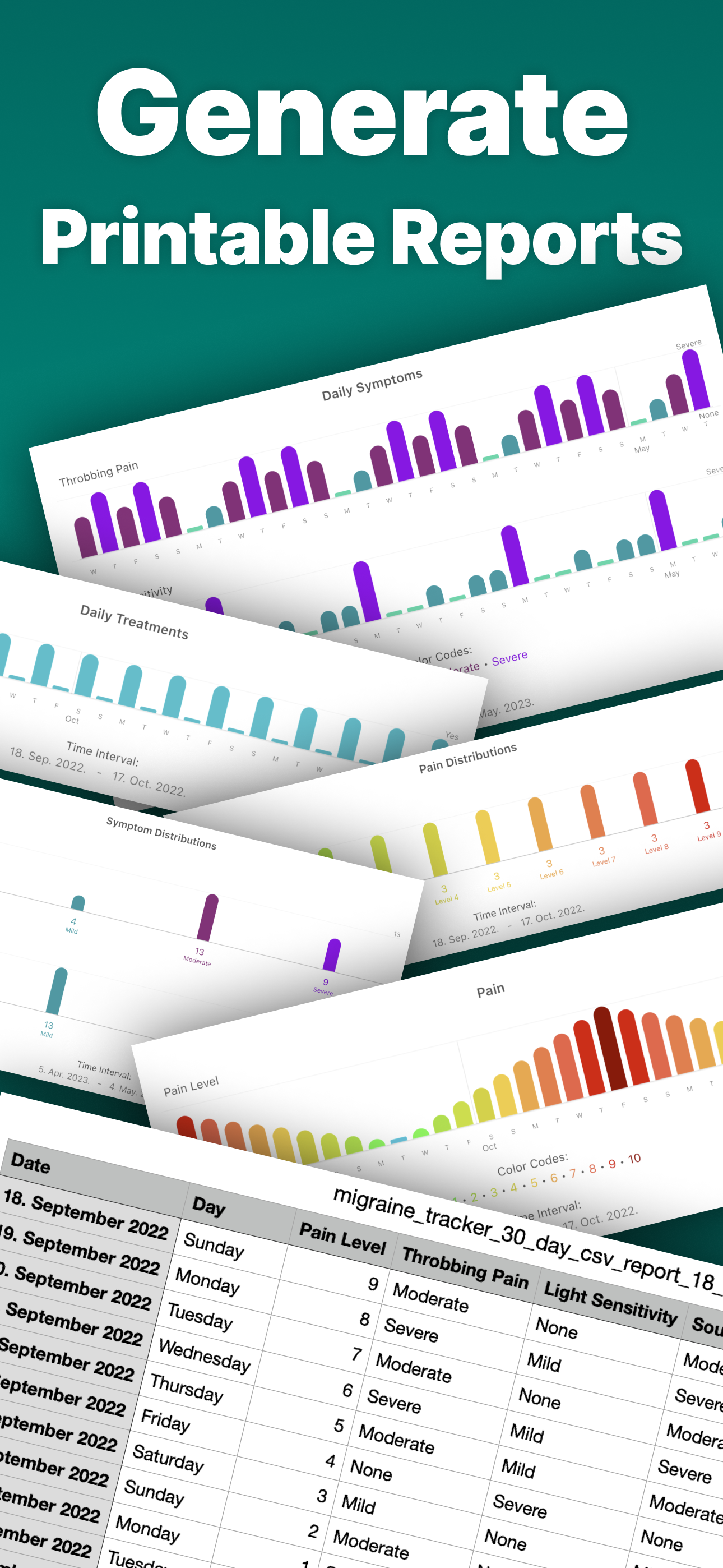
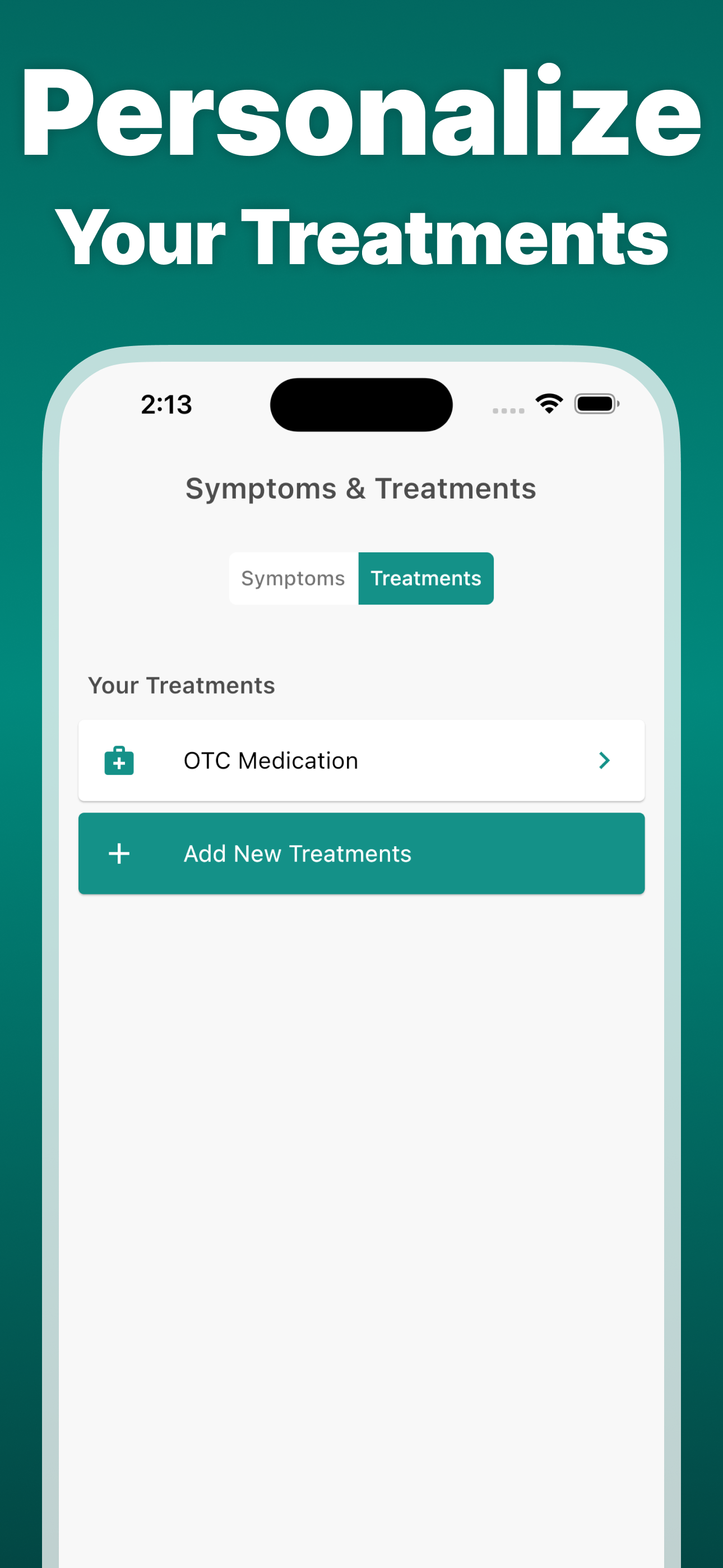
I have had migraines my entire life since I was a really small child and there isn’t anything I hate more than doing a headache journal. As if it’s not annoying enough to have to have migraines on almost a daily basis but having to track them just alway felt like a punishment. As I got older, I started doing it less and less and then as I started getting better care, I stopped all together. Flash forward to now and I’m using this app and don’t feel bothered by it. I like that it’s customizable, even the free version the preprogrammed symptoms work well but it’s nice to have the premium to add your own. The reports is a bit useless considering you can only issue reports within the last 7 days unless you pay. If you’re looking for something totally free, this isn’t for you, if you just need something to throw some dates to track, this will work fine but with the premium limitations, you get a whole lot more for managing your care.
Your complete headache & migraine diary. Track migraine symptoms, monitor headache patterns, and manage treatments with this intuitive headache tracke...
| Name | Price | Type |
|---|---|---|
| Monthly Plan (Black Friday) | $4.99 | Monthly |
| Monthly Plan | $9.99 | Monthly |
| Monthly Plan (Black Friday) | $9.99 | Monthly |
| Monthly Plan (Legacy) | $9.99 | Monthly |
| Annual Plan (Black Friday) | $19.99 | Yearly |
| Annual Plan (Black Friday) | $19.99 | Yearly |
| Annual Plan | $39.99 | Yearly |
| Annual Plan (Legacy) | $39.99 | Yearly |