Check the acquisition promise
Read the store headline, screenshots and description. What problem is the app promising to solve?
Study the storefront ↗
Jorge Garcia Armero · iOS
Explore the ad evidence, study the storefront, and build your next acquisition hypothesis.
01 / Creative research
Read the store headline, screenshots and description. What problem is the app promising to solve?
Study the storefront ↗Explore apps with direct store-link matches. Compare their hooks and formats without assuming the same approach works here.
Browse observed advertisers ↗Store rankings and revenue estimates describe market context. They do not establish ad spend, conversions or ROAS.
Review the market context ↗02 / Storefront & product
Study the product story and store experience behind the acquisition funnel.




03 / Market context
Keep revenue, downloads and store rankings separate from advertising performance.
I’ve used Keka for a while now on MacOS after swapping through many others that just didn’t have the features I needed or were very clunky to use. (Peazip, Archive Utility, The Unarchiver, Stuffit) When I needed a archiver on iOS I want through many, but they were all subpar for what I needed or were littered with ads or subscriptions. This one time cost app, works perfectly, has no ads and now I use this Program on all my Apple devices.
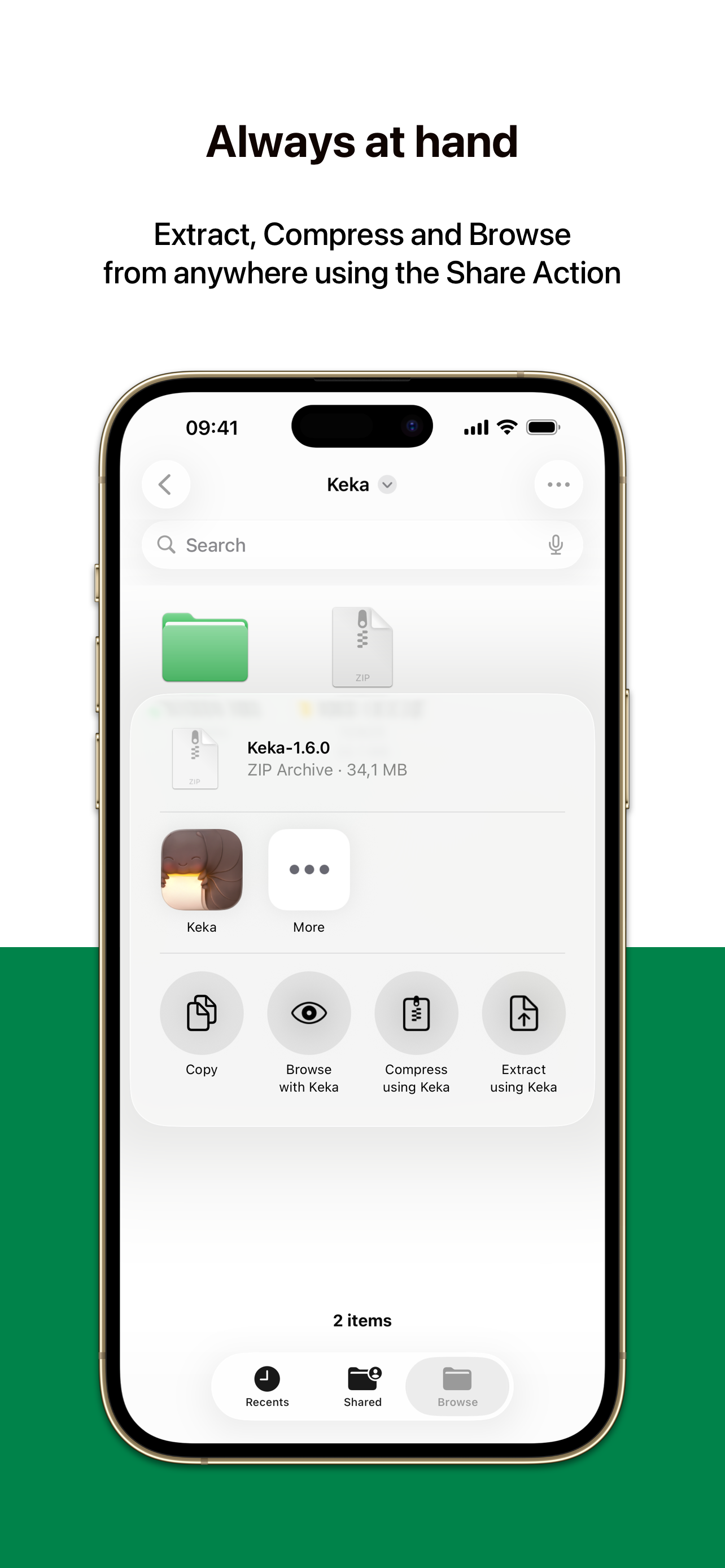
I’ve had this app for 5 minutes and i’m already pleased with my purchase. So much better than these clunky ad-laden apps that import unrared files into their own folder, requiring me to then “share” them back to the original folder containing the rar files. that might sound confusing, but if you’ve used those apps you know what i mean. Keka is intuitive, simple acts elegant. Like something that works have been designed by Apple circa 2010. Worth $4 all day long.
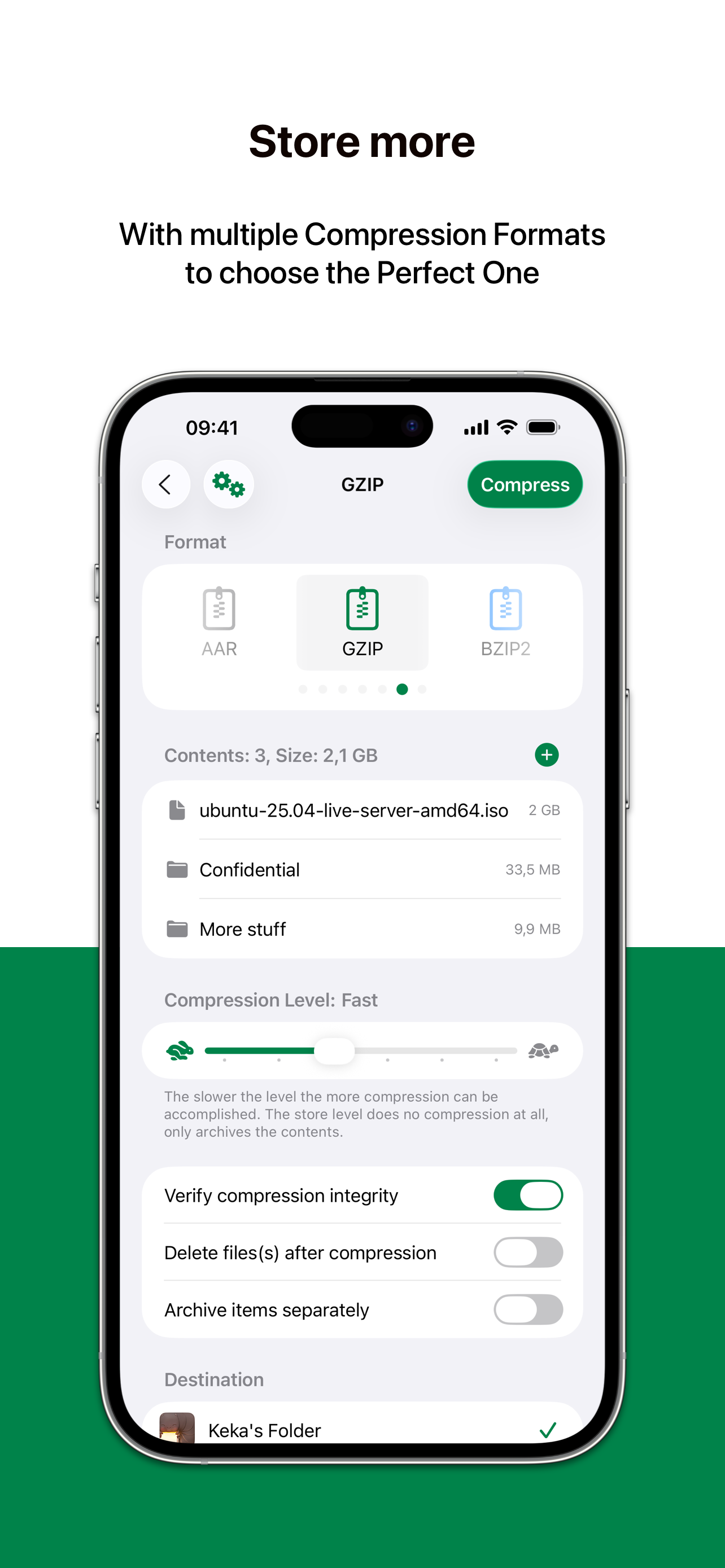
First, I almost NEVER bother to write app reviews because other people usually cover what needs to be covered in the review section. I was pleasantly surprised to find out that this incredible archive management app that I use regularly on my MacBook is now available for iOS! I utilized the compression functionality twice on the first day of owning this app and was quite happy with the results! It has a very user-friendly UI and you can choose from a plethora of essential options when using it. I was able to compress 43 large files on my iPhone today into a 3.43GB zip archive (among other archive formats available). The ONLY option missing from this app is the ability to compress files to a RAR archive, however. I hope the developers incorporate compression to RAR in an upcoming release! Still, this is the best archiving tool available on iOS from my experience with a huge selection of other archive management apps. 5-stars!
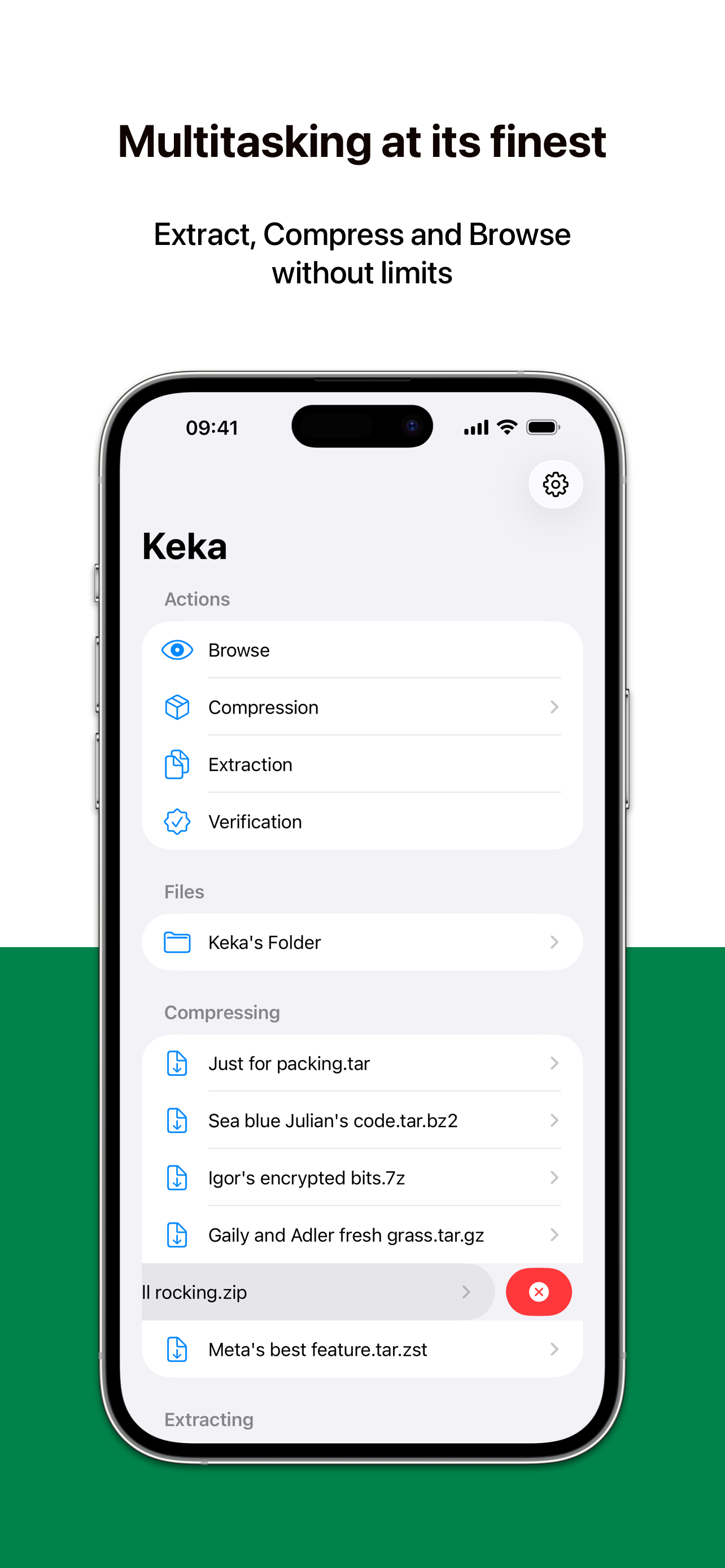
Keka is a full featured file archiver, as easy as it can be. With Keka you can compress as many files as you want in a bunch of formats. You can also...