Check the acquisition promise
Read the store headline, screenshots and description. What problem is the app promising to solve?
Study the storefront ↗
潇 刘 · iOS
Explore the ad evidence, study the storefront, and build your next acquisition hypothesis.
01 / Creative research
Read the store headline, screenshots and description. What problem is the app promising to solve?
Study the storefront ↗Explore apps with direct store-link matches. Compare their hooks and formats without assuming the same approach works here.
Browse observed advertisers ↗Store rankings and revenue estimates describe market context. They do not establish ad spend, conversions or ROAS.
Review the market context ↗02 / Storefront & product
Study the product story and store experience behind the acquisition funnel.


03 / Market context
Keep revenue, downloads and store rankings separate from advertising performance.
Update: developer not only responded but also based on the suggestions below tweaked the app wonderfully. Awesome! Original review (4 stars) Great app and easy to use. Little clutter is exactly what I want. Suggestions: Animations when changing dates or going between menus is too slow. Takes too long and makes editing or adding a few days of info a little frustrating. No clear way to change currency icon. Would like to change it to ¥. The feedback button doesn’t work so I’m writing this here. Too many buttons to edit previous entries. It’s usually faster to just delete and reenter the entry.
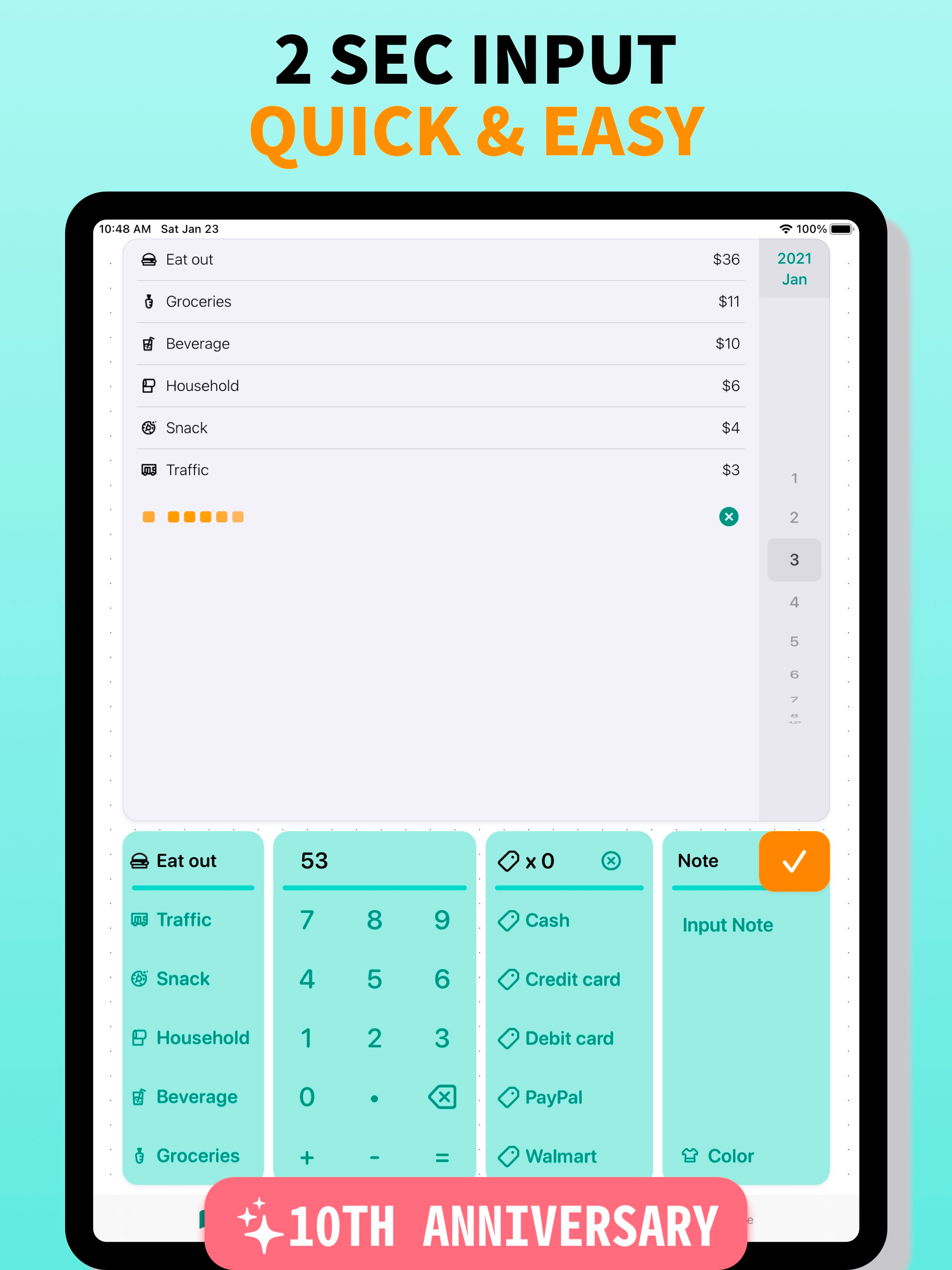
This is a spending tracker. It is simple and easy to use and I love it! Every other app I’ve tried makes you make a budget or link an bank account, but this is a straightforward tracker. You enter each purchase amount, date and category and it sorts your spending by category in a pie chart for each month. It also is in list format below the chart. A final nice feature is the ability to “tag” purchases. The total for each “tag” is listed at the bottom of the monthly screen. So you can see how much money spent in each tag separate of the categories. This is nice if you want to track spending on multiple credit cards, or separate cash, debit and credit spending out. Then you can see the purchases and the total you owe on each card and make sure it matches your bill, which is a nice way to look out for any fraud on your cards. This has really helped me get an idea of how much I’m actually spending per month, so I know what areas I’ll need to adjust in the future when I move out on my own.
The app is simple to use. I love that I’m able to enter my own spendings and add tags to it for further organization. I tried MINT which is more complex because you connect you bank account and all that but it wasn’t accurately showing my spendings since I don’t only spend with cards. This app allows you to enter all forms of payment on your own time. Having to remember can be good for muscle memory. It’ll be nice to have a reminder in the app and there very well could be but I don’t find it necessary. Really helps with monitoring my spendings because I can visually see multiple ways where all my money is going.
Receipt Box is a personal finance app for spending tracking. It is a fast tool that can ensure that you develop the habit of tracking spending. No ne...
| Name | Price | Type |
|---|---|---|
| All Pro features (Monthly) | $0.99 | Monthly |
| All Pro features (Annual) | $8.99 | Yearly |