Check the acquisition promise
Read the store headline, screenshots and description. What problem is the app promising to solve?
Study the storefront ↗
NAPCO Security Technologies · iOS
Explore the ad evidence, study the storefront, and build your next acquisition hypothesis.
01 / Creative research
Read the store headline, screenshots and description. What problem is the app promising to solve?
Study the storefront ↗Explore apps with direct store-link matches. Compare their hooks and formats without assuming the same approach works here.
Browse observed advertisers ↗Store rankings and revenue estimates describe market context. They do not establish ad spend, conversions or ROAS.
Review the market context ↗02 / Storefront & product
Study the product story and store experience behind the acquisition funnel.




03 / Market context
Keep revenue, downloads and store rankings separate from advertising performance.
This app must not ever be updated to work with the latest iOS. I have been unable to connect to my system for a year now. I have uninstalled the app and reinstalled it and it still won’t connect. My security company told me the only way to operate my system remotely is to get an entirely new system. My system is 3 only years old!! Make sure to ask your security installer which app they use and if it’s this one call another security company.
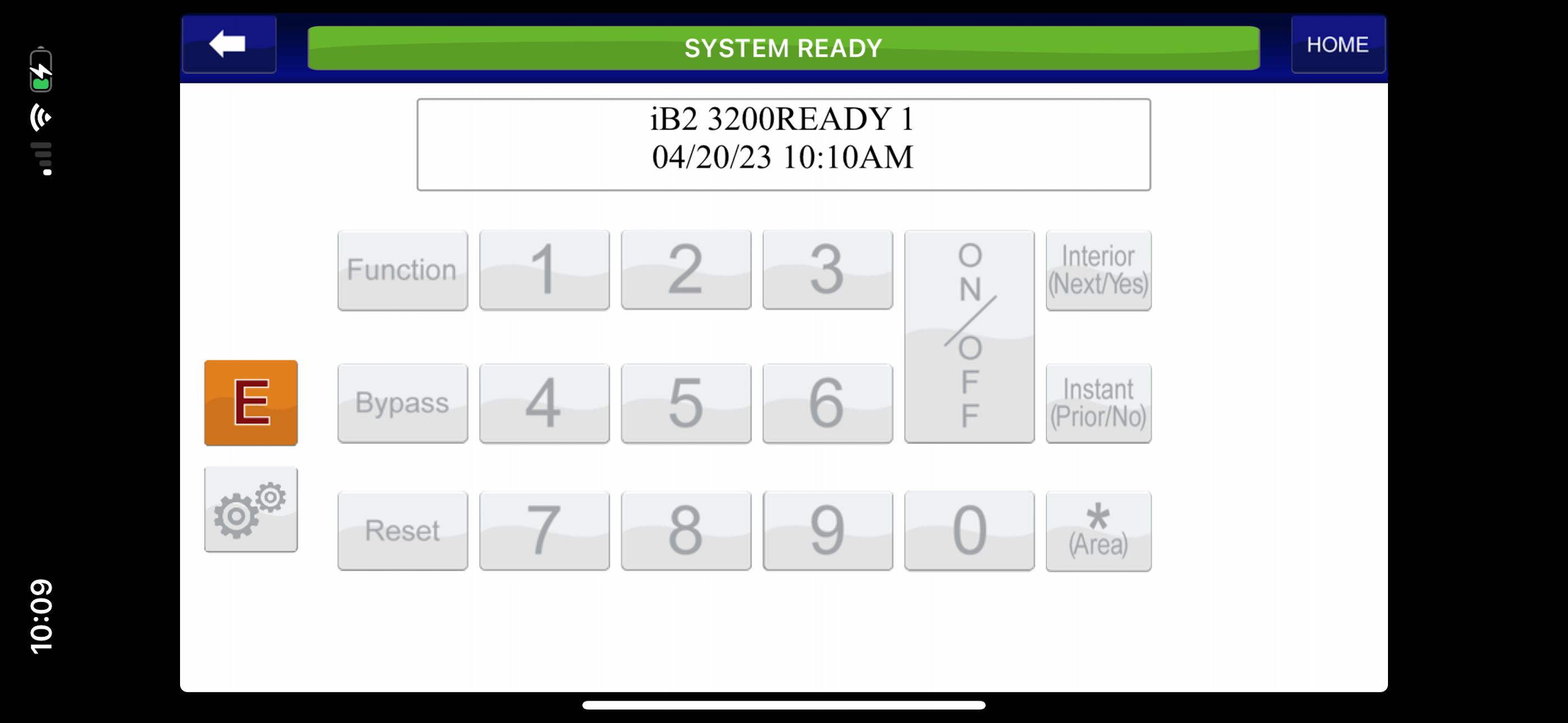
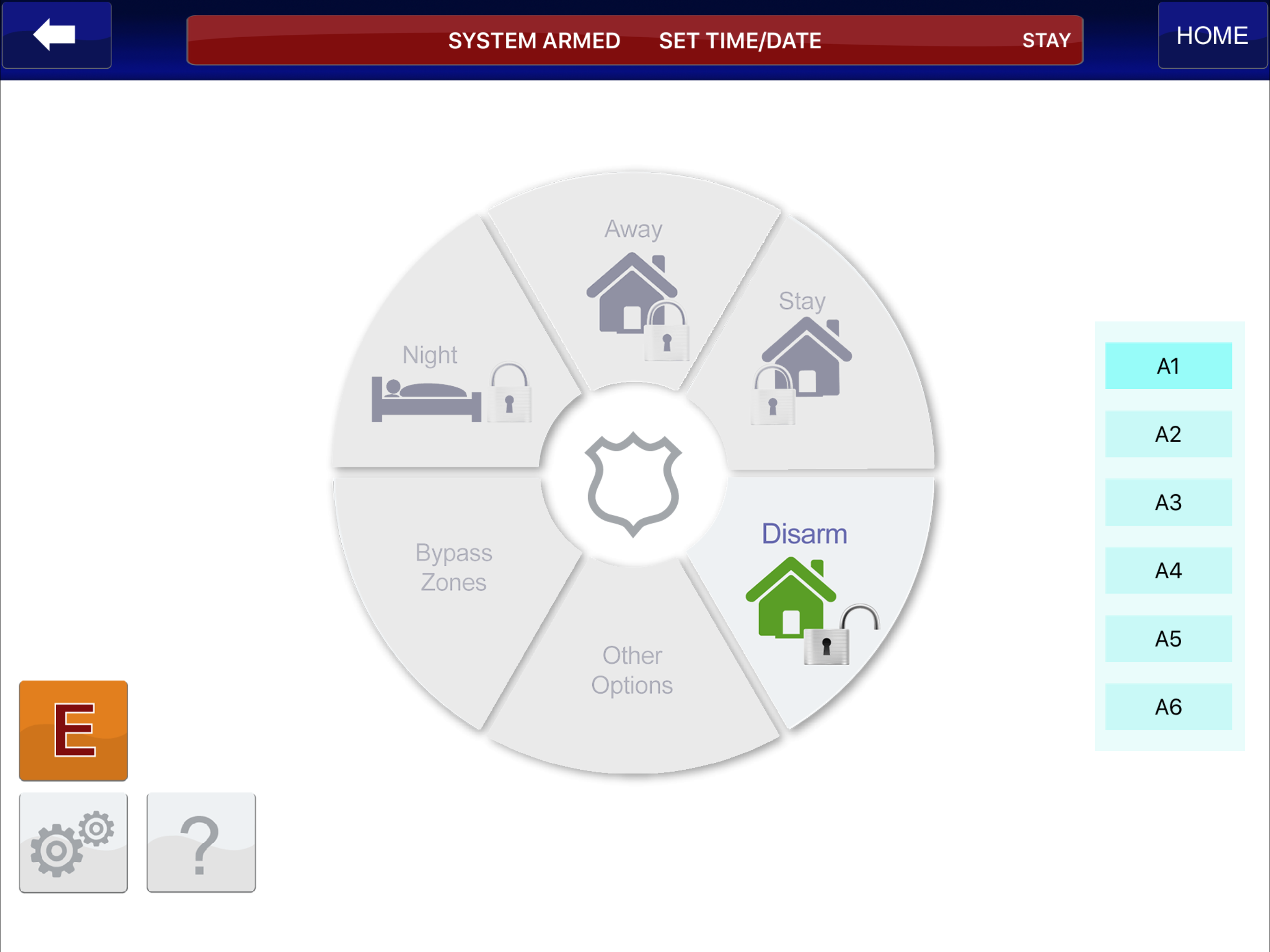
The iBridge app works for the basics I need: arm/disarm my alarm. However, I often arm or disarm while driving, which is hard to do with a landscape only view. I would like to see a “Use Touch ID” so I can easily disarm using my thumb! (opt-in obviously.) I have also been able to setup basic texts (arm, disarm, trouble), but haven’t been able to setup texts when a zone is left open, yet alone see anything on my zone list. I have not tried to use as a Z-wave hub to control my thermostat (I built my own :) or video cameras. Improvements I would like to see in the next version: * Touch ID to disarm * Portrait view instead of landscape only * A better explanation on what’s required and how to to setup/download zone lists (i.e.bridge must be connected via Ethernet)
I have been using this app for over a year now. It works great to arm and disarm my Napco alarm system. The app displays and works terribly on the iPhone X. The Stay feature still doesn’t work with my alarm panel. To get the alarm in to bypass mode, you have to go into keypad mode and then set the bypass from there. Z wave bridge doesn’t play nicely with other Z Wave Controllers and automation systems
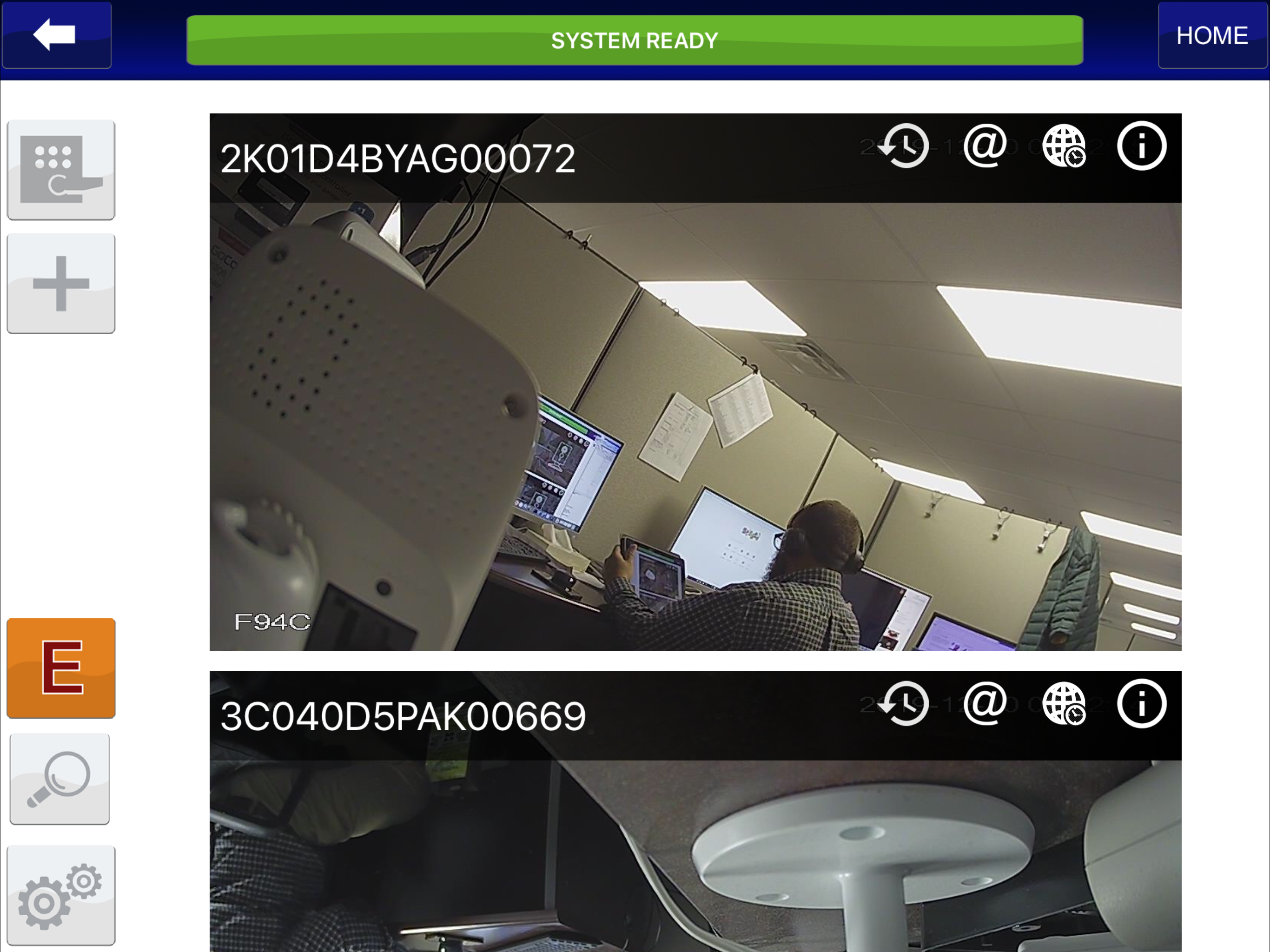
Napco’s state of the art mobile application used to manage home security, video cameras and home automation. Subscribers can now receive notification...