Check the acquisition promise
Read the store headline, screenshots and description. What problem is the app promising to solve?
Study the storefront ↗
Tactus Therapy Solutions Ltd. · iOS
Explore the ad evidence, study the storefront, and build your next acquisition hypothesis.
01 / Creative research
Read the store headline, screenshots and description. What problem is the app promising to solve?
Study the storefront ↗Explore apps with direct store-link matches. Compare their hooks and formats without assuming the same approach works here.
Browse observed advertisers ↗Store rankings and revenue estimates describe market context. They do not establish ad spend, conversions or ROAS.
Review the market context ↗02 / Storefront & product
Study the product story and store experience behind the acquisition funnel.

03 / Market context
Keep revenue, downloads and store rankings separate from advertising performance.
Let stronsky
As I have come to expect from your apps, the quality of the images is exceptionally clear and uncluttered. The clarity of the auditory directions is nicely accompanied by text if desired. The layout is nice and simple and the settings make it easily customizable. There are four different activities across three difficulty levels which help access understanding of the concepts. I like that field of choices adjusts and always appreciate data tracking. This app seem appropriate across ages. The layout is nice and simple and the settings make it easily customizable. Thank you Tactus TherAppy.
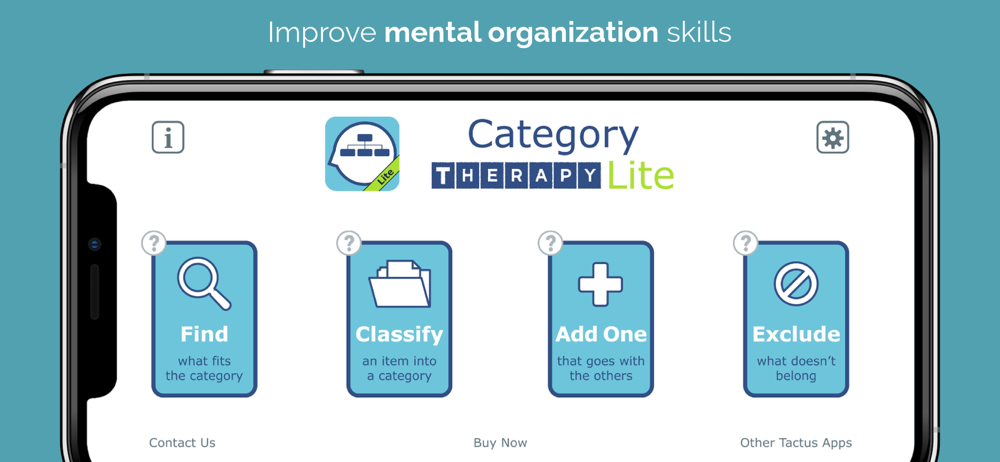
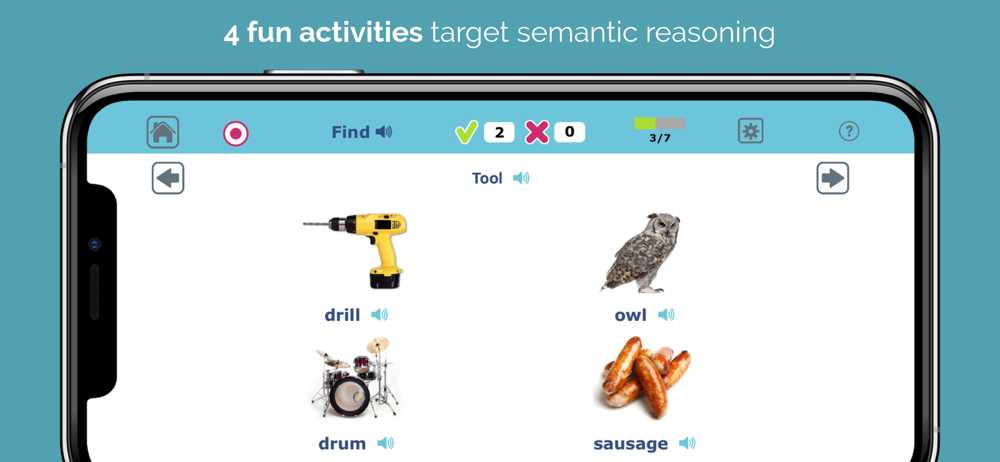
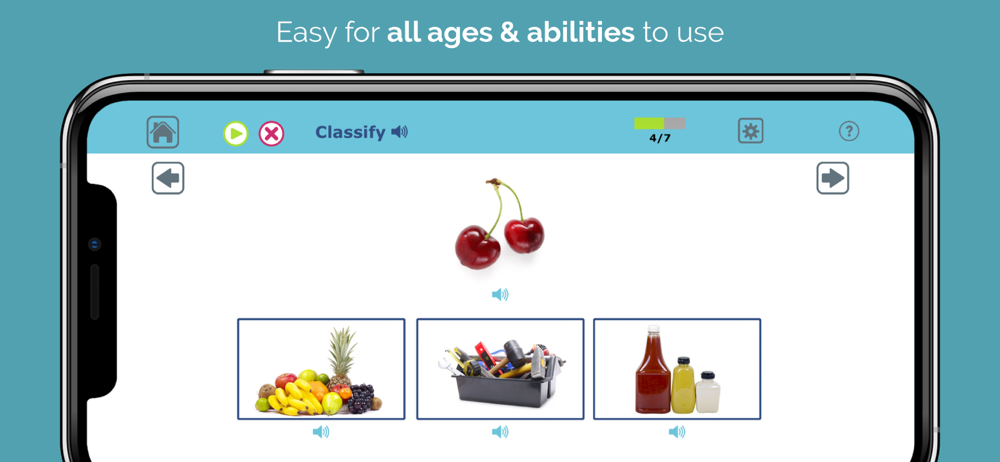
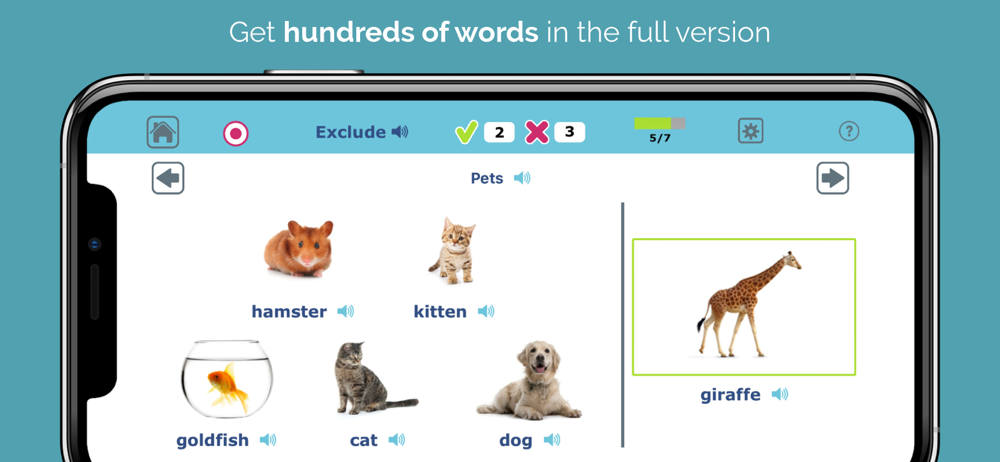
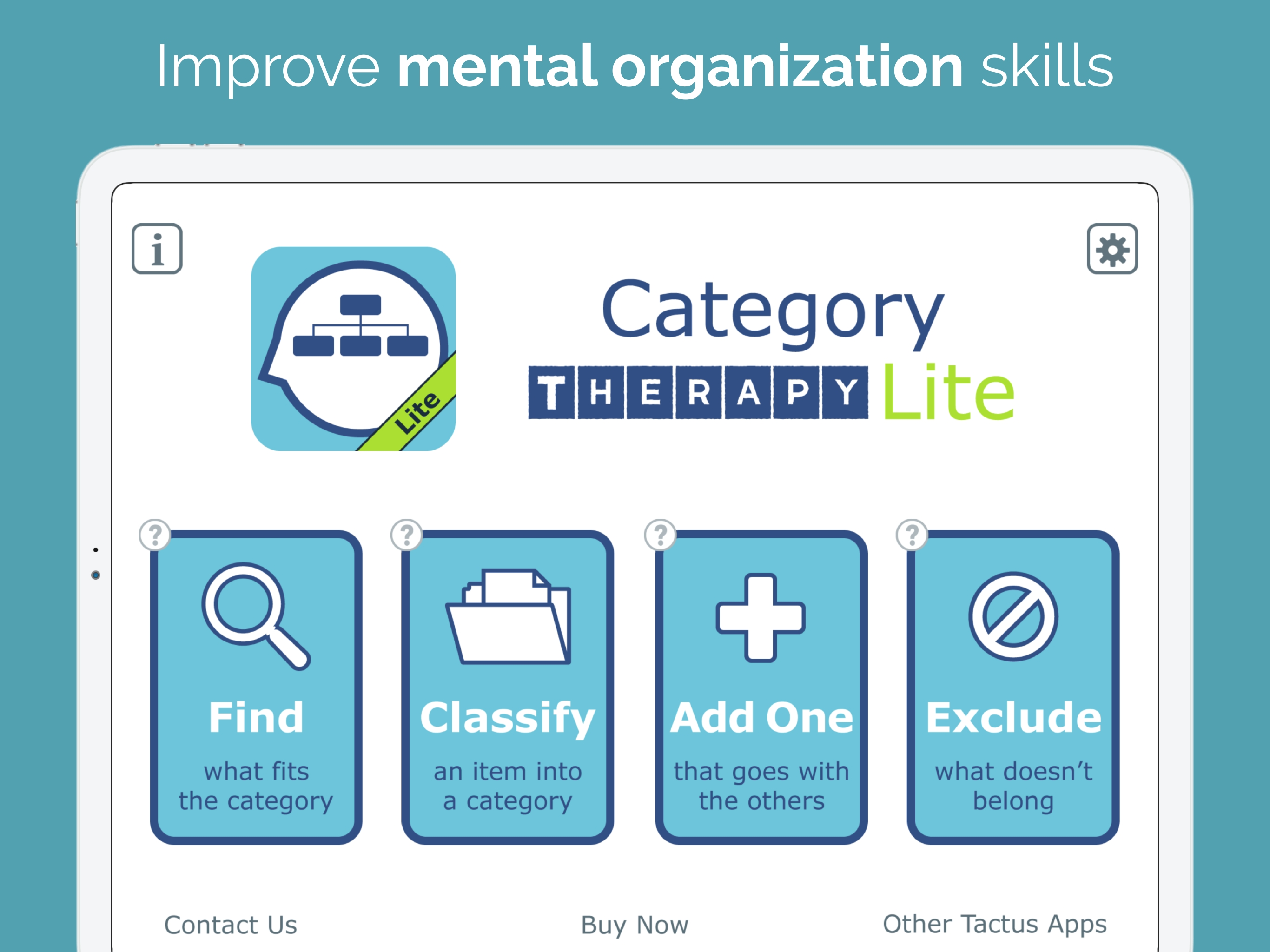
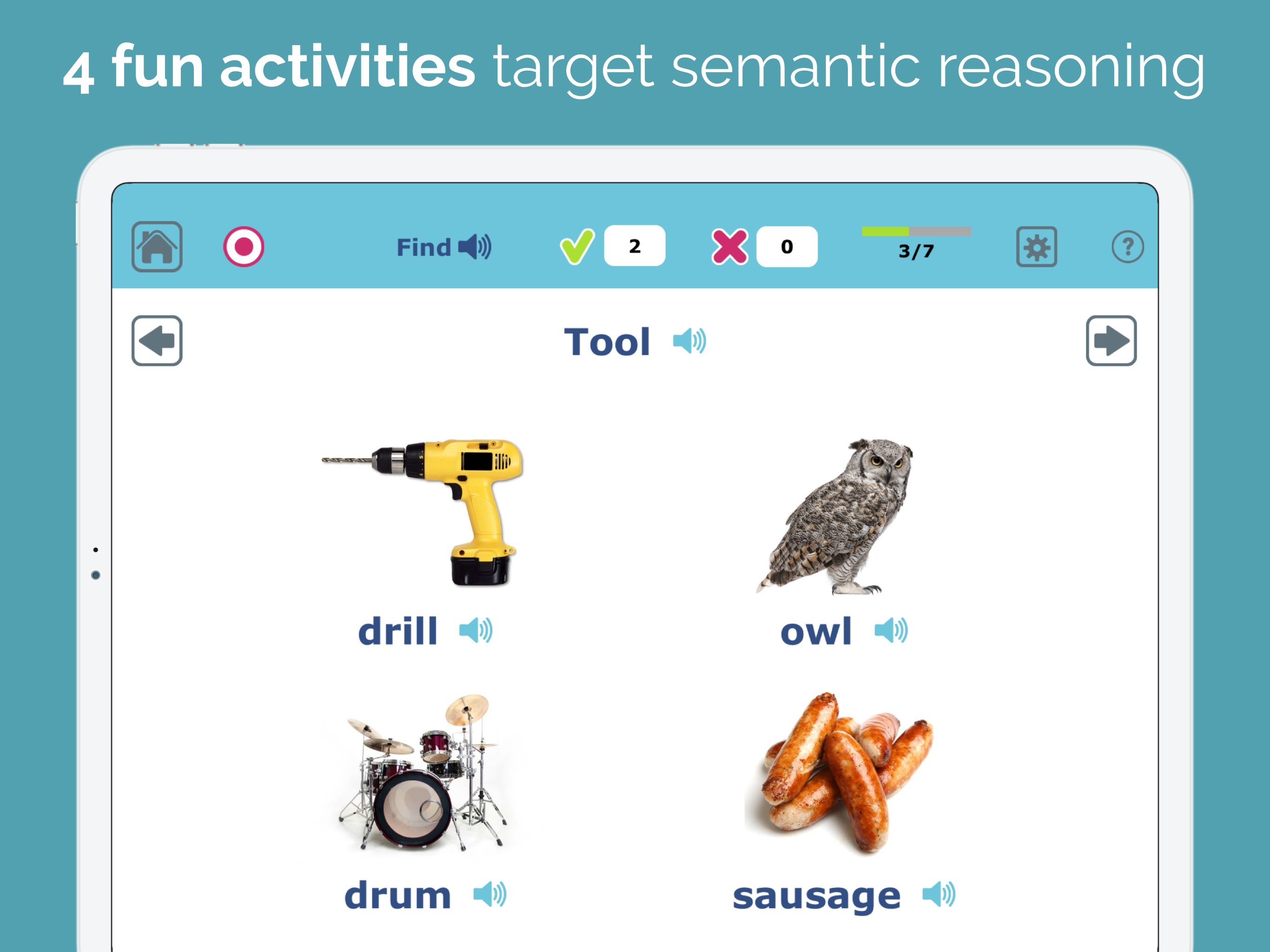
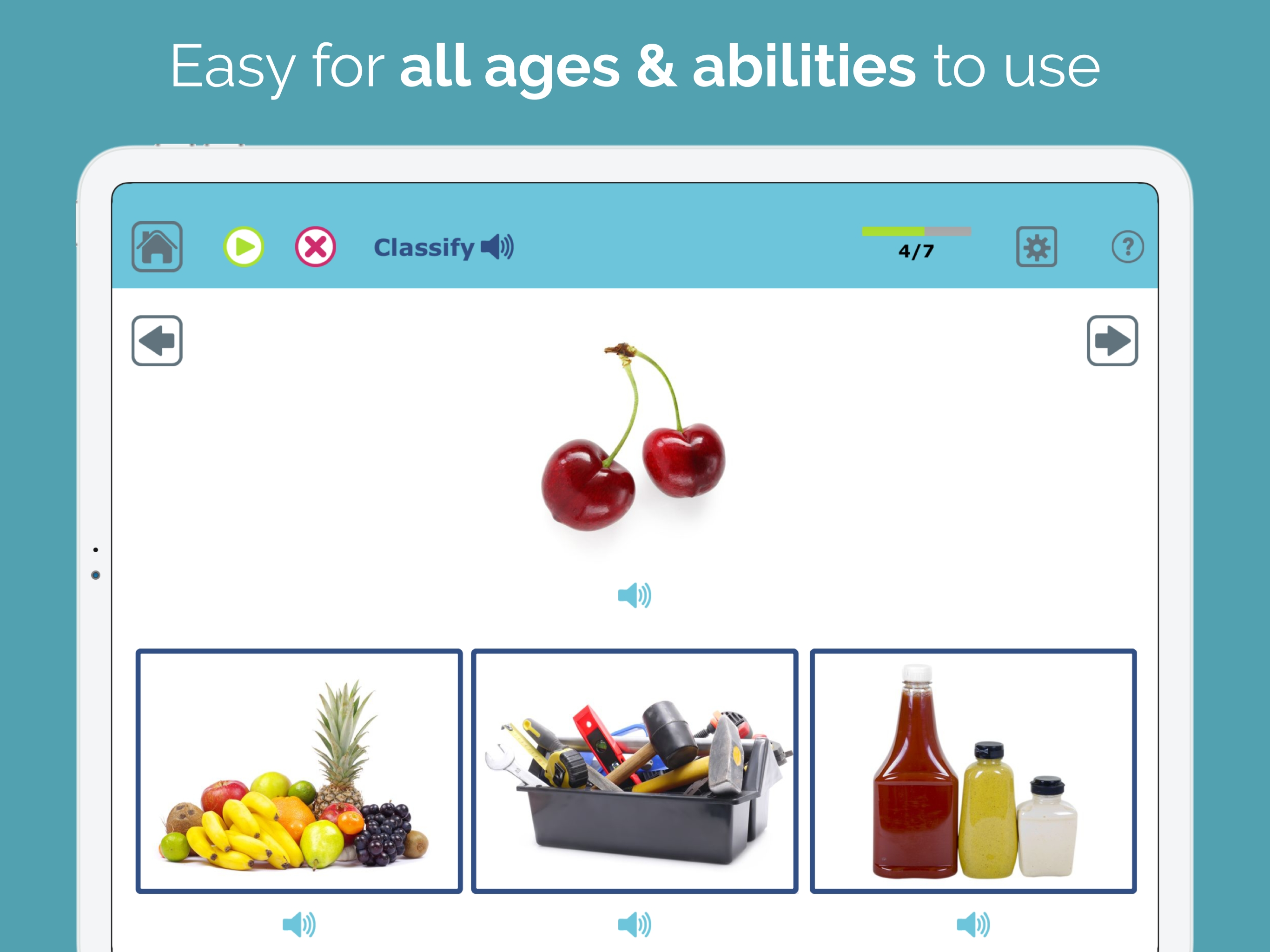
This app is a great app that can be used in many settings with both adults and children. It definitely gives a good view of what the full app is capable of. I appreciate that you can try out all 3 difficulty levels which range from easy concrete categories such as animals to medium subcategories such as pets to harder abstract categories such as things that fly. Also this app gives you the opportunity to try out all 4 activities. These include "Find" in which you have to touch the picture that belongs in a given category, "Add One" in which you have to add an appropriate category member by touching the picture that goes with the ones shown, "Exclude" in which you have to touch that picture that does not belong in a given category, and "Classify" in which you drag a given picture to the appropriate category to which it belongs. I will definitely be adding the full version to my wish list.
Improve mental organization skills. Practice categories in a versatile speech therapy app. When you struggle with categories due to stroke, brain inj...