
Check the acquisition promise
Read the store headline, screenshots and description. What problem is the app promising to solve?
Study the storefront ↗
Inkren, Inc. · iOS
Explore the ad evidence, study the storefront, and build your next acquisition hypothesis.
01 / Creative research
Read the store headline, screenshots and description. What problem is the app promising to solve?
Study the storefront ↗Explore apps with direct store-link matches. Compare their hooks and formats without assuming the same approach works here.
Browse observed advertisers ↗Store rankings and revenue estimates describe market context. They do not establish ad spend, conversions or ROAS.
Review the market context ↗02 / Storefront & product
Study the product story and store experience behind the acquisition funnel.


03 / Market context
Keep revenue, downloads and store rankings separate from advertising performance.
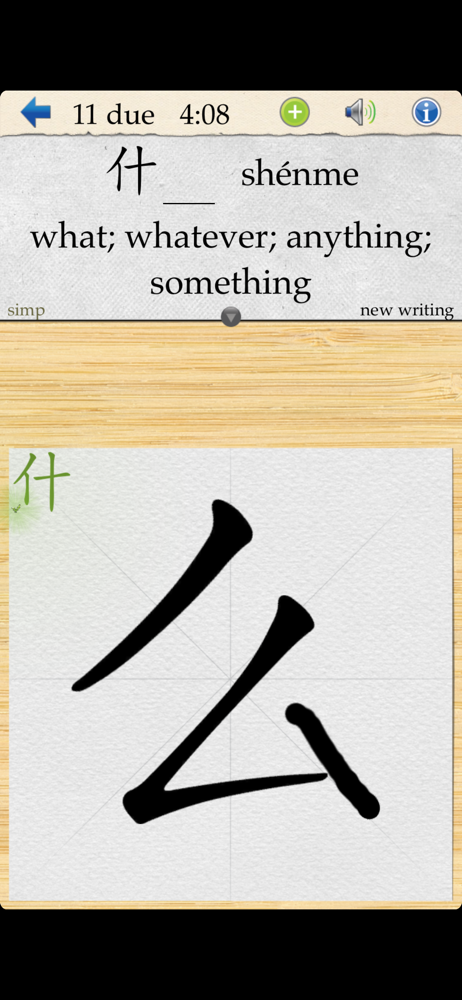
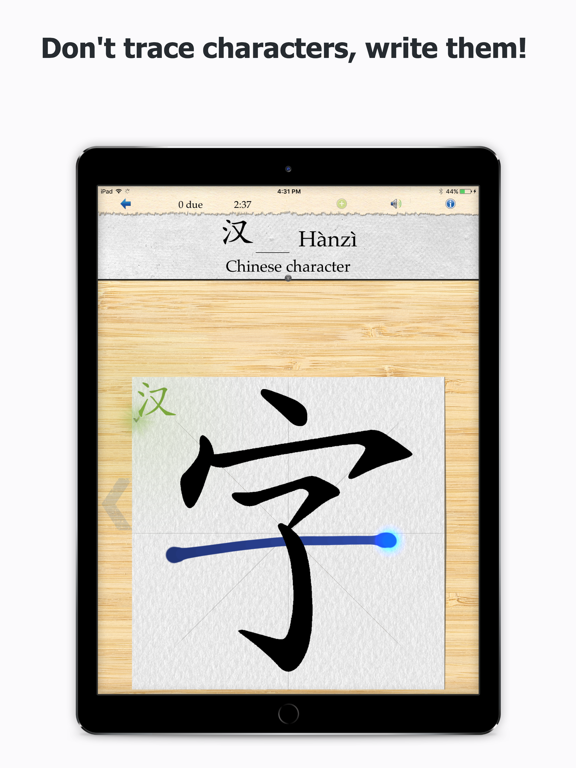
One aspect of Skritter I like very much is this: If you don't have much time at all for a while to delve into full lessons with grammar and vocabulary, but you want to avoid seeing the progress you made slowly fading, using Skritter just to drill the character-writing aspect of learning Chinese is REALLY useful. Skritter will remember which characters you fail most, fail a little or nearly got perfectly (criteria adjustable in the settings). Your job is to practice every day until your writing reaches the "Gold / No Error" mark. Trust me, it's astonishing how fast, with the help of Skritter's "Spaced Repetition" system, you can actually start remembering, effortlessly, how to properly write the character in the correct stroke order, its meaning, and review the fun, mnemonic-like sentences that sometimes help an anchor your memory. If you want/need to keep up with your Chinese language proficiency levels and keep progressing, Skritter is a required tool in you panoply of Chines apps. Hope the above will help you see the value in paying to subscribe for the year. It is not cheap, but worth every cent if you use it regularly. Enjoy!
The iPad app works well, but there are major usability issues with the iPhone app. It’s near impossible to press the back and forward buttons. And you can tap to see what the next stroke is, but it always registers as trying to draw a dot. And it will never show you the full stroke order. Either you view the full character, or you have to tap to get a hint then draw what was hinted, then tap again, and hope that somehow the next tap is considered a request for a hint rather than a stroke. It doesn’t even have a way to show you the stroke order the first time you encounter a character, which makes learning new characters with it pretty frustrating. They still haven’t updated it for iPhone X either, which makes all the trade offs that they’ve made to save vertical space all the more frustrating.
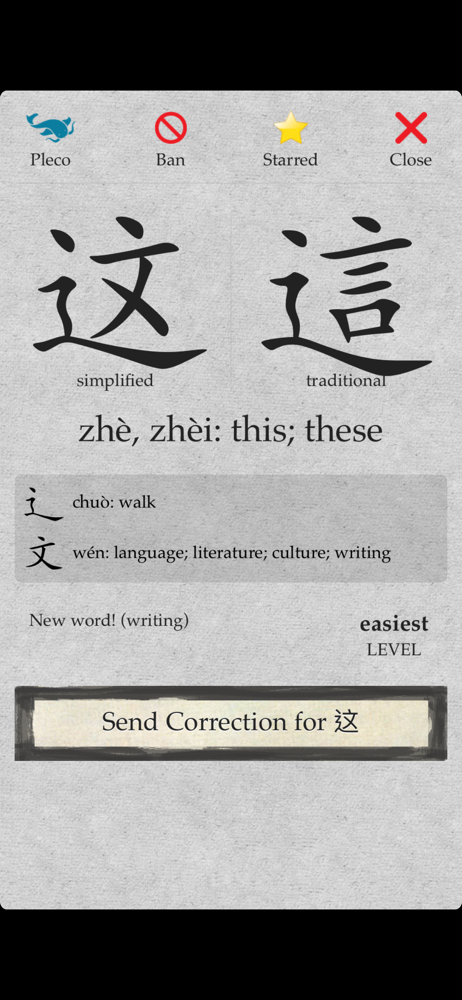
I've been struggling to find a good platform to make flashcard sets for Chinese for months. Since there are three components needed to learn chinese words -- the character, pinyin, and the definition -- the two-sided interface would create a gap in my learning. Skritter's interface bridges that gap completely. Now, I can actually study all aspects of each word, which in turn leads to much better retention. I've been able to learn more words in a day than I could in a week using my previous methods. Thank you Skritter!
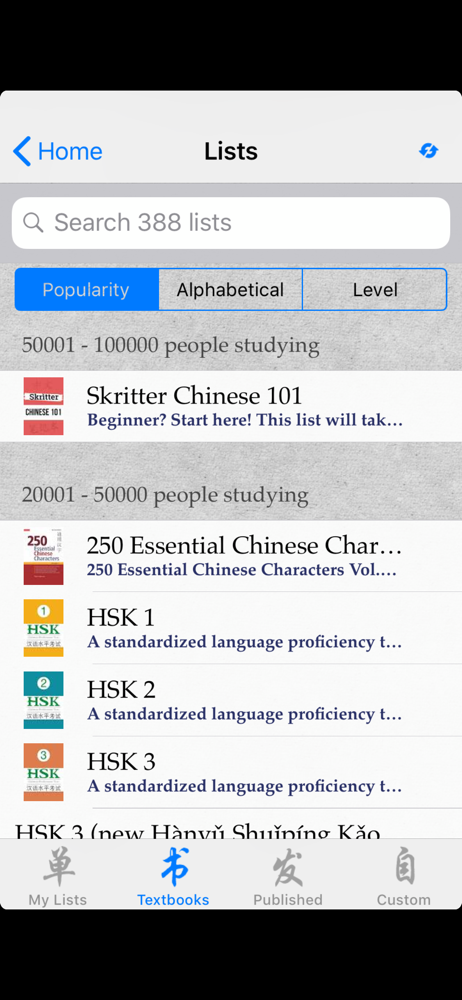
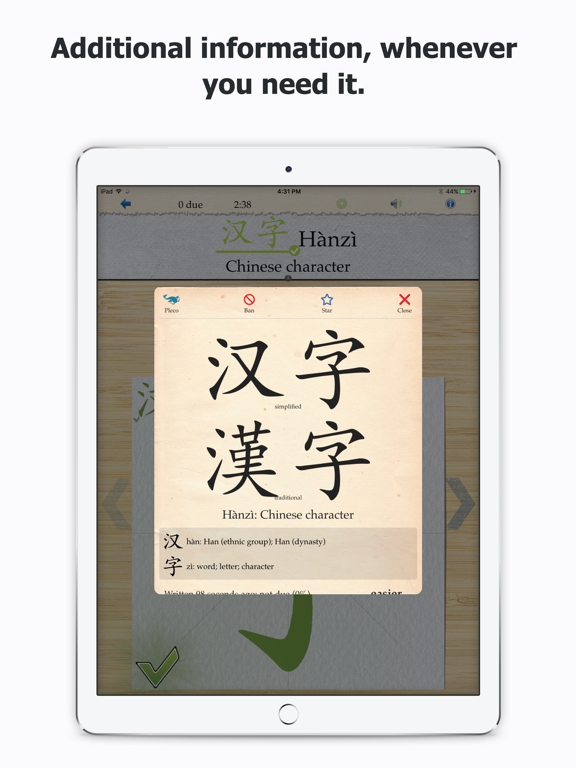
Learn how to read and write Chinese with the #1 character-learning app. You choose the vocabulary lists and Skritter handles the rest—a writing coach...

