Check the acquisition promise
Read the store headline, screenshots and description. What problem is the app promising to solve?
Study the storefront ↗
James Penguin · iOS
Explore the ad evidence, study the storefront, and build your next acquisition hypothesis.
01 / Creative research
Read the store headline, screenshots and description. What problem is the app promising to solve?
Study the storefront ↗Explore apps with direct store-link matches. Compare their hooks and formats without assuming the same approach works here.
Browse observed advertisers ↗Store rankings and revenue estimates describe market context. They do not establish ad spend, conversions or ROAS.
Review the market context ↗02 / Storefront & product
Study the product story and store experience behind the acquisition funnel.



03 / Market context
Keep revenue, downloads and store rankings separate from advertising performance.
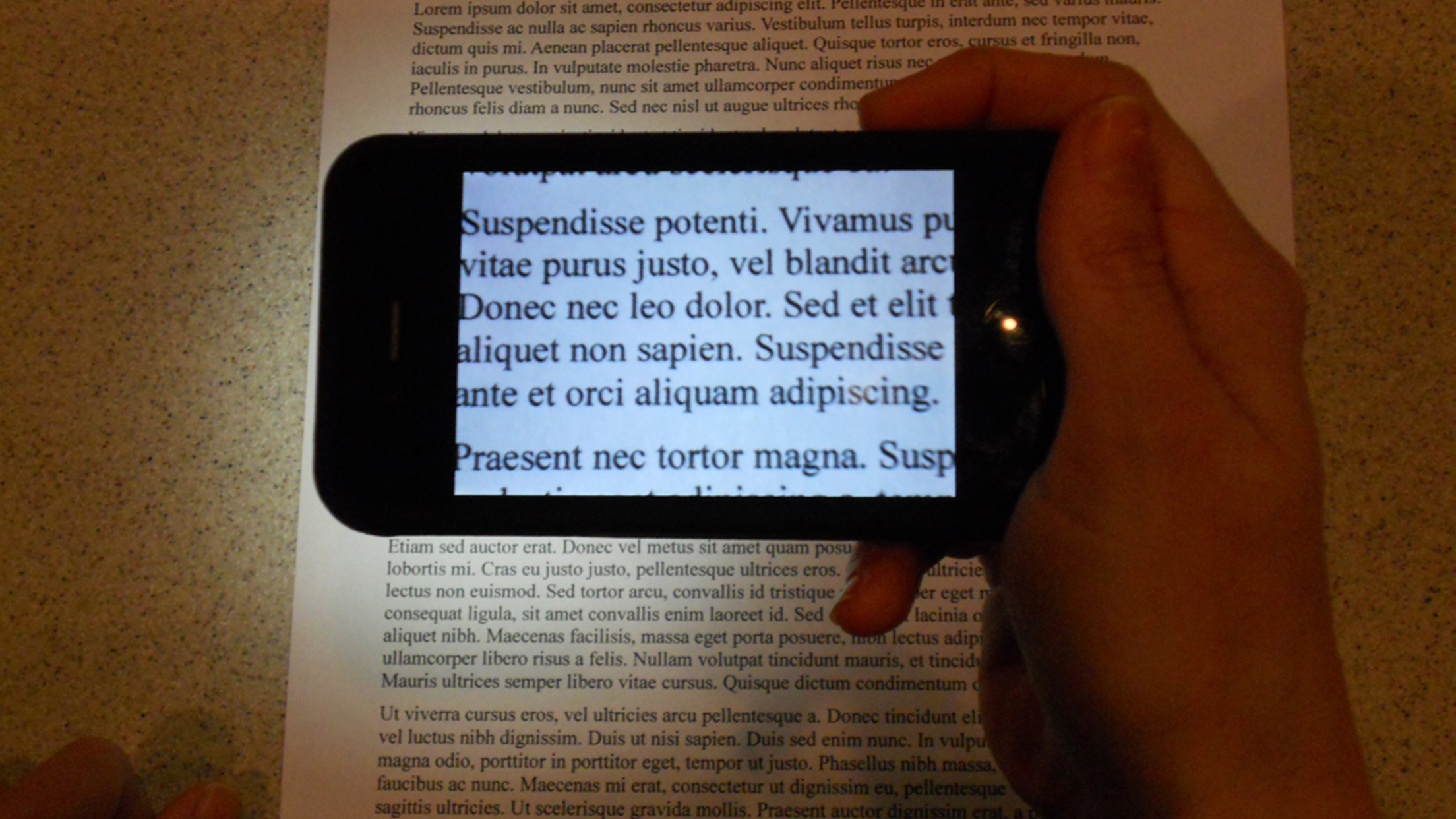
See It has made it possible to read menus and documents, inspect my pedicure, and see so many things that were giving me difficulty. I showed it to my retina specialist, and now he tells all his visually impaired patients about it! He thanked me for sharing the information when his patients reported back how much they love the app too! I especially appreciate the ability to turn on the flashlight at the same time I’m using magnification in a dark restaurant! Now I can enjoy an evening out with family and friends without having to ask someone to read the menu to me. It means the world to me to have this app! Independence is everything! Thank you from the bottom of my heart!
I'd like to ask you for Some help. I cant increase the magnification on the app. Can you please help me with this problem I'll be appreciated
The only problem with this app is that I can't always move the magnification slider with my finger. A stylus works better but it doesn't always work either. Otherwise this is a lifechanger. Was able to use it at an art museum to enjoy works that I wouldn't otherwise have been able to see (macular degeneration). Going to be using VisionAssist as well which has bigger controls. Using on iPad mini.
See It is a handheld video magnifier that works by streaming a real time video feed to your iPhone or iPad's screen from your device's back-facing cam...