Check the acquisition promise
Read the store headline, screenshots and description. What problem is the app promising to solve?
Study the storefront ↗
ConversDigital Co., Ltd. · iOS
Explore the ad evidence, study the storefront, and build your next acquisition hypothesis.
01 / Creative research
Read the store headline, screenshots and description. What problem is the app promising to solve?
Study the storefront ↗Explore apps with direct store-link matches. Compare their hooks and formats without assuming the same approach works here.
Browse observed advertisers ↗Store rankings and revenue estimates describe market context. They do not establish ad spend, conversions or ROAS.
Review the market context ↗02 / Storefront & product
Study the product story and store experience behind the acquisition funnel.


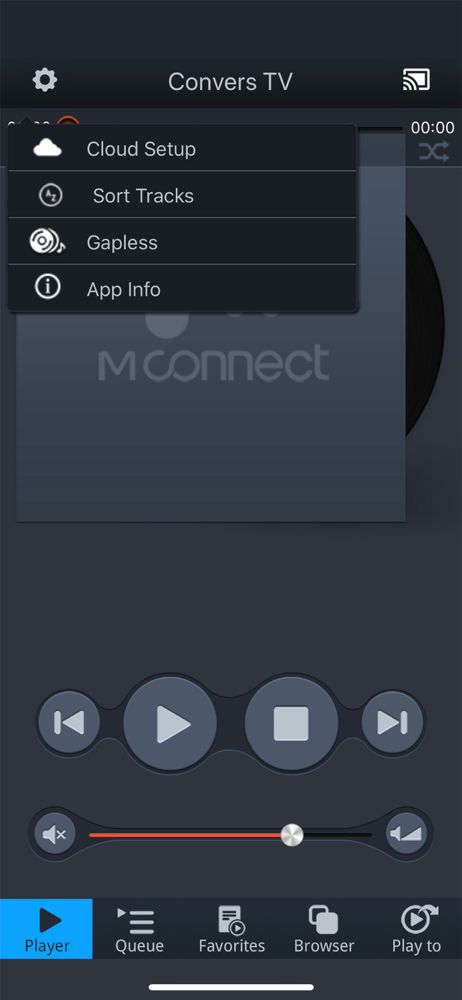


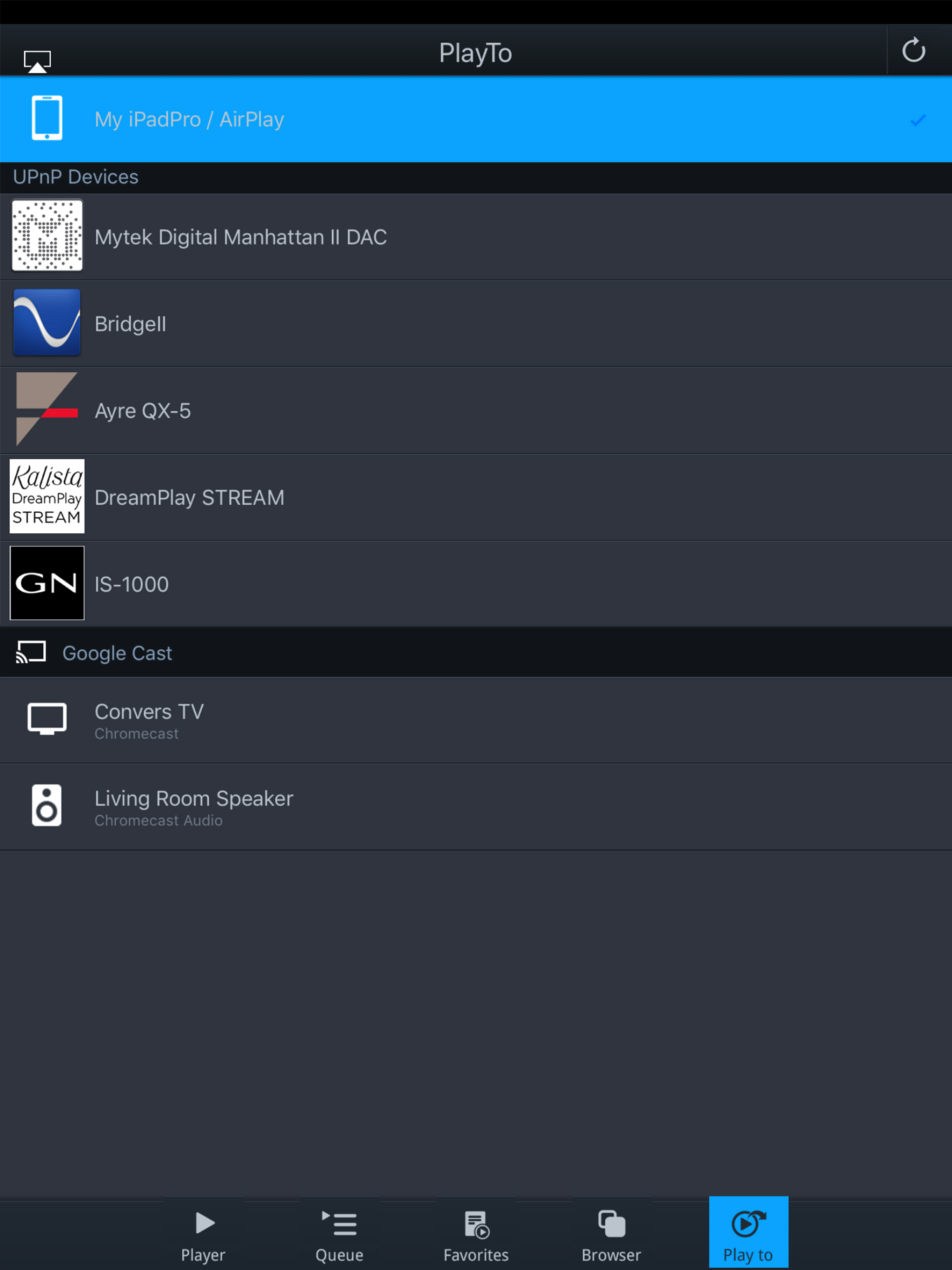


03 / Market context
Keep revenue, downloads and store rankings separate from advertising performance.
This is a great player for DLNA (uPnP) sources. I use it all the time. There are obvious glaring problems with the app that leads me to believe the author must not use their own app regularly. 1. No “add to queue on the playing screen (so you can’t audition a track, decide it’s good, and add to an existing queue). 2. No playlist/queue management other than remove 3. there needs to be a randomize in the playlist/queue (destructive edit) and a randomize on playing a playlist/queue (non destructive) 4. Needs to be a manual (hold-drag) move of a track’s ordering in the playlist/queue (destructive edit of queue). 5. Optimize adding tracks to the playlist/queue. It is a ton of taps right now and feels like a lot of friction!!! Especially when I want to throw a lot of tracks into a playlist/queue from many different folders. 6. Bug in DLNA where after playing a long time, finishing its queue, then it is silent for over night, then I can’t tap on my “favorite” which points to a DLNA endpoint nor can I tap on the DLNA endpoint, does nothing, refreshing the browser doesn’t fix it, I have to kill the app and then they all work again. 7. The play screen is functional, but it could better highlight the album art larger, move the progress to bottom instead of covering the art… 8. The queue section could allow you to browse all playlists and the current temporary queue in a unified way, then I wouldn’t have to screw up my browsing that I began from Favorites. Fix these and the app will be killer.
The app plays well on my iPad Pro to Mytek after it is found. I am unable to determine which device is not working correctly. I tried it on my wife’s new iPad and it only plays 15 seconds and skips to the next song! Tried it again and still does the same. My iPhone X Max has trouble finding the Mytec Brooklyn Bridge. If I reboot the phone it will find it. I do not know where the problem is. From a user, I would love to be able to play internet radio. I know how much work goes into these programs and I do appreciate their efforts when I get it to work.
Got this app to stream at least CD quality music to a volumio server, and it does that okay! One nitpick, when I connected to tidal, it didn’t stream until I found the settings and selected the highest quality stream settings. Overall sounds good and let’s me easily stream tidal to my system more reliably that using the tidal app directly (which uses airplay or Chromecast Audio, not upnp, I believe). The UI leaves a bit to be desired, but it’s the best I’ve tried for iOS, so giving it 5 stars. Edit: just to clarify this app does not seem to stream Tidal Masters at 24bit. It could be a limitation in Tidal or my UPnP server (volumio), or my HiFiBerry DAC. I’m not sure what’s to blame. CD quality sounds great though.
mconnect Player is a media player app to support UPnP/DLNA and Google Cast(Chromecast). - Send Video/Photo/Music to UPnP and Google Cast (Chromecast)...