
Check the acquisition promise
Read the store headline, screenshots and description. What problem is the app promising to solve?
Study the storefront ↗
ConversDigital Co., Ltd. · iOS
Explore the ad evidence, study the storefront, and build your next acquisition hypothesis.
01 / Creative research
Read the store headline, screenshots and description. What problem is the app promising to solve?
Study the storefront ↗Explore apps with direct store-link matches. Compare their hooks and formats without assuming the same approach works here.
Browse observed advertisers ↗Store rankings and revenue estimates describe market context. They do not establish ad spend, conversions or ROAS.
Review the market context ↗02 / Storefront & product
Study the product story and store experience behind the acquisition funnel.




03 / Market context
Keep revenue, downloads and store rankings separate from advertising performance.
I have problem with app after update to latest version on all my devices 2 iPhones and iPad Pro on all devices playback is impossible 3 sec then pause and again 3sen and again pause. Before upgrade everything was perfect I use this app already for several years no problem at all. I try to play on my Hegel amplifiers 390 and 400 same effect on UPnP playback no matter from local library or from Tidal with AirPlay everything is ok all Hehel amplifiers are on latest firmware. Higher file resolution bigger pauses shorter time to play. Please help how to install older version. I find solution just delete app with all cache and install again everything now work perfect.
This is a great player for DLNA (uPnP) sources. I use it all the time. There are obvious glaring problems with the app that leads me to believe the author must not use their own app regularly. 1. No “add to queue on the playing screen (so you can’t audition a track, decide it’s good, and add to an existing queue). 2. No playlist/queue management other than remove 3. there needs to be a randomize in the playlist/queue (destructive edit) and a randomize on playing a playlist/queue (non destructive) 4. Needs to be a manual (hold-drag) move of a track’s ordering in the playlist/queue (destructive edit of queue). 5. Optimize adding tracks to the playlist/queue. It is a ton of taps right now and feels like a lot of friction!!! Especially when I want to throw a lot of tracks into a playlist/queue from many different folders. 6. Bug in DLNA where after playing a long time, finishing its queue, then it is silent for over night, then I can’t tap on my “favorite” which points to a DLNA endpoint nor can I tap on the DLNA endpoint, does nothing, refreshing the browser doesn’t fix it, I have to kill the app and then they all work again. 7. The play screen is functional, but it could better highlight the album art larger, move the progress to bottom instead of covering the art… 8. The queue section could allow you to browse all playlists and the current temporary queue in a unified way, then I wouldn’t have to screw up my browsing that I began from Favorites. Fix these and the app will be killer.
I am so happy right now. This program was free and it works in tandem with the OPPO 105D NET streamer. It would no longer work with Tidal because of their new verification for sign in. OPPO suggested this program and it works 100%. I am using it with both my iPad and my iPhone. I open the OPPO app first and then go to the point where I select Tidal and then exit then open this program and it accepts my credentials for Tidal then I select 24 bit 192 kHz and Walla I have amazing music once again. Don’t forget to update your OPPO in the set up menu to the current bios. It is so easy and only takes one minute. Then Tidal will show up as an option. I was so happy with this program I decided to support the company by buying the paid version though ultimately, you don’t need to do this. I hope you do too because this breathed new life into my device when I thought I was going to have to buy a new dedicated streamer. The OPPO’s McIntosh DAC is still state of the art at 24 bit 192 kHz as far as I am concerned. I just finished listening for three hours directly hooked up to two Golden Tube SE 40 tube amplifiers in mono directly to my Martin Logan Requests. This is the most simple and direct route for the music with no preamp and I am so pleased with the sound. Anyone who says you can’t hear the difference between 16 bit 44 kHz FLC and 24 bit 192 kHz simply doesn’t have a system that can utilize all of that information. The one above does and there is such a difference between tracks. Being able to look down and see the bit rate only confirms what my ears are telling me most of the time. If you have equipment capable of replicating all of the data and transparent speakers, then you will notice the difference immediately. Good luck on your audiophile journey and you don’t have to spend a lot to find nirvana. The newest isn’t always better and I am going to keep my OPPO around for as long as I can. Cheers!
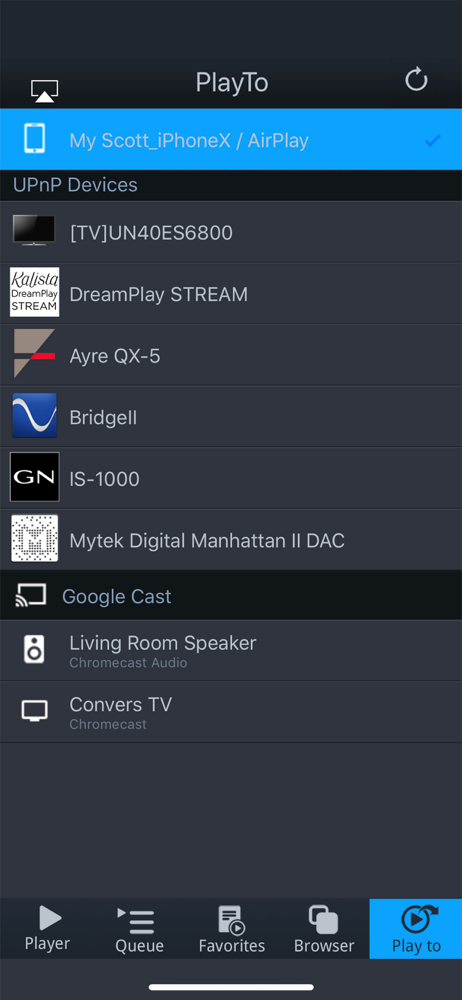
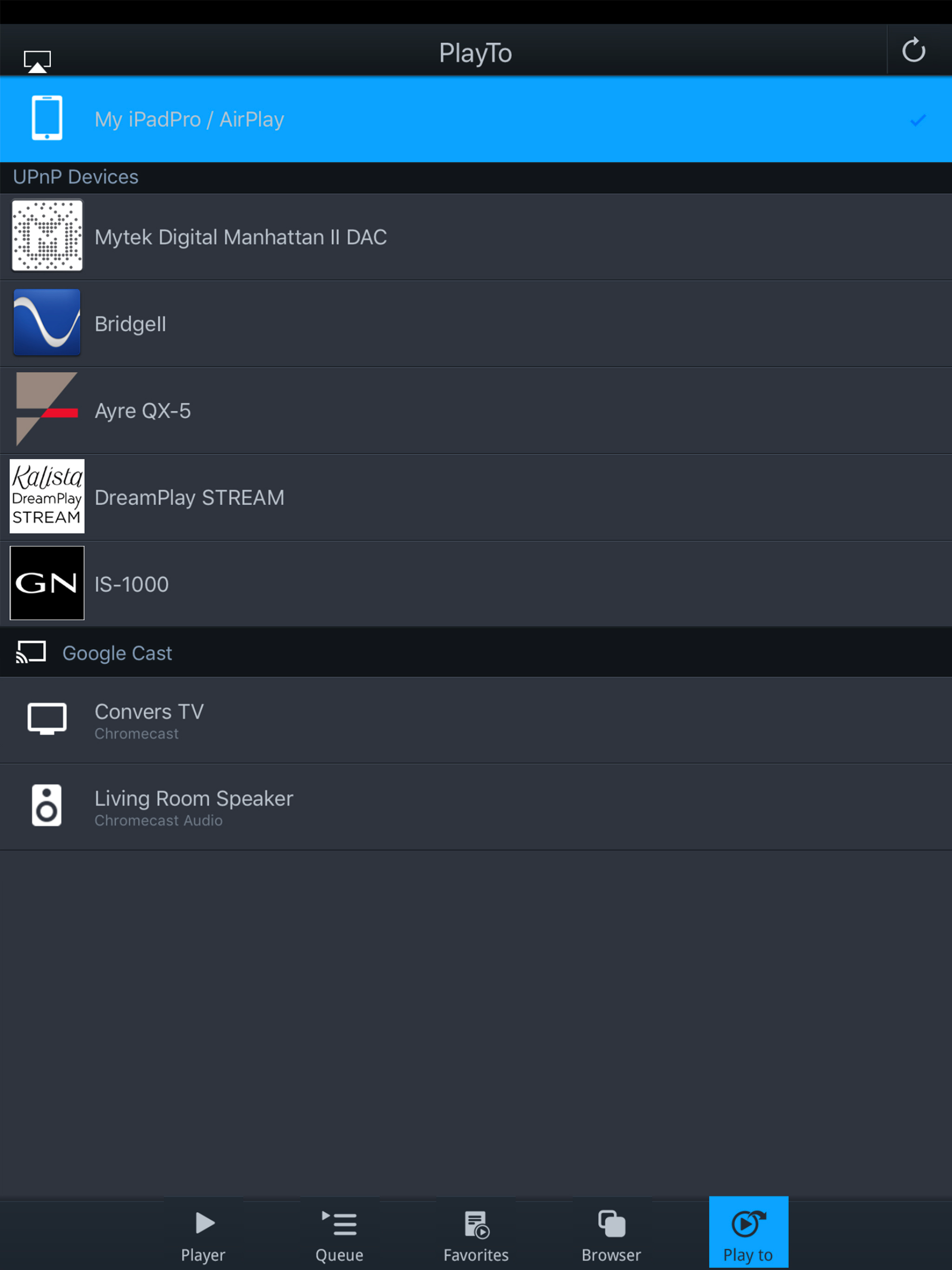
mconnect Player is a media player app to support UPnP/DLNA and Google Cast(Chromecast). - Send Video/Photo/Music to UPnP and Google Cast (Chromecast)...


