Check the acquisition promise
Read the store headline, screenshots and description. What problem is the app promising to solve?
Study the storefront ↗
NetDocuments · iOS
Explore the ad evidence, study the storefront, and build your next acquisition hypothesis.
01 / Creative research
Read the store headline, screenshots and description. What problem is the app promising to solve?
Study the storefront ↗Explore apps with direct store-link matches. Compare their hooks and formats without assuming the same approach works here.
Browse observed advertisers ↗Store rankings and revenue estimates describe market context. They do not establish ad spend, conversions or ROAS.
Review the market context ↗02 / Storefront & product
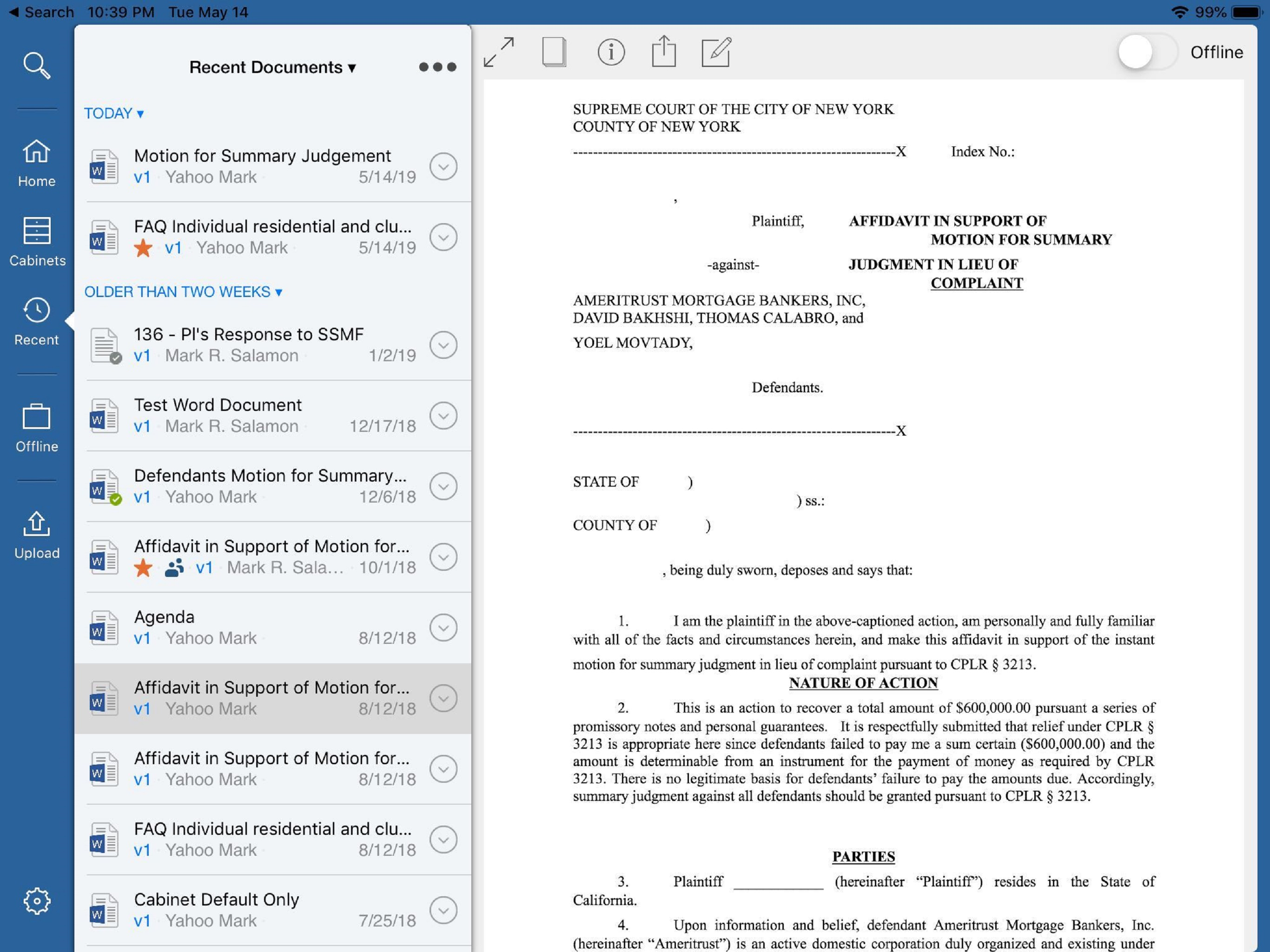
Study the product story and store experience behind the acquisition funnel.

03 / Market context
Keep revenue, downloads and store rankings separate from advertising performance.
My firm uses ND so there is little room for options. That said, I can get it to function on my iPad, but there are so very many quirks that need to be worked around that I am a little hesitant to recommend it. For example when viewing a folder’s contents it automatically lists some, but not all, of the sub-folders’ files. For 18 months I thought this was a sync issue, but no, looking at the “location” of the various files it clearly states they are located in another folder - a sub-folder. The problem is not solved by time (maybe they’re slow to move), nor are there any features of the application that can be toggled. Really ND, try to spend a small amount of your development budget to update the iPad software - your audience is not small, and could be bigger…
This review is not for the program as a whole, as my law firm uses it on a PC platform and it’s perfectly fine. However the iPad utility is woeful. I don’t have trouble logging in like others have mentioned, that part works fine for me. However once logged in about 90% of the time I can’t access the document I’m seeking, despite using a link sent to me by one of my colleagues. The error message says the document doesn’t exist or I don’t have access; I have access to everything in our system, so something isn’t right. On the rare occasion that I can access a document, I can only open and view, the edit functionality gives an error. Saving a document in the first instance presents a whole different set of issues, as there’s no ability to profile a document. There’s a pseudo file structure to select from, but it’s only recent places. Overall the functionality with iOS is really subpar, at least as configured with our system. We were promised robust Apple functionality during the sales process, and for a short time most things worked (though never the saving a document with a profile in the first instance). However relatively quickly the bugs noted above appeared, and our IT support (including a large and well-known Managed Services Provider and an in-house IT manager) have been unable to fix the issues; ND support has similarly provided no solution. All in all, good platform for PCs, very disappointing for the iPad.
The law firm where I work recently adopted NetDocuments. Given that this platform has been around for over two decades, I would expect that the company would be committed to streamlining it’s UI not only for desktop (and integration with the file system on the PC) but also mobile users. However, this App is yet another example of NetDocuments’ lack of commitment to UI development and efficiency for desktop and mobile users. The mobile app requires me to login to my work Office365 account each time I open it. Moreover, the ability to actually find find the client file that I need to review is exceptionally limited. I do not doubt the usefulness of this platform. However, it is 2023, not 2013 or 2003. And I would expect a company that caters to professional services firms to actually be committed to resolving the flaws with its mobile application that other reviewers have listed.
NetDocuments is a cloud content management service for businesses of all sizes to securely create, store, manage and share their document work anywher...