Check the acquisition promise
Read the store headline, screenshots and description. What problem is the app promising to solve?
Study the storefront ↗
Hexler LLC · iOS
Explore the ad evidence, study the storefront, and build your next acquisition hypothesis.
01 / Creative research
Read the store headline, screenshots and description. What problem is the app promising to solve?
Study the storefront ↗Explore apps with direct store-link matches. Compare their hooks and formats without assuming the same approach works here.
Browse observed advertisers ↗Store rankings and revenue estimates describe market context. They do not establish ad spend, conversions or ROAS.
Review the market context ↗02 / Storefront & product
Study the product story and store experience behind the acquisition funnel.


03 / Market context
Keep revenue, downloads and store rankings separate from advertising performance.
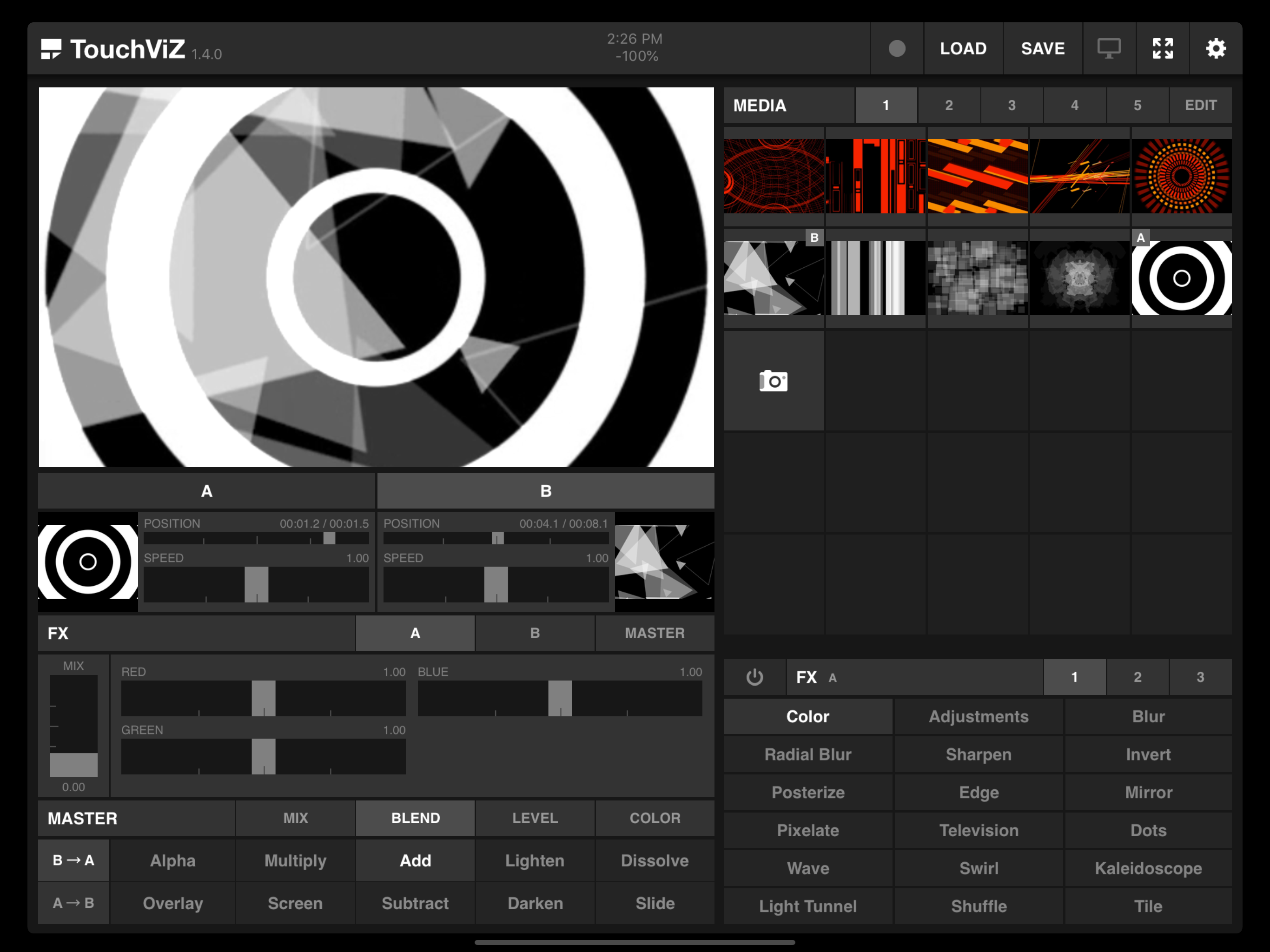
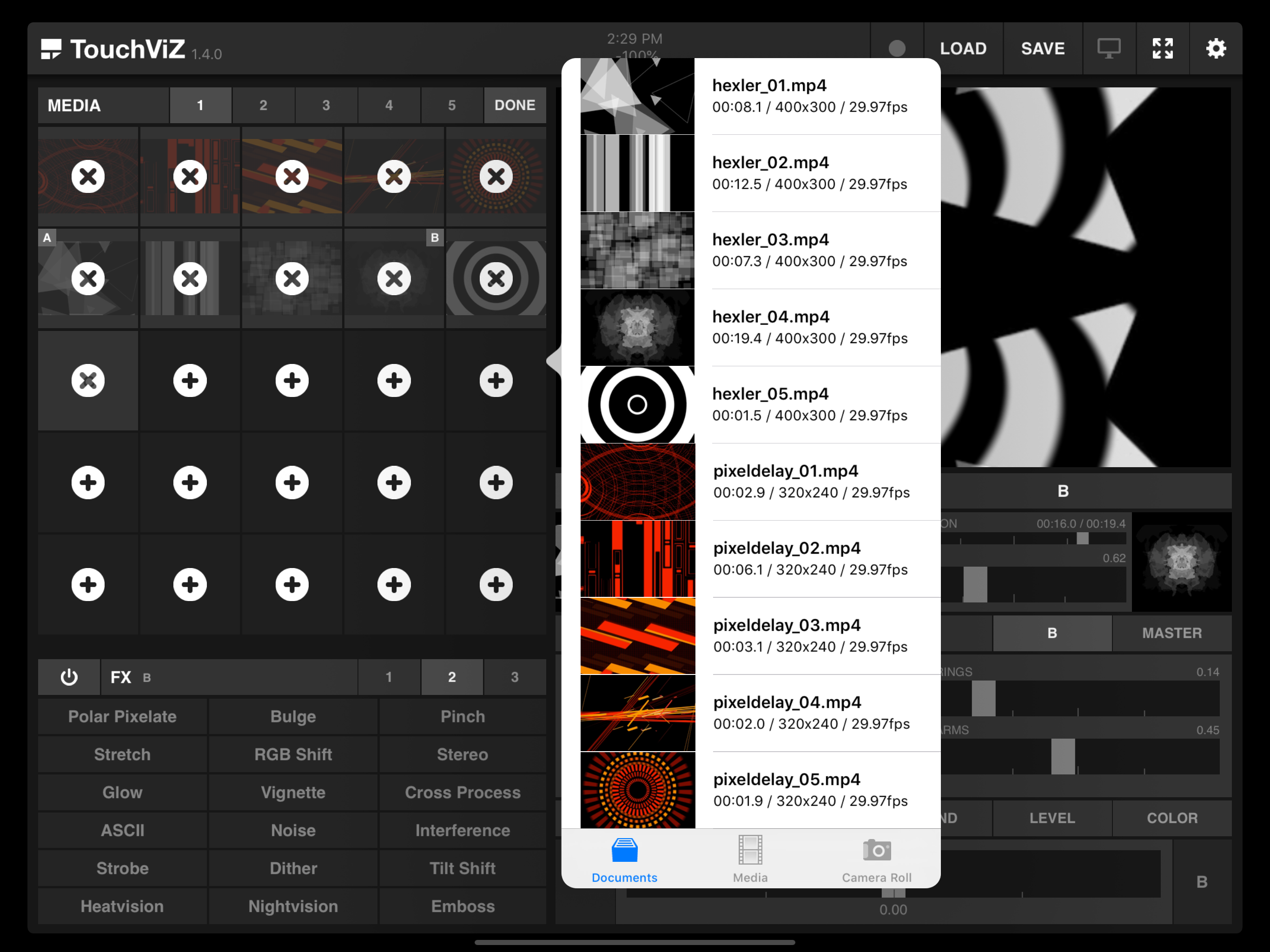
The load menu doesn't look to support nested folders, much less search. If I can access up to 125 clips at any given time in real-time, I'd really like to be able to find that many in less than an hour. As it stands now, I'd need to scroll through literally hundreds, if not thousands, of files, relying on my own very careful file naming to spot what I'm looking for. Please let me nest folders and/or search. I want to use the app's potential and not spend forever looking for clips. This isn't "current," much less "professional." Tagged searching? The midi implementation is also opaque. I couldn't even get the midi input to recognize apematrix, much less read midi CC's from it. Midi learn? Please? For how long this app's been around, either I'm missing something or it's really been unloved.
I have messed around with a lot of live video performance effects apps. This one is by far the best one to work with in regards to features and integration with music apps like audiobus. But even more important, thanks to the developer for responding to my original review. Originally I gave a poor star rating because there seemed to be no 1080p. The developer alerted me to the fact that 1080p can be added in custom settings but no higher. A future update expands this. Yes! So, if you are trying to record a 1080p you have to add it in custom settings as stated in the developers response. It works, full 1080p. Total clarity! Awesome! So if you are a VJ looking for a quality VJ application for iPad Pro, this is it! BTW, I recommend buying this app in the pack that includes OCS Touch. You’re going to want that with this app. 5 stars!
in the workflow for making nice colors and textures from the everyday to playback with sounds, this app, coupled with Djaypro by algoriddim (for loops and reverse, etc) StopMotionStudio, facegoo and screen recorder, Youdoodle (for drawing, collage process and text) ...you can make pretty much whatever you want to see. oh and you can use live camera input. i do stuff with apps that makes them crash pretty often and this one has been stable for a few years. It's as it should be. next step for me is learning how to trigger vids by playing music, congruent with keyboard midi channels or CC messages or maybe thru apematrix and rozetta suite sequencers?.. /// also the photos they show here make it seem kind of glitch oriented, which it can be if you want it to be, but it's not the only direction you can move in w this app and the others i mentioned^^ more than worth the price Thank You DEV's <333
At home or in the club, professionally or just for fun - create impressive visuals right on your iPad. FEATURES - Import up to 125 videos into your...