
Check the acquisition promise
Read the store headline, screenshots and description. What problem is the app promising to solve?
Study the storefront ↗
fromKK · iOS
Explore the ad evidence, study the storefront, and build your next acquisition hypothesis.
01 / Creative research
Read the store headline, screenshots and description. What problem is the app promising to solve?
Study the storefront ↗Explore apps with direct store-link matches. Compare their hooks and formats without assuming the same approach works here.
Browse observed advertisers ↗Store rankings and revenue estimates describe market context. They do not establish ad spend, conversions or ROAS.
Review the market context ↗02 / Storefront & product
Study the product story and store experience behind the acquisition funnel.



03 / Market context
Keep revenue, downloads and store rankings separate from advertising performance.
アプリ内保存出来るのが一番有難いです! 応募した求人が消えたり更新されたりする前にキャプチャしておくのに使ってます ログイン後のセキュリティがかかったページはキャプチャできないのと、画面追尾タイプの応募ボタンが毎画面ごとに一緒にキャプチャされてしまうのは不便ですが、概ね満足です◎
高画質でフルスクリーンが画像保存できるのは無料でありがたい! だけど全ページを自動で読み取って保存されるので無駄に長くなる。 後半は広告とかいらないものばかりなので、あとあと自分で画像編集してカットしたくても、長すぎて上手くカットできない。 iPhoneのカット編集機能も、画像アップするとボヤけてカットの枠も変になるし。 アプリ内でフルスクリーン撮ったあと自分の好きな部分だけ切り取れる機能があったり、あらかじめ好きな部分だけをスクリーンショットできる機能があったら本当に完璧なアプリだと思う。 ぜひ作ってほしい!
フルスクリーンのウェブキャプチャーは大体が画質が悪いのですが、高画質で保存出来るのが最高です。 Safariからアプリを呼び出し (Safariでサイトを見ている際に、開いている画面上の下方にある真ん中の四角っぽいアイコンタップ→アクティビティから選択するとウェブキャプチャーの画面が開ける) が、出来るようにしてもらえると凄く助かります。 機能追加の検討をよろしくお願いします。
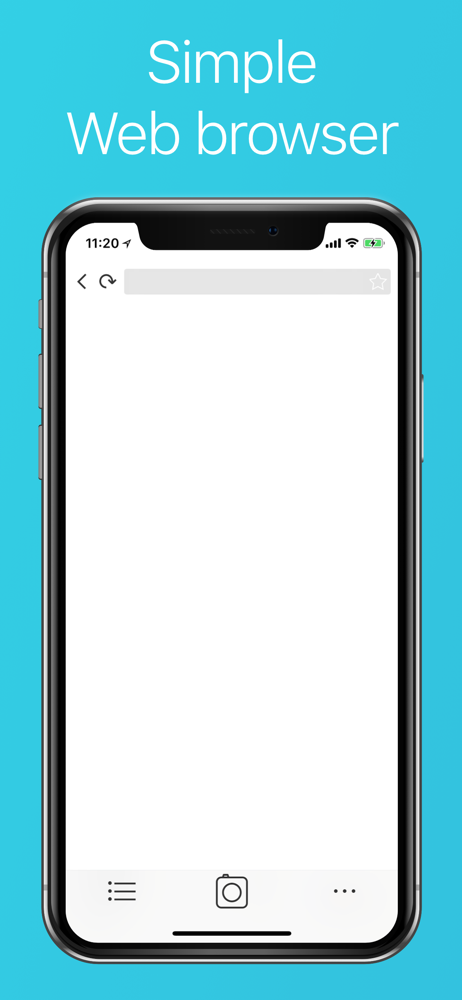
WebCollectorは、ウェブページのスクリーンショットを撮影するiPhone/iPad対応アプリです。 通常ホームボタンとロックボタンの同時押しでスクリーンショットを撮影しますが、スクロールが発生する部分は表示されません。 WebCollectorは画面には見えないはみ出た部分まで画像にす...


