Check the acquisition promise
Read the store headline, screenshots and description. What problem is the app promising to solve?
Study the storefront ↗
Wyllys Ingersoll · iOS
Explore the ad evidence, study the storefront, and build your next acquisition hypothesis.
01 / Creative research
Read the store headline, screenshots and description. What problem is the app promising to solve?
Study the storefront ↗Explore apps with direct store-link matches. Compare their hooks and formats without assuming the same approach works here.
Browse observed advertisers ↗Store rankings and revenue estimates describe market context. They do not establish ad spend, conversions or ROAS.
Review the market context ↗02 / Storefront & product
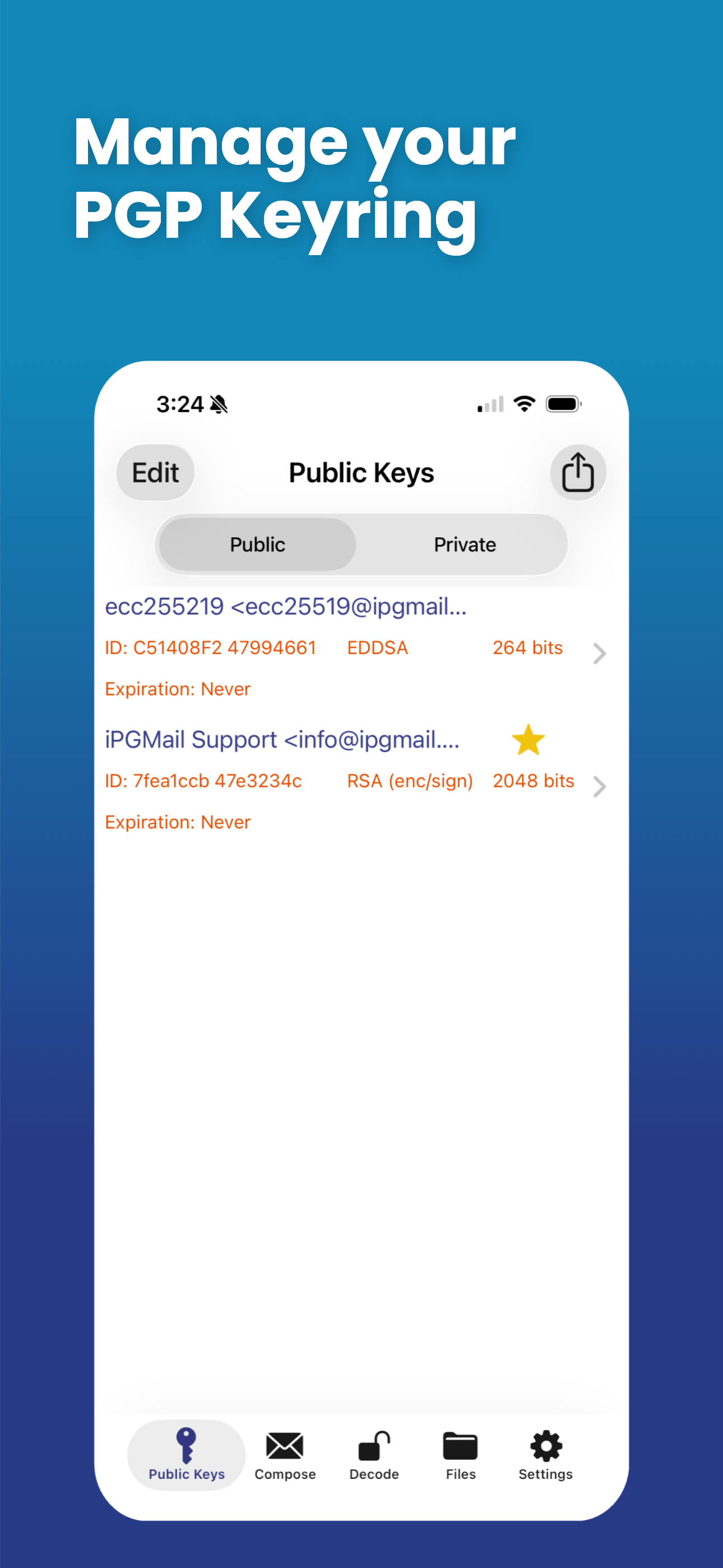
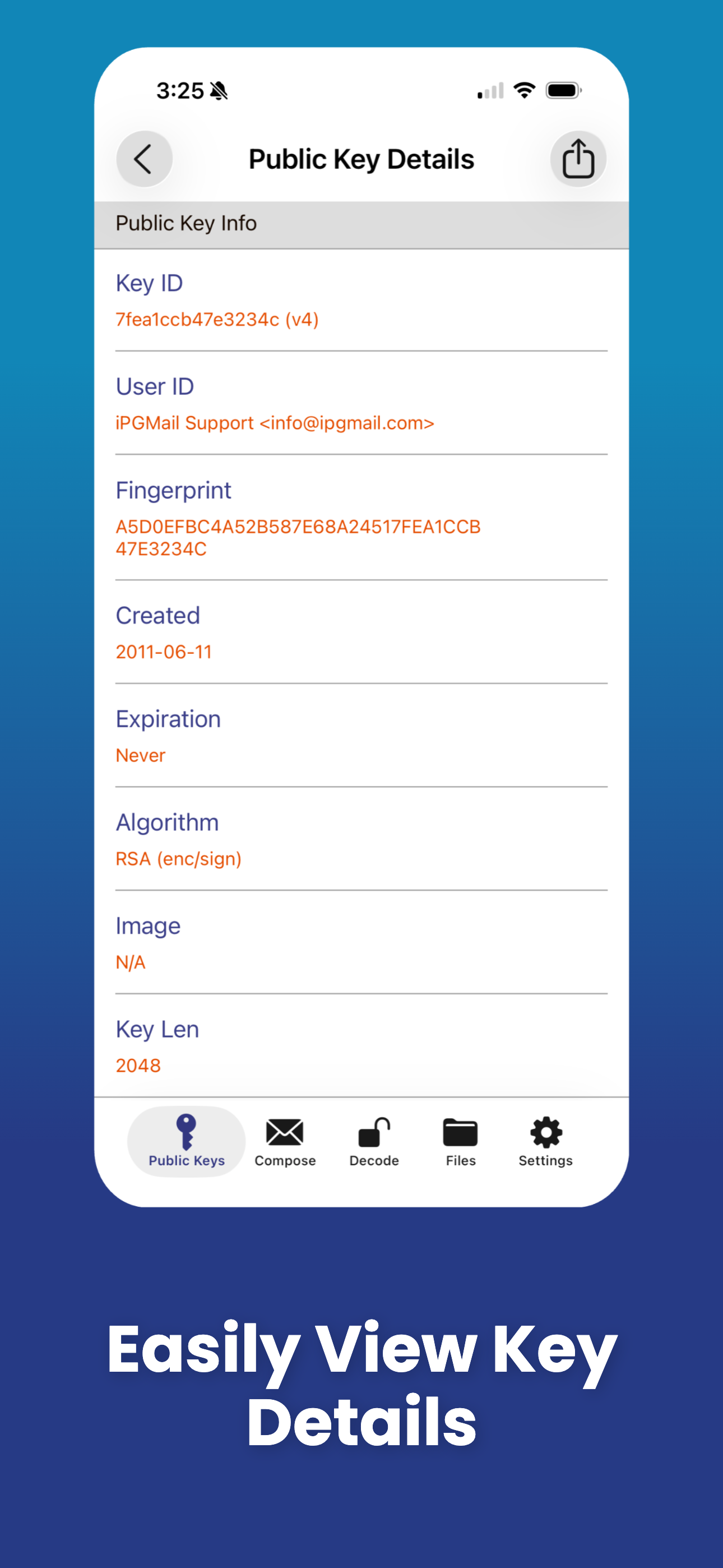
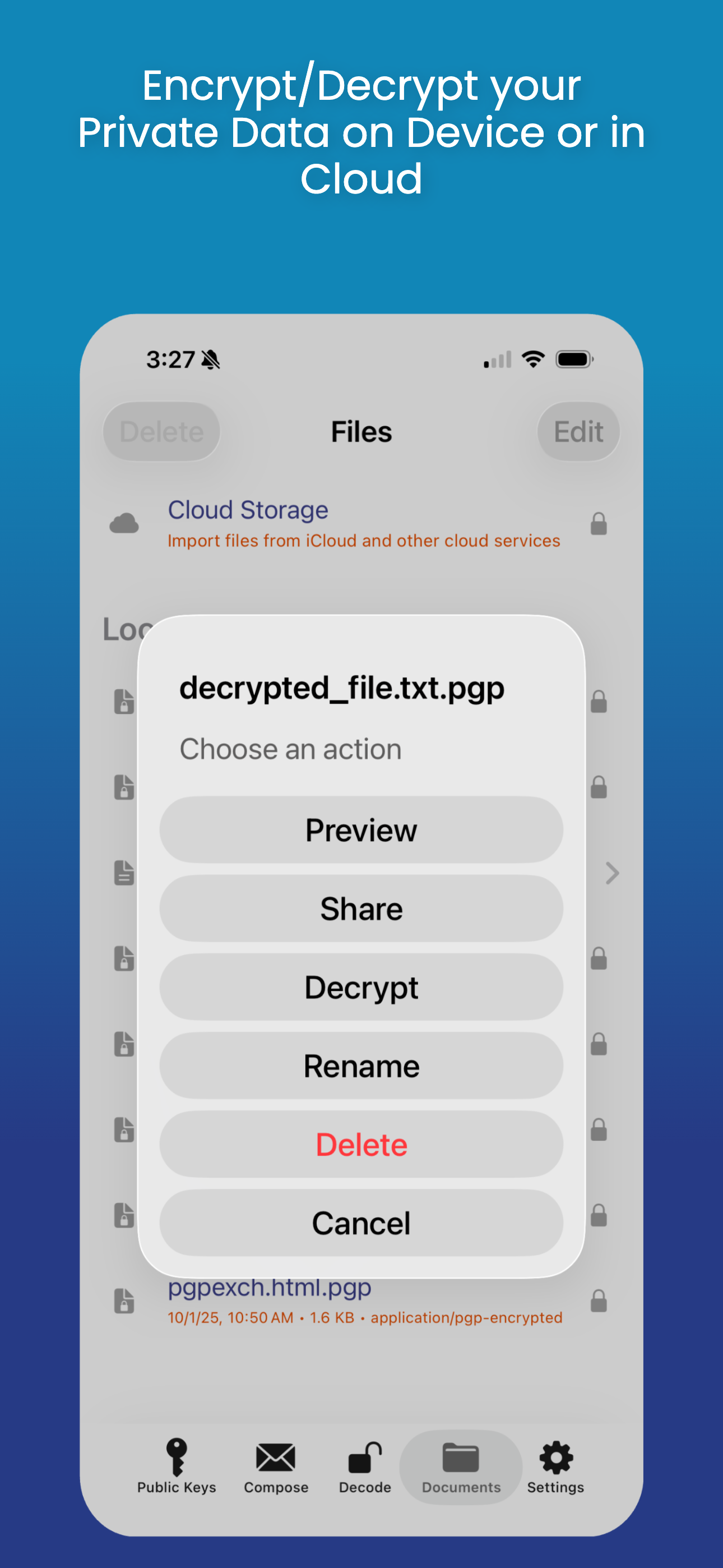
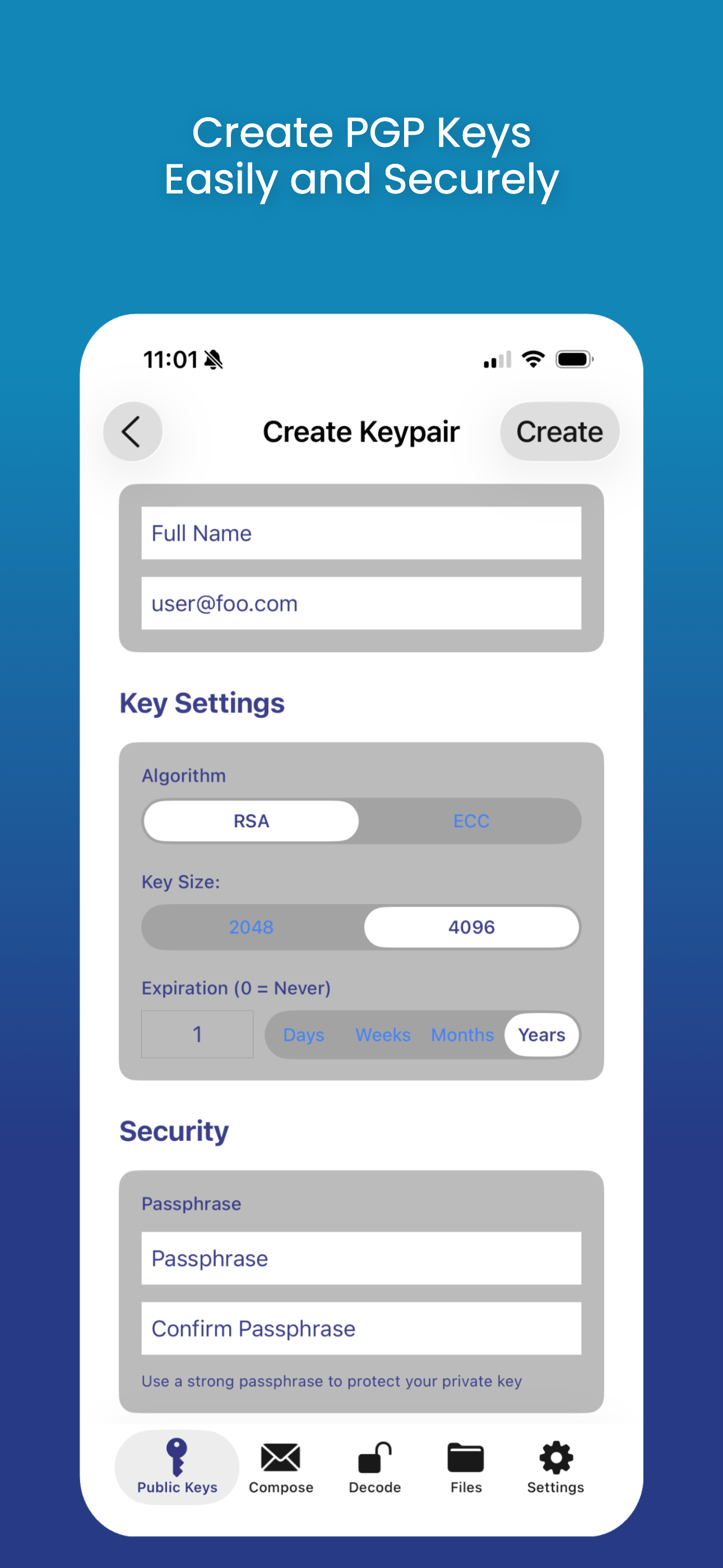
Study the product story and store experience behind the acquisition funnel.




03 / Market context
Keep revenue, downloads and store rankings separate from advertising performance.
I’ve been having issues recently while attempting to import one of my GPG private keys. Specifically, when importing, I get an error saying “Authentication Failed”. I’m able to do this without fail on a different private key that I generated not that long ago. The only difference between the two is that the first secret key I attempted to import was extended as it expired earlier this year. It works perfectly fine with the GPG software, so wondering if there is an incompatibility with keys which have had their expiration extended? It would be nice if this could be addressed and resolved as I use the app on a regular basis.
I maintain a GnuPG encrypted file with important information which I share between my Linux and Windows systems. I want to be able to have access to that file anywhere, especially when I’m traveling, when I have my iPad or iPhone. IPGMail allowed me to copy over my encrypted file to both IOS devices along with my secret key file (which I deleted as soon as I imported it), and now I can decrypt and view the file anytime I need the information in it. Exactly what I needed! Previously I had been using OpenGP, but that is no longer available in the App Store and doesn’t work on IOS 12.
Works overall. Has one minor bug where it won't prompt for the private key password until you switch away from the app to another app and then switch back. Only a pain during setup. Once your private keys are imported, tap them and enable Touch ID so you never have to enter password again.
iPGMail is a complete OpenPGP client for iPhone and iPad. Encrypt, decrypt, and digitally sign email and files using the same RFC 9580 / RFC 4880 stan...