Check the acquisition promise
Read the store headline, screenshots and description. What problem is the app promising to solve?
Study the storefront ↗
salesforce.com · iOS
Explore the ad evidence, study the storefront, and build your next acquisition hypothesis.
01 / Creative research
Read the store headline, screenshots and description. What problem is the app promising to solve?
Study the storefront ↗Explore apps with direct store-link matches. Compare their hooks and formats without assuming the same approach works here.
Browse observed advertisers ↗Store rankings and revenue estimates describe market context. They do not establish ad spend, conversions or ROAS.
Review the market context ↗02 / Storefront & product
Study the product story and store experience behind the acquisition funnel.




03 / Market context
Keep revenue, downloads and store rankings separate from advertising performance.
I’ve been in real estate for years, running everything from wholesale to flips, and I’ve used plenty of CRMs along the way. Making the switch from Podio to Salesforce was one of the best operational decisions I’ve made. The system is clean, fast, and easy to use. The Lightning experience alone feels like stepping from an old flip house into new construction. Every process is smoother, from managing seller leads to tracking transactions. The customization options are endless, but what surprised me most is how intuitive it feels out of the box. My team picked it up fast, and we haven’t looked back. If you’re serious about scaling your business and you want a CRM that can grow with you, Salesforce is it. This app delivers exactly what high-performing teams need: clarity, speed, and power. Five stars all day.
Came to Salesforce because we purchased their software which turned out to be an app on the app exchange. So all the heavy lifting was done. Page layouts, record types, custom objects with their fields…you get it. If you don’t and your new, I didn’t know the difference between an object, a case, a field, etc. you’ll get it figured out. I’ve only used the app on my iPhone not my iPad. For that device I’d used Microsoft Edge with my keyboard attached so it’s essentially a laptop. But on my phone I can get the data I want nearly 100% of the time. Yes some functionality isn’t available. But if I want a in a specific value in a field , I can probably get it. I couldn’t be happier. I came from a SaaS in our industry that made you buy their mobile version - or from an “integration partner” that the SaaS company chose, not one I necessarily wanted. That Salesforce offers it as included in my subscription is a huge value add. I don’t claim to be an engineer and like I said most of our “Salesforce” Org was set up as a part of our purchased installation. Now I customize as needed. It’s a good deal.
What a horrendous, awful application. This app is bad enough that it is often touted as the reason that people in my organization are unable to do 100% of their work from an iPad Pro - “I’d love to, but I need to use SalesForce on a consistent basis”. If SalesForce is Hugh Grant, SalesForce1 is Andie MacDowell; dragging down the entire operation, forcing constant recaptures of her dialog because she’s unable to enunciate properly, and generally making the whole process feel much more like a funeral than any of the four weddings. Let’s explore a scenario: You’re looking at a case record, and you’d like to communicate this case to your coworker. You swipe up and grab your company’s chat app to split screen - but wait, SalesForce1 doesn’t support multi tasking. That’s OK. You open up the share menu in SF1. Or rather, you try to open the share menu, only to find there IS no share menu - SF1 lacks ANY way to produce a shareable link to any record, contact or entity. You look at the case number and select it in order to copy. The cursor does not appear. You tap again. Yes, SF1 has also limited your ability to grab particular blocks of text. You’re forced to type out the case record, swapping back and forth between apps a few times to make sure that the 12-digit string is faithfully recreated. You weep softly into your Smart Keyboard and move back into your parent’s basement.
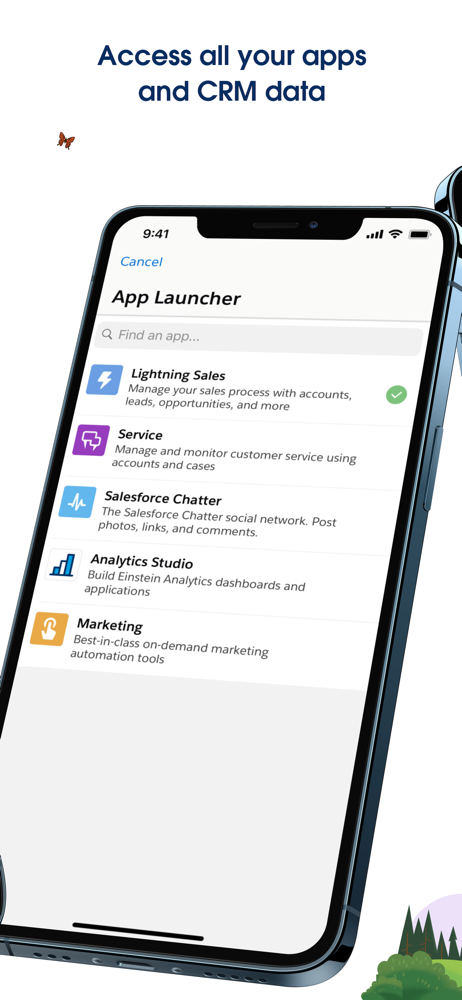
Run your business from your iPhone or iPad with the Salesforce mobile app. Access the power of the world’s #1 CRM platform from the palm of your hands...