Check the acquisition promise
Read the store headline, screenshots and description. What problem is the app promising to solve?
Study the storefront ↗
Sten Kaiser · iOS
Explore the ad evidence, study the storefront, and build your next acquisition hypothesis.
01 / Creative research
Read the store headline, screenshots and description. What problem is the app promising to solve?
Study the storefront ↗Explore apps with direct store-link matches. Compare their hooks and formats without assuming the same approach works here.
Browse observed advertisers ↗Store rankings and revenue estimates describe market context. They do not establish ad spend, conversions or ROAS.
Review the market context ↗02 / Storefront & product
Study the product story and store experience behind the acquisition funnel.




03 / Market context
Keep revenue, downloads and store rankings separate from advertising performance.
I’ve been using the app now for about two weeks. I have noticed if I am in a shadow and the subject areas and light it does not work well I’m not I’m also having issues on Cloutier days is not working this morning and it works great afternoon zero very disappointing.
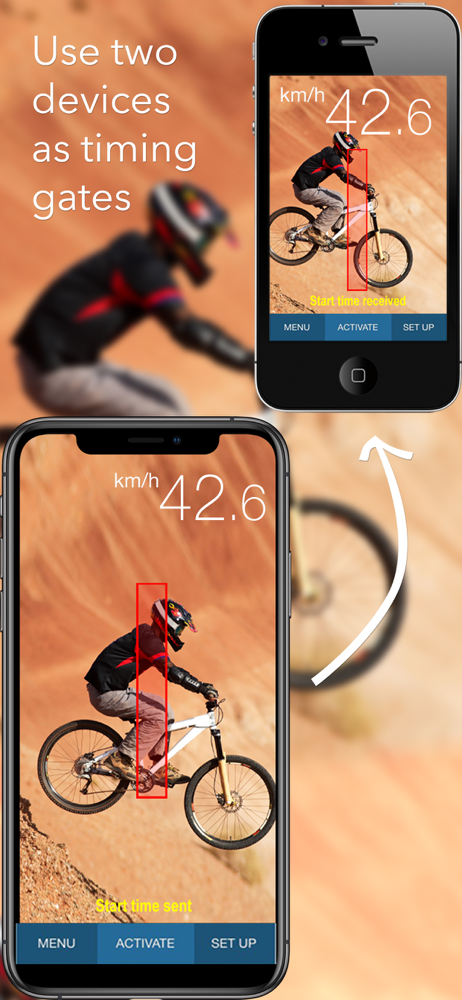
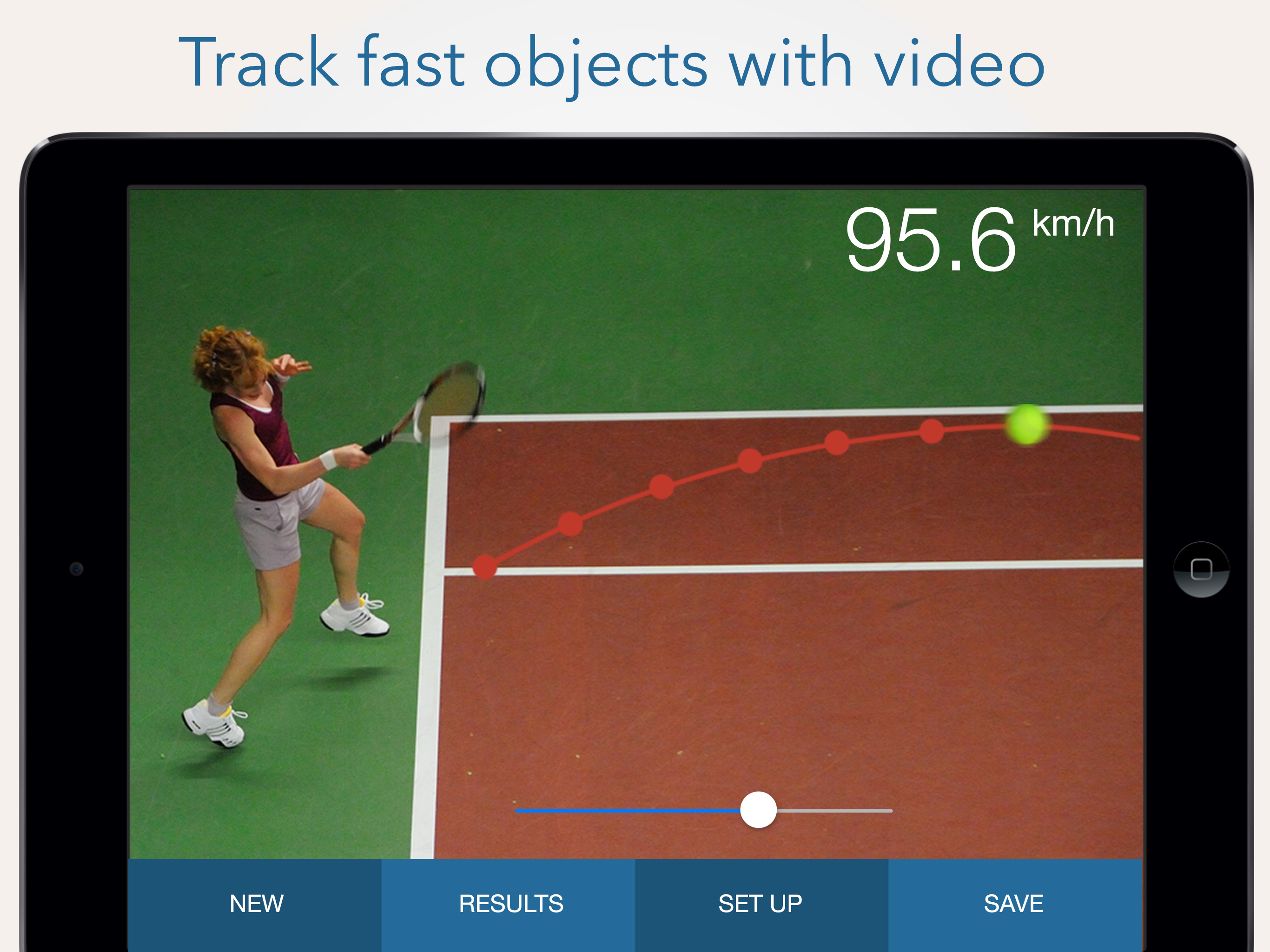
Using and iPhone XS, completely updated with the latest IOS. If any thinks this will work correctly in 5 minutes, you’ll be disappointed. This is not a fire and forget app. You need to measure your distance properly. Insure your field of view is clear. Pan down if there are a lot of trees in the background and it’s windy. Adjust your settings tracking sensitivity to about the mid-point (worked best for me). Also, check the zoom as your tracking. Zoomed far out, I had a lot of trouble getting a reading. However, zooming in to a tracking distance of about 25/30 feet, from start to end, and it caught the speeds nearly every time. If you press Start, and you get a tracking error (background movement, etc), just tap Stop, then Start again. This seemed to stabilize things. Try and line your tracking boxes (the Red bars on either side) up with a fixed point to insure a good track. And most importantly, hold it very very still (a tripod would be perfect). DONT take the overall rating as this is a bad app. Many factors come into play when using this. This is why in the beginning of my review, I said what phone I was using, and if it was up to date. ENJOY!!!
I installed the SpeedClock App on my iPhone X. I positioned the iPhone on a tripod in my driveway with a clear view of my street. I accurately measured the distance from the iPhone to the center of the street (43 feet) and input that number into the App as per the instructions. I drove down the street several times at 30 mph and found the App measured and recorded my speed accurately to within a couple of mph. I also used the option to capture the image which shows speed, date and time. I am the HOA President and I can use this App to help identify the speedsters in our neighborhood. My thanks to the developer!
The iPhone speed radar - easy-to-use speed measurement in your pocket, anytime, anywhere! A unique, advanced app designed to easily measure the speed...