
Check the acquisition promise
Read the store headline, screenshots and description. What problem is the app promising to solve?
Study the storefront ↗
Thomas Hagenau · iOS
Explore the ad evidence, study the storefront, and build your next acquisition hypothesis.
01 / Creative research
Read the store headline, screenshots and description. What problem is the app promising to solve?
Study the storefront ↗Explore apps with direct store-link matches. Compare their hooks and formats without assuming the same approach works here.
Browse observed advertisers ↗Store rankings and revenue estimates describe market context. They do not establish ad spend, conversions or ROAS.
Review the market context ↗02 / Storefront & product
Study the product story and store experience behind the acquisition funnel.



03 / Market context
Keep revenue, downloads and store rankings separate from advertising performance.
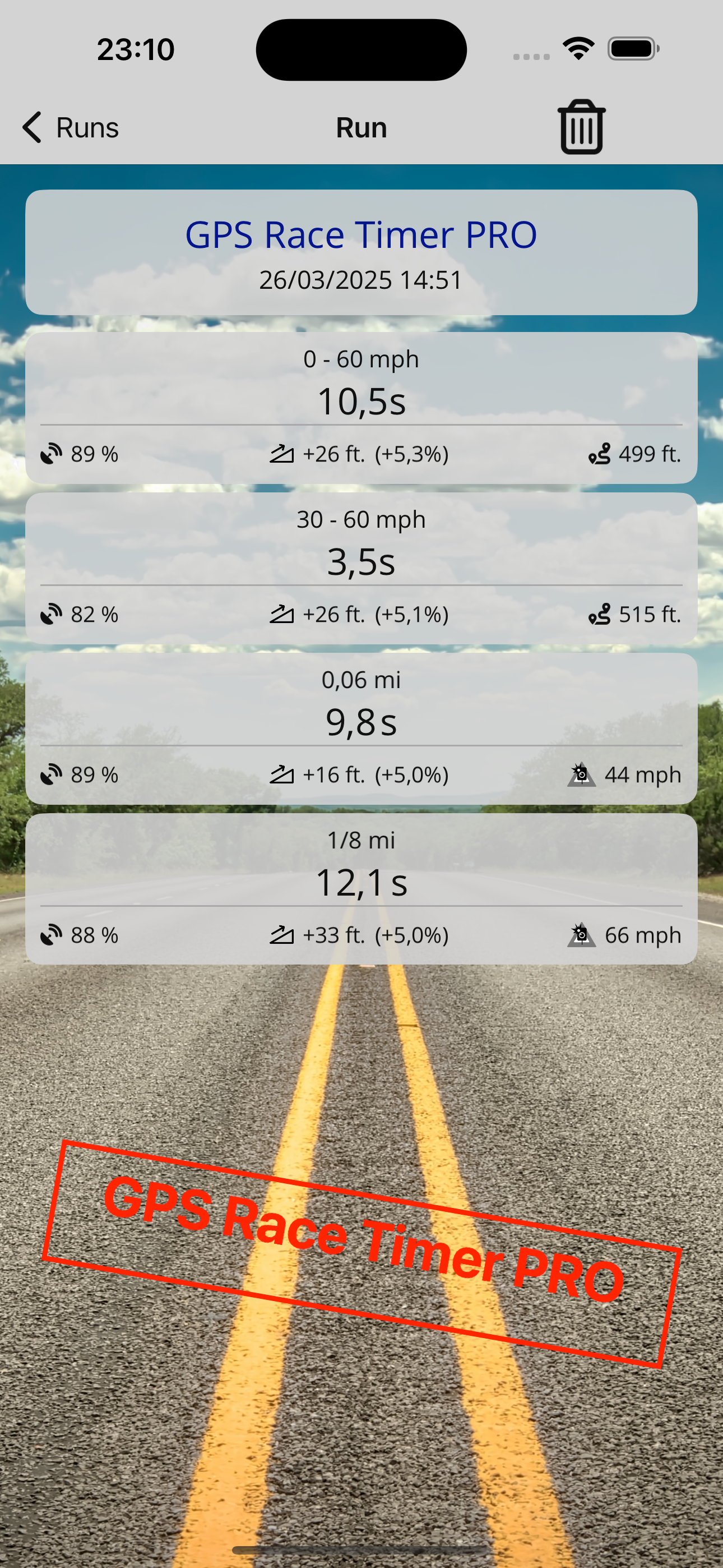
Must say that this is one of the best gps race time recording apps that I’ve seen definitely seen. Only problem with any of these apps is that they will only give an estimated 0-60 but definitely a good app that has some potential for the future.
Downloaded the app just for fun to see how accurate it was. Did several quarter mile pulls. The 0-60 times seemed to be accurate. The GPS does a decent job of tracking speed. The 1/4 mile times seemed to be off by a significant margin though. My car should do a quarter mile around 15 seconds. The app is suggesting that my near bone stock civic si is a 12 second car. Not a chance. Had 100% GPS signal the whole time. If you want a decent 0-60 timer this will work well, but don’t rely on this app for super accurate quarter mile times. Overall, it exceeded my expectations as it is a GPS tracker and not an OBD2 connection so you can only expect less than perfect results.
This app provides standard testing like 1/4 mile time and speed, 0 to 60, 0 to 80 time etc. It can start timing when you start to move, I like that. One thing I really like is the ability to set settings for different “passing” speeds. Like maybe you want to know time testing starting 10 mph finish at 70 mph, there are user setting available. I like the app a lot!!!
Measure acceleration times such as 0–60 mph, 60–120 mph and 1/4 mile directly with your iPhone — accurately and without extra hardware. The app is de...
| Name | Price | Type |
|---|---|---|
| PRO | $4.99 | One-time |


