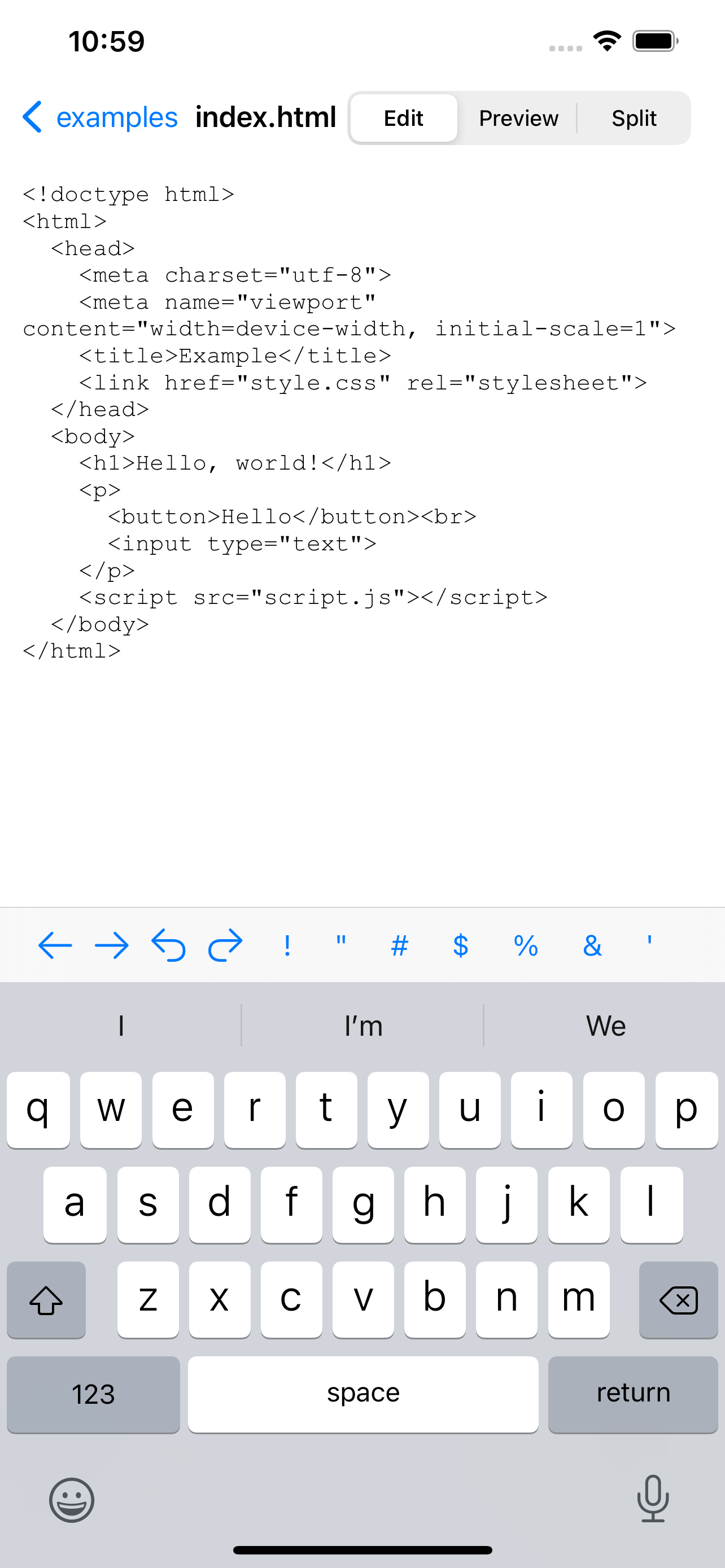
Screenshots


How Much Does Edhita: Text Editor Make?
Platform Performance
Rating Distribution
Top Countries
Reviews (3)▼
So I installed this because I was looking for a plain text editor. I created a file and started typing. There is no "save" button in the UI that I could tell. I started to traverse down the directory tree but I couldn't find a way traverse back up. So I really don't know if my text file was saved or not and I'm not sure if I can find it and edit it again. There must be a way to do this (I assume) but I could not find anything. How could there be so many good reviews for this app when some obvious controls appear to be missing? Or did I miss the point of this app altogether?
I’ve been looking for a good coding app for so long and most of them cost money and have more than I need this is the most perfect app I’ve ever used I love it! Although it would be nice to be able to purchase something like remove ads because I would like to support the app.
This is great. It takes up practically no storage space on my iPad, and gives me free access to my FTP site. I previously used a lite version of another app, but it wouldn't open php files (one of the benefits of the full version) so advanced programming wasn't practical. (I could edit it as a .html file and rename as a .php, but that is far from ideal) The only thing I ask is for an in-app purchase to remove ads. Everything else is great!
Version History (21)▼
Available In (115 Countries)▼
Supported Languages (2)▼
App Details▼
Edhita is a open source text editor for iOS. # Features * Manage directories and files * View files in built-in browser * Download files by HTTPS *...
Similar Apps