Check the acquisition promise
Read the store headline, screenshots and description. What problem is the app promising to solve?
Study the storefront ↗
Ahmad Sattar · iOS
Explore the ad evidence, study the storefront, and build your next acquisition hypothesis.
01 / Creative research
Read the store headline, screenshots and description. What problem is the app promising to solve?
Study the storefront ↗Explore apps with direct store-link matches. Compare their hooks and formats without assuming the same approach works here.
Browse observed advertisers ↗Store rankings and revenue estimates describe market context. They do not establish ad spend, conversions or ROAS.
Review the market context ↗02 / Storefront & product
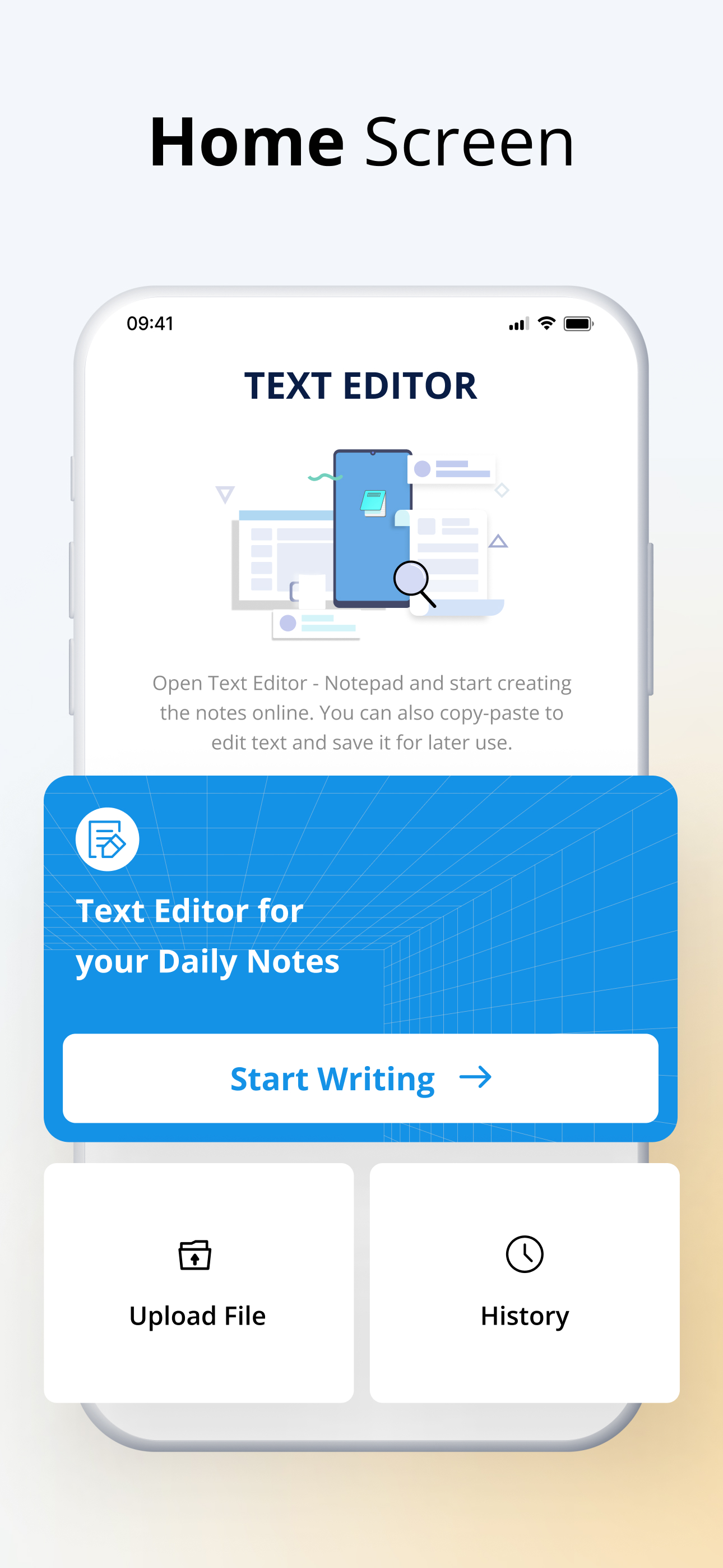
Study the product story and store experience behind the acquisition funnel.


03 / Market context
Keep revenue, downloads and store rankings separate from advertising performance.
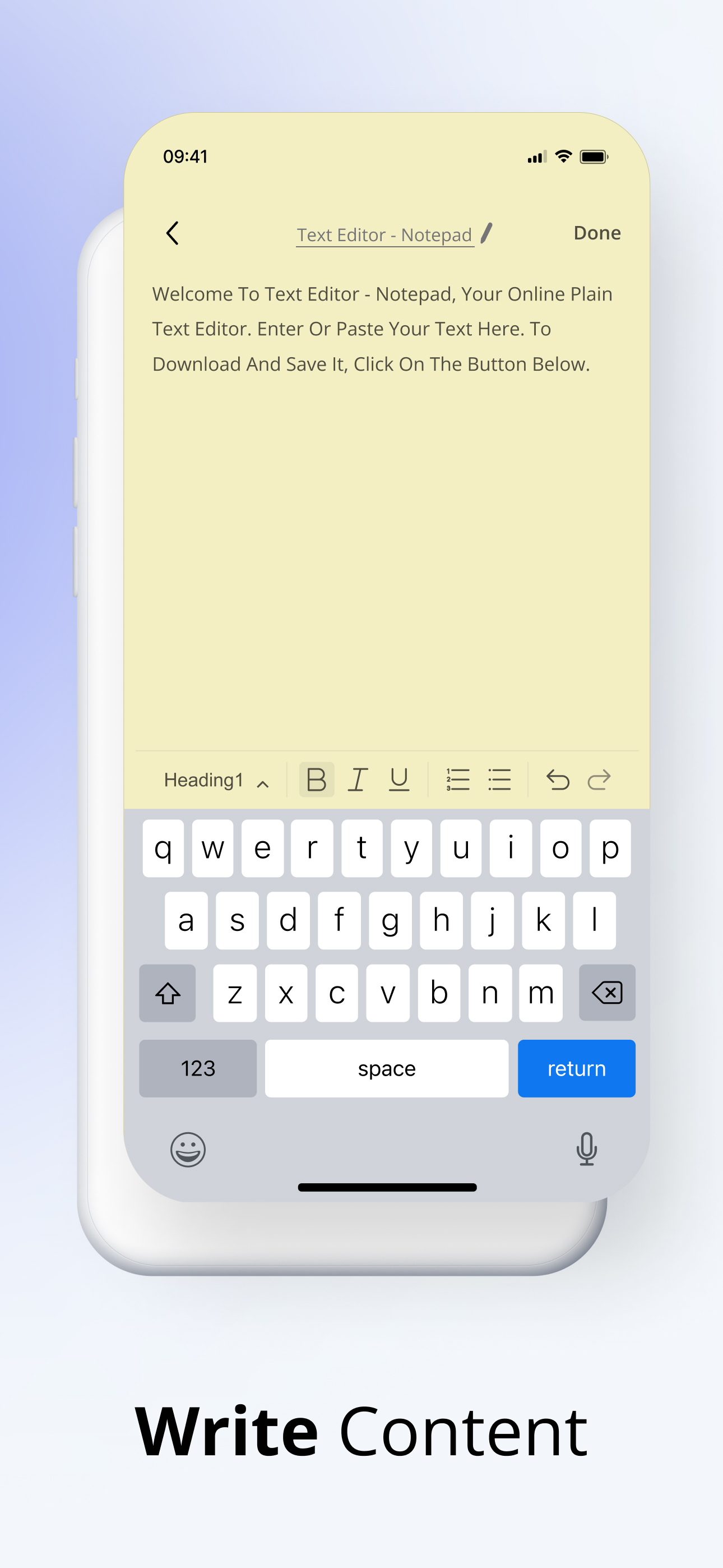
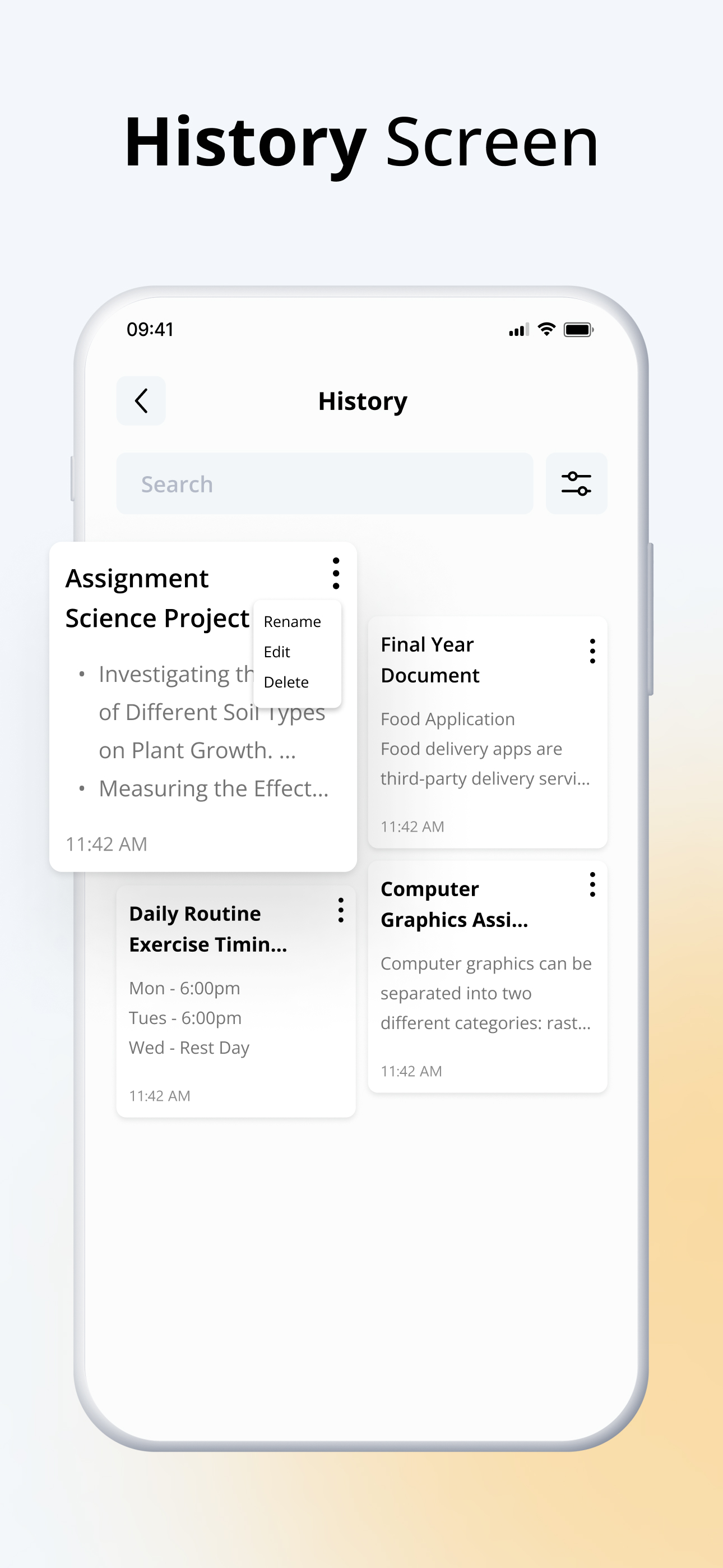
I prepared a file. You can name it , but you have to back space over the default name. The file appears in the app’s History, but I cannot find it searching for it on the iPhone. Also, I don’t see how you would save it to / retrieve it from a specific folder or to an external location. I did not use the formatting as my needs are simple. This might suit my needs if I could save and retrieve documents to/from folders of my choosing. Appears incomplete.
The method, if any, for adding to/editing a file is unclear. Saving a file presents on with a blank file name input box. The current file name is not displayed. No doubt a method exists (overwrite by giving the same file name?) but I just want to log data to txt not learn a new UI/management paradigm.
Many writers need to create and update files using text editors such as MS Word, WordPad etc. The main issue is that they don't come free with these...