Check the acquisition promise
Read the store headline, screenshots and description. What problem is the app promising to solve?
Study the storefront ↗
NCH Software · iOS
Explore the ad evidence, study the storefront, and build your next acquisition hypothesis.
01 / Creative research
Read the store headline, screenshots and description. What problem is the app promising to solve?
Study the storefront ↗Explore apps with direct store-link matches. Compare their hooks and formats without assuming the same approach works here.
Browse observed advertisers ↗Store rankings and revenue estimates describe market context. They do not establish ad spend, conversions or ROAS.
Review the market context ↗02 / Storefront & product
Study the product story and store experience behind the acquisition funnel.

03 / Market context
Keep revenue, downloads and store rankings separate from advertising performance.
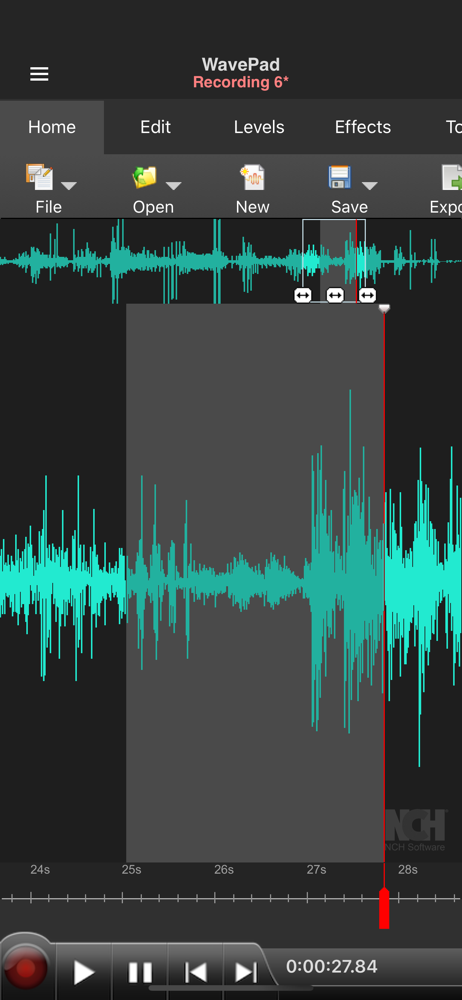
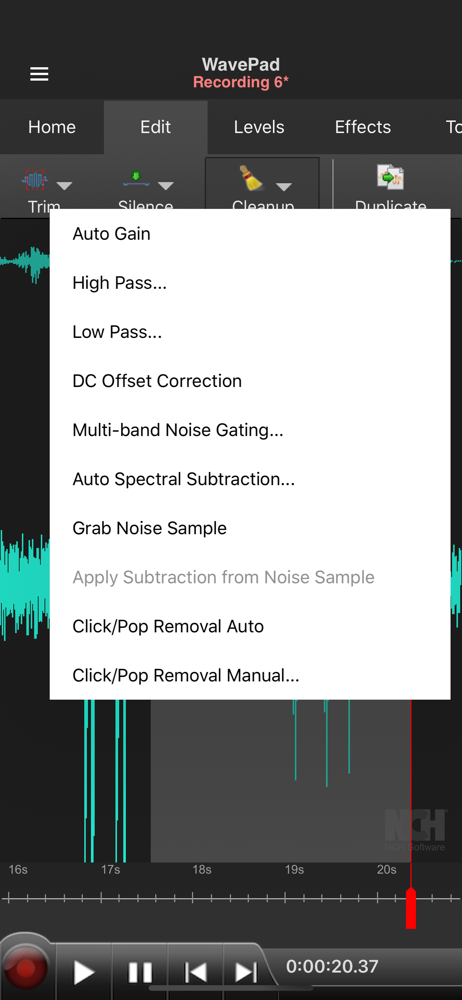
This is the fastest app I’ve found on the App Store to increase the length of all my silences in a recording. It’s almost like having audacity on an iPhone. But I do have to scroll through my entire audio, select each silence manually, and click “add silence at selection”, and click ok. And here’s why: 1) The advanced silence trimmer can detect silences, and even baits you with the option of “new silence length”, but it won’t actually add silence, it only wants to trim, as said in the user guide manual (haha which means the devs knew I might like to do this, and decided not to let me, lol). 2) The split/(batch)join would probably be able to do it, except the devs didn’t give us the option to import multiple files at once! You actually have to click “add files(s)…” again and again, once for every single file, and scroll down every time to find the next file. You can’t checkmark multiple files for import. So it takes so long to add all the files, that there’s hardly any benefit. 3) There seems to be no system to add marks throughout the file, and then apply actions at all the marked locations. For example, every feature that automatically detects any points in an audio, could (should?) give the option to mark all those detected points. So then you could automatically apply actions at all marked locations. For example, “trim silences: mark all”, and then “add silence: at every mark”.
The audio functions of this app have been stellar so far. I've had no trouble with any of the ones I've used—though admittedly, I'm not employing the full spectrum of features that the app offers (I purchased the full version). The only problems I've had thus far are with saving, closing, and opening files. The strangest issue: I want to start over on a file which I edited and saved a separate version of before. I will open up the original, unedited file, but it will import with all the edits I made previously. I know it's the original because it will play the unedited version in a different app (Files), but WavePad apparently keeps a cache of all edits it ever made (though I cannot revert to the original) and applies them if it recognizes a file from earlier. Other than deleting and redownloading the app, I can't see a way around this. I'll contact the help team to see if this can be ironed out, but I figured I should mention it in a review as well. None of my files have disappeared thankfully.
Thank Zeus, you guys finally fixed that annoying resolution problem on iPhone XS Max! No more letters or search bars disappearing up top at the notch of the phone and other weird artifacts. Everything fits perfectly on screen and looks clean and crisp. As it is, it’s a very good app for editing and making various tweaks to audio files. This is what I mainly use it for. Also, it’s fun to listen to some of my music with higher/slower pitches & tempo. And I’m glad that WavePad offers this function as well. What would be cool is if you included an option of uploading video files and converting them to audio formats (wav. MP3. MP4, etc). Sometimes I’ll have audio from certain clips that I want to edit and play around with, but having to go to an online conversion website to do this is annoying and impractical on mobile. I think if you guys offered video to audio conversion, this app would more or less be perfect! Otherwise, I’m still happy with it. I hope you continue with the updates and keep up the good work!
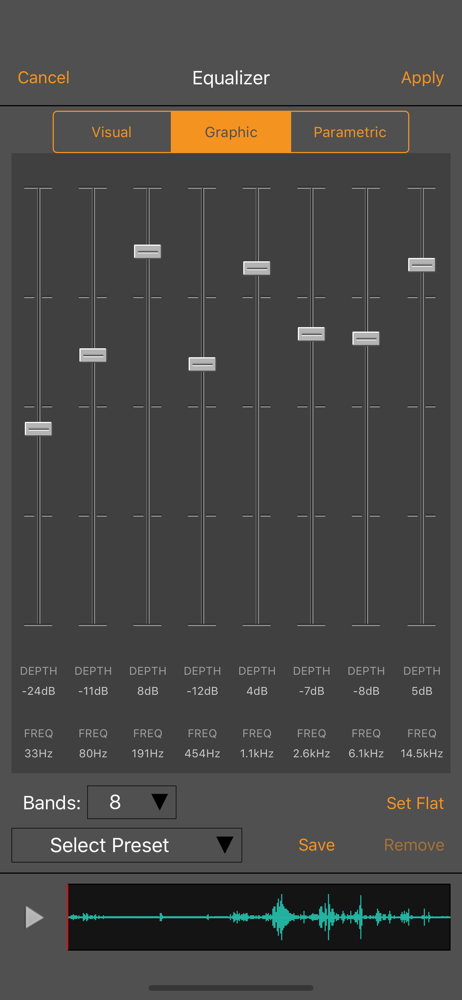
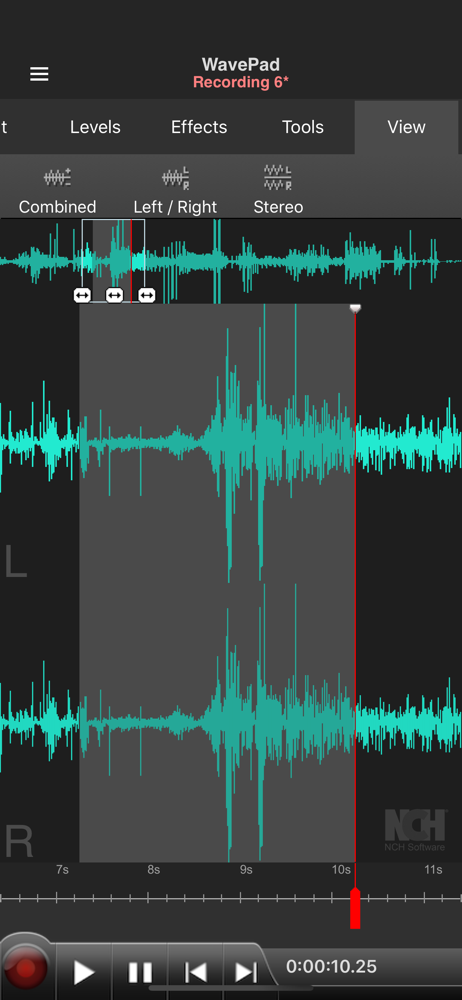
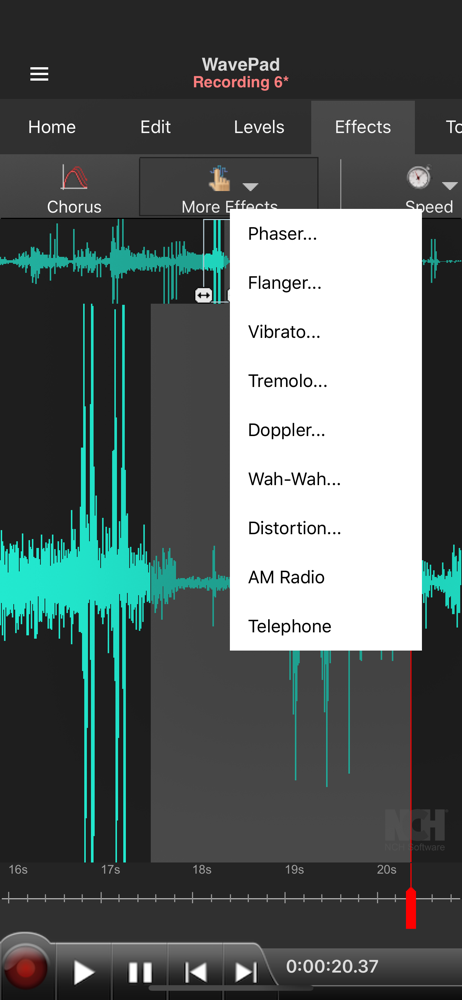
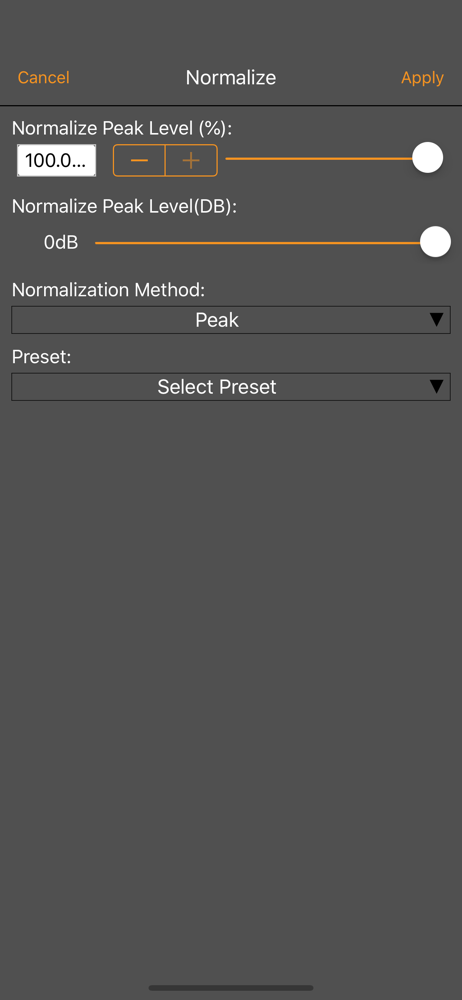
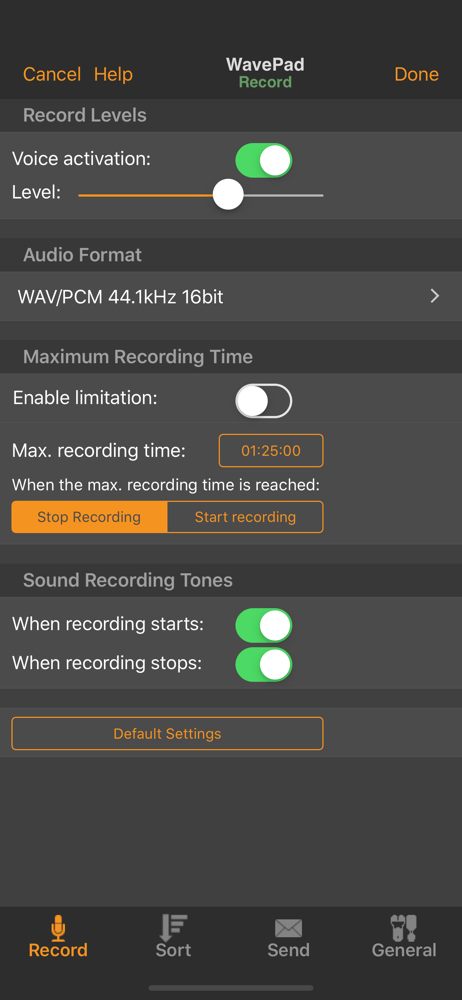
WavePad Music and Audio Editor is a full-featured professional audio and music editor. With WavePad you can edit and record music, voice, and other au...
| Name | Price | Type |
|---|---|---|
| Remove Ads | $0.99 | One-time |
| Echo Effect | $1.99 | One-time |
| All Formats Subscription (Monthly) | $1.99 | Monthly |
| All Effects Subscription (Monthly) | $1.99 | Monthly |
| MP3 Format | $1.99 | One-time |
| All Features Subscription (Monthly) | $2.99 | Monthly |
| Unlock All Output Formats | $4.99 | One-time |
| Unlock All Effects | $4.99 | One-time |
| Pocket WavePad Plus | $9.99 | One-time |
| All Current Features | $9.99 | One-time |