Check the acquisition promise
Read the store headline, screenshots and description. What problem is the app promising to solve?
Study the storefront ↗
文伟 张 · iOS
Explore the ad evidence, study the storefront, and build your next acquisition hypothesis.
01 / Creative research
Read the store headline, screenshots and description. What problem is the app promising to solve?
Study the storefront ↗Explore apps with direct store-link matches. Compare their hooks and formats without assuming the same approach works here.
Browse observed advertisers ↗Store rankings and revenue estimates describe market context. They do not establish ad spend, conversions or ROAS.
Review the market context ↗02 / Storefront & product
Study the product story and store experience behind the acquisition funnel.
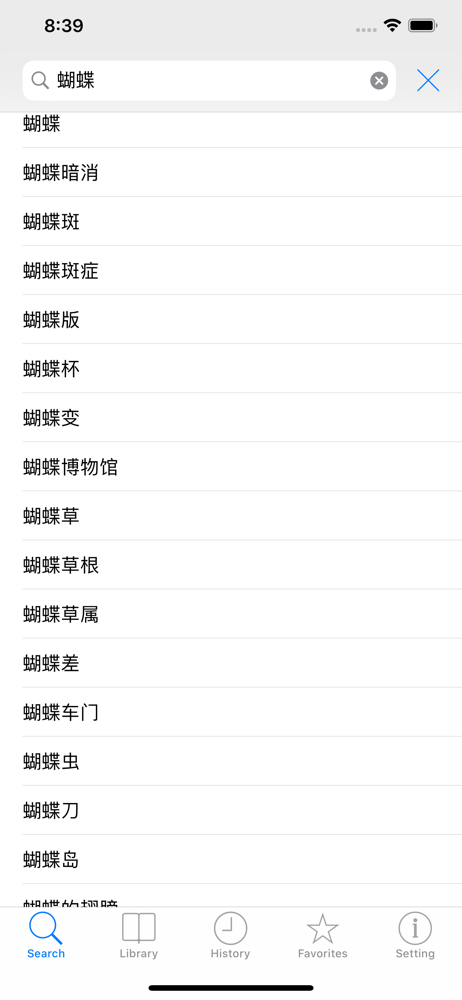
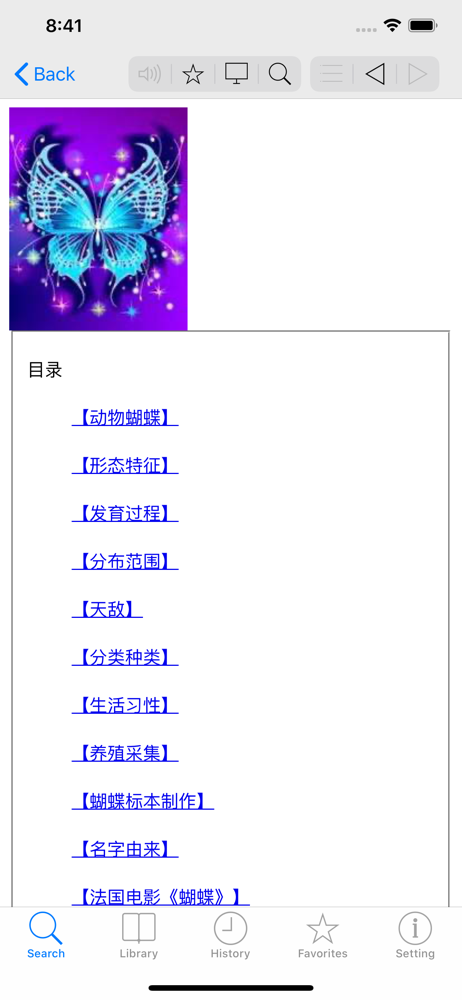
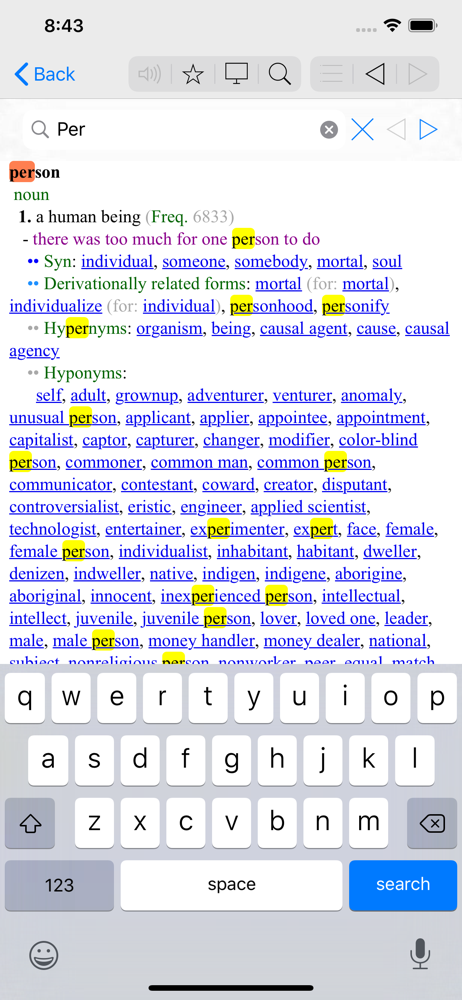

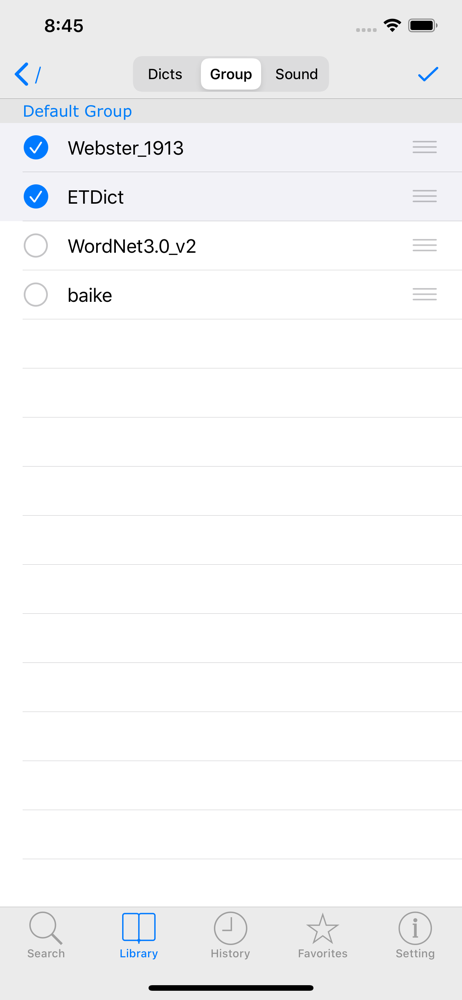
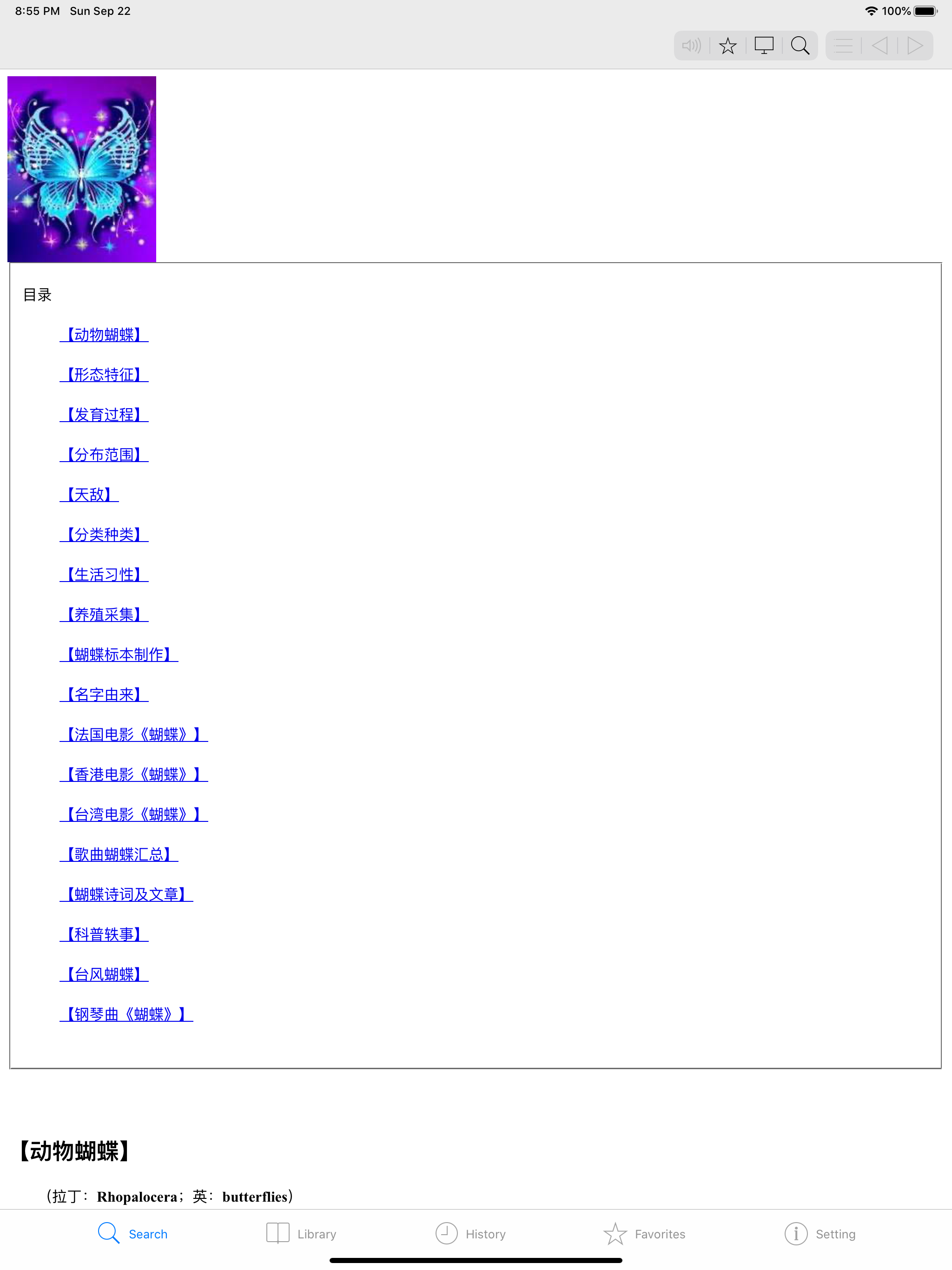
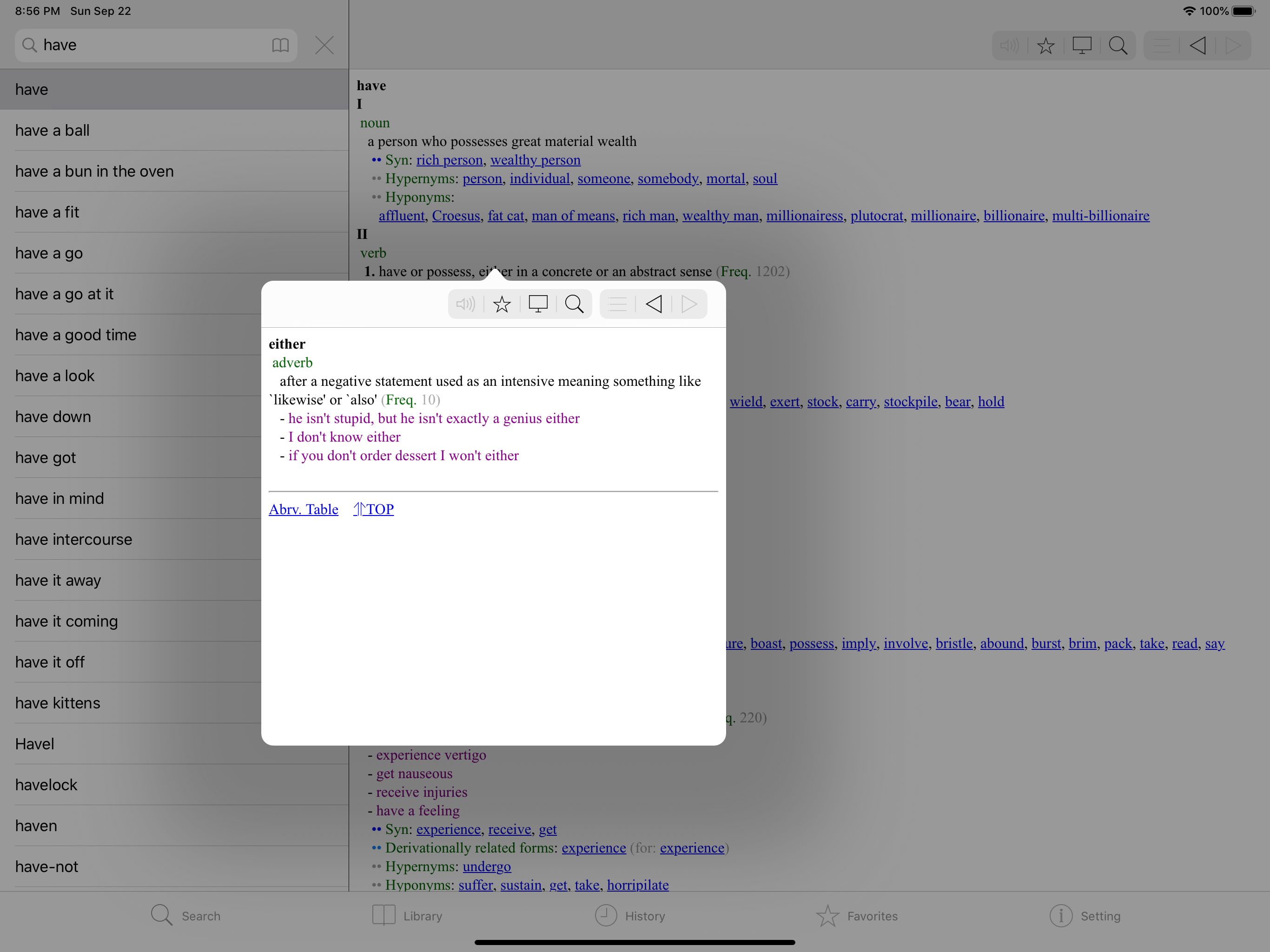
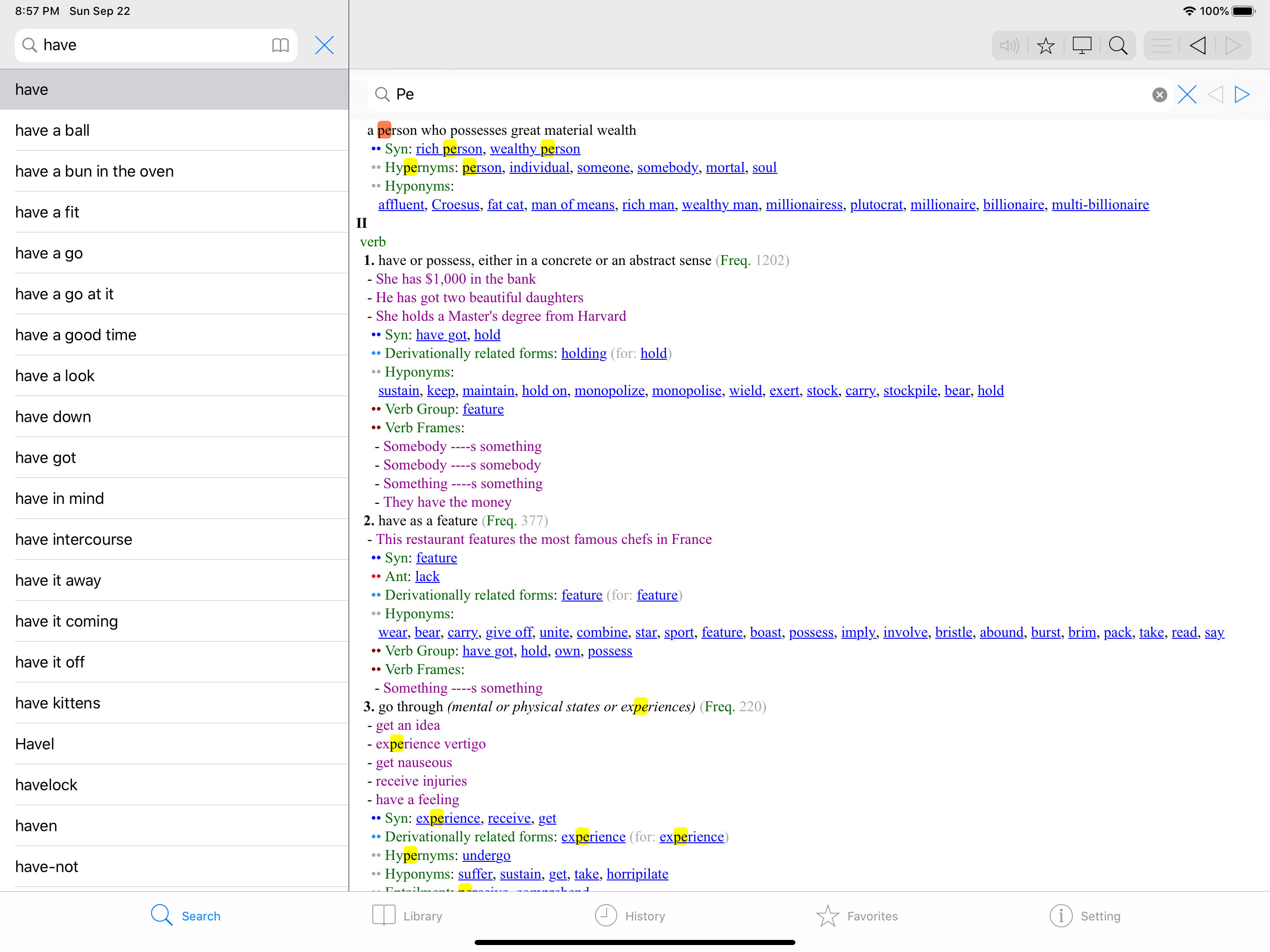
03 / Market context
Keep revenue, downloads and store rankings separate from advertising performance.
I am a Mdict user since the age of Windows Mobile. Right now, I don’t know how to add fonts to the iOS version to make the Chinese Pinyin display correctly. Previously in WM version, I recall that I can create a fonts folder and add needed fonts there, tested on iOS version but not work,
I have this great app on my ipad but when I copy a word from another app, it s not being shown in mdict in floating mode. The other issue is search bar, when I searched a word, I have to press back button to go back to first page to be able to search new word, is that possible to have the search bar or button fixed in the pages? like bluedict app?
I’m using iPad Pro 10.5 with iOS 11.4. When using Mdict as floating window (some app wont allow split window), if I copy a word from background app, Mdict wouldn’t auto fresh and show up the word. I have to quit the multitasking and open Mdict solely, and only in this way the auto look up become actually “auto”. Pleeeeease fix this. Thank you!
MDict is a dictionary that support multi-language. It dosen't bundle with dictionary data. But it's a open platform that you can download many pre-bui...