
Check the acquisition promise
Read the store headline, screenshots and description. What problem is the app promising to solve?
Study the storefront ↗
Runloop Ltd · iOS
Explore the ad evidence, study the storefront, and build your next acquisition hypothesis.
01 / Creative research
Read the store headline, screenshots and description. What problem is the app promising to solve?
Study the storefront ↗Explore apps with direct store-link matches. Compare their hooks and formats without assuming the same approach works here.
Browse observed advertisers ↗Store rankings and revenue estimates describe market context. They do not establish ad spend, conversions or ROAS.
Review the market context ↗02 / Storefront & product
Study the product story and store experience behind the acquisition funnel.
The store evidence
US store price
$7.99
US rating
4.8 / 5
US rating count
12,145
Current version
26.0
2026-10-22 · Developer notes
26.0 - Most of the app has been rebuilt: Home, the timer editors, Templates, Stopwatch, Quick Timer, Settings and the welcome screens are all new. The running timer is unchanged. - The app is now always dark, with an orange accent that the watch app and widgets share. - Stopwatch and Quick Timer work in landscape again on iPhone. - Search on Home finds folders as well as timers. - Apple Watch fetches whatever it is missing from iPhone each time the watch app opens, and runs the preparation interval before a saved timer.
Store metadata collected 2026-10-27 UTC · US storefront · Source record. Free may include in-app purchases. Public data does not update revenue estimates.

03 / Market context
Keep revenue, downloads and store rankings separate from advertising performance.
This looks like a great timer for keeping me contract with the multiple Physical therapy exercise that I get assigned each week. I like that it comes with timer is already set up that I can modify for the specific exercises and timings prescribed by the physical therapist. I found this because I had thought of the idea of choosing a different song for each exercise and playing a clip of it. That is the length of time that I’m supposed to be doing that exercise such as 90 seconds for the first exercise with one song and then two minutes for the next song. Before finding out about this app, I had tried to set this up manually, using song clips and imovie, but it was becoming really difficult to put the total time elapsed and interval timers visible on top. A friend did an AI search for me to try to help me find a solution and this app was recommended by AI. So far it looks great. I did figure out how to upload multiple songs to the same timer so it can switch from one song to another. You add the audio to the individual intervals instead of using the ad audio prompt for the whole workout. It was awesome! However, after I did that and played it through once, I never could get any audio (music) to play again with the timer. After the first run through, all I heard were the voice prompts, no music.
I have used Seconds Pro for many years on my iPhone and Apple Watch and VERY satisfied. It is easy to use. Besides the basic interval timer functions, Seconds Pro goes a step beyond and has Extra features of adding audio (music) specific to an interval or workout and cadence that is very nice, and increases workout options. It runs well on both phone and watch with one exception - watch would not play the Extra features mentioned above for any timer. While irritating, the simple fix is use the iPhone if you really want it for select worrkoutss. It should be mentioned that the IOS 26 update messed up the app! The developers have gotten it running well on the iPhone. BUT- there are still major issues that I am dealing with on the watch. Here is a brief summary of ongoing watch issues post the 3.24.1 revision. Most timers will now appear on the watch when synced. However, only timers that are not in a folder will play. Any timer in a folder will not show up at all. When tapped a request sync message comes up but syncing will not work. The Extras – audio and cadence continue not to play. Last point the complication will not enable. I still highly recommend this great app for working out. Hopefully the developers will get the post IOS26 bugs fixed on the watch.
I’ve been using Seconds Pro now for 4+ years. I purchase workout routines from various trainers (typically in 8-12 week segments), and I program them into the app utilizing custom timers. Over the years, I’ve fine tuned the style and look to suit my needs, and this app has accommodated everything I’ve wanted to do when creating these timers. I’ve also recently purchased an Apple Watch, and I use the Seconds Pro app on there during my actual workouts…it is incredibly helpful to have the intervals on my wrist while listening to the countdowns and up next announcements in my AirPod Pros…purchasing 8-12 week segments and having them programmed into this app keeps me on track and accountable to myself during the workouts as well as keeping me on track to each week’s programming allowing me to finish and keep progressing; this has been a critical part of my consistent training over time. (Hint: this is the key to fitness folks) I’m writing this review as a genuine thank you to the developers of this app…this has been and continues to be the perfect tool for me. Thank you!
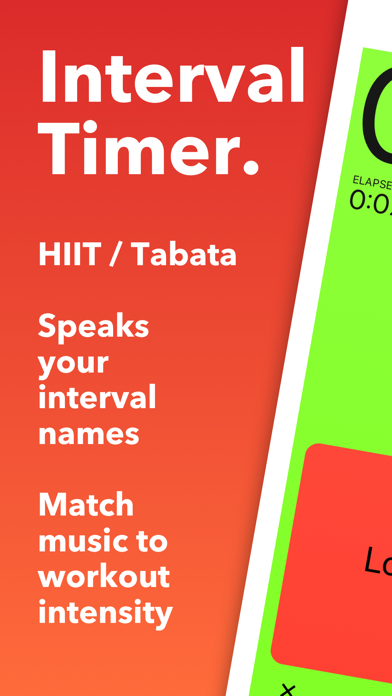
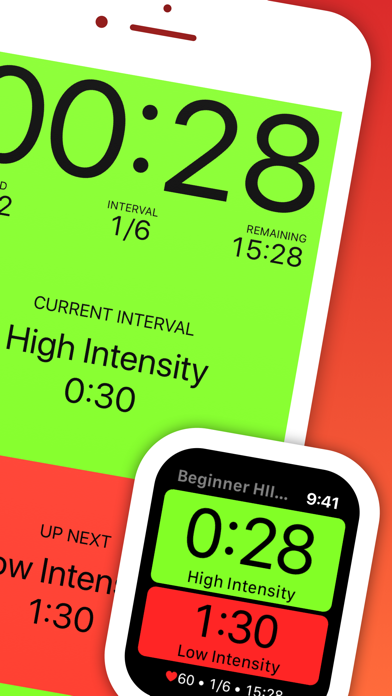
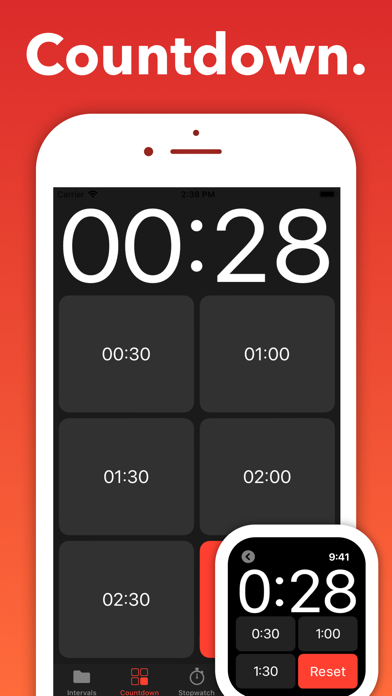
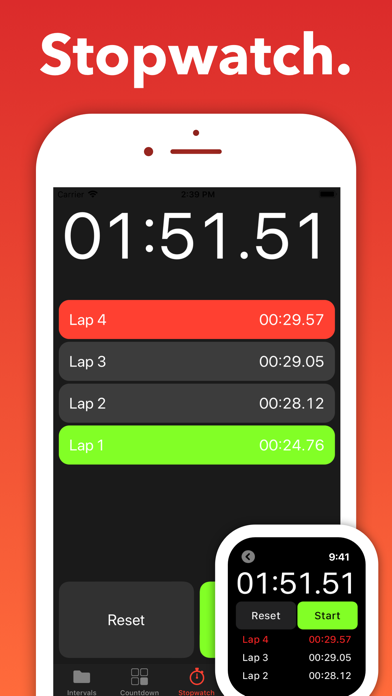
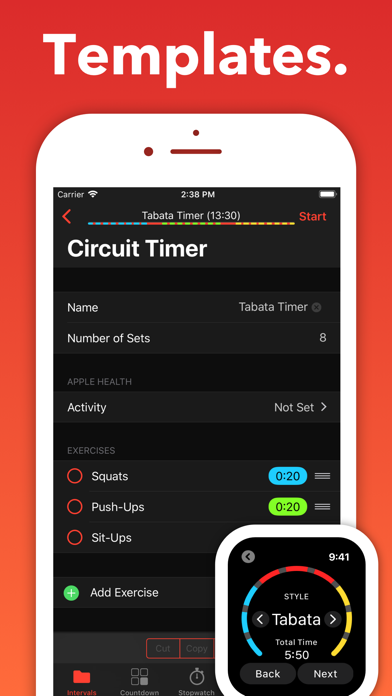
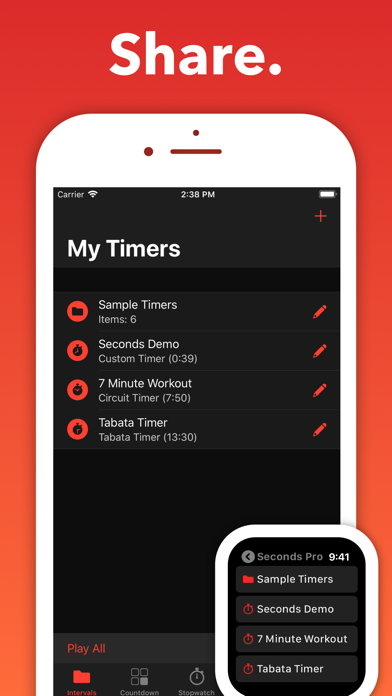
Seconds Pro is an interval timer for HIIT, Tabata, EMOM, circuits and any workout built from timed intervals. It calls each interval out loud, keeps r...


