Check the acquisition promise
Read the store headline, screenshots and description. What problem is the app promising to solve?
Study the storefront ↗
R.P.A. Tech · iOS
Explore the ad evidence, study the storefront, and build your next acquisition hypothesis.
01 / Creative research
Read the store headline, screenshots and description. What problem is the app promising to solve?
Study the storefront ↗Explore apps with direct store-link matches. Compare their hooks and formats without assuming the same approach works here.
Browse observed advertisers ↗Store rankings and revenue estimates describe market context. They do not establish ad spend, conversions or ROAS.
Review the market context ↗02 / Storefront & product
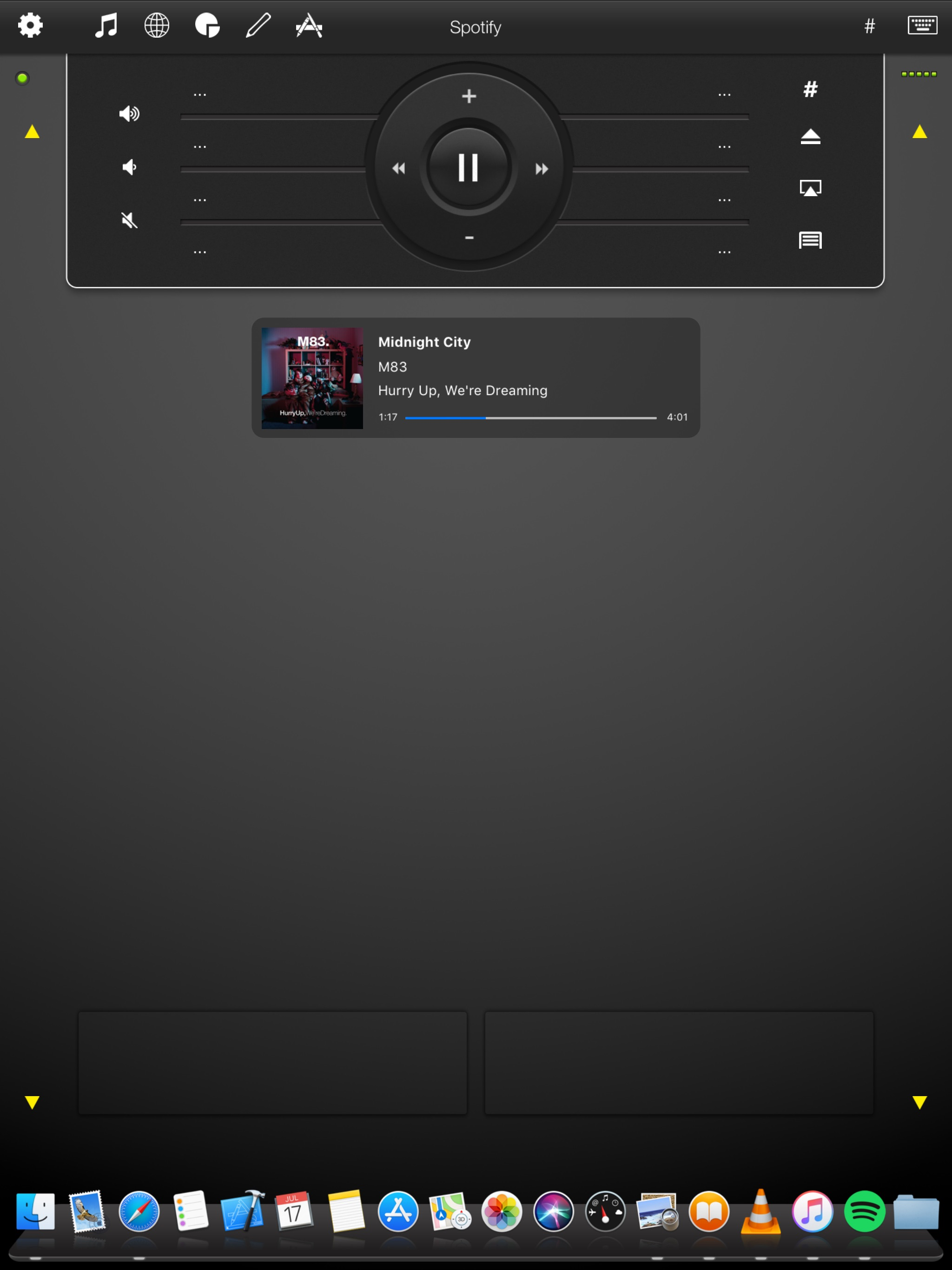
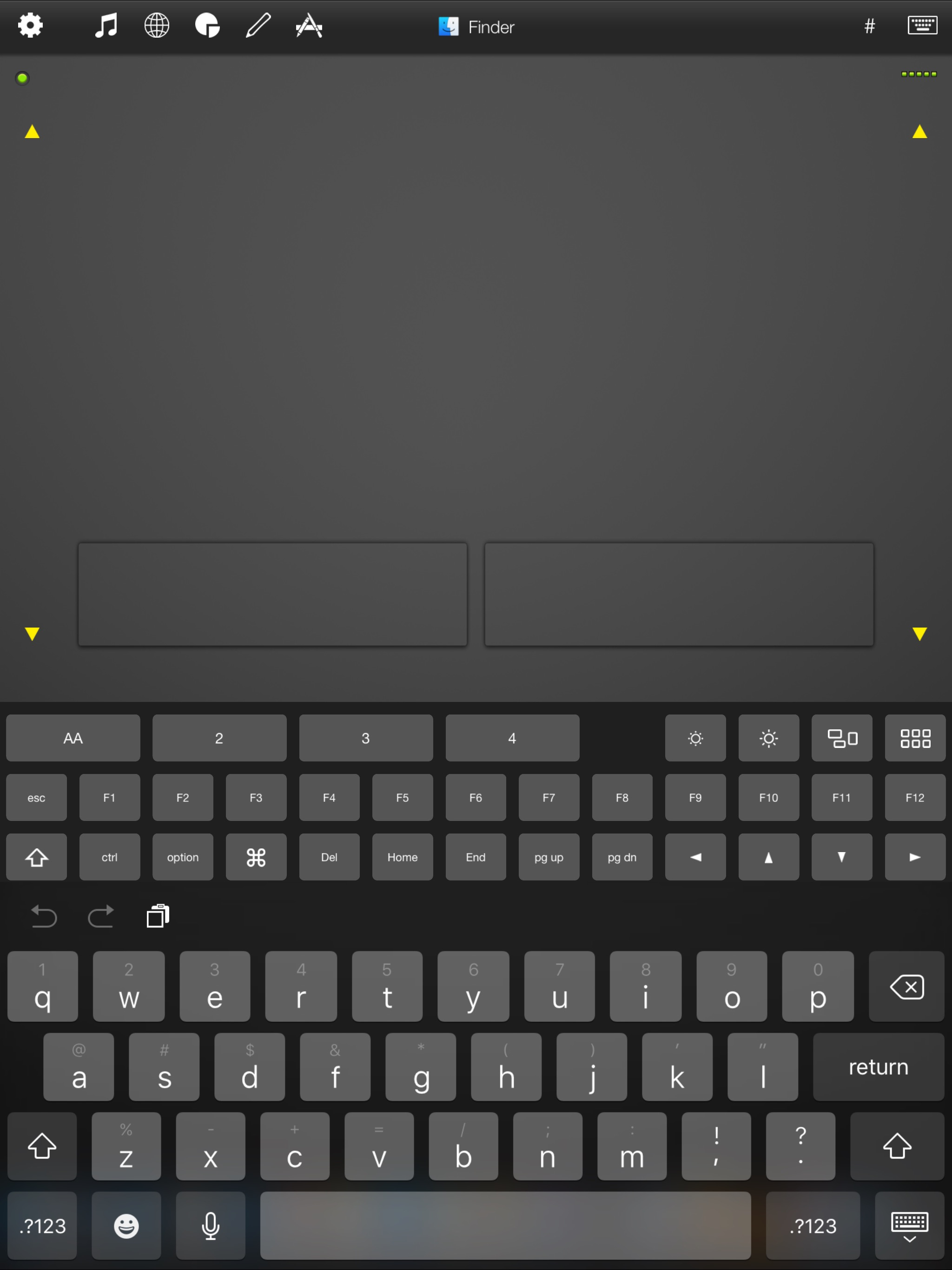
Study the product story and store experience behind the acquisition funnel.

03 / Market context
Keep revenue, downloads and store rankings separate from advertising performance.
I use this app to remote into my desktop at work and at home. I am a C6-7 tetraplegic and using this app on my iPad used to make my work so much easier. It is not worked for over a year so I am done with it. I can’t think of anything they can do to change my opinion other than updated so that it actually works again. Very disappointed.
The first time I downloaded and installed it, it worked great, connected easily. But other times it doesn’t connect at all, no matter how many times I try, even after going through all of their recommended troubleshooting procedures. When it does connect I have no idea why, nor do I have any idea why it doesn’t sometimes. I do note this relies on Bonjour, an Apple product that does not always work with PCs well. I don’t think they’ve updated their server software in a long time either, and I suspect their product has difficulty with Google Nest WiFi. Either way, I can’t recommend it due to it’s inconsistency and the failure of their troubleshooting procedures when there is a problem. Google has a Remote Desktop webpage that seems to work every time (and is free), so if all you want is some basic remote control of your PC, use that. Avoid this and avoid a lot of frustration.
I like it so far but am troubled by how often I need to use “shift” to select multiple items or folders. I can’t figure out how to do this.
Mobile Mouse instantly transforms your iPad into a wireless remote and trackpad for your computer! Sit back and use this remote to surf the web, brows...
| Name | Price | Type |
|---|---|---|
| Advanced Communications | $0.99 | One-time |
| Pro Presentation Mode | $1.99 | One-time |