
Check the acquisition promise
Read the store headline, screenshots and description. What problem is the app promising to solve?
Study the storefront ↗
Human Things, Inc · iOS
Explore the ad evidence, study the storefront, and build your next acquisition hypothesis.
01 / Creative research
Read the store headline, screenshots and description. What problem is the app promising to solve?
Study the storefront ↗Explore apps with direct store-link matches. Compare their hooks and formats without assuming the same approach works here.
Browse observed advertisers ↗Store rankings and revenue estimates describe market context. They do not establish ad spend, conversions or ROAS.
Review the market context ↗02 / Storefront & product
Study the product story and store experience behind the acquisition funnel.

03 / Market context
Keep revenue, downloads and store rankings separate from advertising performance.
I’d rather word my title this way and give five stars than a more enthusiastic title with four stars. That out of the way, Genki Studio is truly a great app. Even so, it boggles my mind that it supports the smallest and latest iPad, but not the largest and latest iPhone. Place two of said iPhones side by side and you essentially have the same screen real estate as the iPad Mini. As trivial of a feature it may be to hope for iPhone support someday, I do think it would be at the very least useful for testing HDMI output on various devices. There are other UVC viewers that support iPhone, but nothing supports Genki Shadowcast as seamlessly as this App does. I understand that generally speaking this app was made with heavy consideration for the Nintendo Switch (it all started with Genki Audio on Kickstarter… proud supporter!), but I will say for the sake of iPad Mini users out there: Yes, the iPad mini’s screen is barely bigger than that of the Switch. But Genki was on to something with Apple displays. Relatively same size or not, Nintendo Switch looks crisper (in handheld mode, Switch only does 720p; 1080p is only via HDMI out) and the iPad mini’s speakers are louder. So it’s worthwhile to try for Switch, but I personally wanted to use this app for other game consoles without built in screens. This does great for those too. I’ve never had an HDMI device I’ve tested not work with the Shadowcast, which is their official hardware. As a final note, I think it’s pretty cool that they allow for any UVC device, but I don’t think all UVC devices are created equal. I’ve used a 3rd party UVC device on PC with the Genki Arcade app, and it was nowhere near as clean. It did work, but there was a huge black border I don’t get with Shadowcast. I hope they continue to make the Shadowcast! The space saving design is so convenient. Genki Studio is a must have for UVC. I really hope they decide to either add support for iPhone or introduce a separate app. I’d rather install something from Human Things than some random shady looking app. If you have a Shadowcast, get it! You won’t be disappointed
I know the latency has a lot to do with the capture card itself, but this app has been the best experience I’ve had with my own capture card. I have the hagibis pro 1080p 60fps that I got for my quest three to connect my laptop or my console, but the lag was just too bad. I then tried connecting my console to my laptop through OBS while I was traveling, and it was also super laggy(I don’t know if it was my settings). But when I try to hooking up my Xbox through this app it worked perfectly. The picture was clear there was little to no perceivable lag genuinely amazing, I could actually play my games as if they were on a regular monitor.
Updated…. I was able to follow the developer response to get what I want. I would still say that the colors are a bit off but, this is better and meeting my expectations. ************************************************************ Generally this application works will with the Shadow Cast. However…. Running this as an extra display or even a gaming monitor at a standard full HD resolution (or any standard resolution) on an iPad seems like a waste. I am not really asking for 4K (though this does that just at 30Hz and the screen looks terrible that way) but for a non-standard resolution that can fill the screen. The big letter box on the top and bottom don’t really seem needed. And, I would certainly think with a USB C 3.1/2 GEN 2 connection that you could push a 1 K level resolution that is taller…. Please…
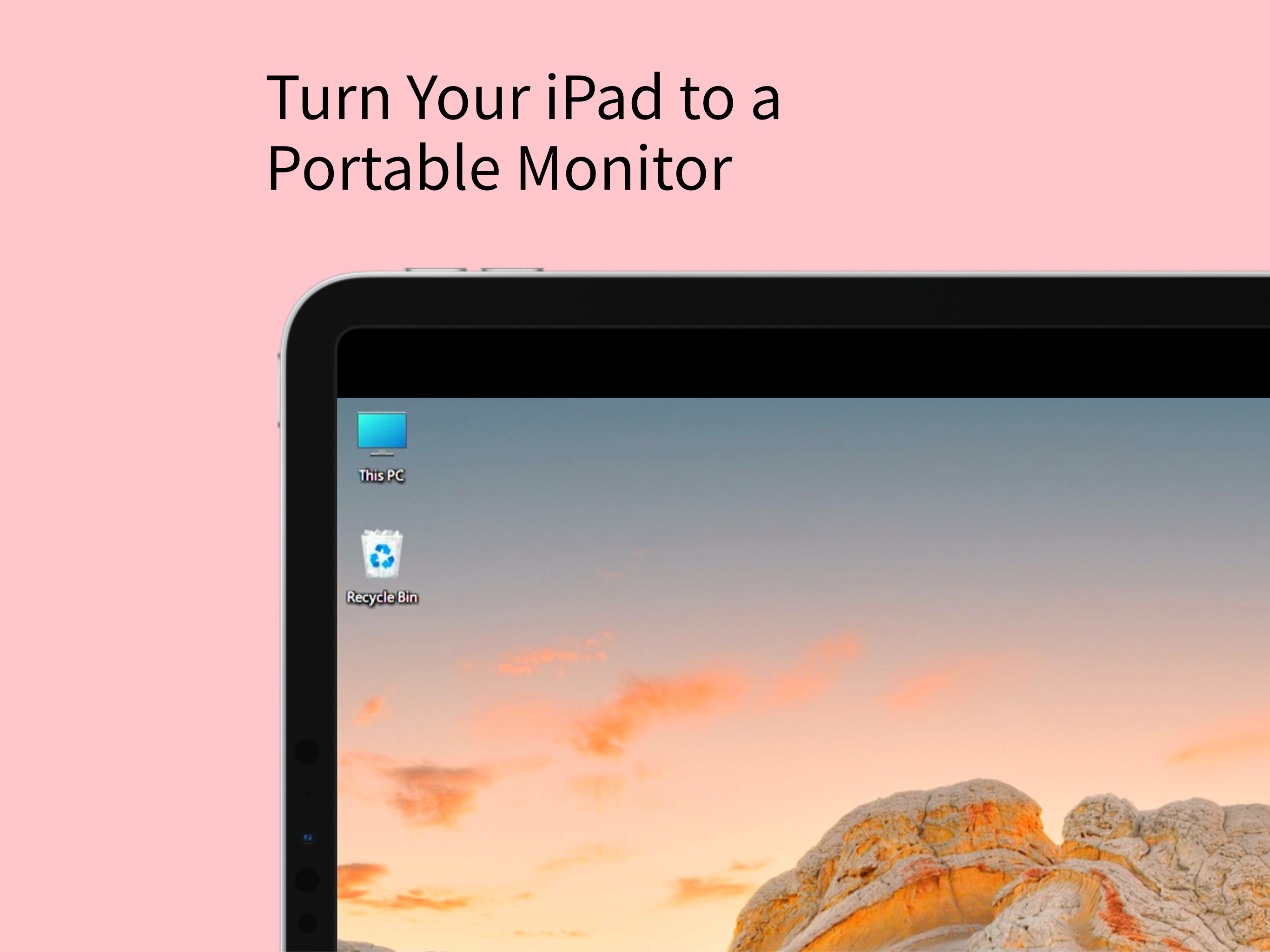
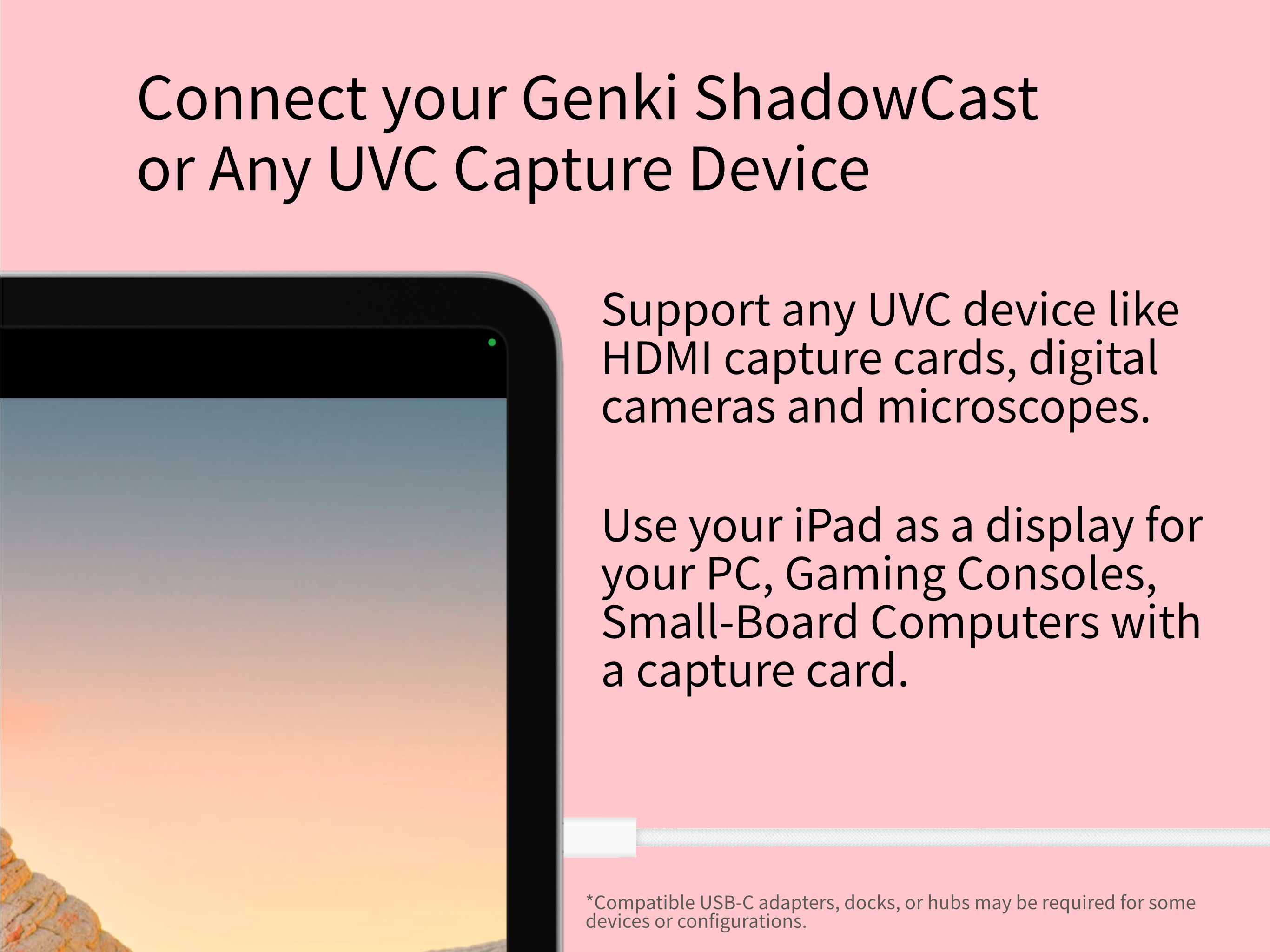
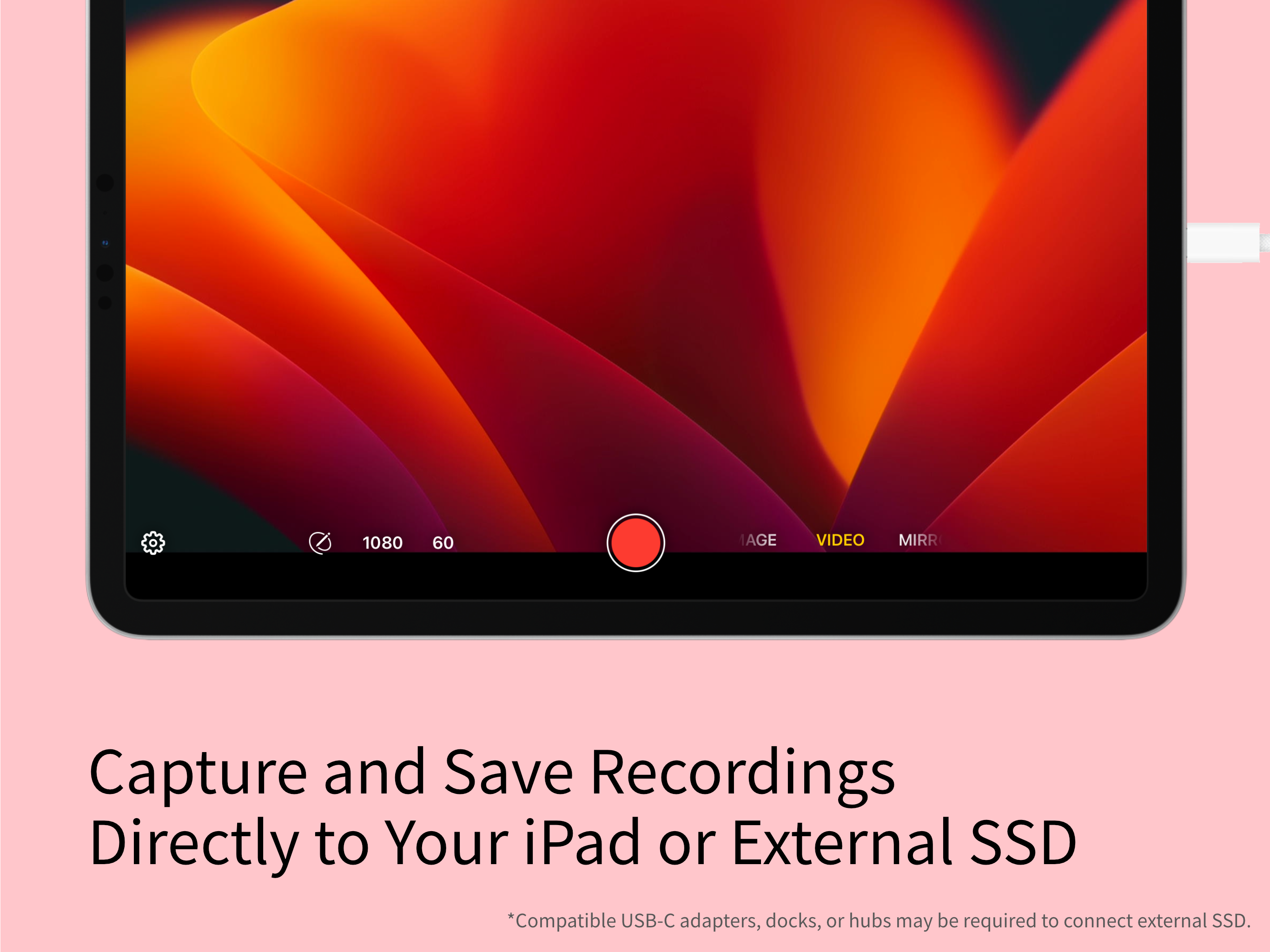
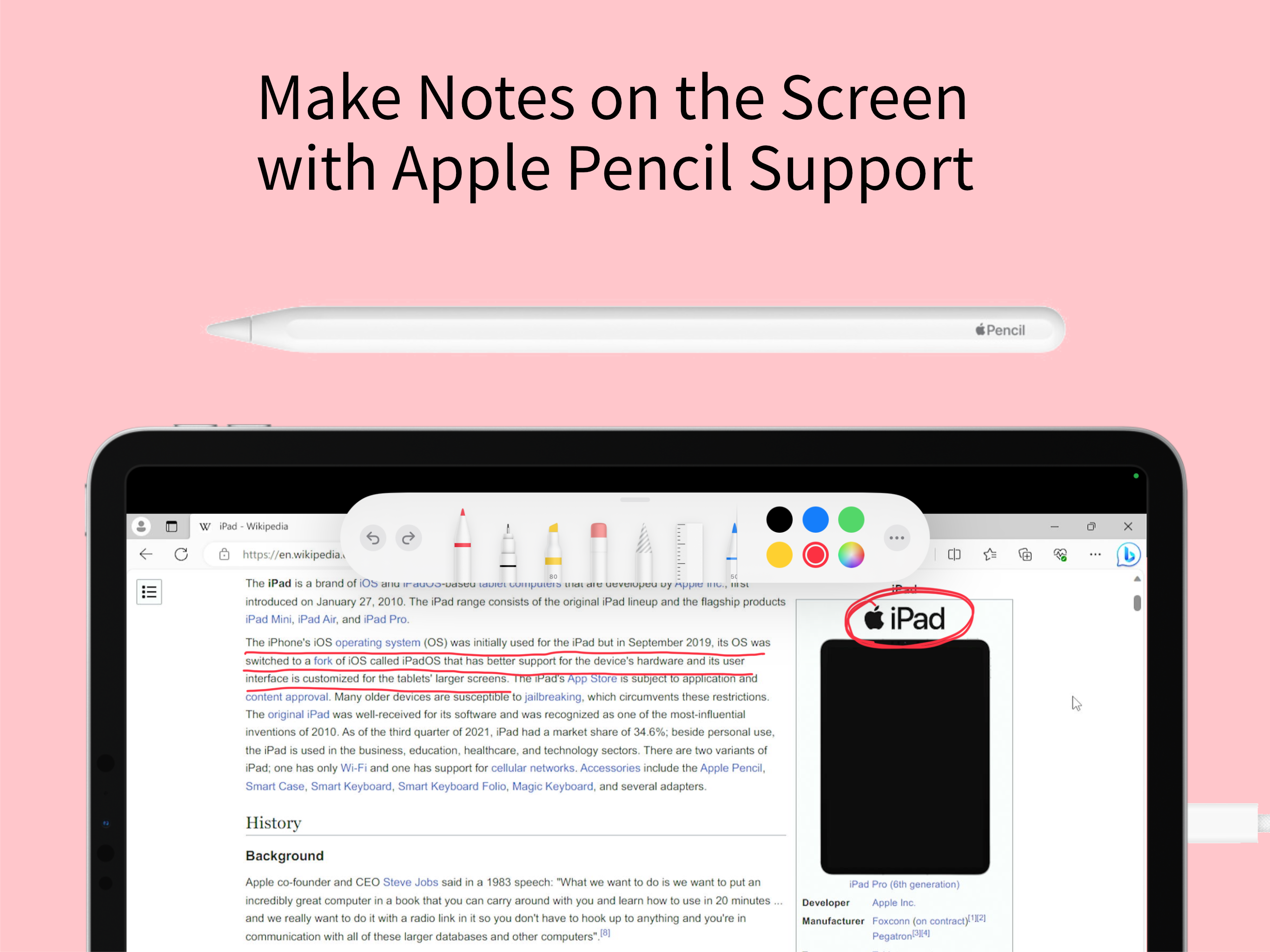
Genki Studio turns your iPad into a portable monitor and professional video capture and presentation device. Connect your Genki ShadowCast or any comp...


