Check the acquisition promise
Read the store headline, screenshots and description. What problem is the app promising to solve?
Study the storefront ↗
OvalKey Ltd. · iOS
Explore the ad evidence, study the storefront, and build your next acquisition hypothesis.
01 / Creative research
Read the store headline, screenshots and description. What problem is the app promising to solve?
Study the storefront ↗Explore apps with direct store-link matches. Compare their hooks and formats without assuming the same approach works here.
Browse observed advertisers ↗Store rankings and revenue estimates describe market context. They do not establish ad spend, conversions or ROAS.
Review the market context ↗02 / Storefront & product
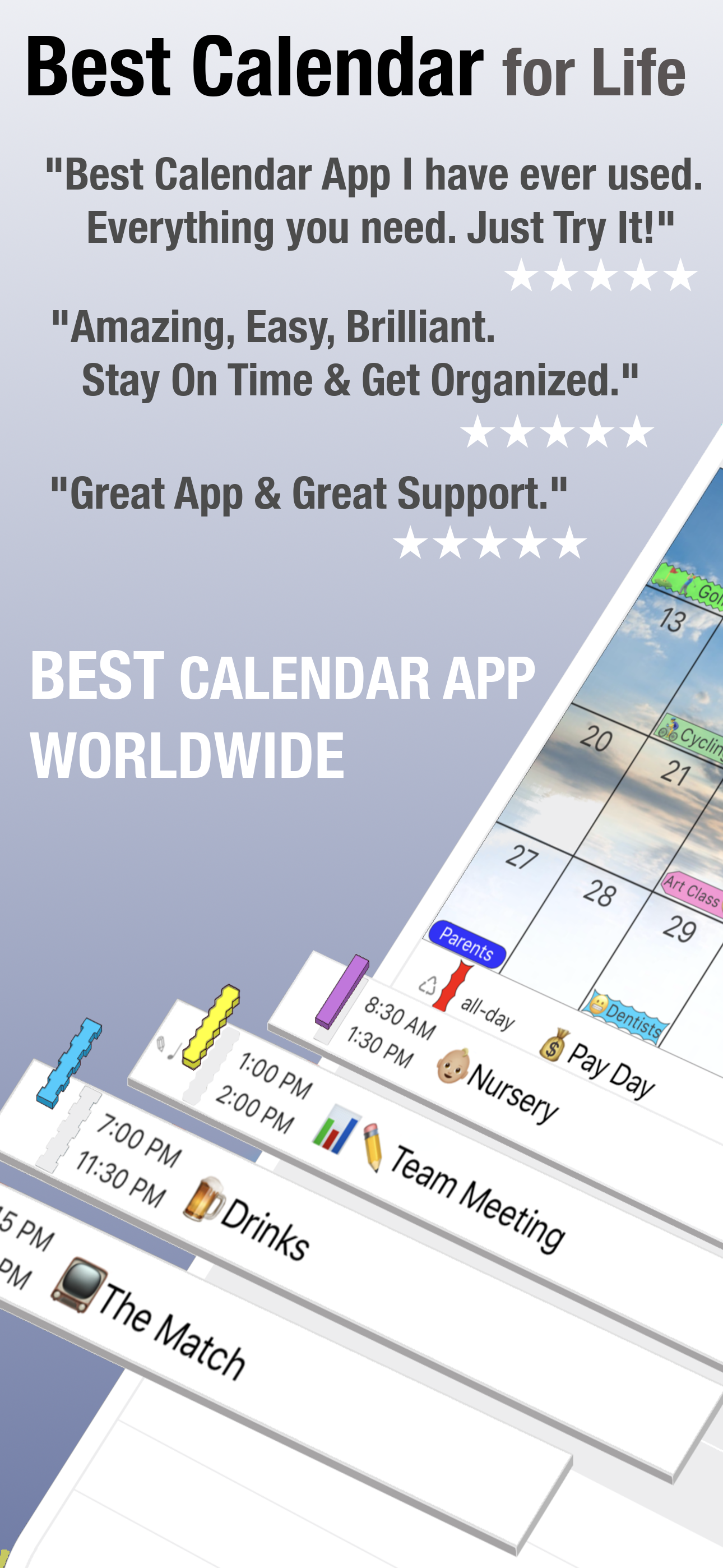
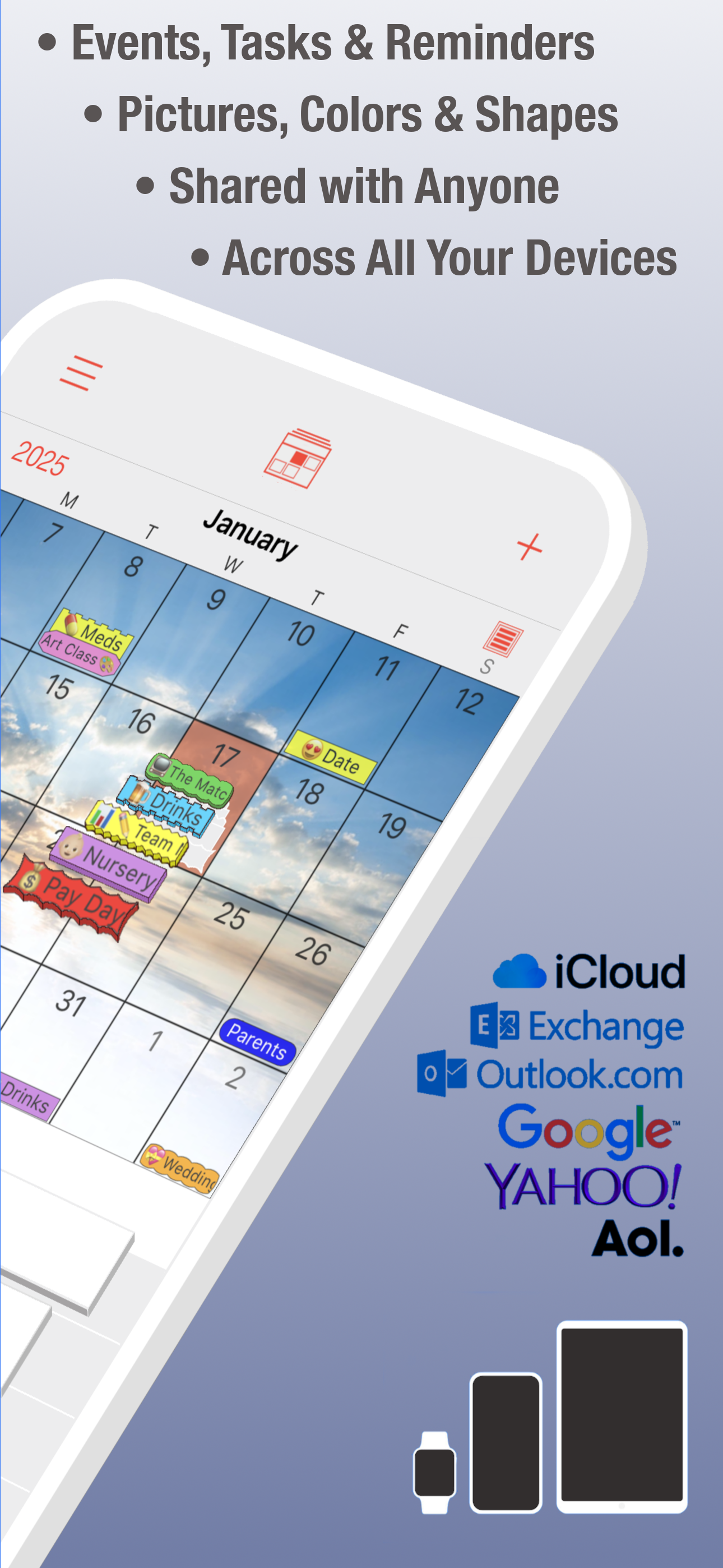
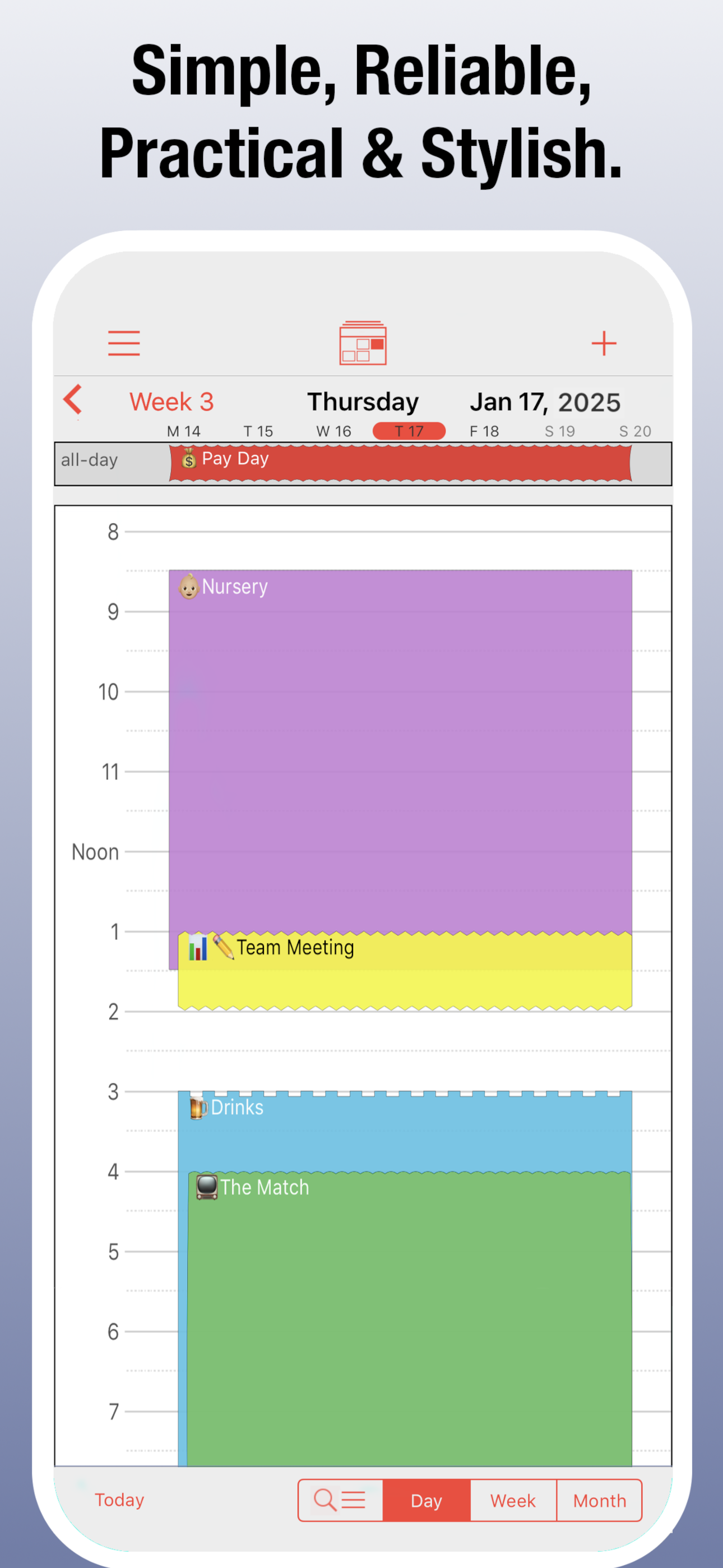
Study the product story and store experience behind the acquisition funnel.

03 / Market context
Keep revenue, downloads and store rankings separate from advertising performance.
Update: I was contacted by the developer and told that I can still create a customized alert but that the option has moved to the bottom of the screen. (Nothing about this anywhere in the support FAQs, by the way.) I added a star since the feature is still there, but only one star because this is the most ridiculous place to put it! I can’t imagine why they would move it from the most logical place on the screen to a completely different place. It didn’t help that I couldn’t find anything about it in some kind of “new features” update. Like I said, I’m glad the feature is still there, but I find it awkward and not at all intuitive to move my finger from the alert setup to the bottom of the page when I want to customize. ***** My rating just dropped from 5 to 2. The reason: you can’t create customized alerts anymore! The option seems to have disappeared with the latest update (August 2023). Honestly, that was one of my main reasons for my continuing to purchase this app, and I have been a happy, loyal customer for many years, until now. Here’s why that option matters to me. Let’s say I have to get up at 5:30 a.m. one day for something. I don’t want t be reminded exactly one day (24 hours) before because either I’ll sleep through it or the reminder will wake me up unnecessarily at 5:30 the day before the event to remind me about it! If I can set my reminder for 22 hours instead of one day, that’s so much better. If they don’t find a way to bring the customized reminder option back, I might as well just use the Calendar app that comes in the iOS.
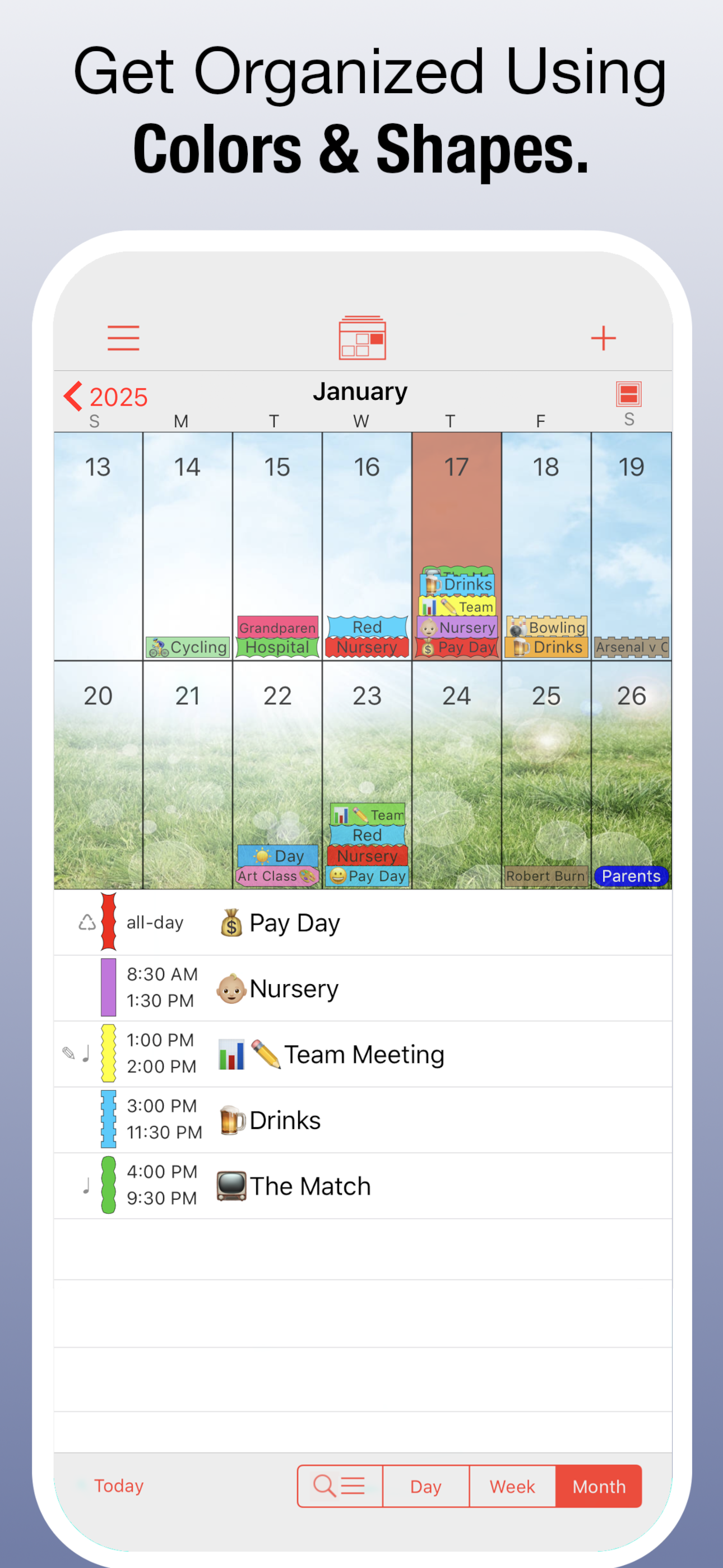
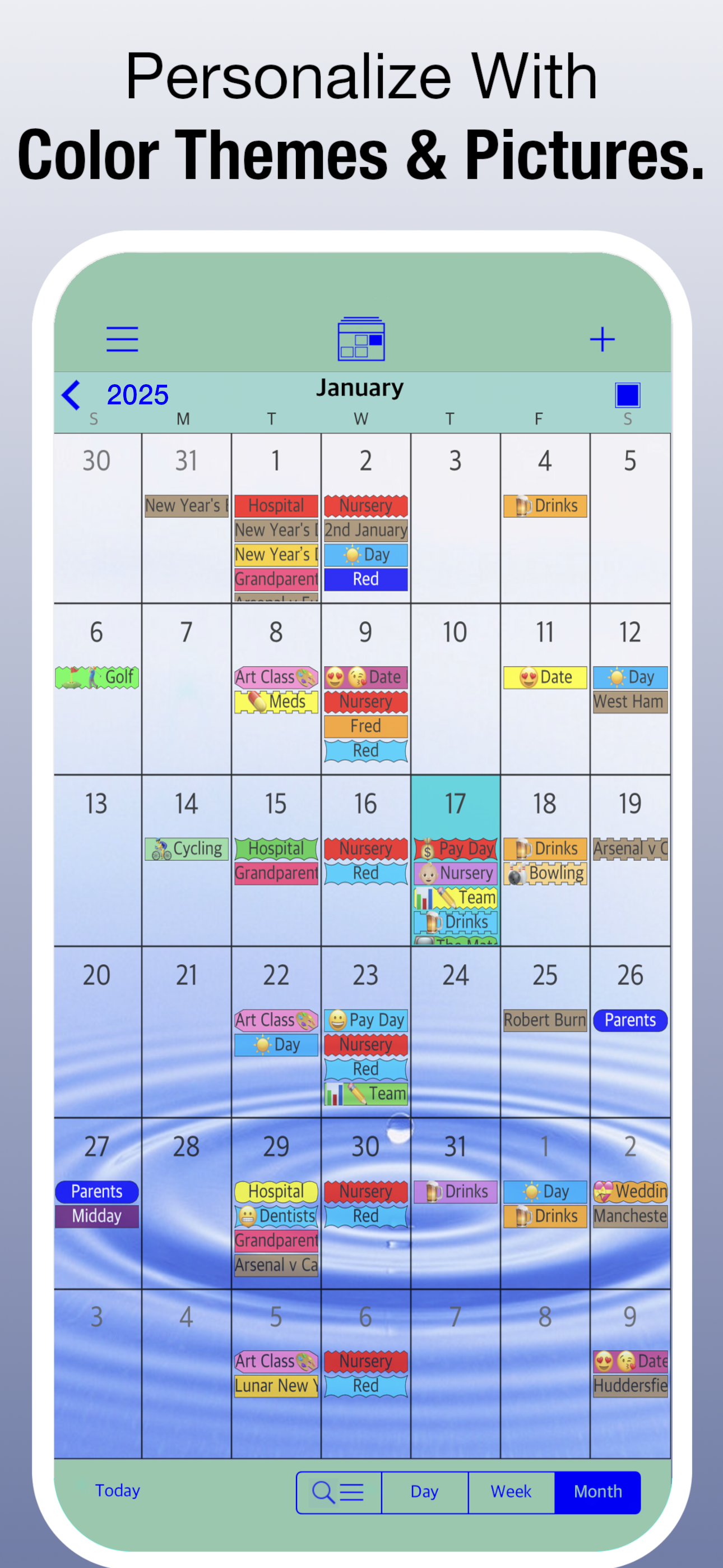
I’ve dreamed of being one of ‘those’ people since i was a child. You know, the people who are so organized it almost makes you dizzy? My organization skills have always been sub par. Ive tried almost every app on the app store, planners, sticky notes, paper calendars and even white boards. Ive had this app for about an hour and i already feel more organized than i ever have. I really like how you can customize the shapes of the labels, as well as the color choices. I HATE getting an app and they have 5-6 ashy or pastel tones and thats it. im a visual person so its way easier for me to view. The only thing i would change if i could is, if you could sync your meal plan from the ‘any list’ app that i use to grocery shop and store recipes/meal plan for the week. That app is so handy for check lists/ grocery organizations/ and more. These two apps together? WHEW, i would be unstoppable! Thanks for creating an interface thats not completely boring for those of us out here that, without this range of customization, would forget they even had a schedule planned ( reminder/alarm or not) being an adult doesnt have to be completely boring, and this app gets you excited to add new things to your schedule!
Love that it links w other calendars (though I'd prefer to mesh them all together onto one grand calendar), love that it's linked w my reminders, and the alerts AND the alerts based on location/drive time!! (though could use more options for the audible alerts) love the layout-that I can see a portion of what I wrote w the color I chose on each day instead of a simple dot that doesn't mean anything without clicking it... don't like that I have to keep paying for it over and over every year but like it so much I keep doing just that. Recently figured out how to view my calendar on my iPad- and share it between the two devices- so I can be on the phone and adjusting the iPad calendar at the same time. Main thing I would change: when you have 2 events for the same day, be able to choose which one goes on top! To prioritize the at a glance display. I’d rather know at a glance I have a doctors appt that day over knowing it’s my lil icon indicating it’s a pay day.. as even tho I try to do things w different colors, inevitably the more important one defaults to the bottom layer and I miss things.. easy to click and view but not so much at a glance to see that little border..
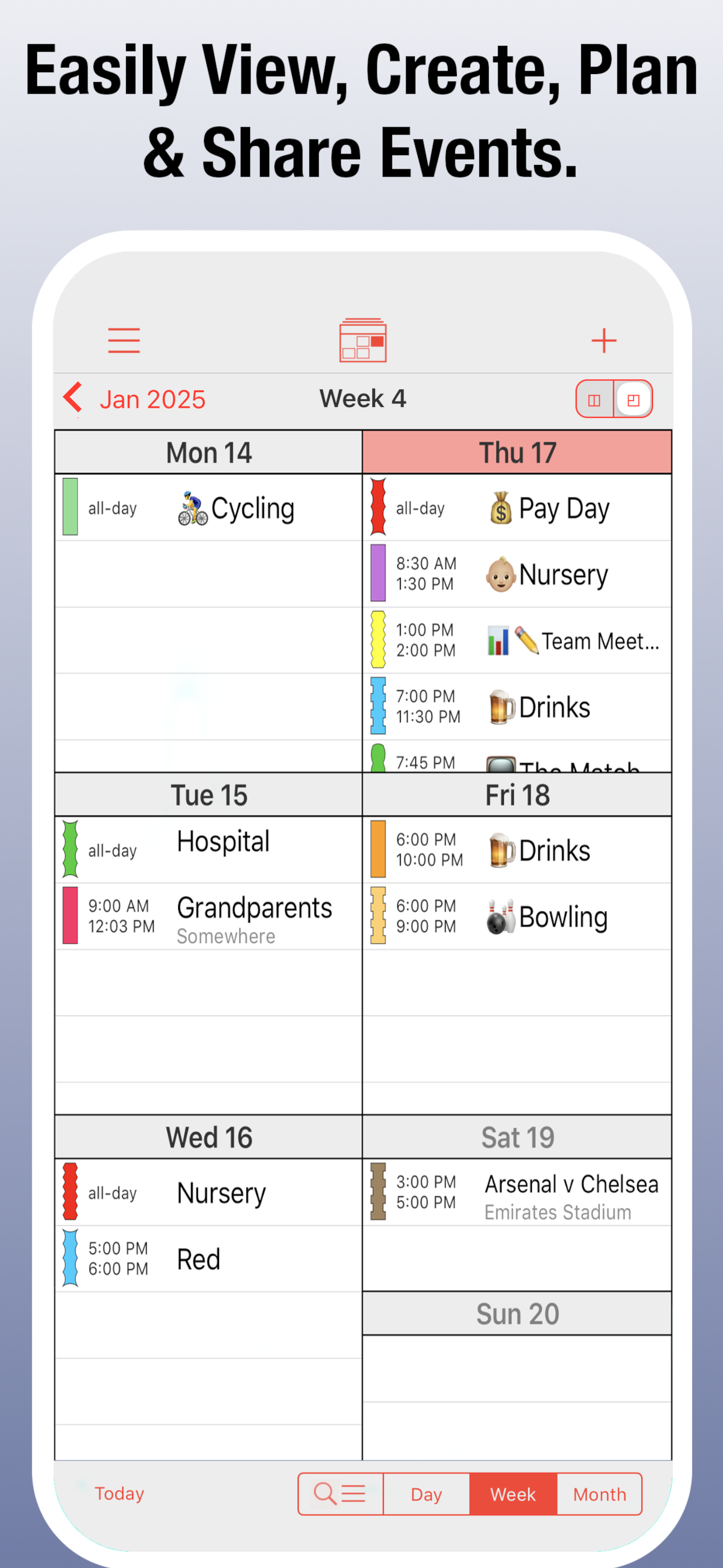
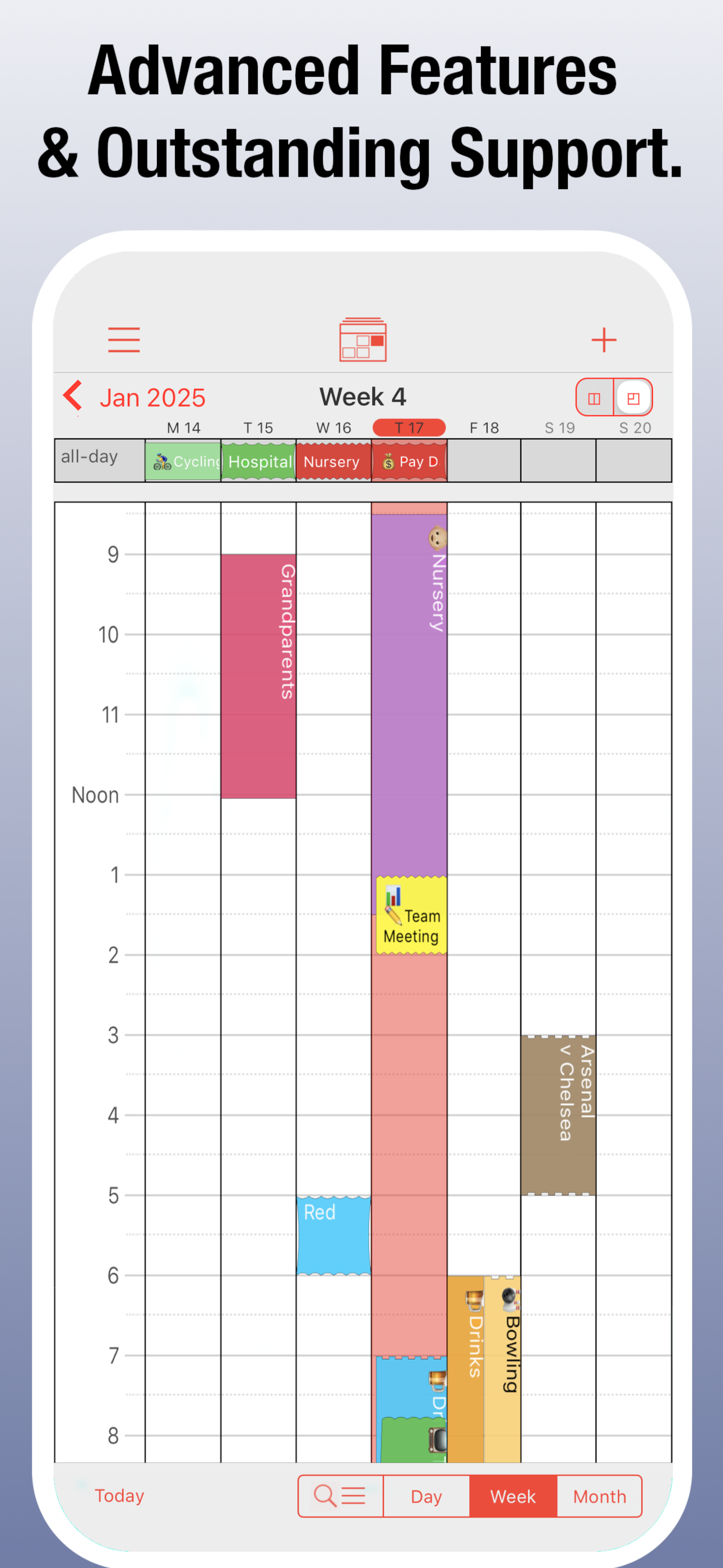
Searching for the perfect calendar app? DOWNLOAD POCKETLIFE TODAY FOR FREE PocketLife has been specifically designed to be stylish, intuitive and sup...
| Name | Price | Type |
|---|---|---|
| Calendar Store Add-On (Annual) | $1.99 | Yearly |
| PocketLife 2020 Calendar | $4.99 | One-time |
| PocketLife 2021 Calendar | $4.99 | One-time |
| PocketLife 2022 Calendar | $4.99 | One-time |
| PocketLife 2023 Calendar | $4.99 | One-time |
| PocketLife 2024 Calendar | $4.99 | One-time |
| PocketLife 2025 Calendar | $4.99 | One-time |
| PocketLife Upgrade | $4.99 | One-time |
| PocketLife 2026 Calendar | $6.99 | One-time |
| Premium Unlimited Access (Annual) | $9.99 | Yearly |