Check the acquisition promise
Read the store headline, screenshots and description. What problem is the app promising to solve?
Study the storefront ↗
Realtech VR · iOS
Explore the ad evidence, study the storefront, and build your next acquisition hypothesis.
01 / Creative research
Read the store headline, screenshots and description. What problem is the app promising to solve?
Study the storefront ↗Explore apps with direct store-link matches. Compare their hooks and formats without assuming the same approach works here.
Browse observed advertisers ↗Store rankings and revenue estimates describe market context. They do not establish ad spend, conversions or ROAS.
Review the market context ↗02 / Storefront & product
Study the product story and store experience behind the acquisition funnel.




03 / Market context
Keep revenue, downloads and store rankings separate from advertising performance.
I should have known better than to spend money on the premium add-on for an app that hasn't had any reviews in 2 years, with many of those old reviewers complaining they paid for premium but didn't get the premium functionality. That's exactly what happened to me - I bought the premium add-on so I would have the Apple Watch functionality. Apple knows I paid (I received the receipt from them) but the app does not and the Apple Watch functionality isn't there. I've reinstalled the app multiple times on both devices and have rebooted both of them many times. So that's $4 down the drain that I spent for functionality that would be very useful if it existed, but it does not. I have contacted the developer but haven't yet received a reply. I will gladly update this review and award 5 stars if I ever get the premium SkyORB functionality I paid for. (Several 2021 updates to the app claim to have dealt with this problem but they haven't.)
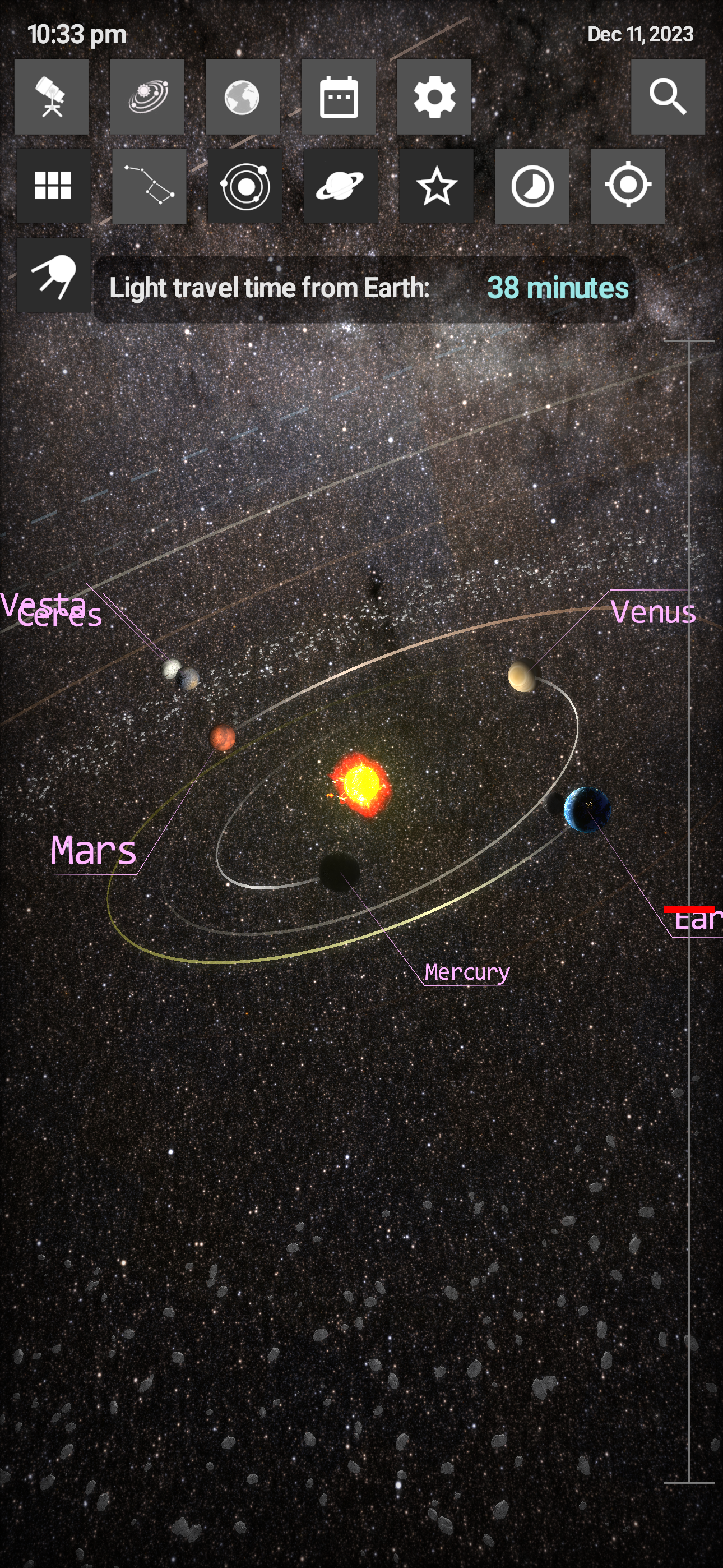
There are so many areas for improvement with this app it is not possible to list them all, and I do not suggest you use it nor upgrade to their premium product; I have not upgraded and have no plans to. I suggest you try Pocket Universe instead. For starters, the interface is clunky and unwieldly. Function icons are not clearly labeled, and occupy valuable display space on my phone. I should be able to hide these icons to make full use of my phone's display or they should auto-hide themselves in some off-screen fashion. To continue, pop-up information does not clear itself and gets in the way of the skyview display. The app continued to display data about Mars when I had navigated away from that planet's view in the "orbital" view. The app also does not remove information that is no longer relevant to the star/planet/satellite object that I am no longer looking at through the app. There is no obvious control that actually removes these info pop-ups; the control only resizes the pop-ups but does not remove them. Additionally, the stars all have "lens-flare" or "starburst" effects that won't turn off. A control needs to be plainly and obviously named that can disable this effect. Finally, the "night vision" mode should be just that: everything should be low-HSV color or red. When this option is turned on, the app does not use an appropriate color scheme. The list goes on, but these are some of the most obvious items that can be improved upon.
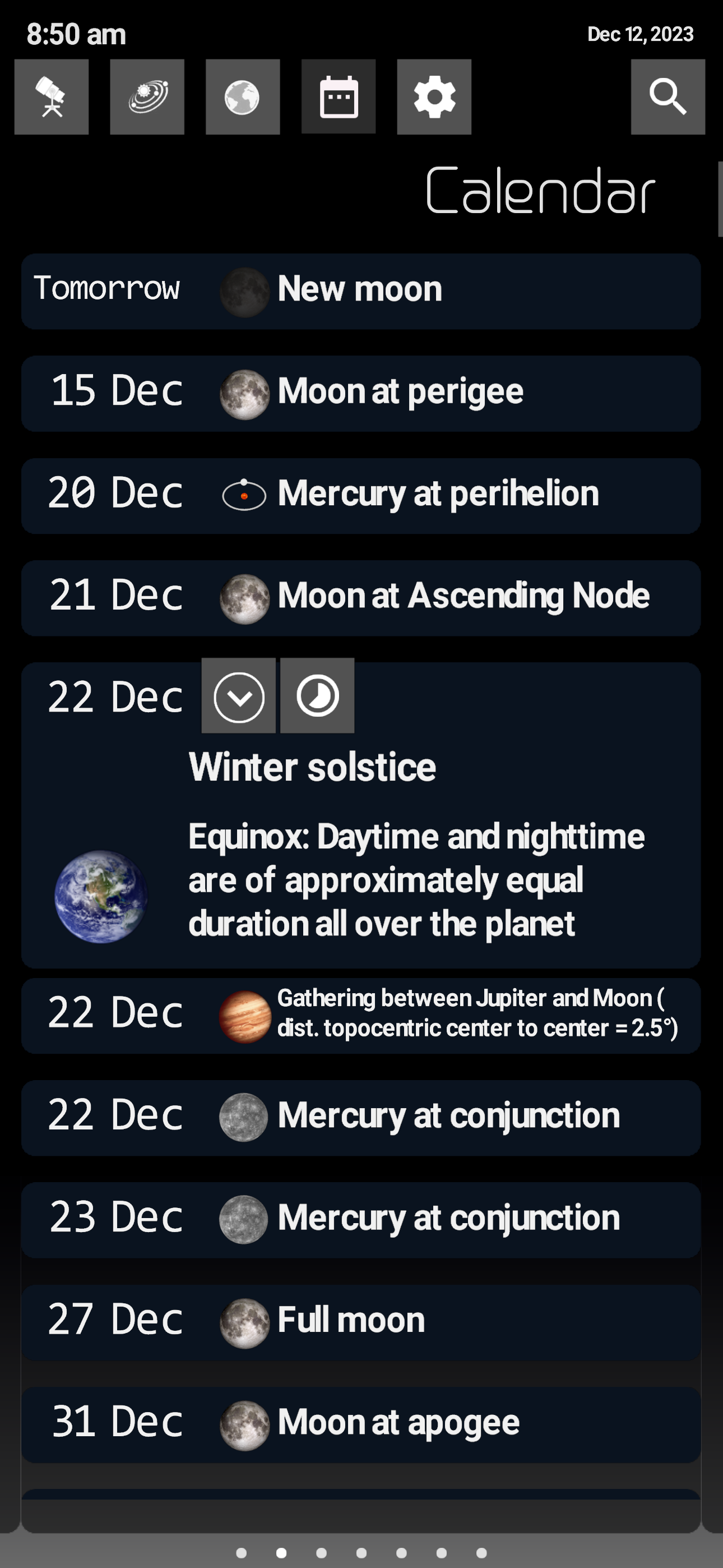
This program has the best sky catalog of any of the programs I have tried. You can search for things like the dwarf planet Ceres, for NGC objects and for satellites. The circle over the searched for object is annoying. It is useful while you are trying to get there but would be better if it were a different color like bright green and unfilled. I haven't found a way to use it to look at a time in the future or the past even after purchasing the full version. ----- Newest upgrade: The app is orientation aware except for the list of searchable objects which appears upside down when I hold my iPad with the home button up. Searchable objects list is the only thing I have found in the app which is not in night mode and is a night vision killer since the white box takes up a lot of real estate. I got into the time adjustment mode but there was no way to get out except closing and relaunching the app. The option for turning off the red fill in the planet locator is too well hidden.
Unleash the power of the universe with SkyORB, your all-in-one astronomy companion. Explore the stars, planets, and celestial events like never before...
| Name | Price | Type |
|---|---|---|
| 1-year Premium Subscription | $1.99 | Yearly |
| Premium Version | $3.99 | One-time |