Check the acquisition promise
Read the store headline, screenshots and description. What problem is the app promising to solve?
Study the storefront ↗
Vision Smarts · iOS
Explore the ad evidence, study the storefront, and build your next acquisition hypothesis.
01 / Creative research
Read the store headline, screenshots and description. What problem is the app promising to solve?
Study the storefront ↗Explore apps with direct store-link matches. Compare their hooks and formats without assuming the same approach works here.
Browse observed advertisers ↗Store rankings and revenue estimates describe market context. They do not establish ad spend, conversions or ROAS.
Review the market context ↗02 / Storefront & product
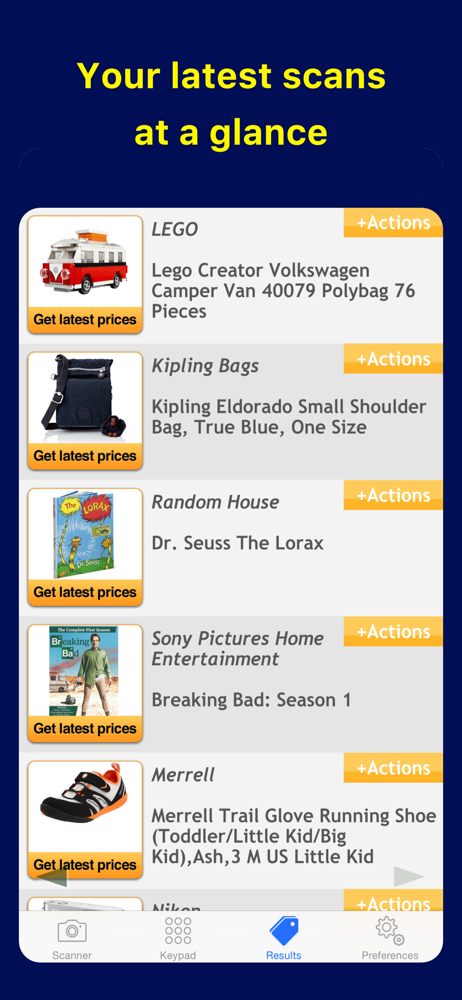
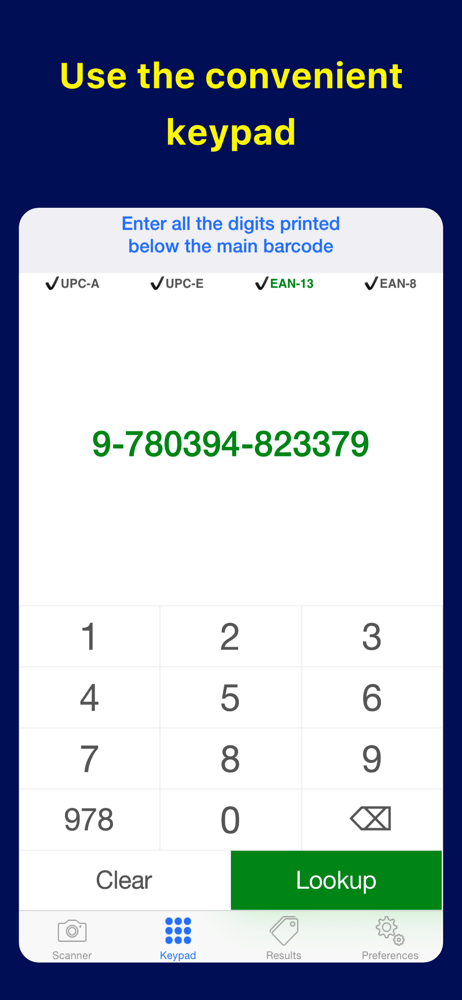
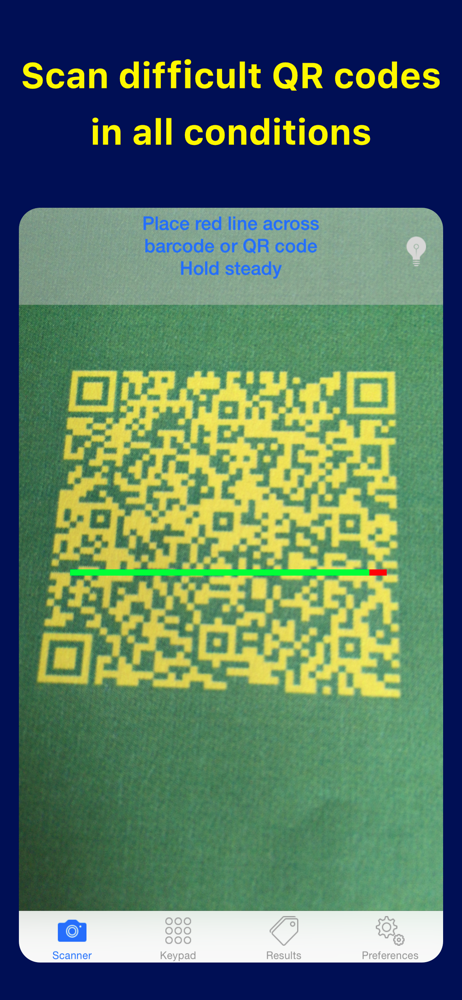
Study the product story and store experience behind the acquisition funnel.

03 / Market context
Keep revenue, downloads and store rankings separate from advertising performance.
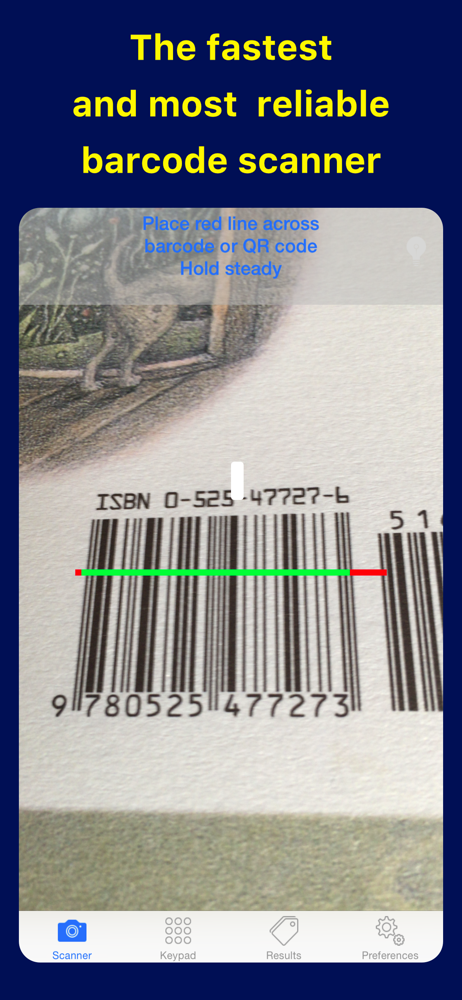
This app has helped me find a product on the Internet many times when a local store doesn't have the size or color I'm looking for. It also helps me figure out whether the local price is reasonable considering the help I'm getting, and the "speed" of local pickup. It has saved me some major $$$ when the online price has been significantly less. In most store lighting the barcode scanner works perfectly (with both my older 3GS phone/iOS 3, and my newer 4 iPhone), and the search feature is reliable. Sometimes I have to search the product box for the correct barcode (shoes often have two different barcodes), but only one will scan into pic2shop. I love this little app, and it's one of the few I haven't put away into a folder on my iPhone 4.
This version is significant improvement over previous version which I gave one star that I felt it did not even deserve. My key complaint then was the assumption made by the application developer that the average user would be able to keep the camera steady enough to get a correct scan on the first try. I even suggested they incorporate image stabilizing software. Well I am pleased to say the new live scan feature worked on the first try. I was at Costco and I wanted to get information on a Casio keyboard. I opened the application and positioned the phone so the UPC was visible. And before I knew it, the scan completed and it was actually correct on the first try! I was pleasantly surprised. The capture button on the screen that made it that much more difficult to get a steady image is gone in this version! I see myself using this more often now. However I wonder how well it will worked on curved surfaces such as a soda bottle...
So, I downloaded this app mainly because I saw the G1 commercial and was so mad the G1 can do this, but my fabulous iPhone cannot. And while, after reading the reviews I was expecting complete utter failure - I was surprisingly surprised :) After about 64 or so tries, I actually got it to work...once. But then again, that's not entirely the developer's fault mainly because it has to do with the precision of the picture. But, if you have patience, really good lighting, and friends that are easily impressed...this app does the trick. Keep in mind, if you're planning on going to the store and comparing prices of things with this app, you're going to be horribly dissapointed. However, if you're like me and enjoy sitting on the floor scanning all of your old movies 25 times until it works, then this is it!
Point the camera at the barcode of a product (even if blurry) and instantly search for it. Product information, user reviews, etc., are just two taps...