Check the acquisition promise
Read the store headline, screenshots and description. What problem is the app promising to solve?
Study the storefront ↗
Adrian Ross · iOS
Explore the ad evidence, study the storefront, and build your next acquisition hypothesis.
01 / Creative research
Read the store headline, screenshots and description. What problem is the app promising to solve?
Study the storefront ↗Explore apps with direct store-link matches. Compare their hooks and formats without assuming the same approach works here.
Browse observed advertisers ↗Store rankings and revenue estimates describe market context. They do not establish ad spend, conversions or ROAS.
Review the market context ↗02 / Storefront & product
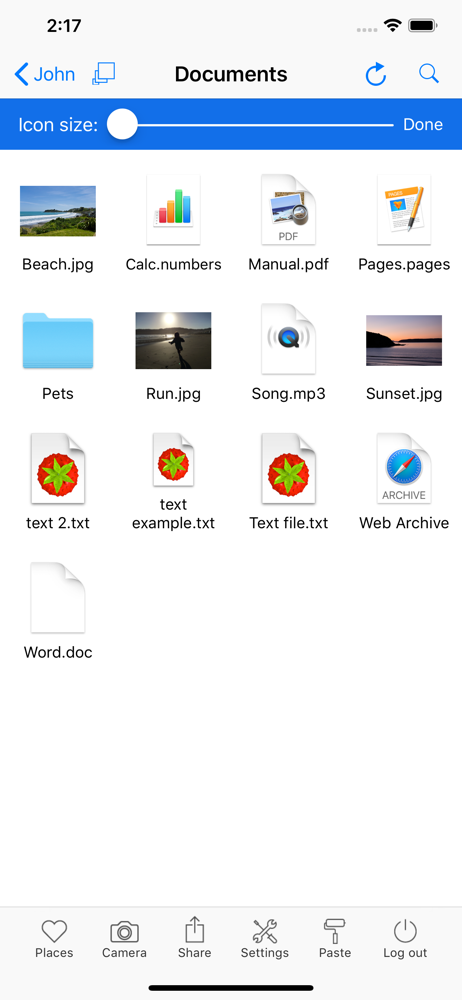
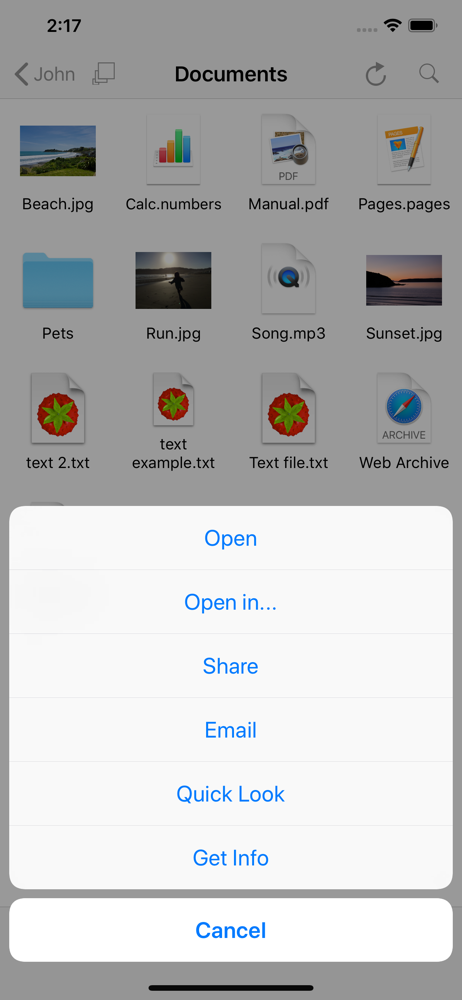
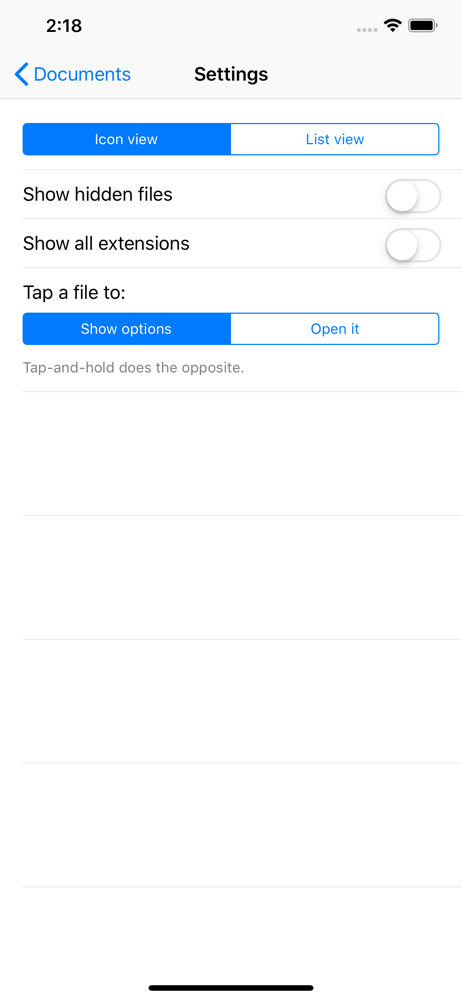
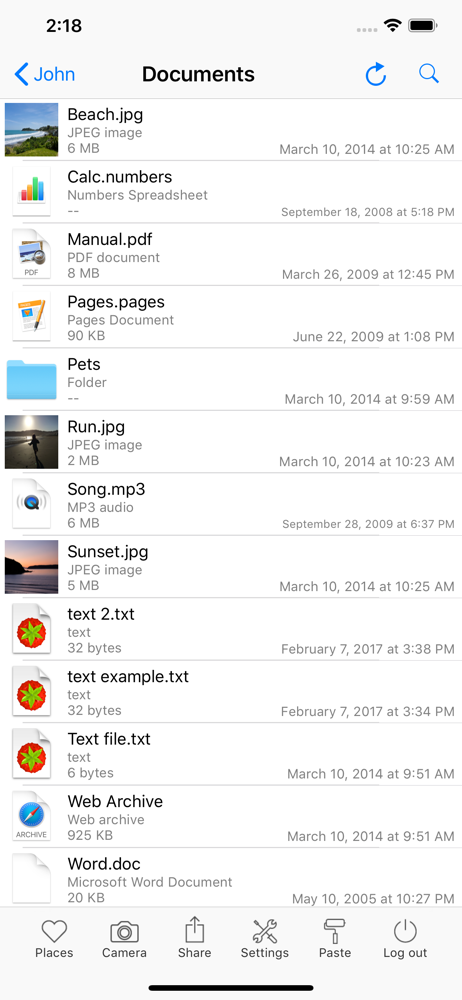
Study the product story and store experience behind the acquisition funnel.

03 / Market context
Keep revenue, downloads and store rankings separate from advertising performance.
I downloaded this app based on favorable reviews a couple of weeks ago, only to discover that it is very counter-intuitive to use. Although I'm pretty computer and network savvy, after two weeks of frustration, I gave up and signed up for their monthly fee version just to get my iPad 2 to recognize my MBP. You may not be surprised to learn that, unlike their free instructions, the paid subscription resulted in immediate recognition of my MBP. You will be as surprised as I was that it takes >25 seconds PER TOUCH for my iPad 2 to log into the MBP. In fact, after wasting even more time just trying to get this non-functional app to do , I finally gave up in disgust. I did give the app one star because they let you try before you buy. This much work for some people but I find it surprising that it can't handle a newer MBP & iPad 2.
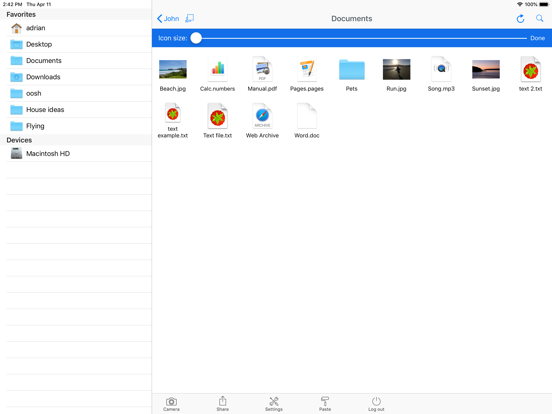
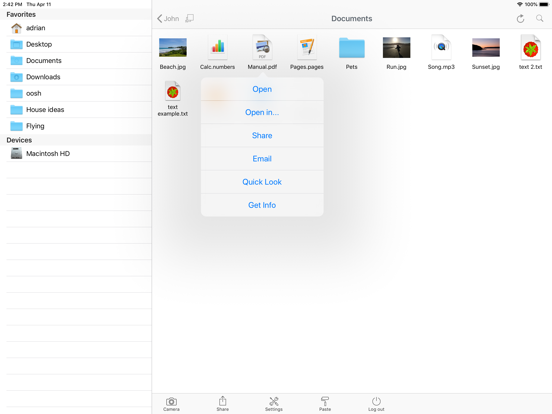
I like the fact that it doesn't do the screen sharing from my mac. That is a very slow process to bring all the graphics and mouse, etc. 99% of the time you just need a file. This does the perfect job. I also, like how you can use it from your iphone or any browser. This is the free iphone app that goes with the paid client software. However, i bought it becuase i really enjoyed the trial (20 days). Setup was a snap...you have to install client software and then setup a user/password for the software....after that, you use your mac user/password. Great job....Recommended!
Farfinder is a great app! One of the most revolutionary concepts I've seen. I'm a student and I use it so that I can have access to all of my files while I'm wandering around campus, without having to lug around my laptop. I can also imagine that if someone stole my computer, I could use farfinder to snap a photo of them. The app works really well, and the new release fixed what minor bugs there were. Its more expensive than most iPhone apps, but its totally worth it, and don't forget its a lot more than just an iphone app. In a way the iPhone app is just icing on the cake-- I can also use farfinder from any browser on any computer.
This is the free client for the Presence Mac app. You need Presence installed on your Mac to use this app - get it from our web site. Internet access...