Check the acquisition promise
Read the store headline, screenshots and description. What problem is the app promising to solve?
Study the storefront ↗
Aashish Patil · iOS
Explore the ad evidence, study the storefront, and build your next acquisition hypothesis.
01 / Creative research
Read the store headline, screenshots and description. What problem is the app promising to solve?
Study the storefront ↗Explore apps with direct store-link matches. Compare their hooks and formats without assuming the same approach works here.
Browse observed advertisers ↗Store rankings and revenue estimates describe market context. They do not establish ad spend, conversions or ROAS.
Review the market context ↗02 / Storefront & product
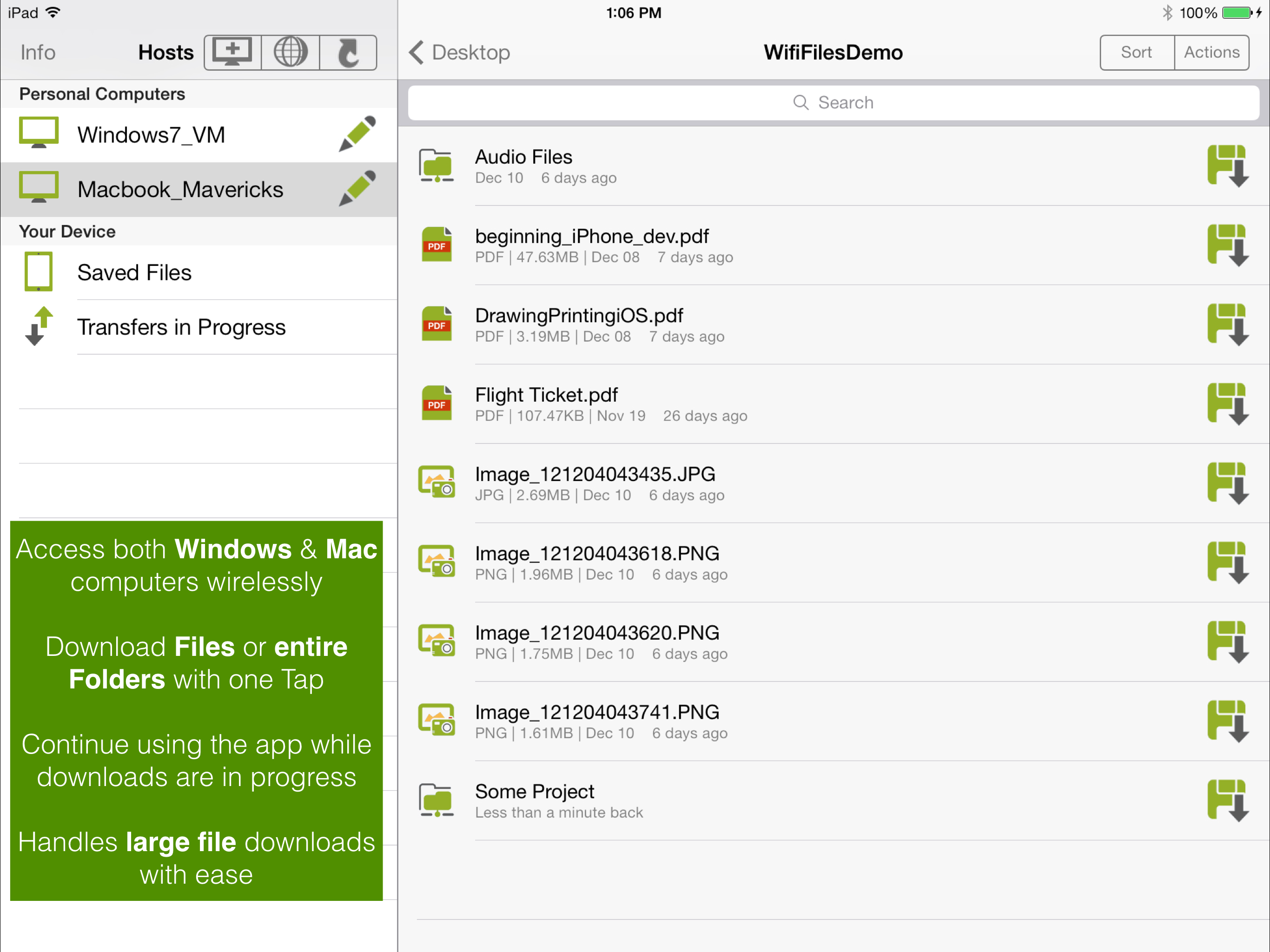
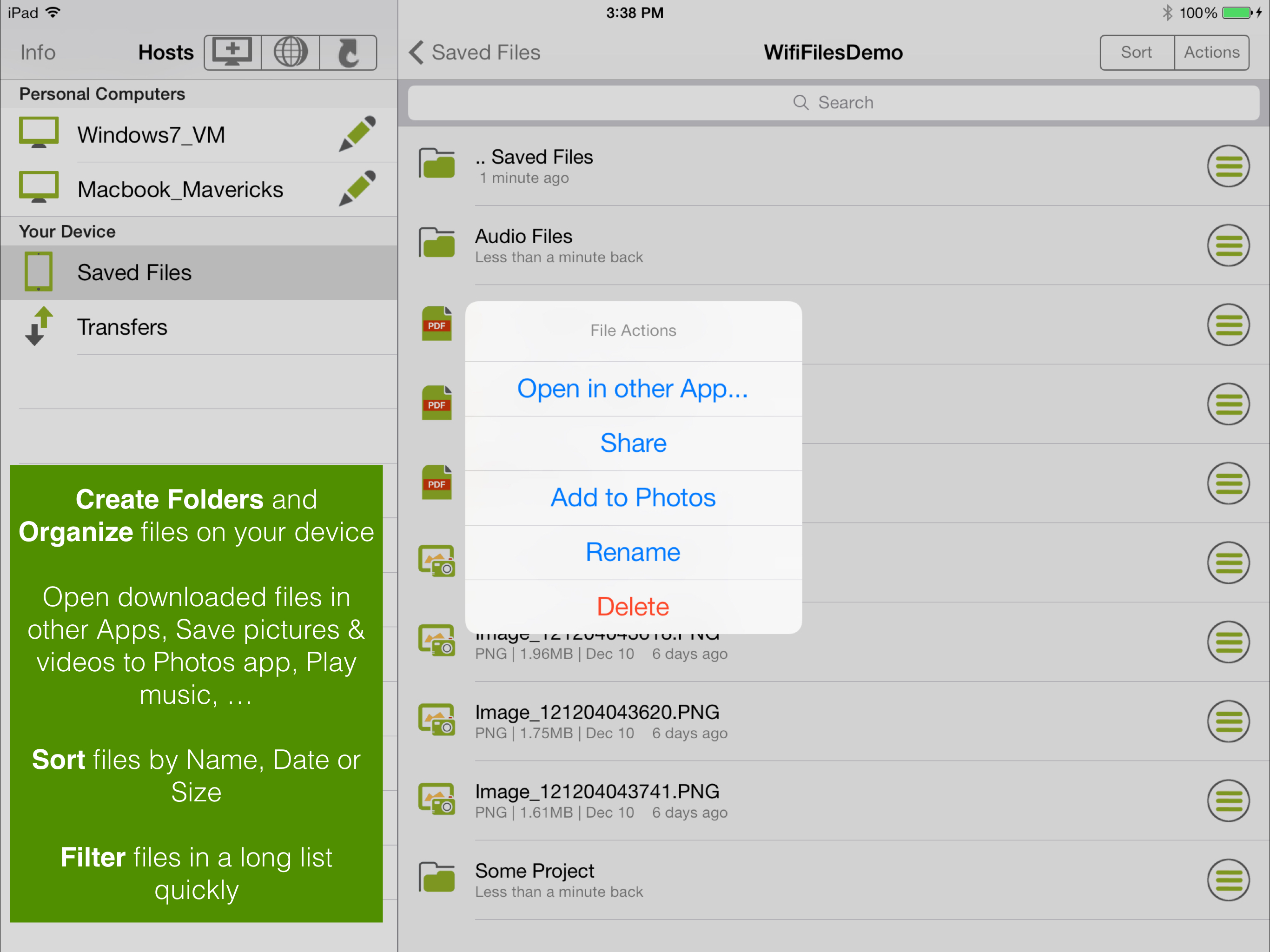
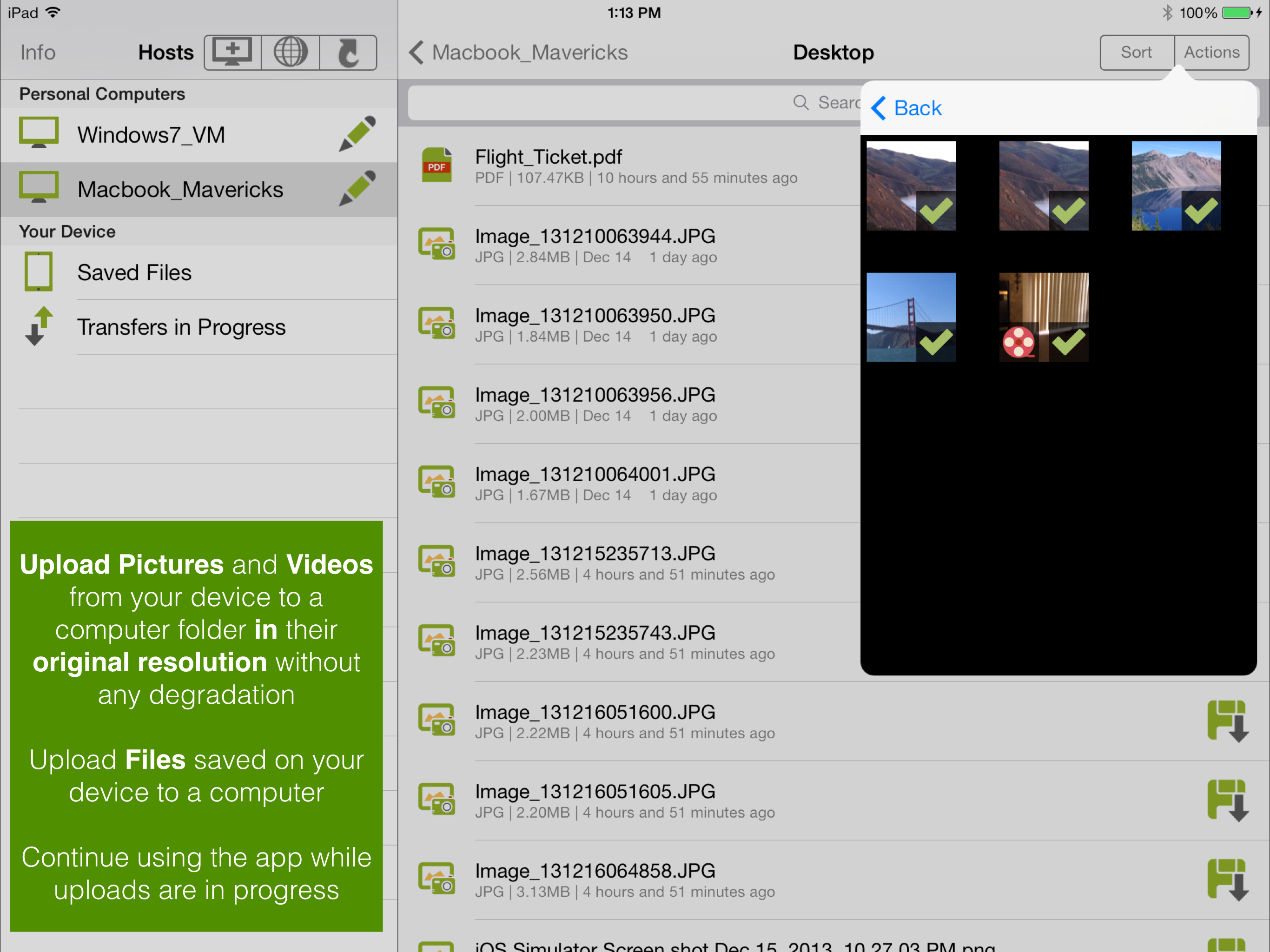
Study the product story and store experience behind the acquisition funnel.


03 / Market context
Keep revenue, downloads and store rankings separate from advertising performance.
For a few quid, can't really complain. It works. You do have to be in the developer's mindset to understand how to get it going, especially if the broadcast feature does not work properly as the instructions are minimal - written from the developer perspective. Ideally too, the pc application should be a service rather than an executable. It must be running on your task bar in order to expose your pc to iPhone rather than in the background as a service!
I bought the full version and yes it does what it says (you can share docs and files over WIFI). It is easy to install and configure and allows easy WIFI downloads. Few comments for improvement: On the PC soft side 1st: - You need to click full sreen otherwise you may miss some menu without noticing it. It took me few minutes to realize it when I started. - We should be able to minimize the application on the PC side and have simple options to have it on by default when PC boots. Without it, it uses full time space on the taskbar for at end nothing On the iPad side: - the icon should change of color when we selected one for dowload because it works so well that you may end-up downloading several times the same file. - If you exit the apps, to do something else during the download, you may face a timeout. I do not know so you must stay into the app until full download - Originally, I bought it in order to download easily movies without having to connect my iTunes. But for a reason I do not understand when you play the movie in landscape mode, the image is shorten on right and left where the app is displayed in stead of the movie. - Sometime the videos ends in "pictures" and sometime not (don't know why), so for those ending there it is fine for the others...I cannot enjoy fullscreen...please fix it ;-) Overall, it quite fine for US$1.99 but some little improvements would make it just great.
This app is awesome, it does exactly what it says it does, it allows me to copy or use all the files I have stored on my PC and it does it wirelessly using my Wi-Fi connection. When you need to use on your iPad or iPhone files you stored on your computer, this is the app to have. Using my iPad, I opened a large PDF file that was sitting on my computer and saved it in iBooks, so that can now open it and read it everywhere where I bring my iPad. Great! Copying or opening MS office files residing on my PC also goes flawlessly. I was even able to select and play music stored on my PC, listening to it via my iPad, wirelessly, very impressive and handy! The User interface for setting it up is not 100% intuitive, however with trial and error I got it to work and once set up, the connection is automatic, just start it up and it works. The developer is very accessible and responsive, regardless of the set up problems I had in the beginning, I am very satisfied. Ultimately what counts for me is that there is a person to talk to and that there is a genuine desire on the developer’s part to solve problems and to provide a flawless experience to the customer. I am very happy with his responsiveness and his accessibility. What is also nice is that there is NO RISK with the free version. It allows for ample trial transfers, before you need to upgrade. I just upgraded the app and gladly paid my 99ct for it. This app is a great value, thank you for a job very well done! NM
Browse your Computers (Mac & Windows) right from your iDevice over wireless network. Transfer files, pictures, videos & entire folders between compute...
| Name | Price | Type |
|---|---|---|
| WiFi Files (iPhone/iPod Touch) | $0.99 | One-time |
| Files n Folders (Full) | $2.99 | One-time |