Check the acquisition promise
Read the store headline, screenshots and description. What problem is the app promising to solve?
Study the storefront ↗
PureBlend Software · iOS
Explore the ad evidence, study the storefront, and build your next acquisition hypothesis.
01 / Creative research
Read the store headline, screenshots and description. What problem is the app promising to solve?
Study the storefront ↗Explore apps with direct store-link matches. Compare their hooks and formats without assuming the same approach works here.
Browse observed advertisers ↗Store rankings and revenue estimates describe market context. They do not establish ad spend, conversions or ROAS.
Review the market context ↗02 / Storefront & product
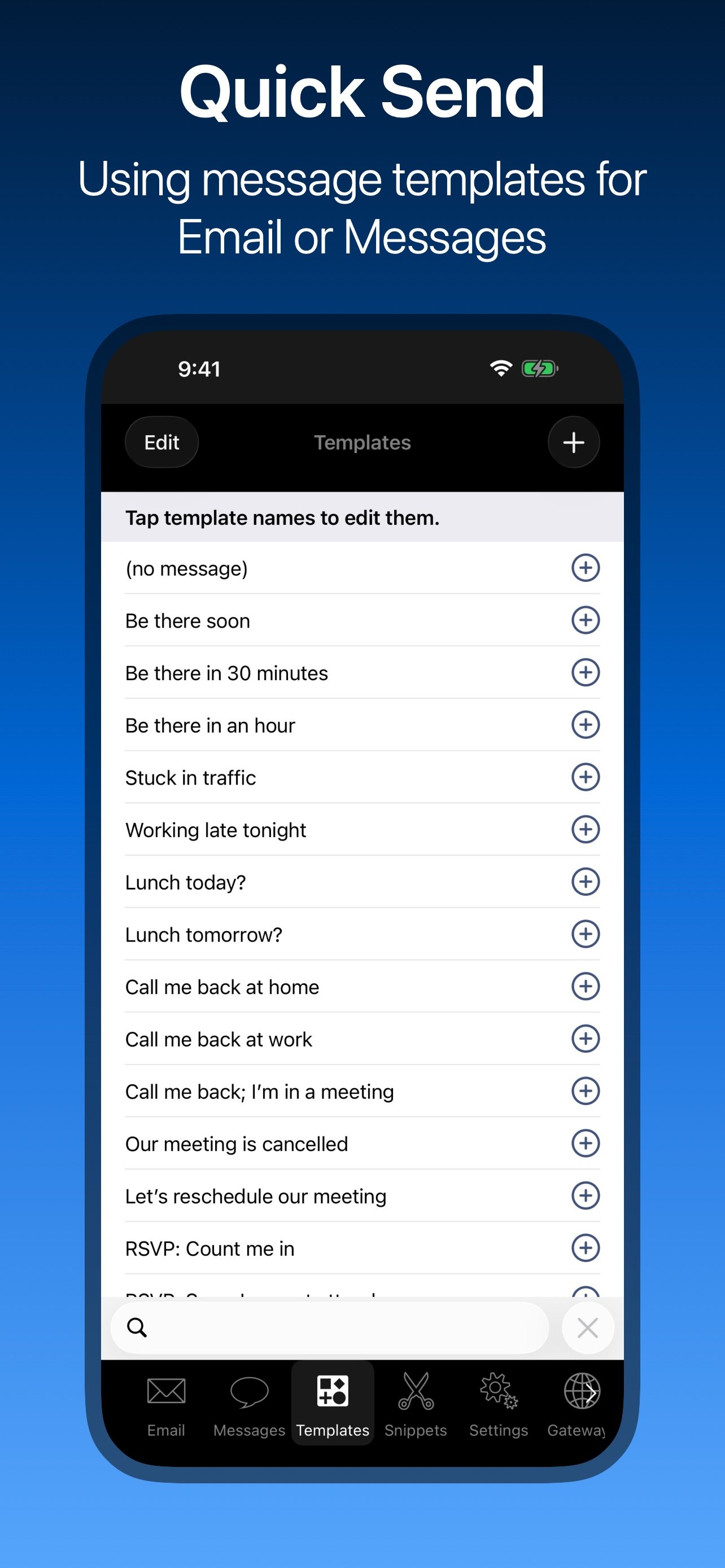
Study the product story and store experience behind the acquisition funnel.




03 / Market context
Keep revenue, downloads and store rankings separate from advertising performance.
I don’t like believing bad reviews. I don’t leave any reviews anyway. But this, I haven’t been able to figure out how to attach groups when I click on a group. I can’t select all from the group list. And then when I see the email come up even with one contact from my contacts in iOS it doesn’t fill in the placeholders with name last name company, etc. I would like to be proven wrong about this app because I really need it to work, but it does not. I will change my review if someone can show that me that I am wrong and how to make it work I’m relatively intelligence and I have not been able to discover how to do this.
I could not live without this program. I need to send email responses back to customers while out. This program has allowed me to do that. I have full responses to all sorts of questions ready to go at the push of a button. It's now been updated to work with the upcoming iOS.
Converted to I-phone from Treo with the release of 3Gs, I have been looking for apps to replace the palm apps I am comfortable with, This one is pretty close to the "quick text" feature of the Treo Text Message. I have not utilized the e-mail portion of the program but could see it’s use for business. You can create a favorite contact list for quick selection and you can edit the text of the messages in the quick texts and add your own. You do have to "paste" the message into the native SMS program but this program does the copy and takes you to the native app. All in all it will stay off carpel tunnel a few years longer. Nice work-around to eliminate the whole gateway email thing the other programs in this group use to create the same effect. The recipient can respond directly to you and have no way of knowing you are using another program. Eliminate the “paste” portion and extra keystroke and it is 5 stars.
SEND PERSONALIZED MAIL-MERGED MESSAGES USING STATIONERY & SIGNATURES With Maildash, you'll be firing off emails and texts in rapid succession, using...