Check the acquisition promise
Read the store headline, screenshots and description. What problem is the app promising to solve?
Study the storefront ↗
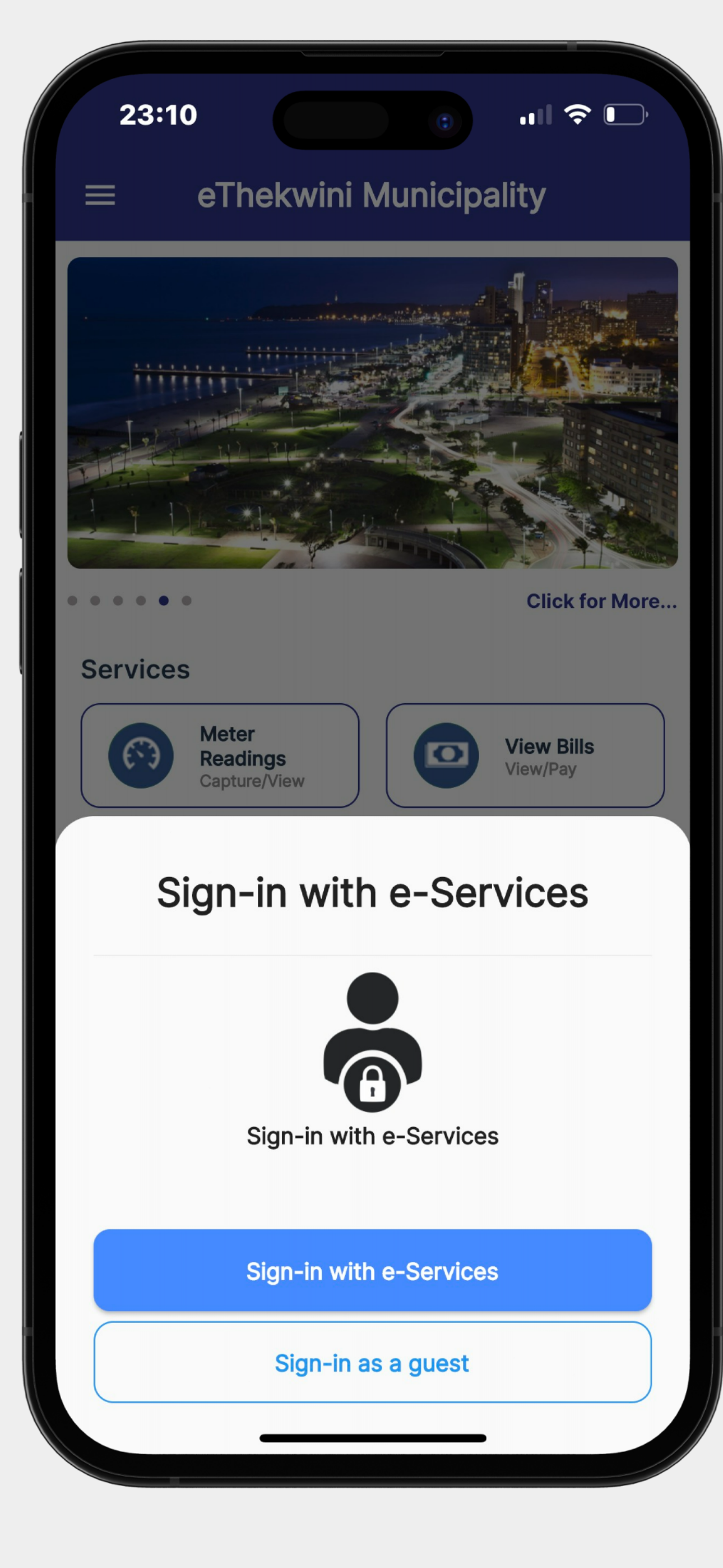
eThekwini Municipality · iOS
Explore the ad evidence, study the storefront, and build your next acquisition hypothesis.
01 / Creative research
Read the store headline, screenshots and description. What problem is the app promising to solve?
Study the storefront ↗Explore apps with direct store-link matches. Compare their hooks and formats without assuming the same approach works here.
Browse observed advertisers ↗Store rankings and revenue estimates describe market context. They do not establish ad spend, conversions or ROAS.
Review the market context ↗02 / Storefront & product
Study the product story and store experience behind the acquisition funnel.




03 / Market context
Keep revenue, downloads and store rankings separate from advertising performance.
The concept of the app is good but there still seems to be many bugs suggesting substandard app coding and testing prior to launch. In particular, many users on Apple devices have reported being unable to submit readings because after entering a meter reading and trying to upload the photo, the submit button is hidden. The following workaround works on my iPhone if you follow the sequence : 1. Enter in the meter reading in the text box 2. Press submit button WITHOUT uploading a photo. 3. An error message pops up, select ok. 4. Only now upload the photo (your meter reading that you typed in should still be visible.) 5. Submit button should be visible now after uploading the image. This seems to work both for electricity and water capture. I hope this workaround helps others.
The app does not work. I have been trying to submit meter readings. It allows me to capture the reading, upload the photo and then nothing. Unable to submit. It just stays on that screen! Please can you’ll test the app and ensure that it is working efficiently for your customers!
I tried to submit meter reading on the app. It asked me to upload the photo which I did. But then I cannot scroll down to hit the submit button. There is not scroll function. And the submit button is hidden below the iPhone screen so I had no way of hitting the button. Guess what, to make matters worse. I cannot even submit the meter reading online on the website either. And my meter has not been read officially for the last 12 months.
The eThekwini Mobile App is an app that puts eThekwini residents first. The app allows for residents to be able to have easy and fast accessibility of...