
Check the acquisition promise
Read the store headline, screenshots and description. What problem is the app promising to solve?
Study the storefront ↗
Andres Piza Buckmann · iOS
Explore the ad evidence, study the storefront, and build your next acquisition hypothesis.
01 / Creative research
Read the store headline, screenshots and description. What problem is the app promising to solve?
Study the storefront ↗Explore apps with direct store-link matches. Compare their hooks and formats without assuming the same approach works here.
Browse observed advertisers ↗Store rankings and revenue estimates describe market context. They do not establish ad spend, conversions or ROAS.
Review the market context ↗02 / Storefront & product
Study the product story and store experience behind the acquisition funnel.


03 / Market context
Keep revenue, downloads and store rankings separate from advertising performance.
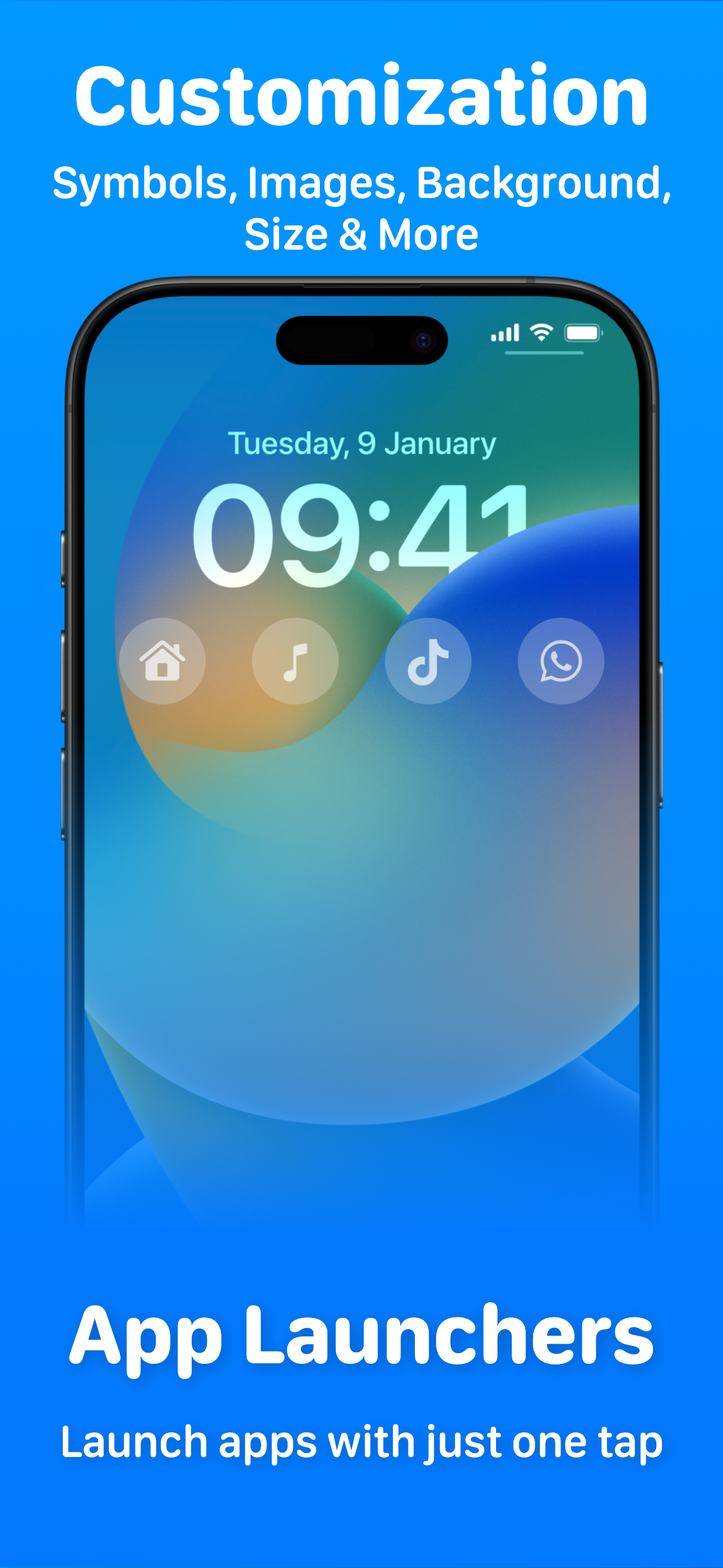
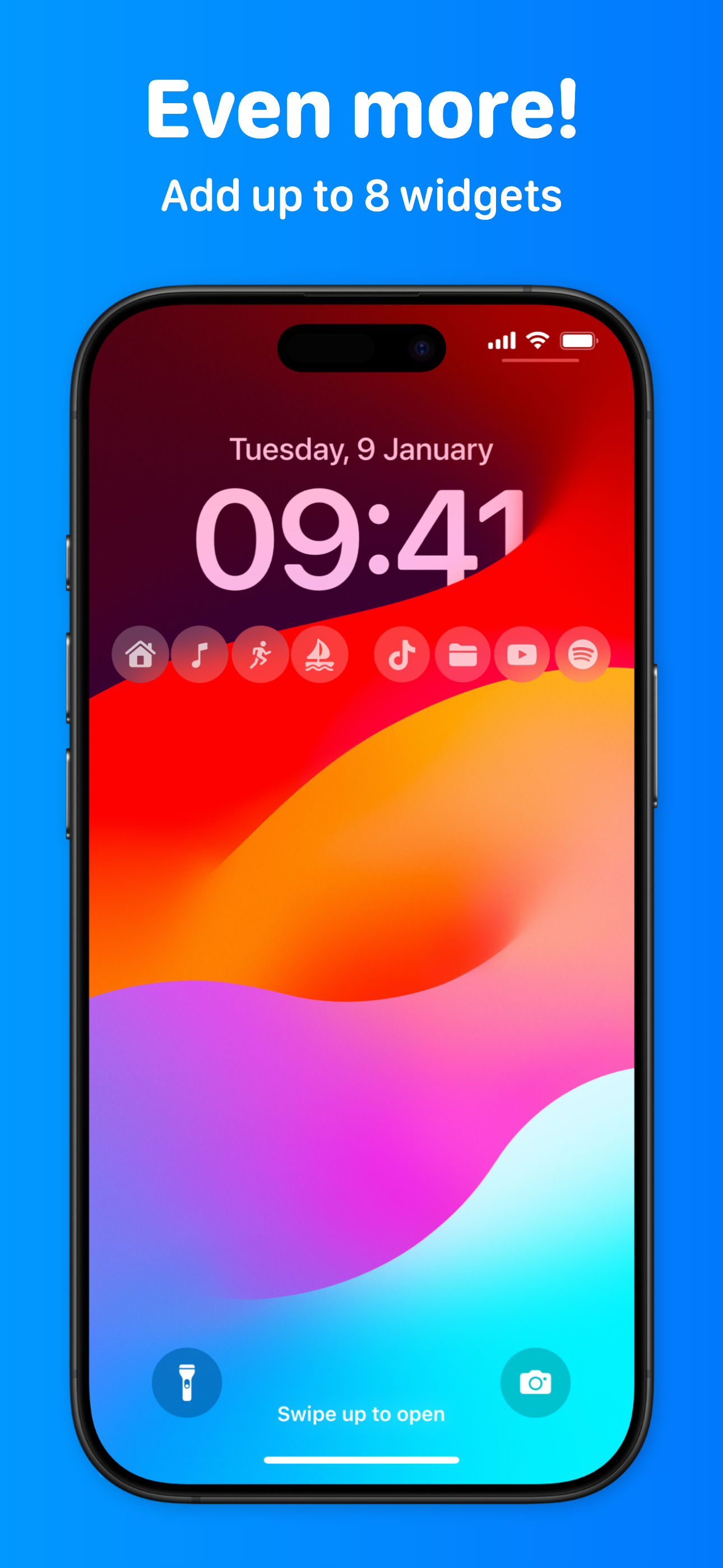
Everyone wants a good developer who responds to questions, app suggestions and keeps the app updated! This app comes with the best developer and you can put up to 8 widgets on your Lock Screen. Yes, I said Lock Screen. Up until now unimaginable, right!? Those widgets are customizable with size and symbol. Shortcut Widgets & Focus Widgets are in the mix. This app has many options and features so I spent a lot of time just experimenting and changing things around. Opening apps from my Lock Screen has me loving it. There is so much more so give this app a try.
This is a well done app. Firstly it does what apple didn’t do- which was integrate their own software, shortcuts, into their own flagship feature, Lock Screen widgets! I mean come on Apple, you can’t feature a feature in your own feature?!? Anyway, secondly this app is developed admireably, from useability to UI. I got my shortcut set up and running on my Lock Screen right away. And it’s great that it gives you the option to choose an app just in case you are not a shortcuts user. Bonus points for user friendliness! More points for solid developing in the Apple Ecosystem, keeping this free and not spewing ads, needlessly transmitting data, nor abusing the subscription system. It’s nice to see developing done with integrity. Update: Developer is on it with this!
The new lock screen widgets in iOS 16 are great, but limited in capability. There are a lot of apps hitting the App Store that let you run shortcuts, but they are all super clunky. This is by far the best one out there, and the developer is actively improving it. Recently added the ability to open apps directly, which is a huge feature. Hopefully custom URL schemes are next, which will open up the capability to do just about anything on your phone from the Lock Screen.
Your shortcuts on your Lock Screen. LockFlow is an app that allows you to set quick actions always available with one tap from your Lock Screen. You...
| Name | Price | Type |
|---|---|---|
| Unlimited access (Monthly) | $2.99 | Monthly |
| Unlimited access | $5.99 | One-time |
| Unlimited access (Annual) | $9.99 | Yearly |
| Unlimited access | $32.99 | One-time |
| Unlimited access | $41.99 | One-time |


