Check the acquisition promise
Read the store headline, screenshots and description. What problem is the app promising to solve?
Study the storefront ↗
GOGov, Inc. · iOS
Explore the ad evidence, study the storefront, and build your next acquisition hypothesis.
01 / Creative research
Read the store headline, screenshots and description. What problem is the app promising to solve?
Study the storefront ↗Explore apps with direct store-link matches. Compare their hooks and formats without assuming the same approach works here.
Browse observed advertisers ↗Store rankings and revenue estimates describe market context. They do not establish ad spend, conversions or ROAS.
Review the market context ↗02 / Storefront & product
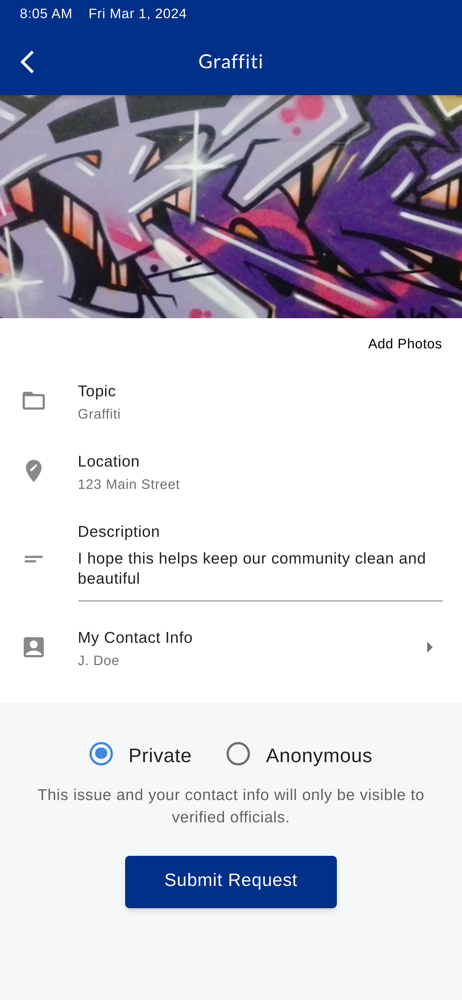
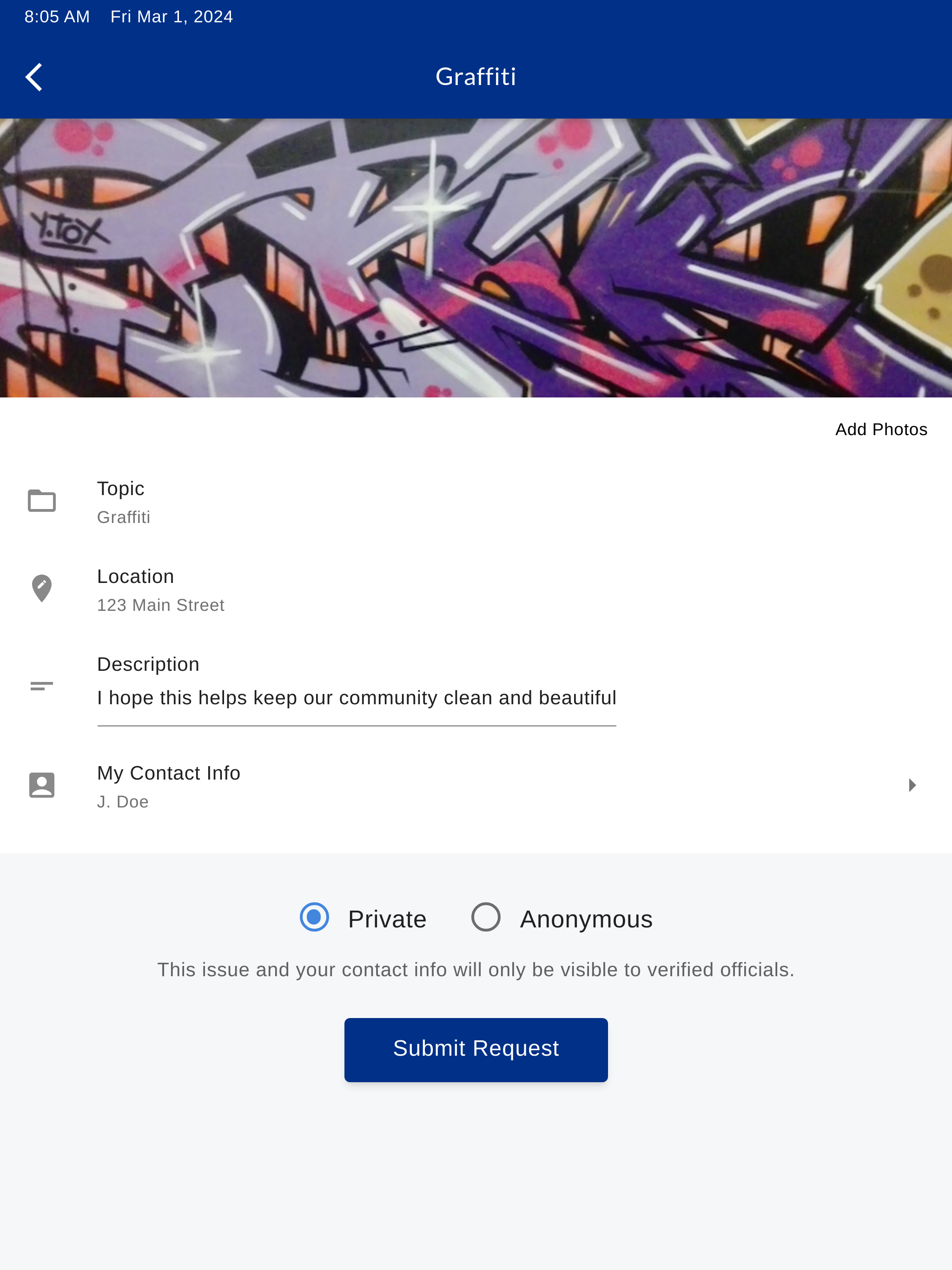
Study the product story and store experience behind the acquisition funnel.


03 / Market context
Keep revenue, downloads and store rankings separate from advertising performance.
I am using an iPad Pro, but there seems to be an issue where it won’t show the maps anymore to select the area where the problem is. I tried closing the app and even restarting the iPad to see if that is the issue. It didn’t help.
The only thing this app does is allow you to submit a question, comment or observation. It does not allow for dialogue. The city doesn’t really take requests seriously and responds after a week or so with, “your matter has been taken care of.” This is their standard response regardless of whether or not the issue has been resolved. There is no option to follow up should you disagree with their response. Not worth the space on your phone.
See a pothole that needs filling? Graffiti making a mess of your neighborhood? Tap right into your city and report the issue fast with My Davis!