Check the acquisition promise
Read the store headline, screenshots and description. What problem is the app promising to solve?
Study the storefront ↗
Amit Verma · iOS
Explore the ad evidence, study the storefront, and build your next acquisition hypothesis.
01 / Creative research
Read the store headline, screenshots and description. What problem is the app promising to solve?
Study the storefront ↗Explore apps with direct store-link matches. Compare their hooks and formats without assuming the same approach works here.
Browse observed advertisers ↗Store rankings and revenue estimates describe market context. They do not establish ad spend, conversions or ROAS.
Review the market context ↗02 / Storefront & product
Study the product story and store experience behind the acquisition funnel.


03 / Market context
Keep revenue, downloads and store rankings separate from advertising performance.
I have been using this app for quite a while and love it on my iPhone. I just purchased a new MacBook Air and was hoping to add the same widgets to my MacBook desktop. Unfortunately, I was able to download the app and create, but I cannot get them added to the desktop, the tutorial included with the app is specific for iPhone iPad not for the MacBook. If I am mistaken, and this is not for the MacBook Air then I apologize.
This countdown app has so far been my favorite one, and just tonight I have downloaded and deleted probably 15 of them! The other ones I have gotten either didn’t have the actual widget, was a subscription I had to pay for every month, or did not include the option to have weeks (this one that I have seen so far does not include weeks). I have yet to purchase the lifetime edition of this app because I wanted to look around a little bit first. But so far this is my favorite.
I count down for the next time I get to see My Sailor. It helps me count the days hours and minutes. Every time I open up my phone on the lock screen it’s a small reminder I got to take it day by day because I’ll get to see My Love Once Again because Months seem so far away but everyday it’s one day less. But overall thank you for this app to keep me sane and to keep track and countdown to keep me happy.
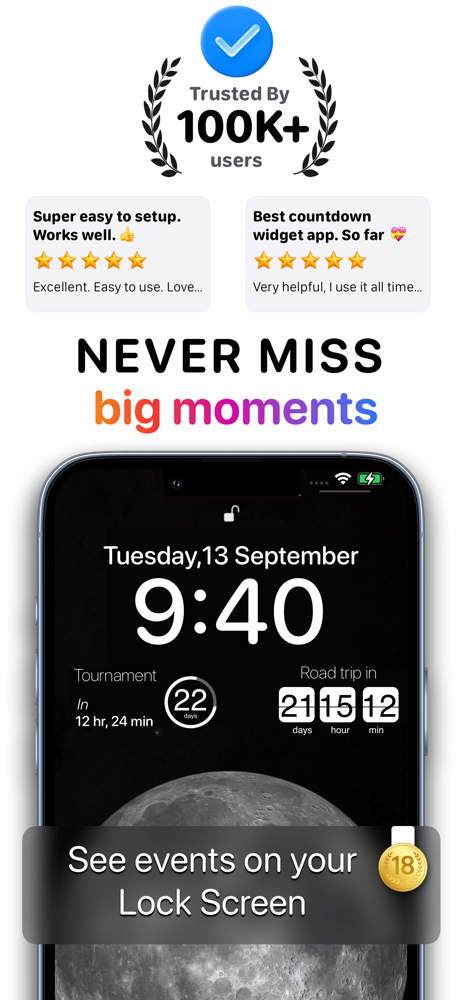
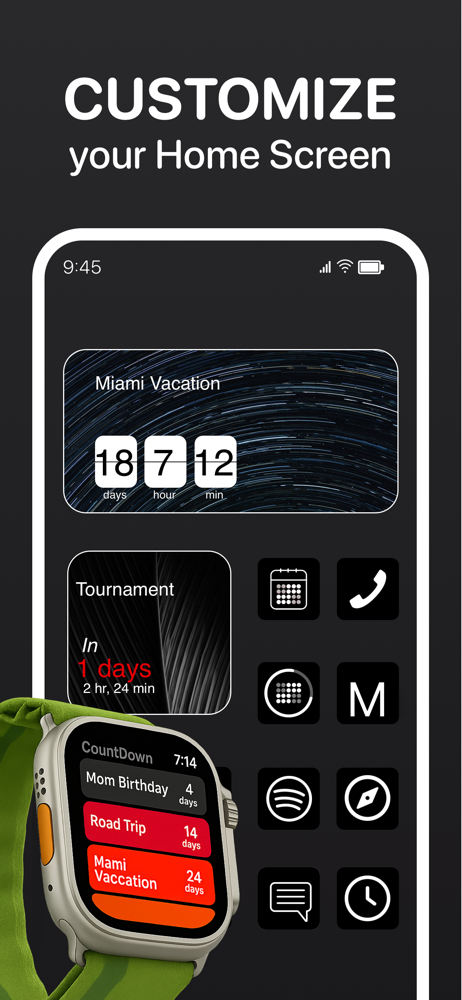
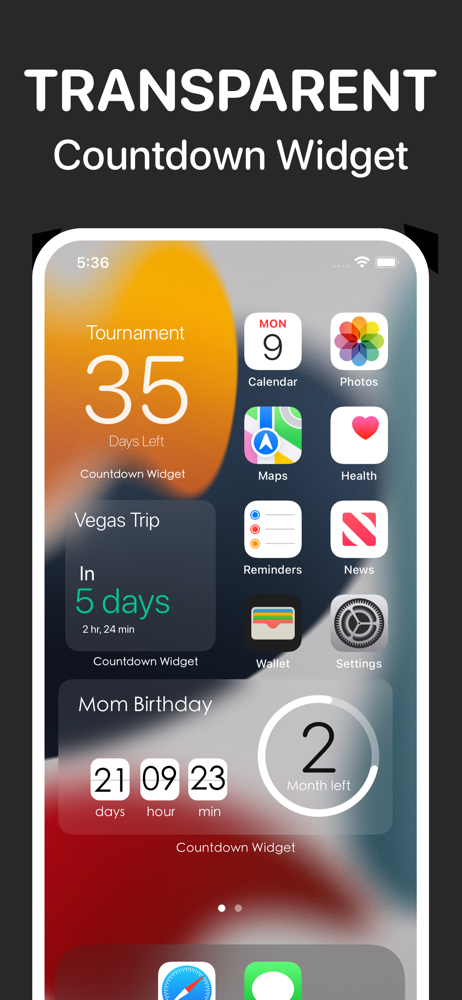
Create Custom Countdown or Count up widget with lots of themes, styles and App Icons. Count down to your next event: Birthday, Vacation, Holiday, Th...
| Name | Price | Type |
|---|---|---|
| Countdown Pro. (Annual) | $9.99 | Yearly |
| Countdown Pro. | $12.99 | One-time |
| Countdown Pro. | $19.99 | One-time |