Check the acquisition promise
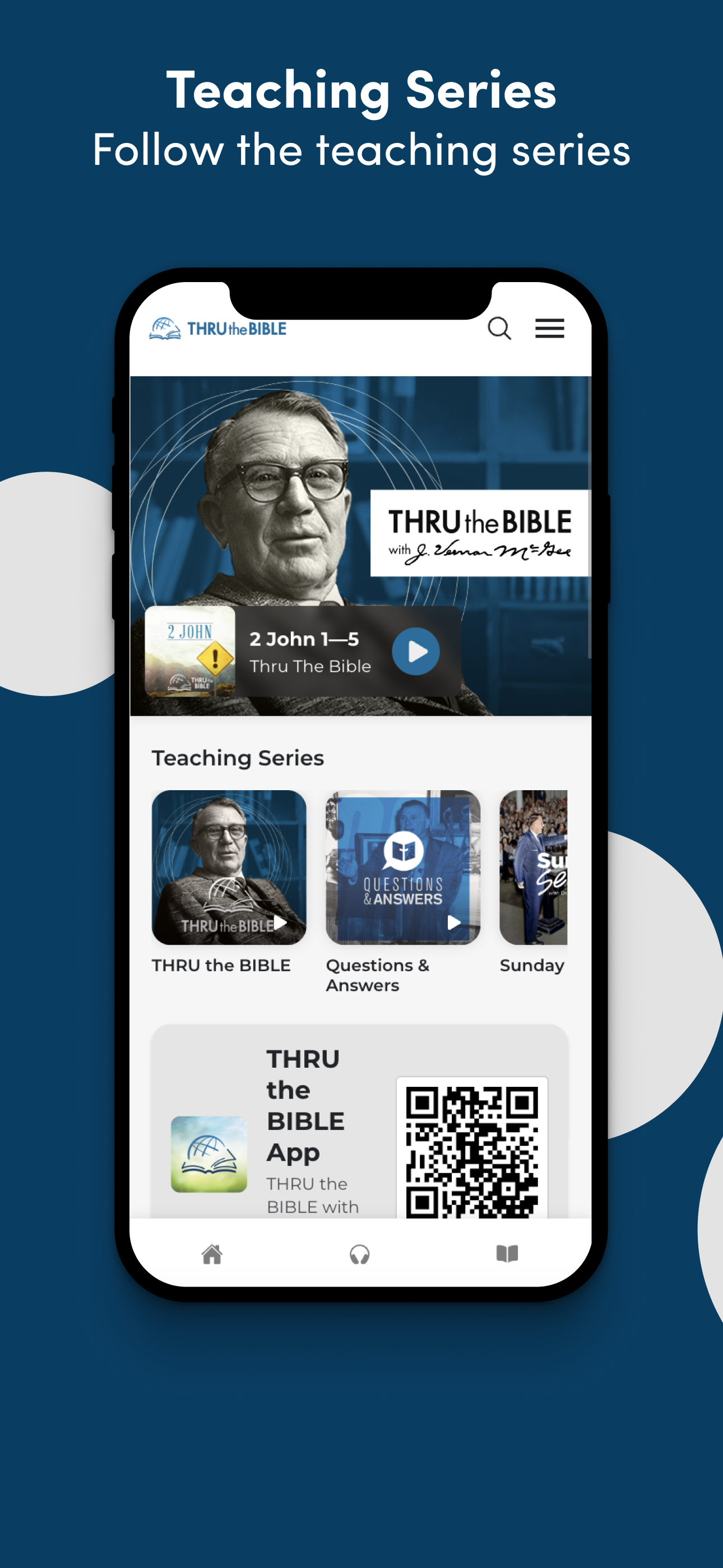
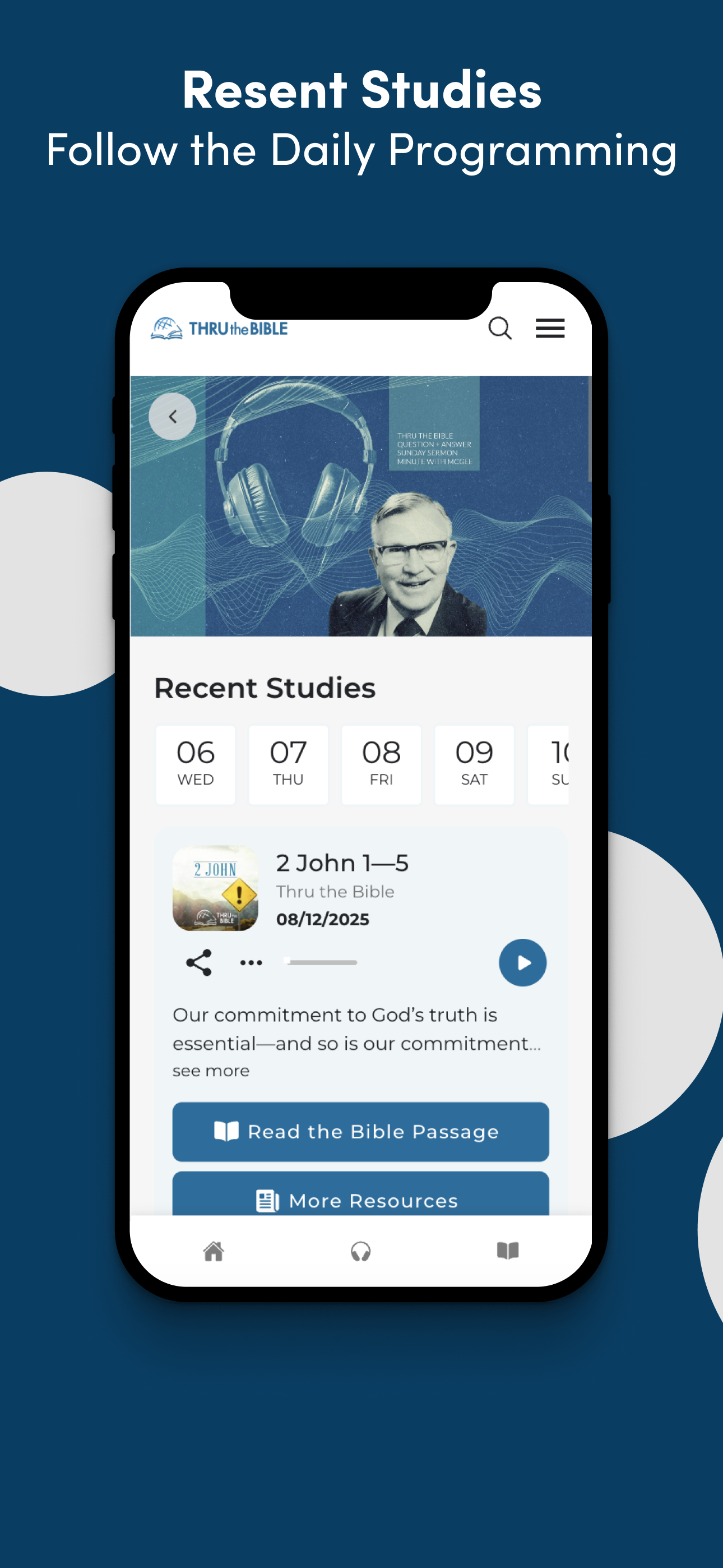
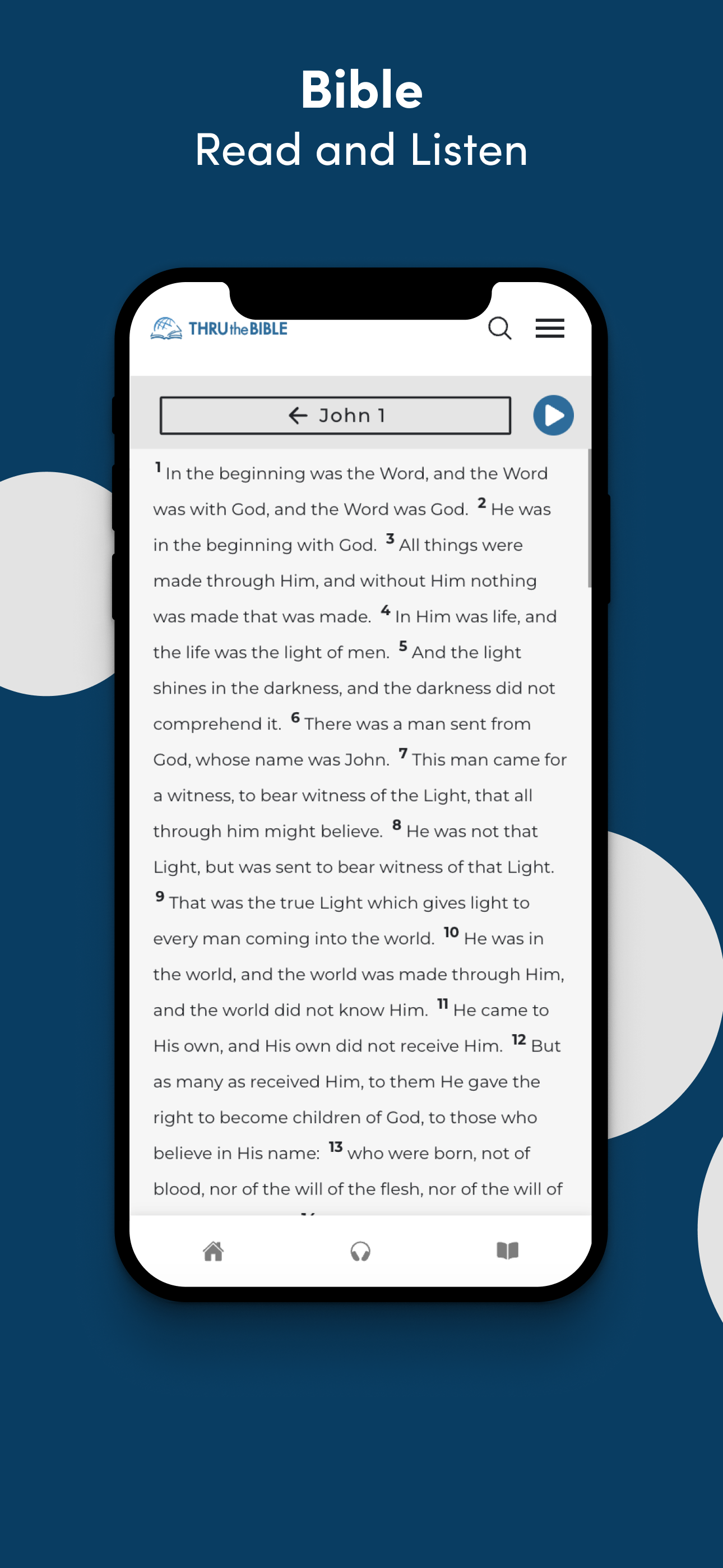
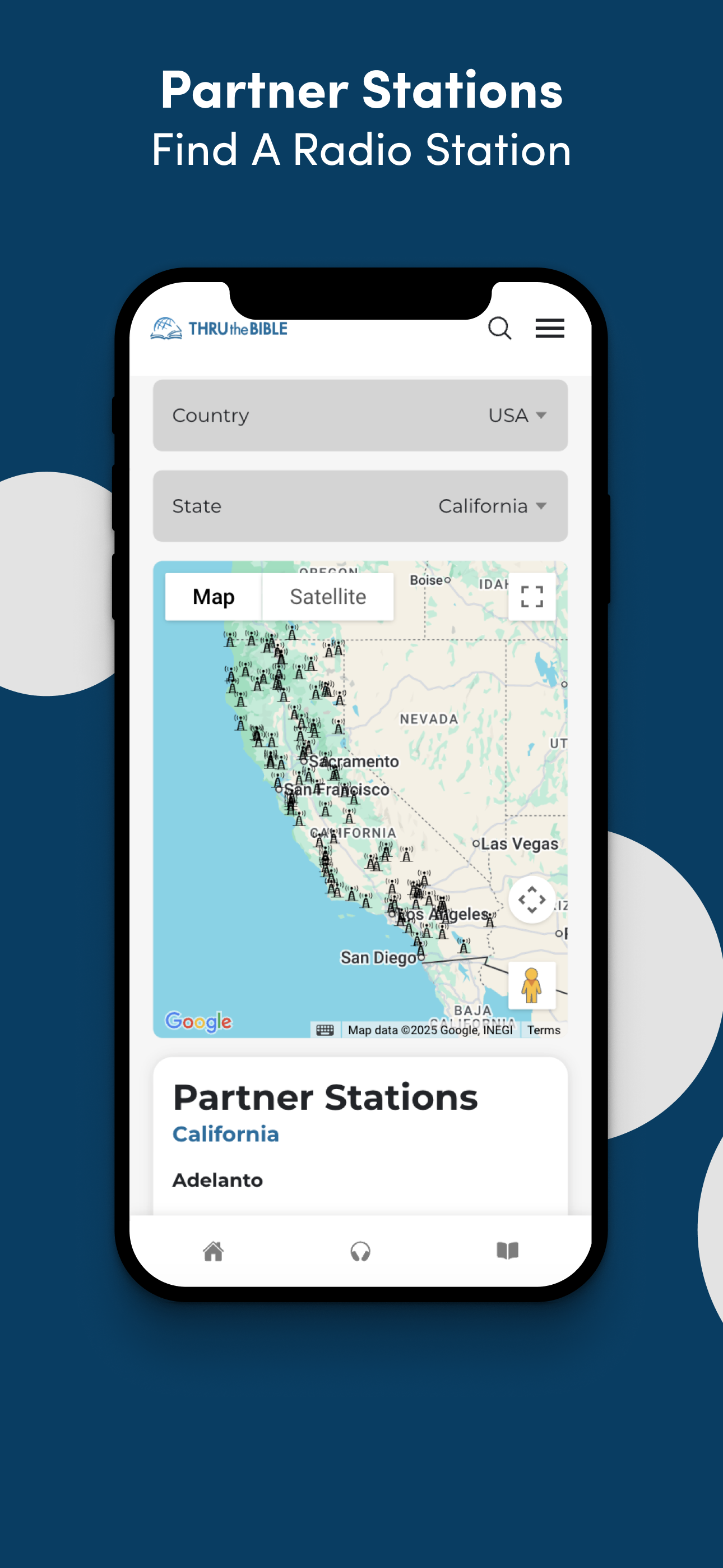
Read the store headline, screenshots and description. What problem is the app promising to solve?
Study the storefront ↗
Thru The Bible Radio Network · iOS
Explore the ad evidence, study the storefront, and build your next acquisition hypothesis.
01 / Creative research
Read the store headline, screenshots and description. What problem is the app promising to solve?
Study the storefront ↗Explore apps with direct store-link matches. Compare their hooks and formats without assuming the same approach works here.
Browse observed advertisers ↗Store rankings and revenue estimates describe market context. They do not establish ad spend, conversions or ROAS.
Review the market context ↗02 / Storefront & product
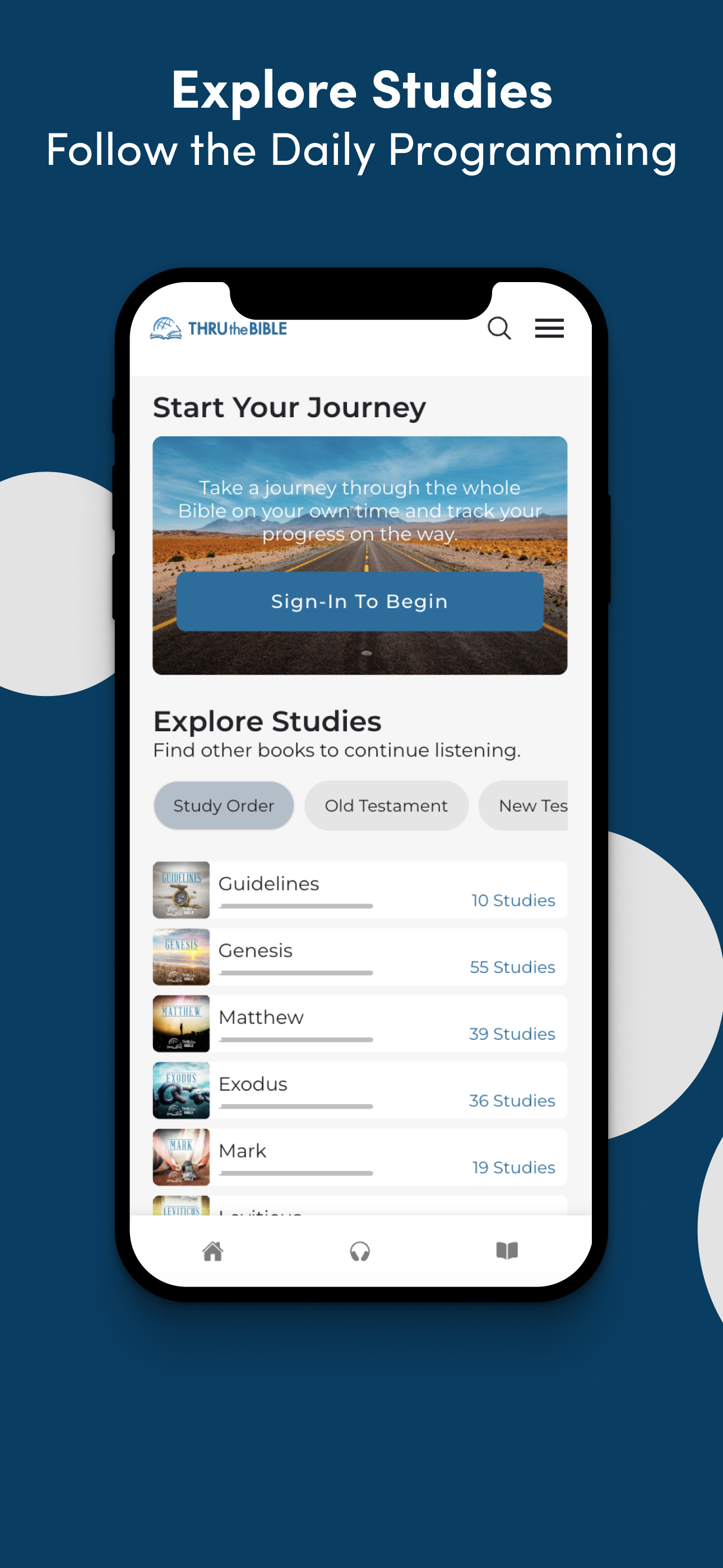
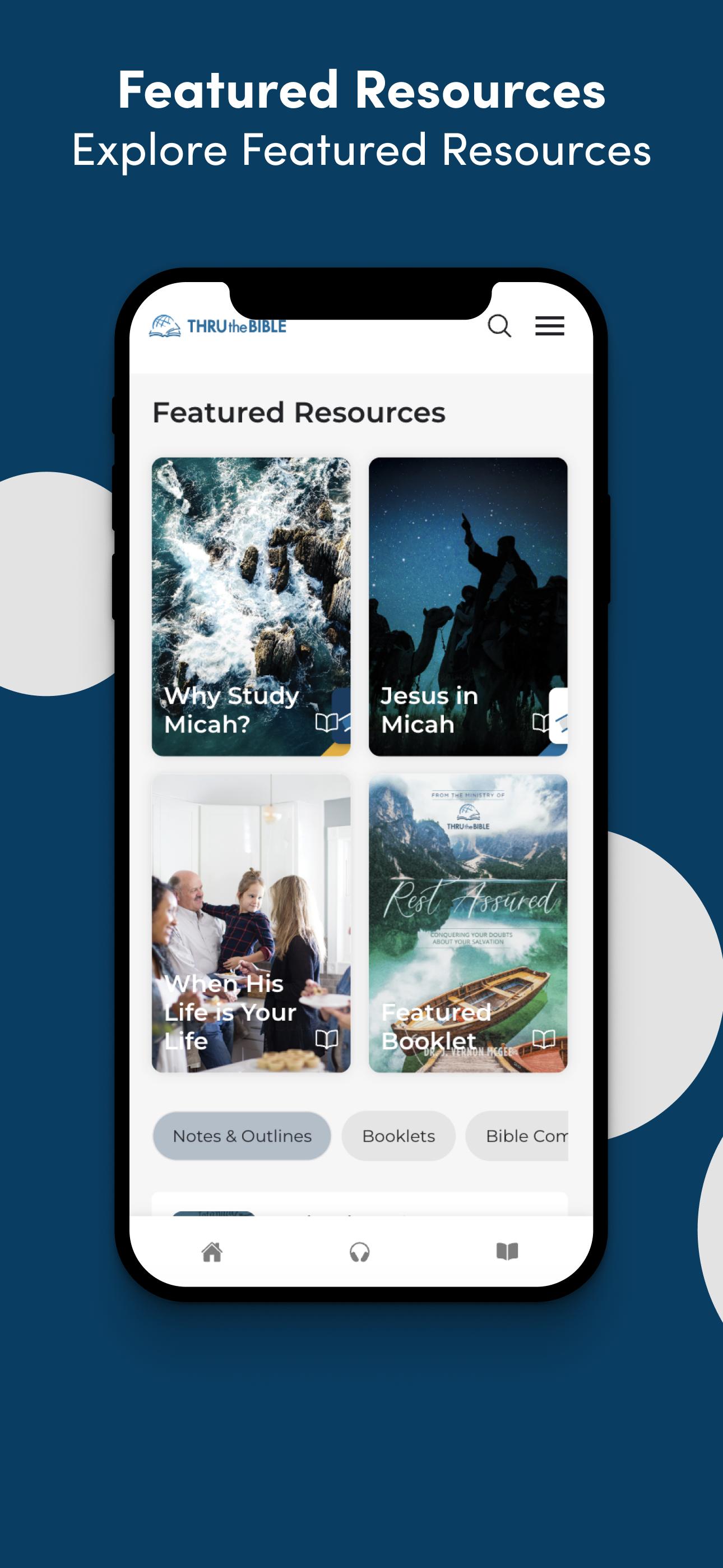
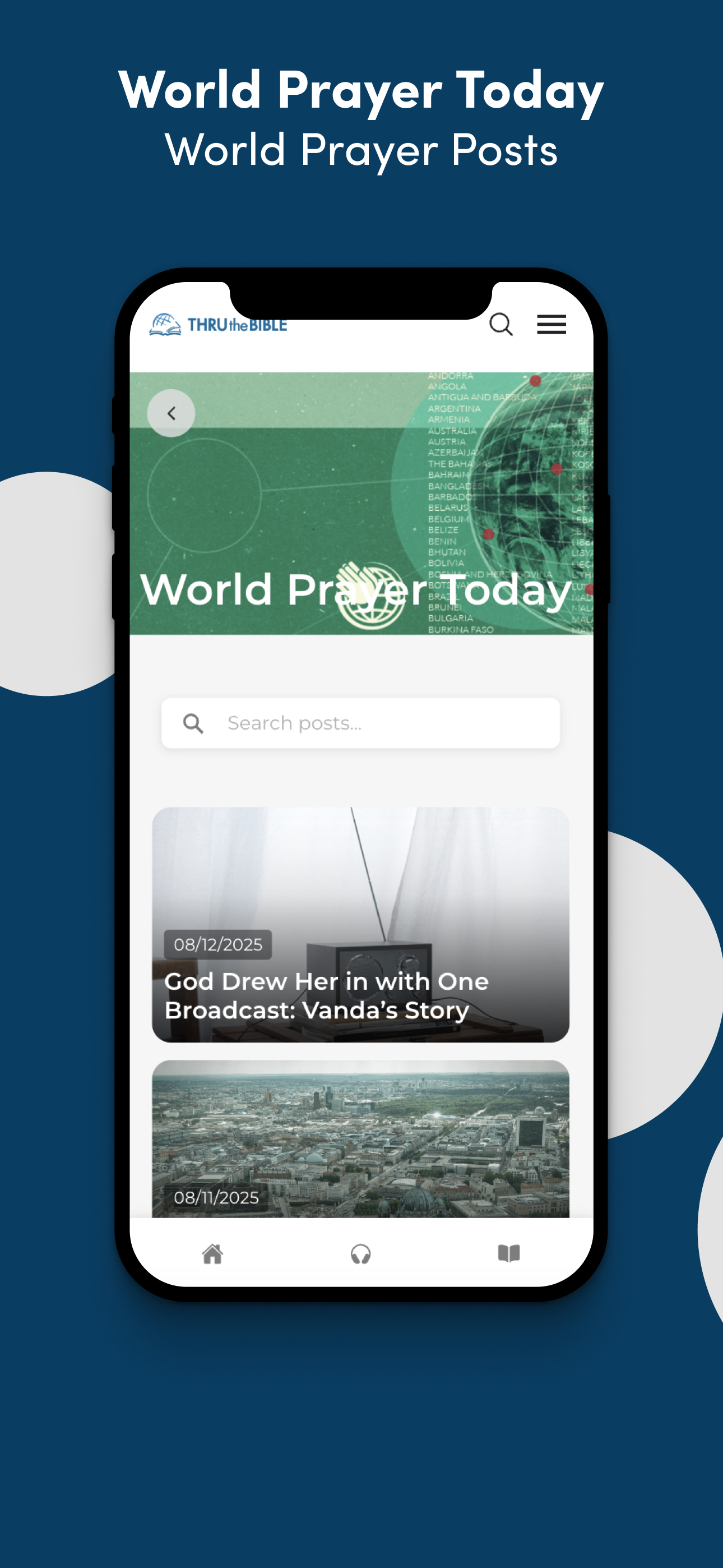
Study the product story and store experience behind the acquisition funnel.

03 / Market context
Keep revenue, downloads and store rankings separate from advertising performance.
I love this ministry and will continue to support it. However, the recent update made this app inconvenient to use. It used to be better. I could go to notes, the Bible, and choose any of J Vernon McGee’s lessons with ease. I used to switch between these features frequently while studying with this app. The hardest part is navigating to these audio lessons. Not only was it easy to find the Bible audio lessons but the miscellaneous McGee’s sermons. I used to appreciate this app not collecting a bunch of personal information, but even that seems to be getting worse. So please respect user’s privacy. I know some developers responses are to download the latest iOS, however I prefer not upgrading this. Please restore the easy navigation between the audio library, notes, and the built in Bible.
I really just started using the app a short while ago and the recent bug-fixes to resolve the crashes are most appreciated. Since then, I haven’t experienced any issues. I love being able to track my progress on the Bible Bus. My only suggestion would be to enable a function that takes me right where I left off on the Bible Bus. Currently, whenever I access the app and want to listen to the next teaching on the Bus, I have to scroll through a segment I’ve already listened to. For example, I’m studying Genesis right now. Each time I access the app, I first have to scroll through the “Guidelines to Understanding Scripture” in order to access the Genesis segment. It would be helpful to tap the “Continue Reading” button when I first open the app and be taken right to the Genesis segment. Hopefully, that makes sense. Other than that, I’m very pleased with the app and am grateful for the resource.
I have reviewed this app previously. It continues to have issues. This week the problem is the studies don’t load. The study of the day doesn’t load, nor do the past studies. Yesterday I “rebooted” my phone which brought the studies back, but today that fix did not work. The study tracking doesn’t work because the app won’t leave me logged in. Since I listen mainly while driving I can’t continually log in. Therefore, if I miss a day or two I have to mentally figure out where I left off and then find the correct study. I noticed the other day that the Luke studies were out of order when I opened Luke in the New Testament content list. I continue to love TTB, but this app is painful to use. Update: After no access all week (login was suddenly required to access studies but login just would not work), I am able to get to past studies this morning. But where is “Today’s” study? Normally that is the lead item when the application opens? When I opened a study to try to catch up it did not include Steve’s intro, world prayer team emphasis for the day, etc. I assume I cannot get the actual broadcast through the app. I am going to try deleting and reloading the app.
Journey through the Word of God with clear, faithful Bible teaching This app is designed to help you grow in your understanding of Scripture through v...