
Check the acquisition promise
Read the store headline, screenshots and description. What problem is the app promising to solve?
Study the storefront ↗
Custom Arts · iOS
Explore the ad evidence, study the storefront, and build your next acquisition hypothesis.
01 / Creative research
Read the store headline, screenshots and description. What problem is the app promising to solve?
Study the storefront ↗Explore apps with direct store-link matches. Compare their hooks and formats without assuming the same approach works here.
Browse observed advertisers ↗Store rankings and revenue estimates describe market context. They do not establish ad spend, conversions or ROAS.
Review the market context ↗02 / Storefront & product
Study the product story and store experience behind the acquisition funnel.


03 / Market context
Keep revenue, downloads and store rankings separate from advertising performance.
This is a nice little simple app that does not overextend into unneeded areas. It is the simplicity of it, including the simplicity of the interface that I value more than anything. I don’t need flowers and squirrels and games and peekaboo things and rainbow unicorns. I just need a simple diary–like note app. So far this app has fulfilled those requirements or lack of requirements. It’s sort of refreshing. I also appreciate that you can export it in PDF form when there is a need to do so. Thank you for keeping it simple.
Been looking for something exactly like this for over a year. Perfect app that does what it does without any fuss. I use this to jot down notes about tasks completed, calls made, info learned, etc. I am self-employed and wanted a simple method of keeping a record of info for the myriad projects I have going at any given time. It has a simple search function so as long as I keep my terminology/project name consistent I can pull up entries similar to tag-searching. I love the simplicity of what is essentially a calendar based notes app. I am able to make several short entries on a single date, all visible from the start screen. This feature is a huge part of the app’s functionality for me because it allows me to glance at all my notes on a given day while keeping entries separated by project. There’s no fancy/cutesy formatting that only shows previews of entries—you can read the entirety of each entry right from the main calendar page. There’s no way to attach files (nor do I want this feature! The simplicity is the appeal!) so I use a separate companion app for documents, receipts, photos, etc.
Love the simple UI. Very minimalist and intuitive. App does journal entries and search very well, just what it says it does. Incredibly useful and really helps keep one organized and quickly refresh of small details throughout the week. The way the “main page” is a historical tree view of every year kinda feels like unused “home screen” space but I don’t know how you could fill it with something that doesn’t look like its just there to take ip space. Love the app and its just what I needed. Literally gonna use it every day now. Im probably not being creative enough with the possibilities of app but for I need it, it can’t be beat.
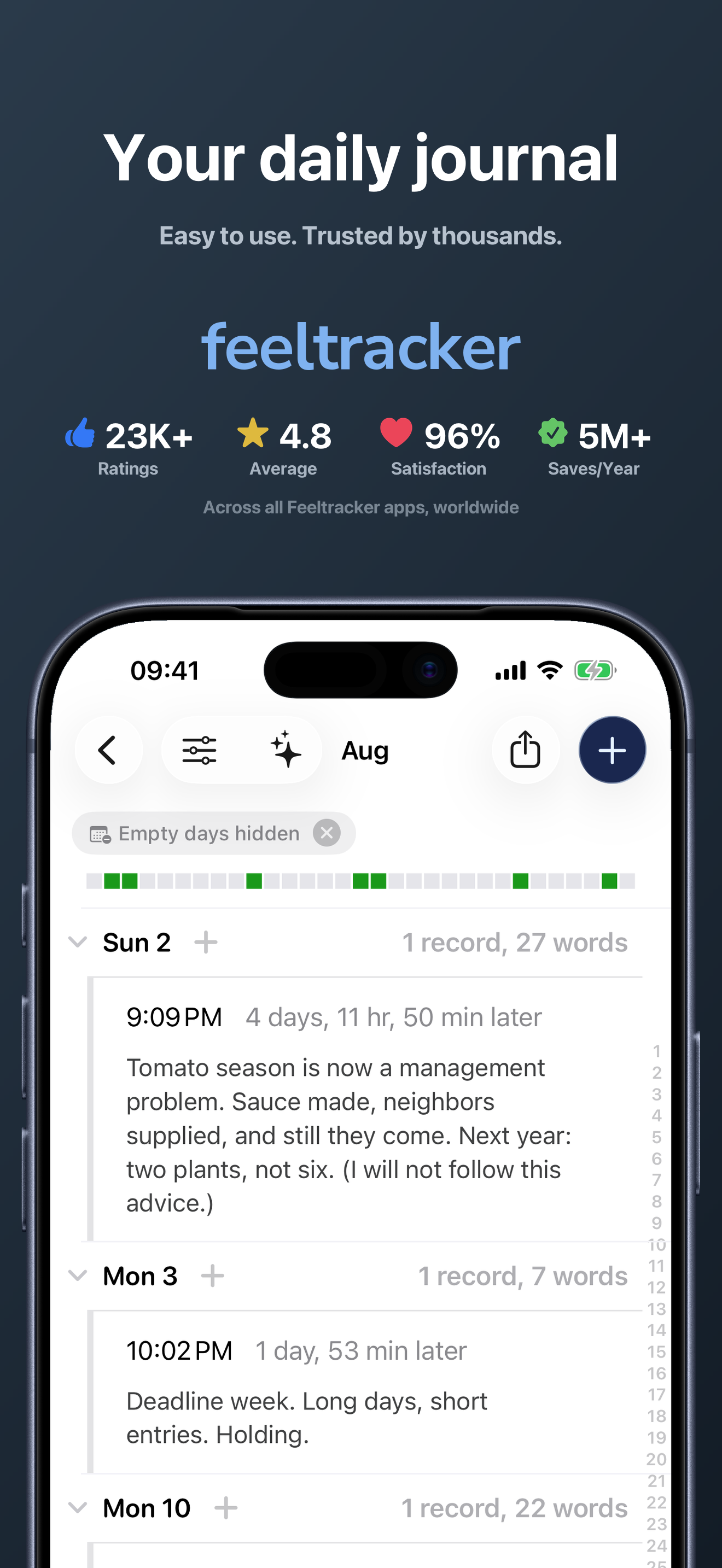
Feeltracker: 4.8 stars with 23K+ ratings • 1M+ downloads • 100K+ users/year • 5M+ saves/year • 96% satisfaction Journal with AI chat, hands-free voic...


