
Check the acquisition promise
Read the store headline, screenshots and description. What problem is the app promising to solve?
Study the storefront ↗
Edvin Linden · iOS
Explore the ad evidence, study the storefront, and build your next acquisition hypothesis.
01 / Creative research
Read the store headline, screenshots and description. What problem is the app promising to solve?
Study the storefront ↗Explore apps with direct store-link matches. Compare their hooks and formats without assuming the same approach works here.
Browse observed advertisers ↗Store rankings and revenue estimates describe market context. They do not establish ad spend, conversions or ROAS.
Review the market context ↗02 / Storefront & product
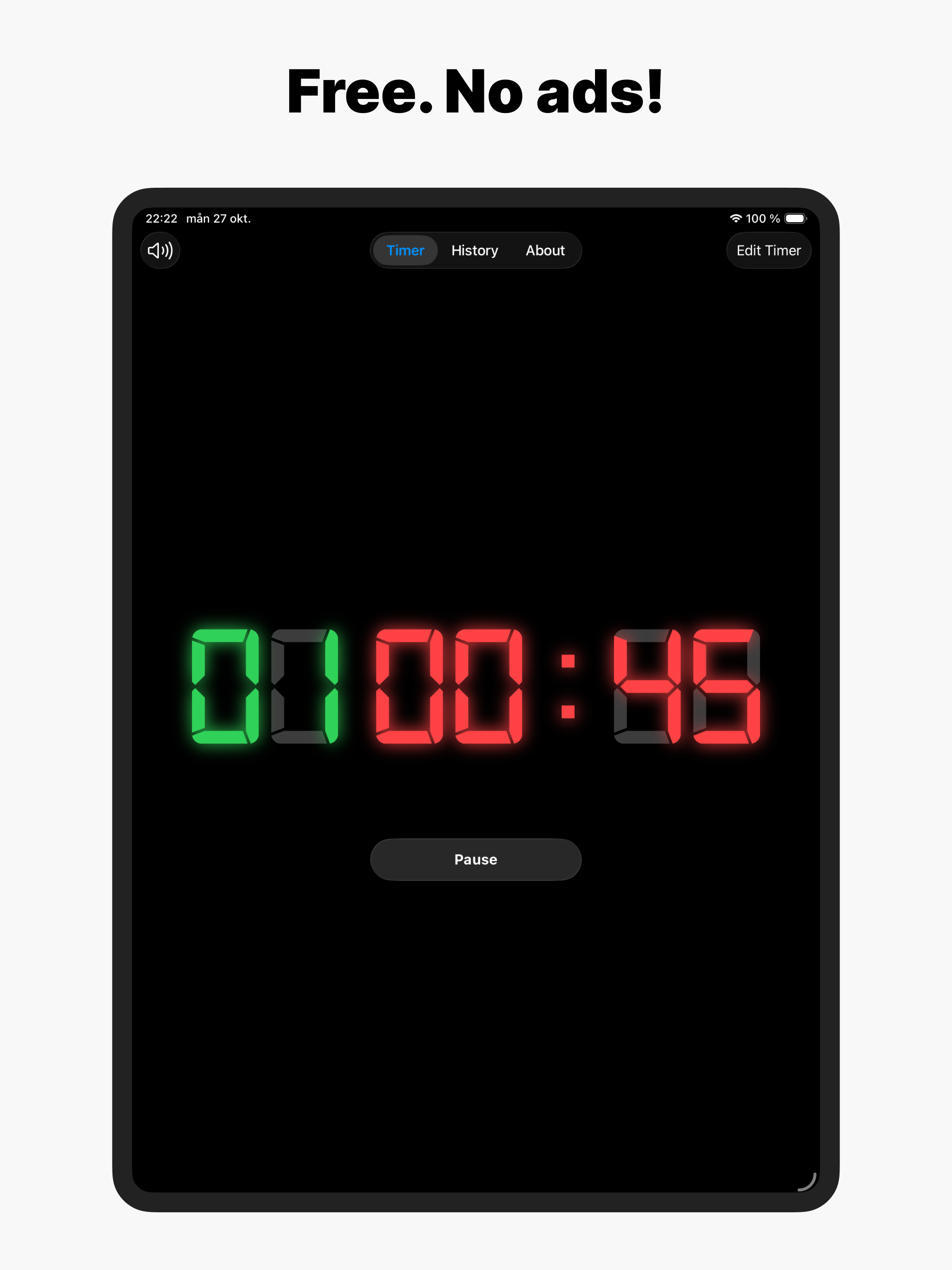
Study the product story and store experience behind the acquisition funnel.


03 / Market context
Keep revenue, downloads and store rankings separate from advertising performance.
I spent hours looking for and trying gym timer apps. Something simple to replace a physical gym clock. Simple stuff, intervals, countdown, up/down timers… the basics… Everything I downloaded had so many features that they were almost unusable. Or simple features (like saving a workout) required payment. Box Timer on the other hand had all the normal features found on a physical gym timer, without any of the unnecessary bloat. Almost like the developer actually goes to a gym and has actually seen a gym timer. Best of all, totally FREE.
For a free app, this is just about perfect! I like the interface, it is simple and resembles what I am used to in the box. No flashy lights, just simple and it works. Two features that would be nice: 1. Something to tap on that counts the number of rounds completed during AMRAPs. So when I’m done with a round I can tap on it to signal that I completed a round. 2. Apple Watch app support, not sure how difficult that would be.
The app is nice and simple and almost perfect, but could use just a tiny bit more UI polish. Specifically, for some inexplicable reason the timer interval setting screen doesn't use the normal Apple time scroller (as seen in the clock app when setting an alarm). Instead it uses a drop-down list with options labeled "1 second" through "59 seconds". This list way too long and convulses when opened and scrolled, making it really hard to actually select a time.
SIMPLE TIMER BUILT FOR SERIOUS TRAINING Box Timer brings the power of a CrossFit box timer to your phone. Massive display. Zero distractions. Works pe...
