Check the acquisition promise
Read the store headline, screenshots and description. What problem is the app promising to solve?
Study the storefront ↗
Pronk Technologies, Inc · iOS
Explore the ad evidence, study the storefront, and build your next acquisition hypothesis.
01 / Creative research
Read the store headline, screenshots and description. What problem is the app promising to solve?
Study the storefront ↗Explore apps with direct store-link matches. Compare their hooks and formats without assuming the same approach works here.
Browse observed advertisers ↗Store rankings and revenue estimates describe market context. They do not establish ad spend, conversions or ROAS.
Review the market context ↗02 / Storefront & product
Study the product story and store experience behind the acquisition funnel.




03 / Market context
Keep revenue, downloads and store rankings separate from advertising performance.
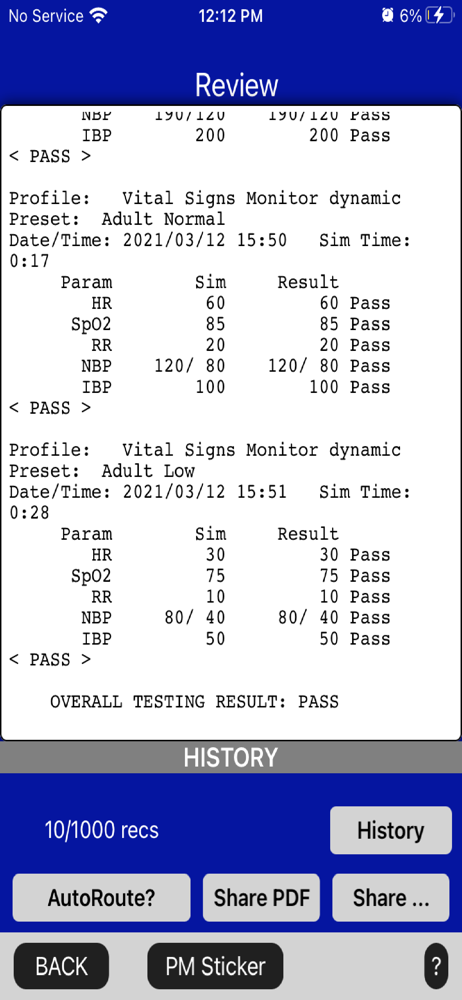
Saves reports, lets me send to email.
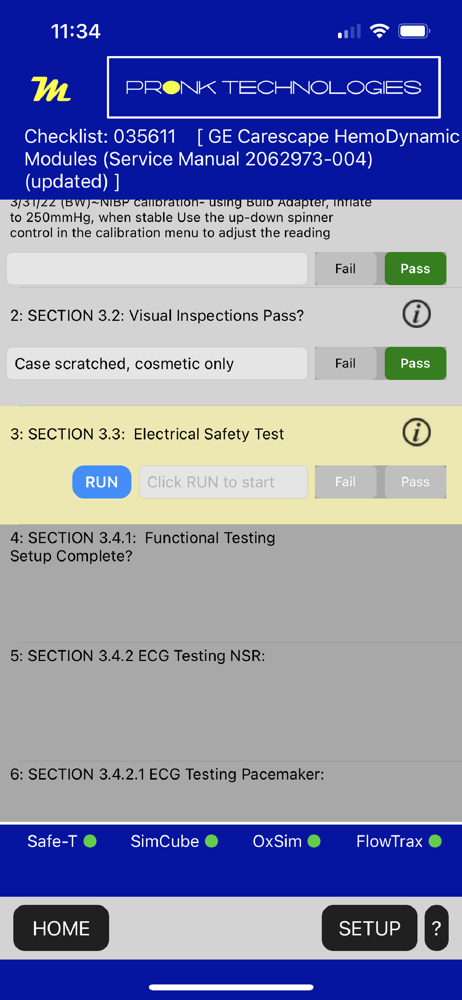
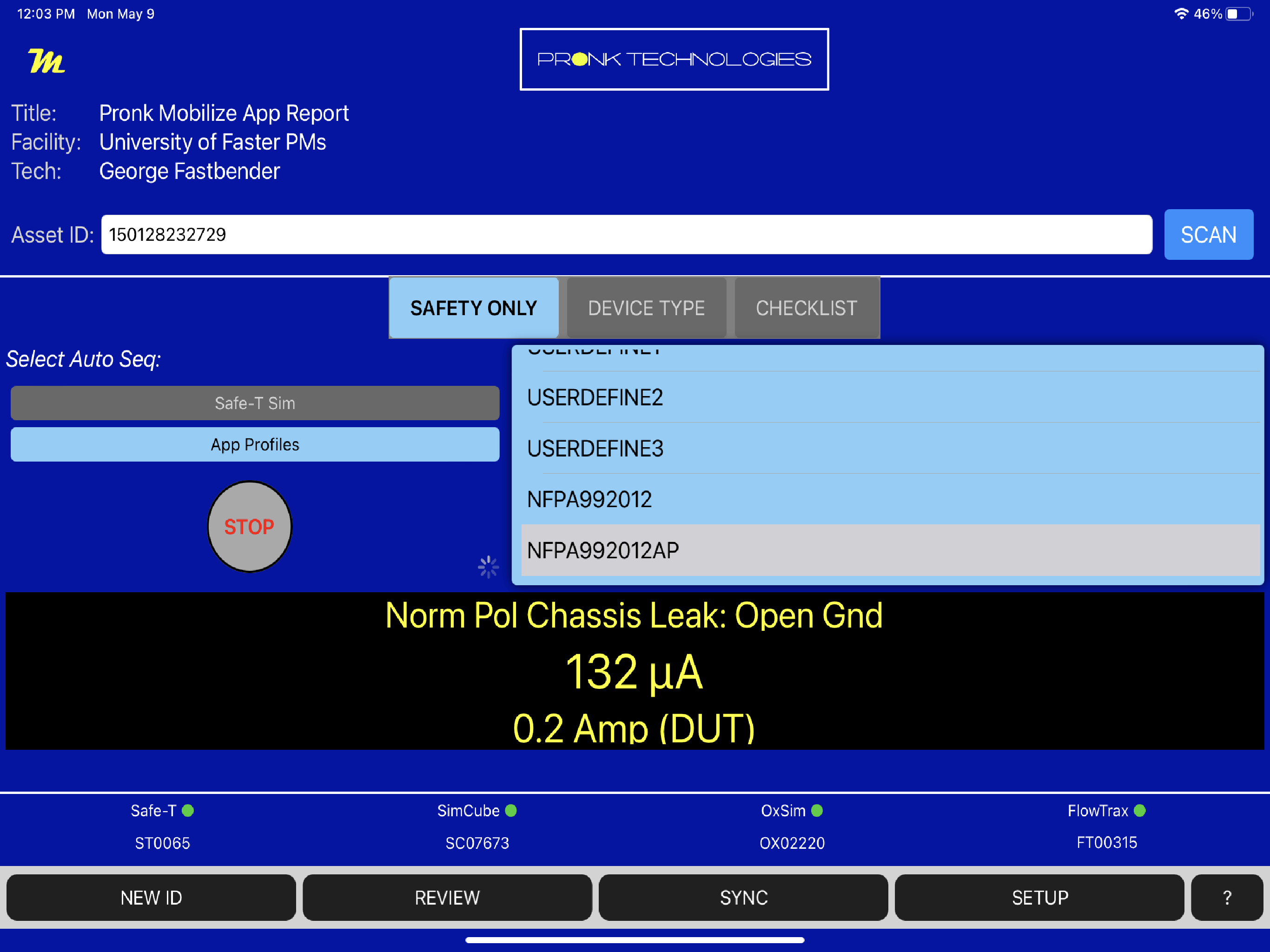
I like that for using just electrical safety you still have the simplicity of just picking a profile and start — like the Pronk Safe-T App. And now they have additional profiles in the app. The ability to “share” reports (not just email) is great, and the “auto-routing” to a given email address, or OneDrive or Dropbox makes it faster. The “Device Type” tab lets you do both electrical safety and vital signs simulation at the same time. They 3 sim presets, then NIBP testing including LEAK and Overpressure (if you have the SimCube with Mobilize option). SpO2 can be simulated with their OxSim. Several other device types too. There’s a “PM Sticker Only”, which lets you print a sticker if you have the P-touch sticker printer. I guess you can print a sticker when looking at a report on REVIEW. “Checklist” tab seems interesting, and there is one checklist available. More to look at there.
Pronk Mobilize is a powerful tool for automating testing of dozens of different Medical Devices including; Vital Signs Monitors, Oximeters, Defibrilla...