
Check the acquisition promise
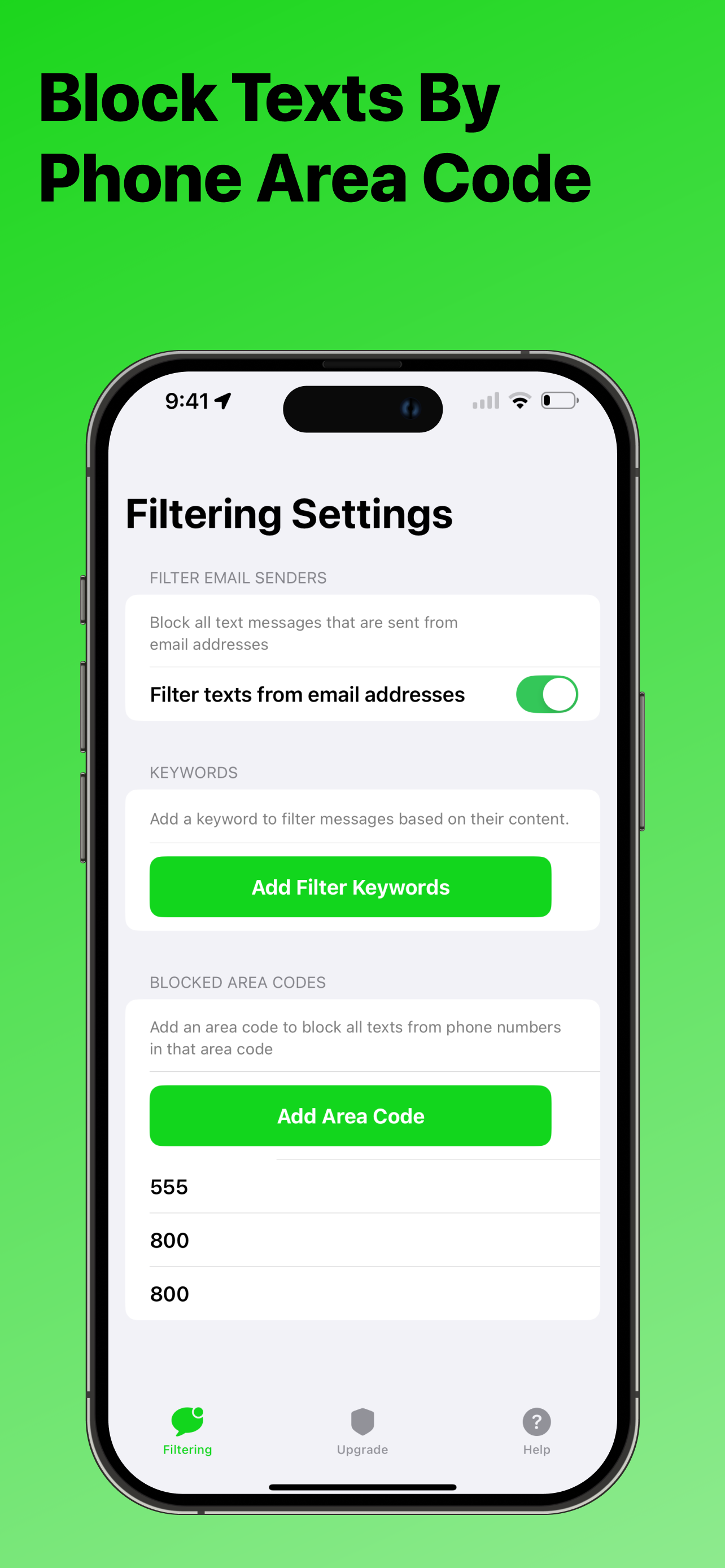
Read the store headline, screenshots and description. What problem is the app promising to solve?
Study the storefront ↗
Tyler Kennedy · iOS
Explore the ad evidence, study the storefront, and build your next acquisition hypothesis.
01 / Creative research
Read the store headline, screenshots and description. What problem is the app promising to solve?
Study the storefront ↗Explore apps with direct store-link matches. Compare their hooks and formats without assuming the same approach works here.
Browse observed advertisers ↗Store rankings and revenue estimates describe market context. They do not establish ad spend, conversions or ROAS.
Review the market context ↗02 / Storefront & product
Study the product story and store experience behind the acquisition funnel.

03 / Market context
Keep revenue, downloads and store rankings separate from advertising performance.
I seriously have no words to express how thankful I am that I downloaded this app. There’s no fees or charges to use it, and it’s SO EFFECTIVE. I downloaded it the week before the election because the political spam was insanely off the charts. You’re able to block key words and phrases that are common in spam texts. Since then, they’ve blocked SIX HUNDRED AND SEVENTY-ONE texts. 671 texts that I would’ve had to manually clear out all day every day. My text messages are so free and clear now and it’s actually people I know. Apple doesn’t allow them to block non-sms numbers bc apple’s shady, but this product is still a lifesaver. I’m so happy and if the developer is reading this I’m so so thankful for your app and I love you so much, I’m not even joking. Thank you.
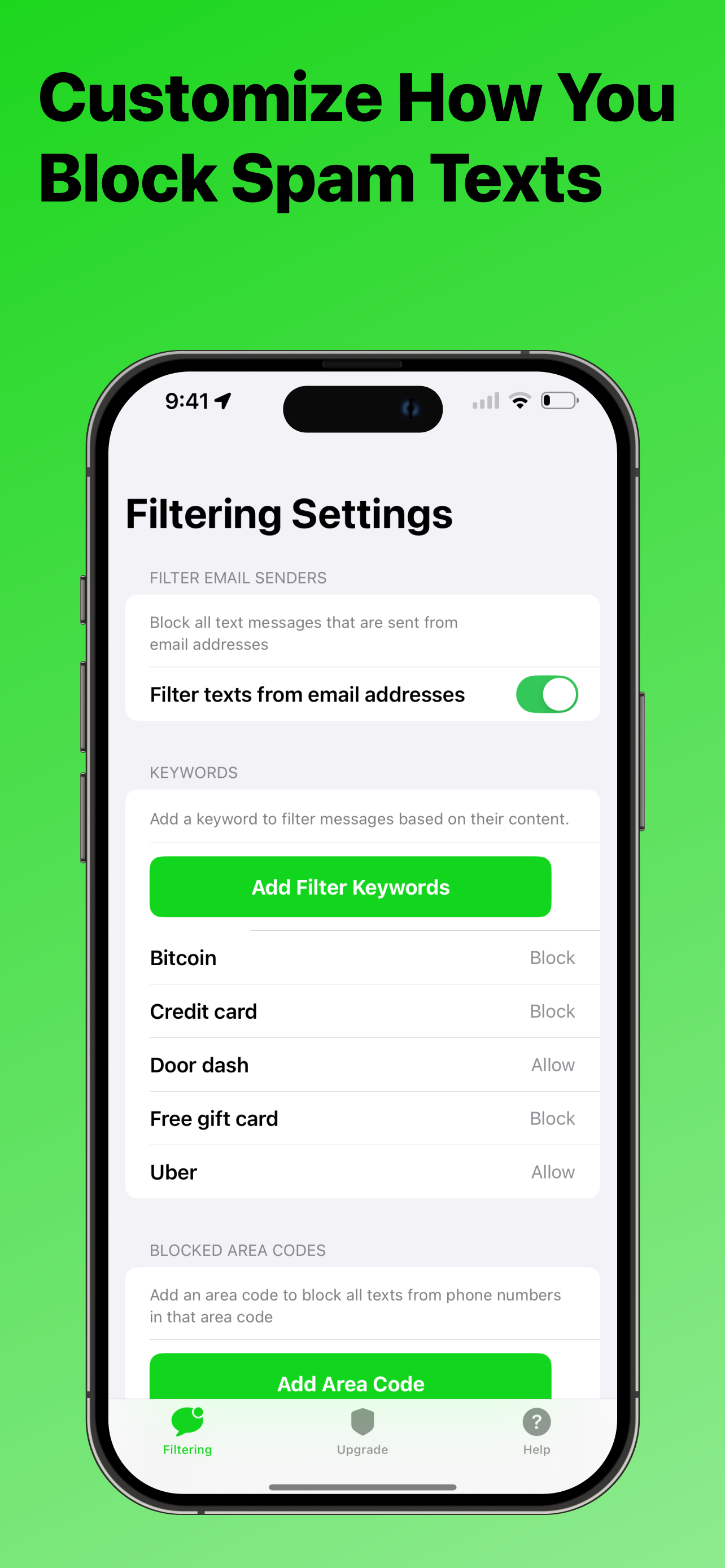
I have been getting several spam texts per week. I report them to my carrier as spam as well as to the FTC, block each number in my phone, & delete the text. They just keep coming from new numbers. I tried this app because I’m so sick of it. I’m just using the free version. I scrolled through all of my reported texts & used those as a template of what keywords to enter in the block list. So far, only one spam text had made it to my primary inbox since installation & it did not include any of the blocked keywords, so I added them. I’ve found a few blocked texts in the junk folder & still reported to spam & FTC & blocked & deleted. I have no idea if that helps, but I figure it can’t hurt. At least I’m not getting all the notifications, which helps. Another user reported she was still getting the spam group texts. I have not gotten one of those since installation, so I’ll deal with that when it happens. But I’m pleased so far & I think it’s doing the most that can be done, as I’ve heard iPhone will not allow any texts to be completely blocked & so they must be sent through. Not getting constant notifications is the best I can hope for & I’ll gladly take it!
I was using TextKiller before, but that one charges and was letting certain things through, such as when you are involuntarily added to a google group (why is that even possible?) full of sleazy content. I started getting those about 250 times a day. I wished there was a way to enter keywords to block. Then I found out about Don’t Text. It lets you filter using keywords. Unfortunately it doesn’t seem to be filtering the known spam Text Killer did filter, so I’m getting those 20-person group texts again. If iPhone allowed me to use both apps to filter instead of choosing just one, no spam would get through.
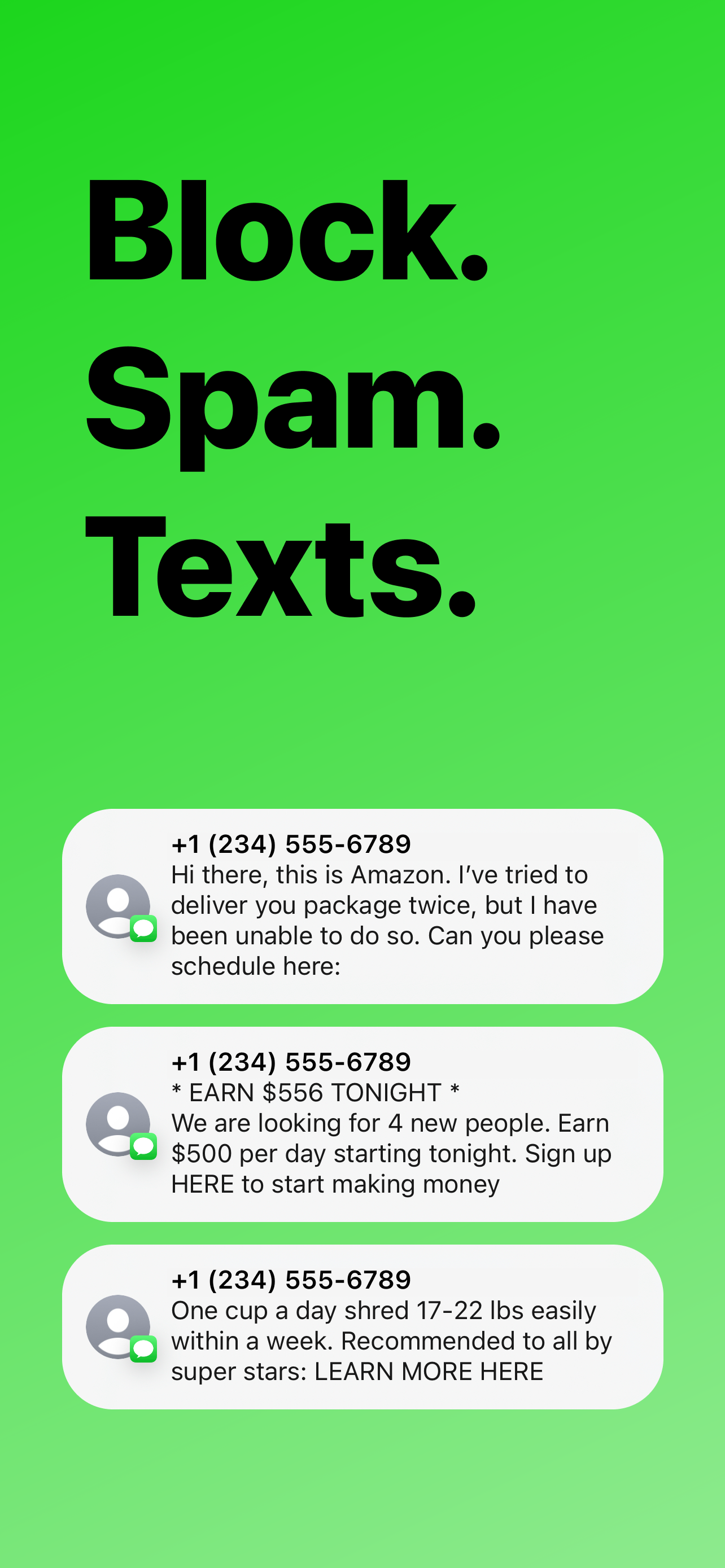
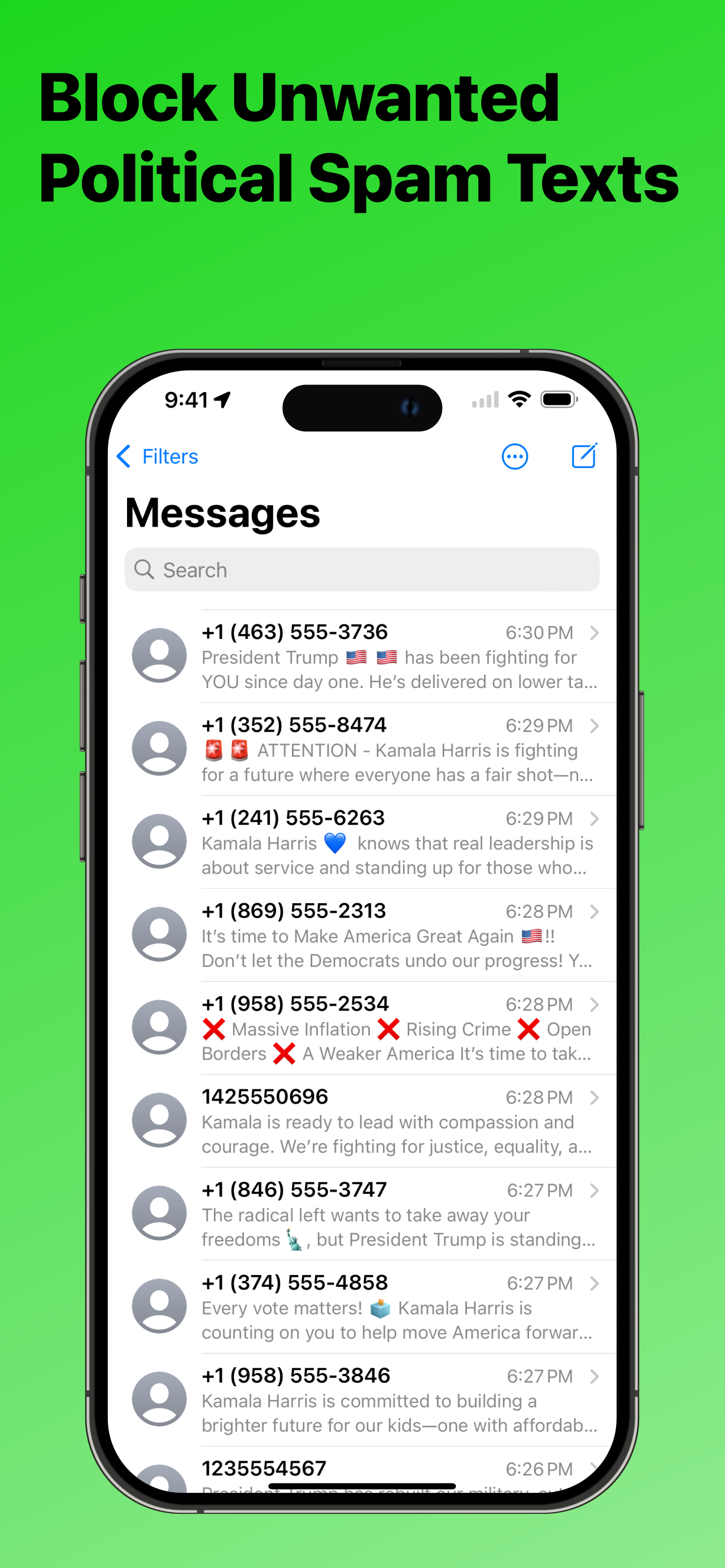
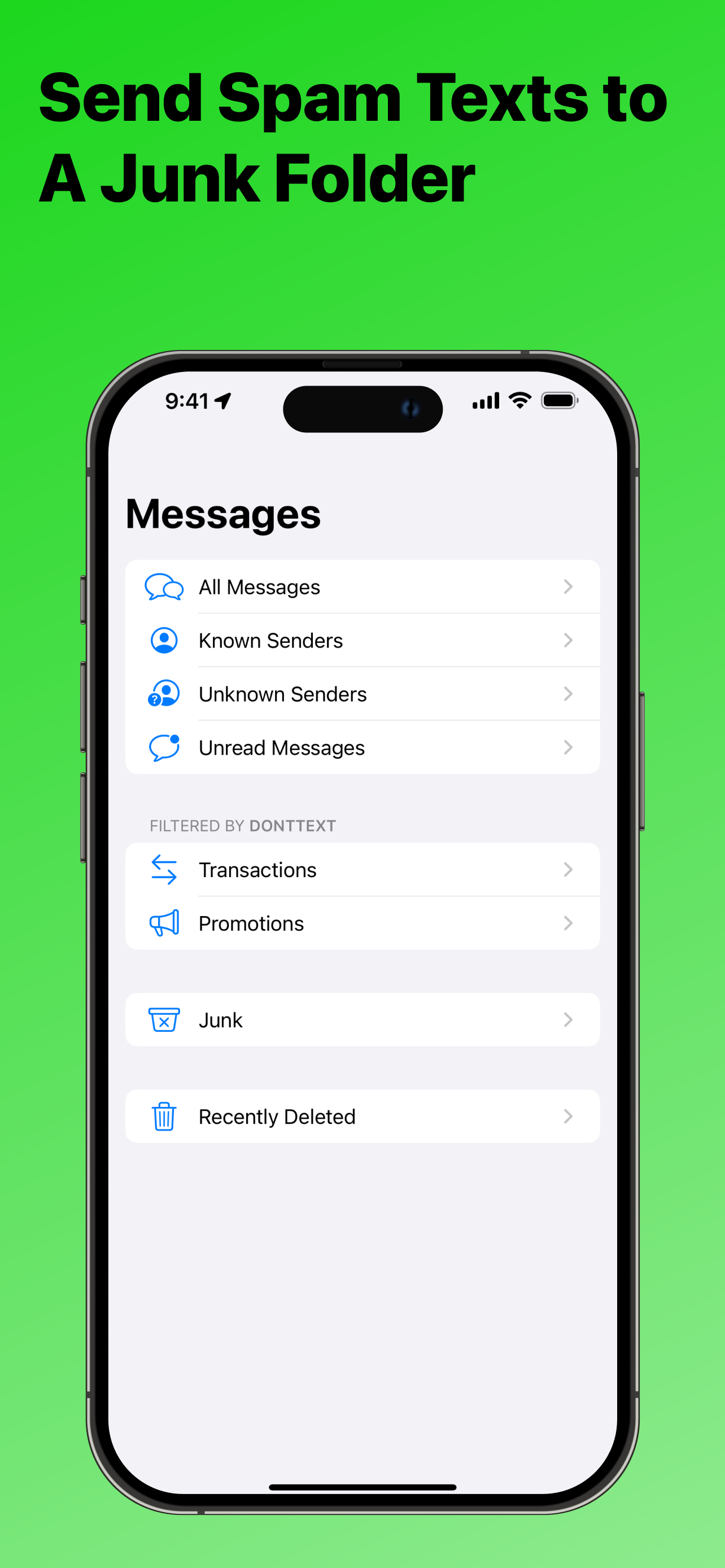
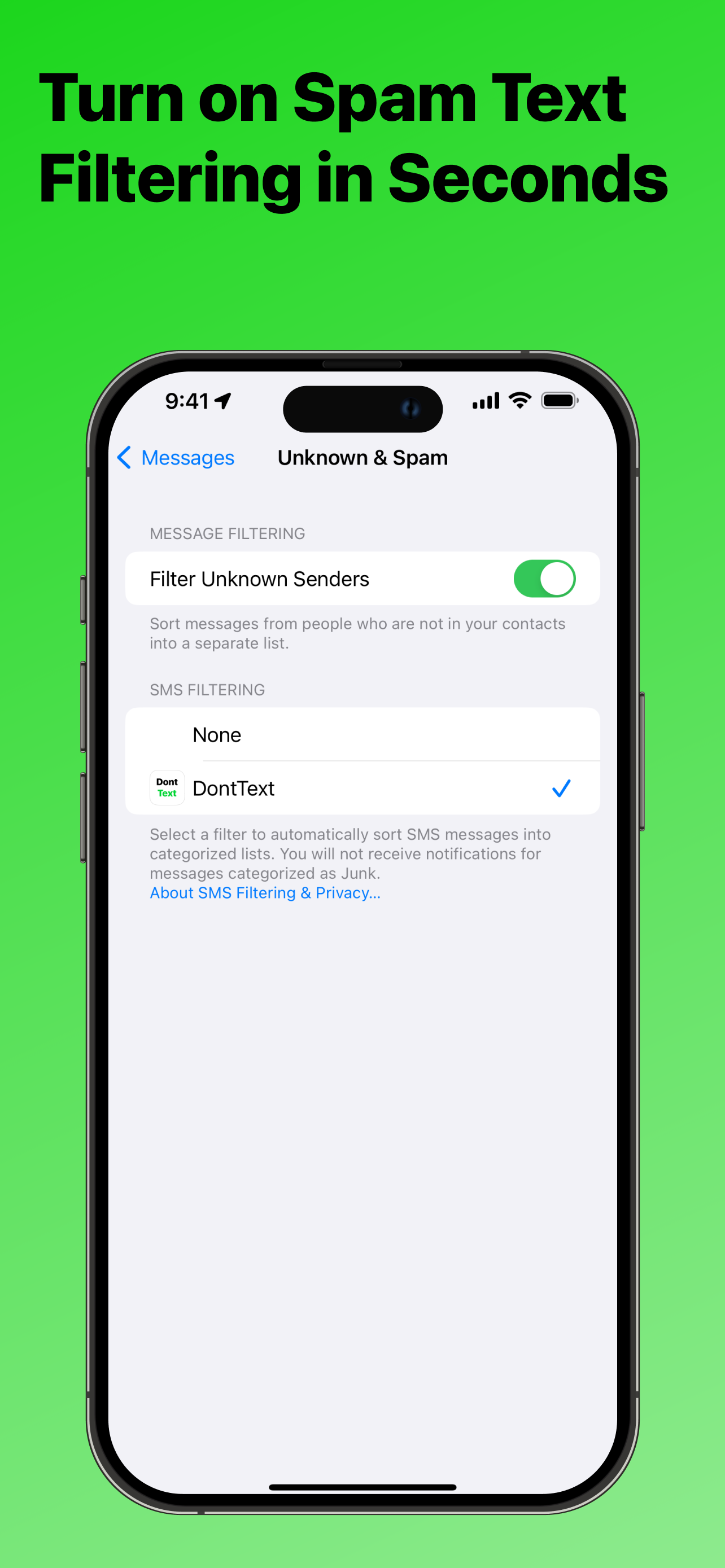
Block. Spam. Texts. Dont Text creates a junk folder in your messages app and sends spam texts to the junk folder for you. With Dont Text installed an...
| Name | Price | Type |
|---|---|---|
| Worry Free Filtering (Annual) | $4.99 | Yearly |


