
Check the acquisition promise
Read the store headline, screenshots and description. What problem is the app promising to solve?
Study the storefront ↗
Chia-Chun Hsieh · iOS
Explore the ad evidence, study the storefront, and build your next acquisition hypothesis.
01 / Creative research
Read the store headline, screenshots and description. What problem is the app promising to solve?
Study the storefront ↗Explore apps with direct store-link matches. Compare their hooks and formats without assuming the same approach works here.
Browse observed advertisers ↗Store rankings and revenue estimates describe market context. They do not establish ad spend, conversions or ROAS.
Review the market context ↗02 / Storefront & product
Study the product story and store experience behind the acquisition funnel.




03 / Market context
Keep revenue, downloads and store rankings separate from advertising performance.
I used to to time my watch up so now it’s to the millisecond and I tested this with iPhone alarm and other clocks it’s exactly right I totally recommend this plus the clock customization is always great!
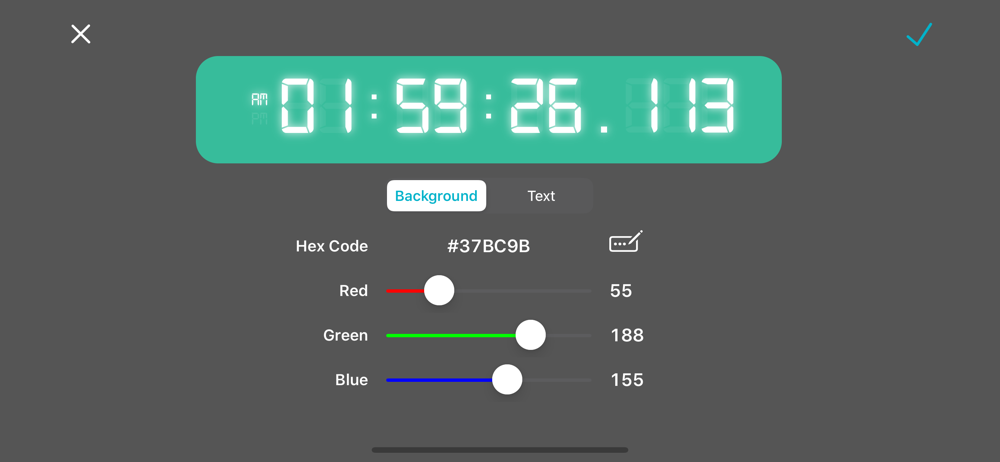
Great timer with tons of customization. Blinking : is always present
This app is helpful but a little misleading. The clock appears limited to 0.017 second increments, only slightly better than Apple’s stopwatch app. Slo-mo video on the iPhone can capture at 240 fps, which would be 0.004 second precision. Filming this clock shows digits changing at 0.017 second increments. It would be wonderful to have a true millisecond clock for precision video analysis. Could a millisecond gauge be added? Can the phone’s internal clock actually support finer increments of time?
Millisecond Clock is a clock that provides you the most accurate time up to 1/1000 second (millisecond) on your iPhone or iPad. You can use it to mea...
| Name | Price | Type |
|---|---|---|
| Remove Ads | $0.99 | One-time |
| Special Offer Package | $2.99 | One-time |
| Unlock Themes | $3.99 | One-time |


