
Check the acquisition promise
Read the store headline, screenshots and description. What problem is the app promising to solve?
Study the storefront ↗
Bernd Rudmann · iOS
Explore the ad evidence, study the storefront, and build your next acquisition hypothesis.
01 / Creative research
Read the store headline, screenshots and description. What problem is the app promising to solve?
Study the storefront ↗Explore apps with direct store-link matches. Compare their hooks and formats without assuming the same approach works here.
Browse observed advertisers ↗Store rankings and revenue estimates describe market context. They do not establish ad spend, conversions or ROAS.
Review the market context ↗02 / Storefront & product
Study the product story and store experience behind the acquisition funnel.




03 / Market context
Keep revenue, downloads and store rankings separate from advertising performance.
This app may not have been updated in years, but it still works flawlessly—and honestly, it’s exactly what I need. It’s a simple, no-frills heart rate alert app for Apple Watch that does one thing very well: it notifies me when my heart rate exceeds a threshold I set. That might sound basic, but for me, it’s potentially life-saving. I use it while working in the yard, where sweating doesn’t cool you down like it should. My heart rate is the best early warning sign I have for overexertion, and this app helps me recognize heat exhaustion before it’s too late. I love that I can launch it right from the watch with a simple tap, or use it alongside my go-to fitness tracker. It even claims not to collect user data, which is a rare and appreciated touch. Apps like this—lightweight, focused, and respectful of your privacy—are rare. It’s a hidden gem, and I hope it keeps working for years to come.
When using the modular watch face, I can add “complications” that are nothing more than an icon to open the workout app, the heart rate app, etc. Can we get a similar dead simple “complication” that just opens the Pulsalarm app? I want a quicker/easier way to start and stop it. One more problem I keep running into is a periodic “Info: Session Extended” popup in my watch when it’s running. It makes the watch buzz and is very distracting when I try to keep PulsAlarm enabled all day (which is what I want it for). Thanks!
This is such a simple but effective app. Why Apple does not provide a pulse alarm during workouts is beyond me. I use this on all my runs and no longer have to keepChecking my watch to make sure I’m in zone 2. My only criticism is that when listening to a podcast or music, the heart rate alarm is too loud. I think this app lowers the sound of music/ podcasts and then when you out of your selected zone it blasts into your ears. Because of this, I no longer listen to podcasts while I run :( Still 5 stars though.
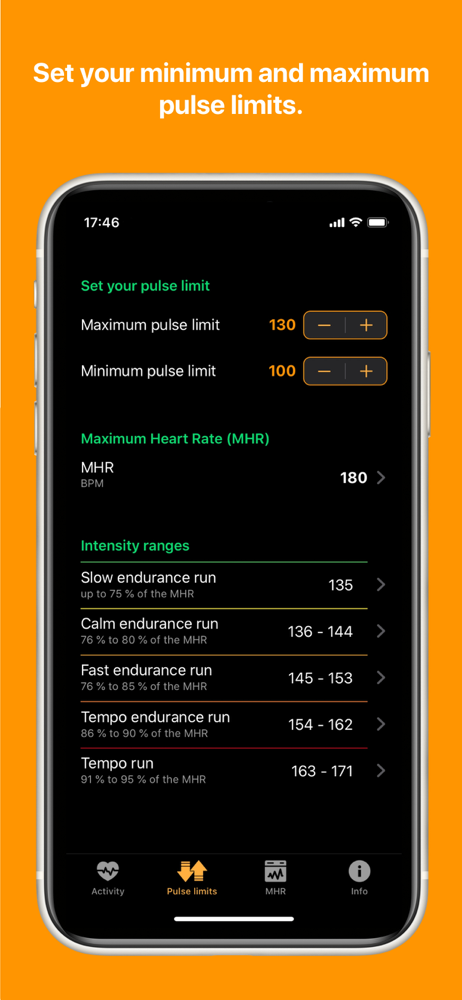
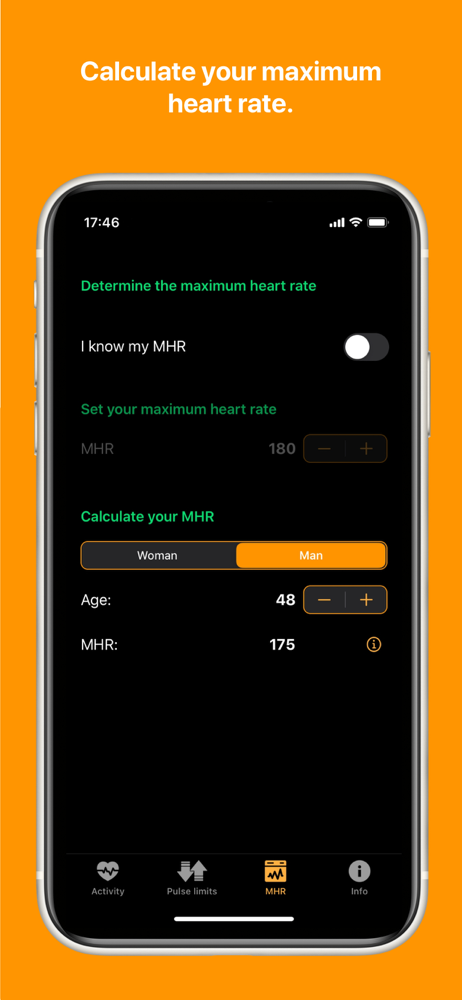
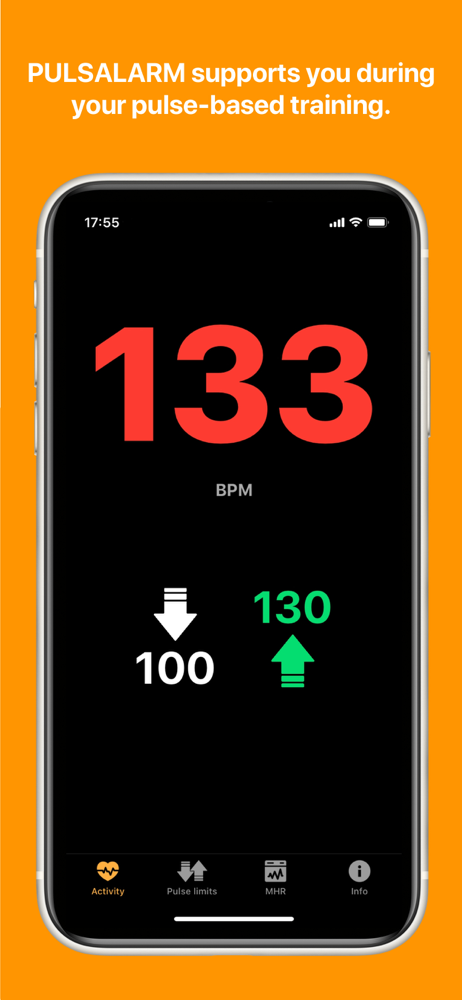
PULSALARM warns you via vibration or warning tone when you exceed your set upper and lower pulse limit and thus supports you in your pulse-based train...


