
Check the acquisition promise
Read the store headline, screenshots and description. What problem is the app promising to solve?
Study the storefront ↗
michael dardol · iOS
Explore the ad evidence, study the storefront, and build your next acquisition hypothesis.
01 / Creative research
Read the store headline, screenshots and description. What problem is the app promising to solve?
Study the storefront ↗Explore apps with direct store-link matches. Compare their hooks and formats without assuming the same approach works here.
Browse observed advertisers ↗Store rankings and revenue estimates describe market context. They do not establish ad spend, conversions or ROAS.
Review the market context ↗02 / Storefront & product
Study the product story and store experience behind the acquisition funnel.

03 / Market context
Keep revenue, downloads and store rankings separate from advertising performance.
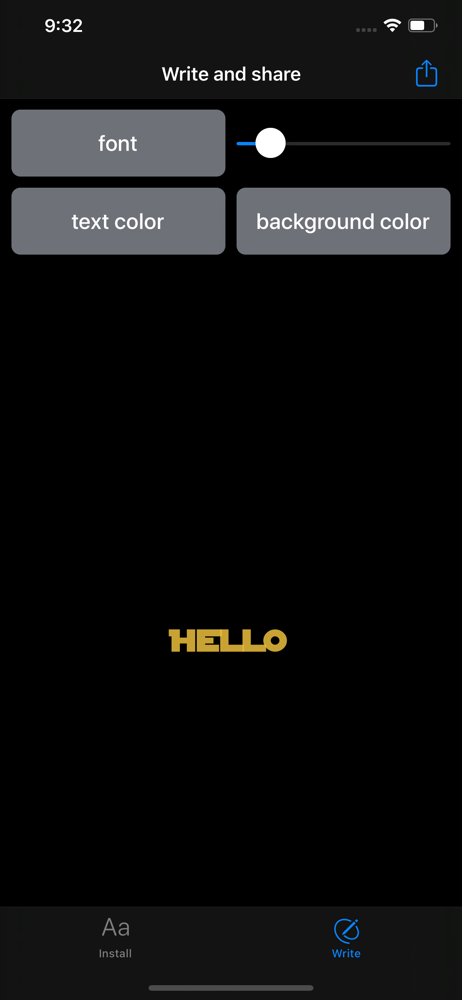
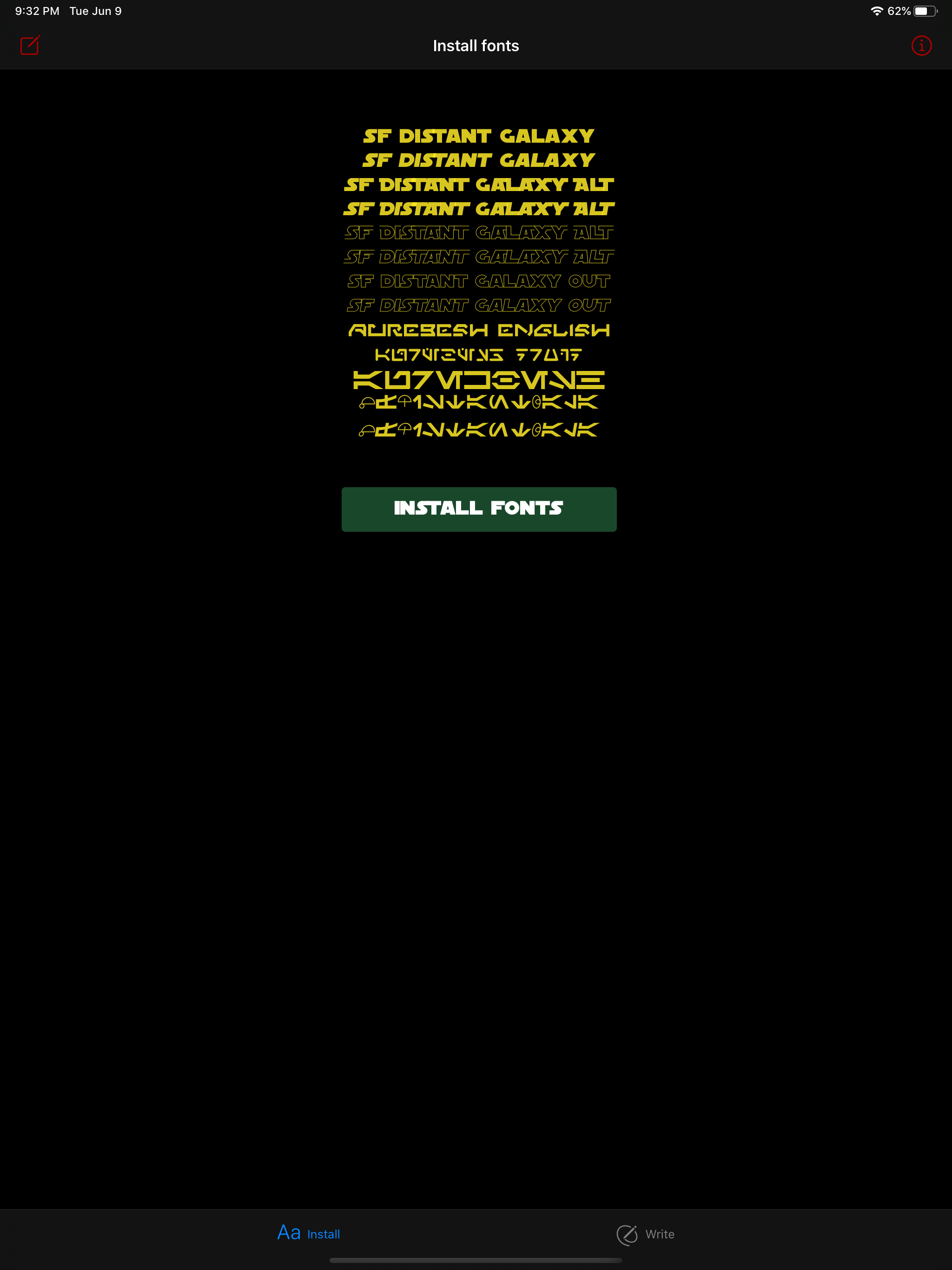
Works as advertised! No you cannot use it in messages, but you can use it in Pages and any other app that supports Aurebesh fonts.
I need to know how to set the fonts to keyboard, I installed them, how do I use them, would like to type in aurebesh on any site or app, please respond.
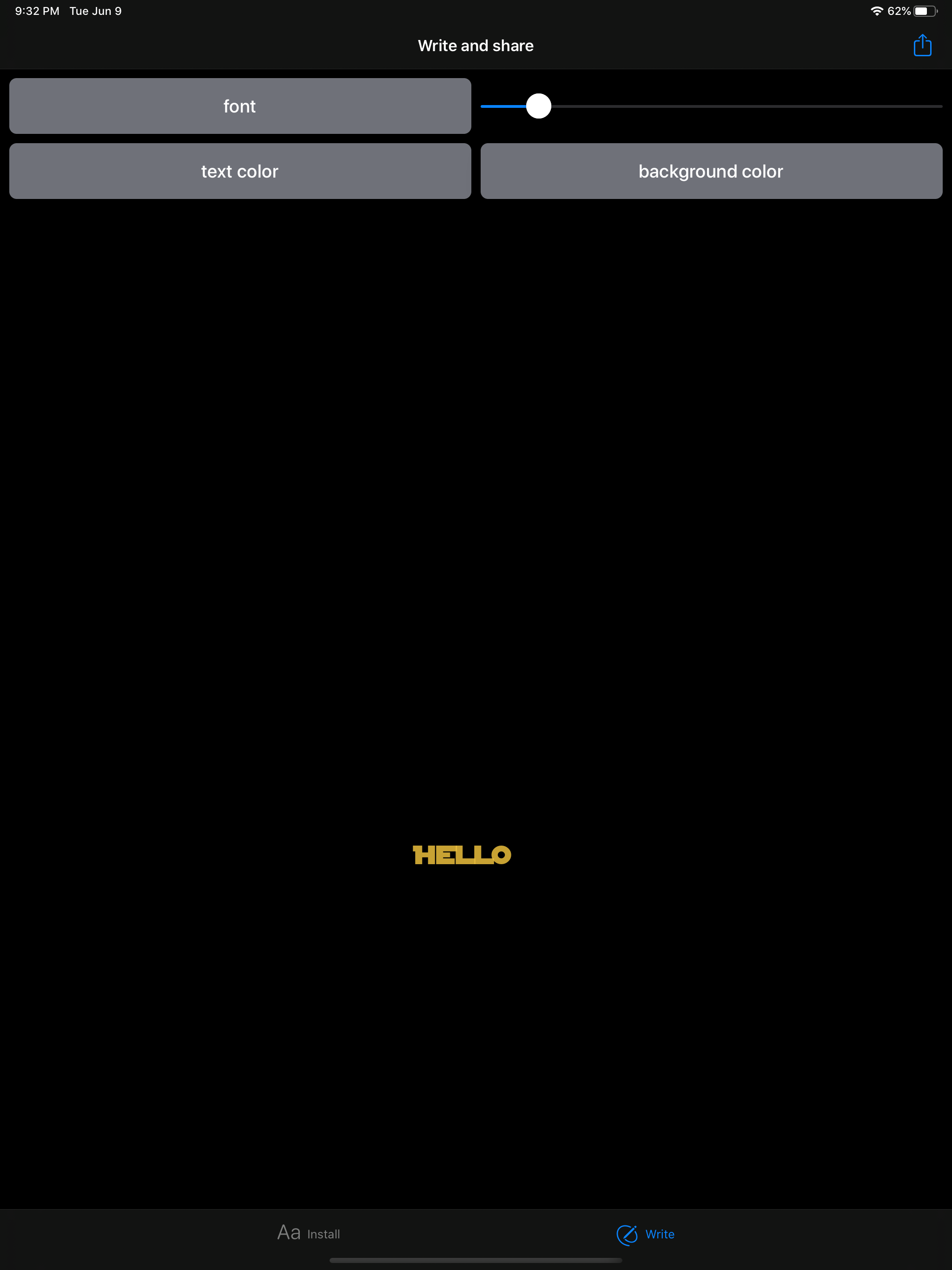
You are unable to copy and paste it does not let you move around the letters and it only lets you type a sentence as long as the box is wide forget typing to copy and paste the words it doesn’t work waste of money it doesn’t work as a font you cant edit the location of the text it sits center of the box all the fonts show up in the fonts section in font settings but for no reason because you can’t even use it in the notes app if you plan to make say a poster you would have to do an extraordinary amount of editing to make it use about the only good application for it might be learning aurebesh but even thats a big might
Install Star Wars style fonts and use them in compatibles applications, like Keynote, Pages and Numbers. You can now test and choose your preferred f...


