Check the acquisition promise
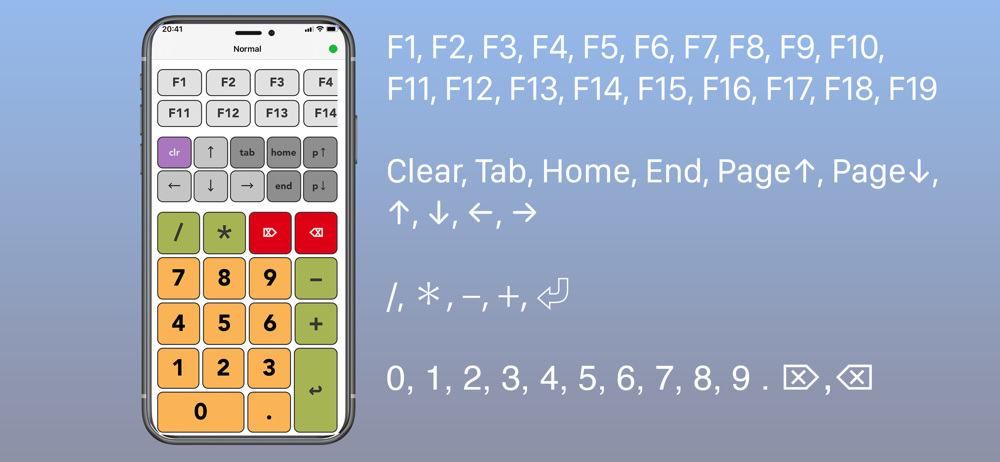
Read the store headline, screenshots and description. What problem is the app promising to solve?
Study the storefront ↗
Magno Urbano · iOS
Explore the ad evidence, study the storefront, and build your next acquisition hypothesis.
01 / Creative research
Read the store headline, screenshots and description. What problem is the app promising to solve?
Study the storefront ↗Explore apps with direct store-link matches. Compare their hooks and formats without assuming the same approach works here.
Browse observed advertisers ↗Store rankings and revenue estimates describe market context. They do not establish ad spend, conversions or ROAS.
Review the market context ↗02 / Storefront & product
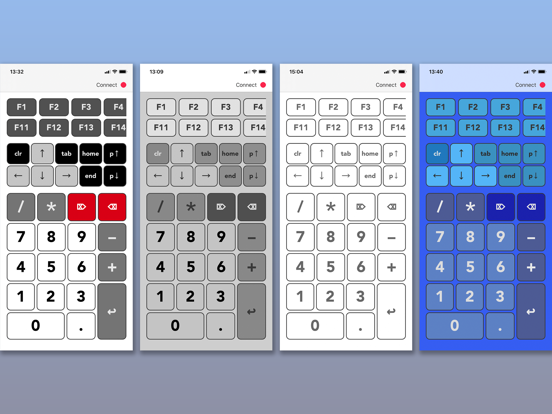
Study the product story and store experience behind the acquisition funnel.


03 / Market context
Keep revenue, downloads and store rankings separate from advertising performance.
App keeps saying accessibility not enabled and when you click on app support you can’t even send an email because it asks for a verification code. What verification code
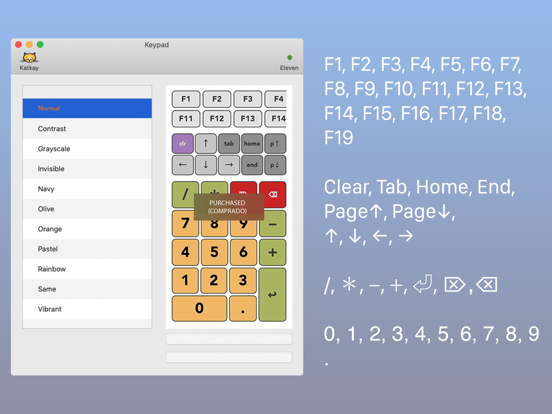
As the title states. The “help” shows an outdated MacOS screen. Not helpful. Could not find anywhere in the Ventura System Settings to allow accessibility. Also, the only way I could get the keypad app off the MBP menu bar was to quit it thru Activity Monitor. So not cool. I’d really like my money back.
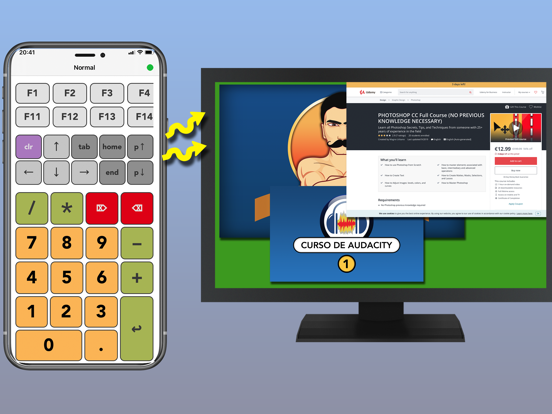
Does your Mac lack a numeric keyboard? Do you have to type countless numbers and find it difficult to do it by typing it on your Mac keyboard? Say...